How to build an automated lead follow-up system
What is an automated lead follow-up system? Learn how to build one that drives results using AI, CRM integrations, and personalized outreach.
If your team sends four follow-up messages to leads over two weeks, and each one takes 15 minutes to research and write, that’s ten hours every fortnight spent managing just ten leads.
That’s a lot of time spent chasing leads that might not even turn into customers.
An automated follow-up system is the solution. It ensures no lead gets missed, helps you hit inboxes first, and frees up multiple hours every day for your sales team to focus on closing deals with in-market buyers.
What Is an Automated Lead Follow-Up System?
Follow-ups are sales emails, texts, and messages sent after an initial interaction to maintain contact and build interest—whether the lead replied or not.
An automated follow-up system delivers these messages automatically rather than requiring sales reps to create and send them manually.
Why Automated Lead Follow-Up Matters
Even top sales teams need five touches on average to generate a desired conversion, according to research by RAIN Group.
Yes, first impressions count, but you must build the momentum from your first interaction to make a real impact. Continually making contact and repeatedly showing your value is ultimately what turns leads into customers.
To send effective follow-up messages, you need three key elements:
Speed
Consistency
Engaging messaging
Leads typically research multiple companies at once. If you’re not the first to follow up after initial contact, your chances of getting a response go down.
But speed shouldn’t impact personalization. You should always tailor message content to the lead to create rapport and connection.
Automated vs. Manual Follow-Up
Speed, consistency, and engaging messaging are easier to achieve with automation. Let’s compare manual and automated follow-up systems.
Manual Follow-ups | Automated Follow-ups | |
Timing | Often delayed, depending on sales reps’ availability | Instant, working 24/7 |
Consistency | Varies; responses can be easily missed | Always consistent, no missed opportunities |
Effort | High effort each time, including drafting and research | Low effort once set up |
Personalization | Highly personalized but not scalable | Scalable personalization with templates and dynamic fields |
The Benefits of Automated Follow-Up
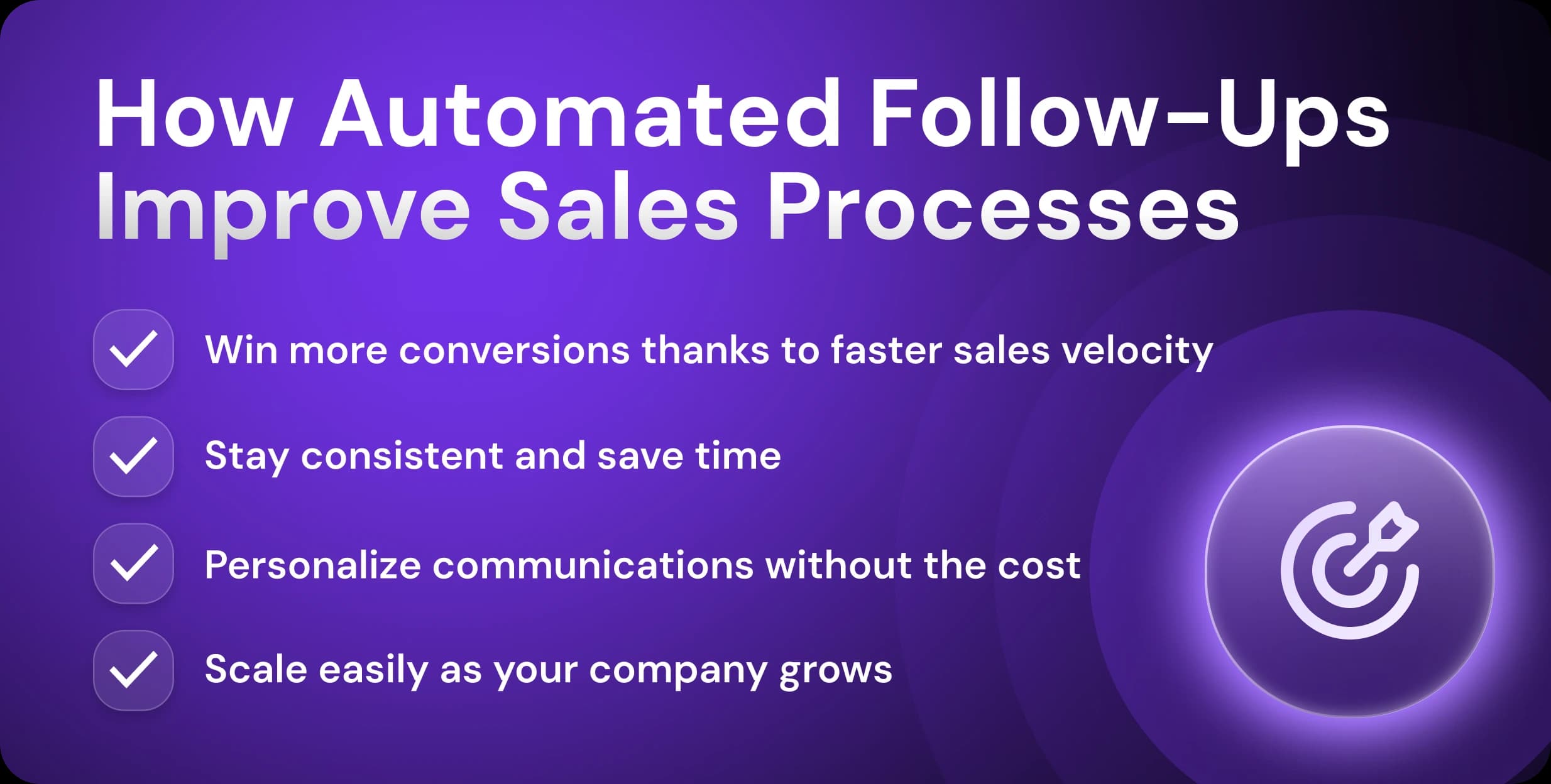
Almost one in five (19%) of B2B sales teams are already using generative AI, and another quarter (23%) are in the process of implementing it. Plus, data-driven teams that combine gen AI with personalized customer experiences are 1.7 times more likely to increase market share, according to research by McKinsey.
Let’s break down why more sales teams are choosing AI and automation for follow-ups.
Higher Conversion Rates and Sales Velocity
Almost two-thirds (63%) of sales leaders believe that AI makes competing with other businesses in their industry easier, according to HubSpot research.
Automation also gives you a leg up for follow-ups. Sending quick follow-ups becomes easy. A tool triggers responses at the right moment. There are no delays—or worse, forgotten messages.
Speedy messaging also allows you to qualify leads quickly, populating your pipeline with leads who are ready to buy right now.
Better Efficiency and Consistency
The manual work of follow-ups consumes large amounts of sales reps’ time. Those hours could be better spent one-on-one, making calls and running demos.
With an automated follow-up system, your reps can also rest assured that every lead receives a prompt reply with the right messaging, even when your team is overloaded. Sales reps can simply step in when the lead shows intent.
Personalized CX at Scale
Automating follow-ups doesn’t mean firing generic, spam-like messages to inboxes.
Today’s tools tailor messaging to individual leads, offering relevant material, such as relevant case studies and reports, across multiple channels.
AI messages feel human. They interpret lead data and apply it to templates, creating empathetic follow-ups customized to pain points and business goals.
For instance, a provider of a recruitment solution could contact a lead who has recently initiated a large hiring round with a tailored follow-up, highlighting how a previous company successfully streamlined hiring and promoted growth using their app.
Scales with You
Hiring is expensive—and, let’s face it, stressful. Your monthly outgoings rocket, and if progress halts, you can’t cut costs easily.
For five sales reps, the cost is $26,880 per month if they’re earning Indeed’s estimated average annual wage of $80,645. These reps are also limited to the time they're on shift. But AI-automated tools expand and contract with your requirements—all while working 24/7.
Of course, most businesses still need sales reps to handle the human moments. But for startups and growing SaaS companies that need scale in the early and middle stages of the sales cycle, the benefits of AI tools can be the difference between success and failure.
With an AI tool like Artisan, your sales team never sleeps. Just set up your sequence, and AI SBDR Ava will automatically handle prospecting, outreach, and follow-up across email and social media.

Key Components of a Follow-Up System
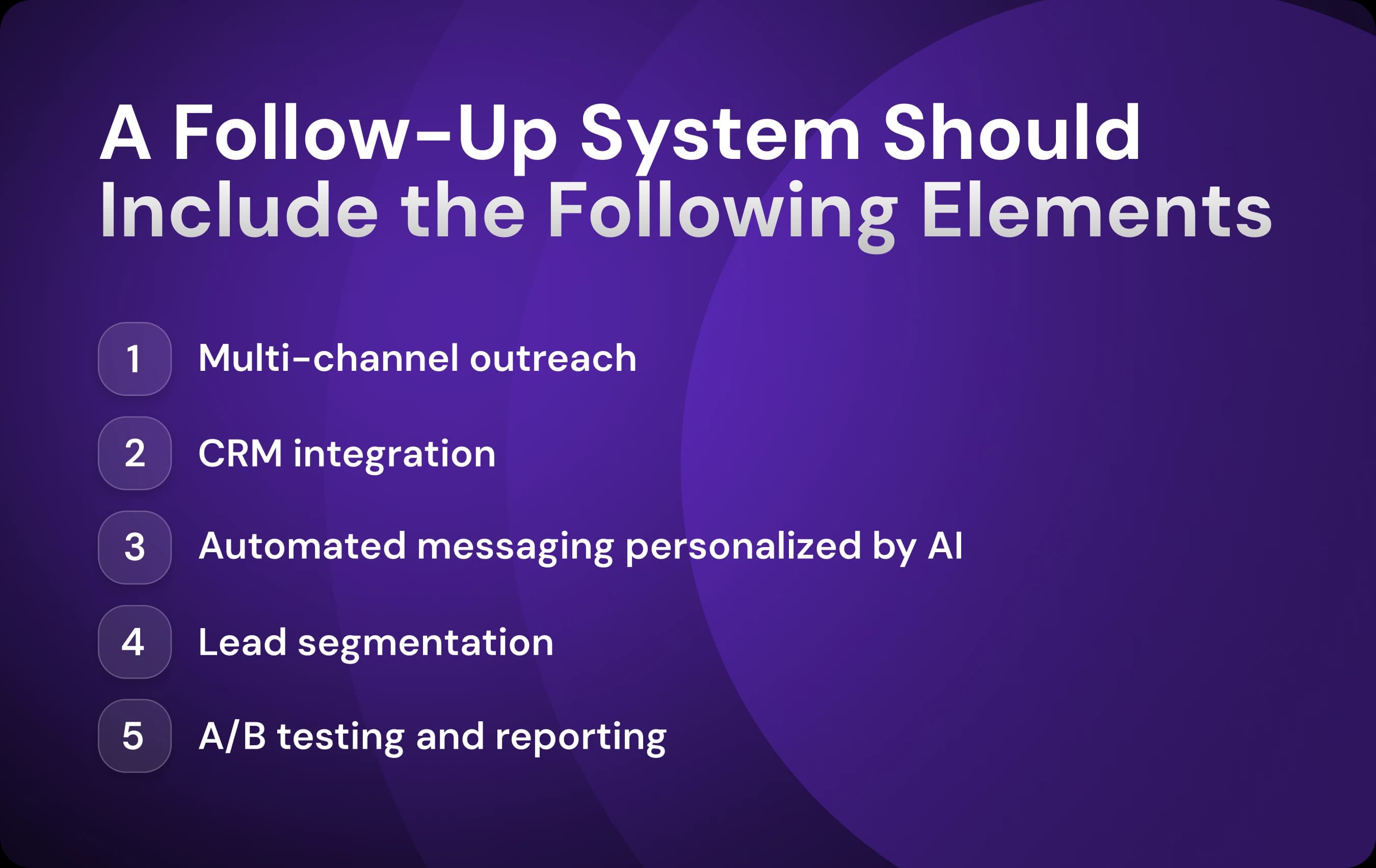
A follow-up system needs to reach your leads where they are, fit your current stack, and target ready-to-buy prospects with personalized messages.
Let’s walk through the essential parts of an automated follow-up system.
Multi-Channel Outreach
Follow-ups should span multiple channels, including email, phone, SMS, LinkedIn, and web chats.
Different segments respond to different approaches. For example, 54% of tech buyers prefer the telephone compared to 40% in professional services, according to the RAIN Group. According to McKinsey research, B2B buyers use an average of ten channels during their buying journey.
Lead-to-call and lead-to-text automation triggers phone call notifications (telling reps to reach out) or text messages when a lead shows strong interest.
CRM Integration
Automation doesn’t stop with messages. Follow-up tools sync your entire sales and marketing stack, automatically logging every conversation and datapoint in your CRM. You can visualize this information in real time using a lead generation dashboard, which helps your team track outreach performance, conversion rates, and pipeline movement at a glance.
Whenever a recipient replies to a message, information is added to your central lead management dashboard, often with data about their intent and readiness to buy.
Lead Segmentation and Qualification
Automatic segmentation also means that follow-up paths fit the lead: the stage, behavior, and channels they prefer.
Automation tools create templates for different segments, which they then use as a basis for lead-specific personalization. An AI solution like Artisan also qualifies leads based on a variety of intent and behavioral data points.
This means that the leads that reps eventually engage with manually are much more likely to be ready to buy.
Analytics and Continuous Improvement
When it comes to cold email, you don’t know how prospects will react to specific messages.
Recording and analyzing a manual process can be tough. There’s no automatic data collection, forcing your team to intuit what works and what doesn’t.
But a sales tool with automated follow-ups tracks each interaction with no extra effort from your team.
Here are the KPIs that follow-up tools track:
Open rates
Call rates
Reply rates
Engagement timing
A/B testing these against these metrics creates a monitor and adjust cycle that continuously improves processes. These subtle but persistent improvements make a big difference over time.
How to Build an Automated Lead Follow-Up System (Step-by-Step)
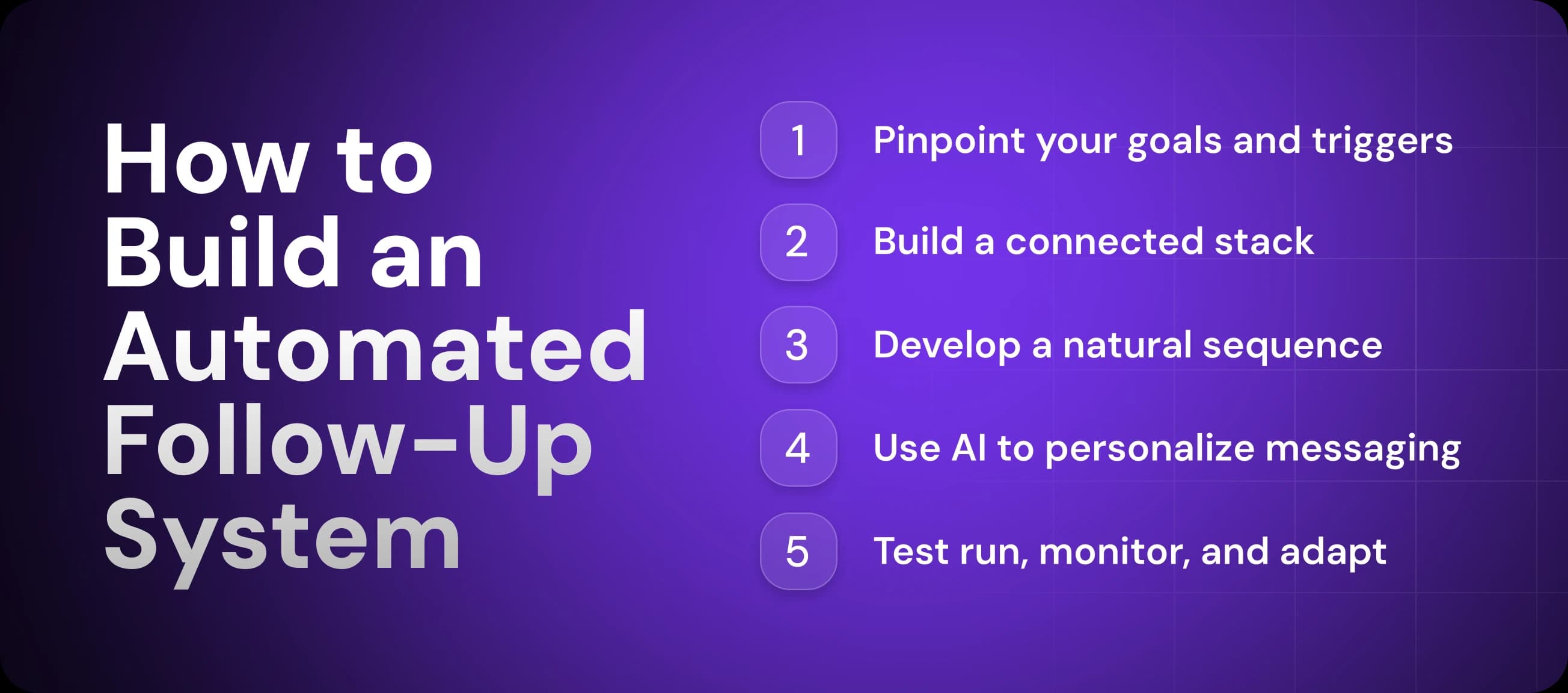
While an automated follow-up system works with little input, you must design it so that it fits the needs of your team and the preferences of leads.
Let’s look at how to do that.
1. Set Up Your Stack
The foundation of an effective automation system is an integrated tech stack that allows for outreach, tracking, and optimization across a range of channels.
Your automated follow-up stack should include the following platforms:
CRM
Enriched lead database (for personalization data)
Email outreach platform (ideally one with AI functionality)
Phone call automation
SMS outreach
Social media outreach
Web form builder
You have two options. You can opt for a complex stack of point solutions or an all-in-one tool. The most cost-effective approach will be to use a consolidated platform like Artisan and supplement with individual solutions where necessary.
2. Map Your Goals and Triggers
Once you’ve picked your stack, it’s time to define your goals—the measurable outcomes that you want to achieve with your follow-up system. Each individual sequence in a system should have one overarching goal.
In most cases, an automated follow-up sequence aims for one of the following:
Secure a meeting
Move a lead to a subsequent pipeline stage (e.g., from cold to qualified lead)
Re-engage a stalled lead
Renew a subscription
Triggers are behaviors on the part of the lead that initiate a particular sequence. Each sequence will have its own unique set of triggers, which you can usually set in your outreach app.
A trigger may move a lead from one sequence to another, e.g., a response to a nurturing sequence follow-up (with the goal of qualifying leads) might automatically move them to a sequence that prompts them to book a meeting.
Here is a rundown of the most common triggers:
No reply after 3 to 5 days
First outreach email opened but link not clicked
Visits a high-intent website page (like a pricing page)
Replies positively to a message
Clicks on a link in an email

Automate your outbound with an AI BDR
Meet Ava—your AI BDR who handles prospecting, outreach, and follow-ups, so your team can focus on closing.
3. Build Your Sequences
A sequence consists of the email and social media follow-up templates for personalized messages, along with the times they will be sent.
Follow these tips when building your sequences:
Create tailored templates: Create individual templates for different ICPs and segments.
Time messages appropriately: Research shows that emails spaced 2 to 5 days apart achieve a higher response rate. Make sure time zone adjustment is enabled.
Provide value: Share tailored case studies, data, and other resources.
Vary your approach: Alternate between soft nudges, helpful resources, and direct asks.
End strong: Include one clear CTA. The “interest question”—has been shown to generate the most replies of any email CTA.
Most tools offer custom sequence builders. For example, Artisan has a drag-and-drop feature for building sequences easily, which are then personalized for specific leads by AI BDR Ava.
4. Personalize with AI
You’ve written your templates and scheduled them. Your sequence is designed to provide value, follow up through multiple channels, and end with a clear CTA.
Job done, right? Not quite.
If you’re relying on traditional variables, like [company name] and [job title], you’re missing a huge opportunity. Ensure that the outreach platform you pick has this AI functionality.
AI tools like Artisan draw on multiple data sources (company websites, third-party databases, etc.) to craft deeply personalized, human-like messages. This allows for a level of nuance and scale that simply isn’t possible with if-then automations in other outreach platforms.
5. Launch, Monitor, Adjust
Before launching, perform a manual test run. Fill out a web form and verify that follow-up messages are sent to the input email address.
Then, train your team on how to handle notifications in the follow-up system. Set clear standard operating procedures for when they should step in for different sequences and segments. This might be after a recipient response, when a lead becomes qualified, or only when a meeting is booked.
Optimize sequences with A/B and multivariate testing. Pay attention to three key metrics: replies, positive responses, and meetings booked.
When reviewing A/B test results and sequence performance, remember that a stable CRM provides consistent data. Switching CRMs can cause temporary inconsistencies in your metrics.
Four Follow-Up Examples in Action
What does an automated lead follow-up system look like in action? Let’s take a look at four examples.
Web Form to Instant Email to Call
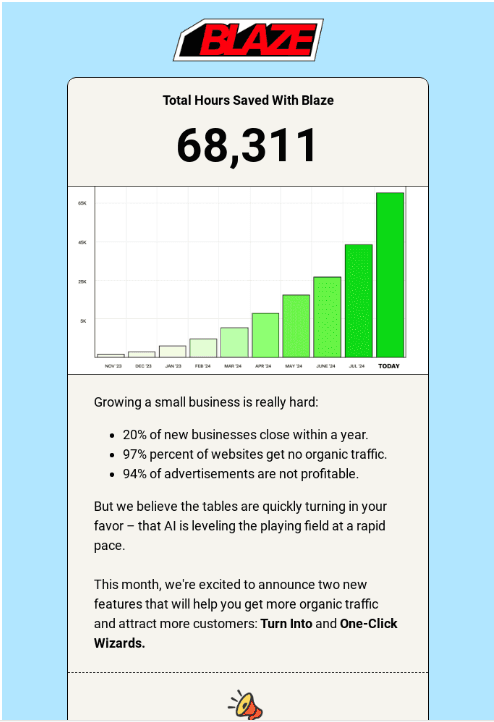
When a lead fills in a web form, they’re showing strong intent. Use email automation to engage them immediately and beat competitors to their inbox.
Step 1: Lead fills in the web form.
Step 2: Send a personalized, automated email.
Step 3: Trigger an immediate notification to a rep to make a phone call within two days.
Pricing Page Visit to Behavior-Based Email
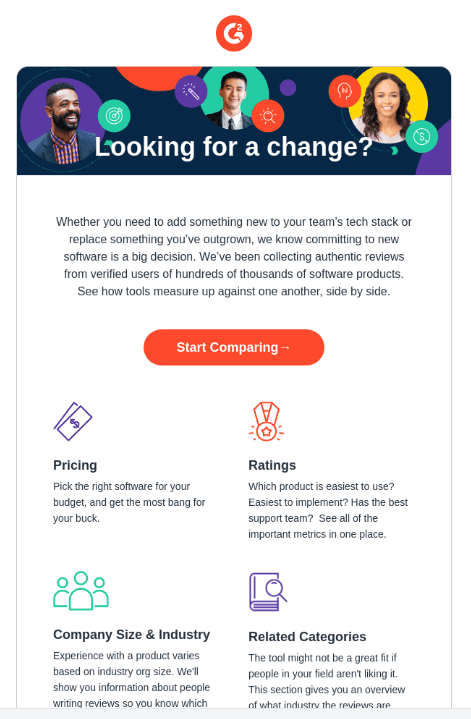
Pricing page visits are another sign of strong intent. Increase response rates by tailoring your message to the web page they visited.
Step 1: Lead visits pricing page.
Step 2: Schedule a follow-up email offering a free trial.
Step 3: If the lead doesn’t reply, send a series of additional discounts.
Cold Outbound to Multi-Channel Cadence
Cold outbound is more powerful across multiple channels. Create an AI-powered automated sequence that identifies leads with strong intent and lifetime value and then engages them through phone, SMS, and email.
Step 1: Use behavior and intent data to score leads.
Step 2: Send an initial outreach email to the hottest leads.
Step 3: Connect on LinkedIn and send a follow-up message.
Step 4: Send an SMS follow-up.
Step 5: Send a sequence of three to four follow-up messages via email and LinkedIn.
Step 6: If no reply, notify a rep to follow up with a phone call.
Dormant Lead Nurture
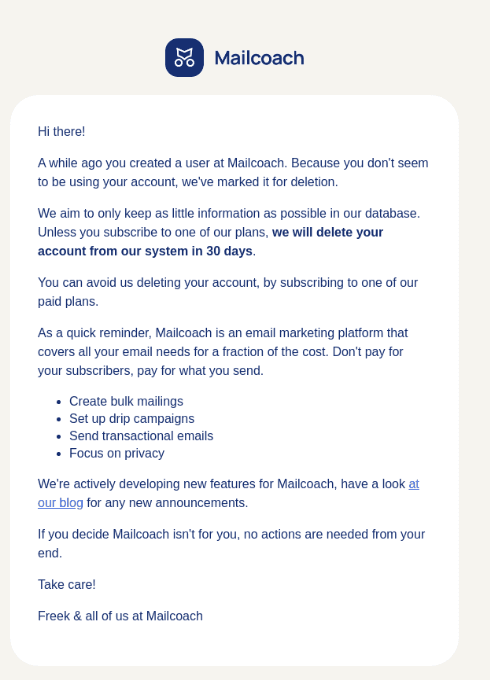
Leads go dormant for any of a number of reasons. They may go out-of-market for a period, change roles, or become busy with other tasks. Whatever the reason, a sequence for dormant leads lets you take advantage of hidden opportunities in your CRM.
Step 1: Identify dormant leads based on last engagement.
Step 2: Re-score them using behavior and intent data.
Step 3: Send a re-engagement email with a personalized offer or update.
Step 4: Connect on LinkedIn with a follow-up via DM.
Step 5: Send a second follow-up email or message after 3 to 5 days.
Step 6: If no response, trigger an automated reminder for a rep to call.
Why Use Artisan to Power Automate Lead Follow-Up?
An all-in-one sales tool like Artisan automates lead follow-ups. It provides the data, personalization, and sequencing for an outreach system that connects with leads via their preferred channels.
Let’s look at how Artisan can improve your sales results.
Ava Is a 24/7 AI BDR
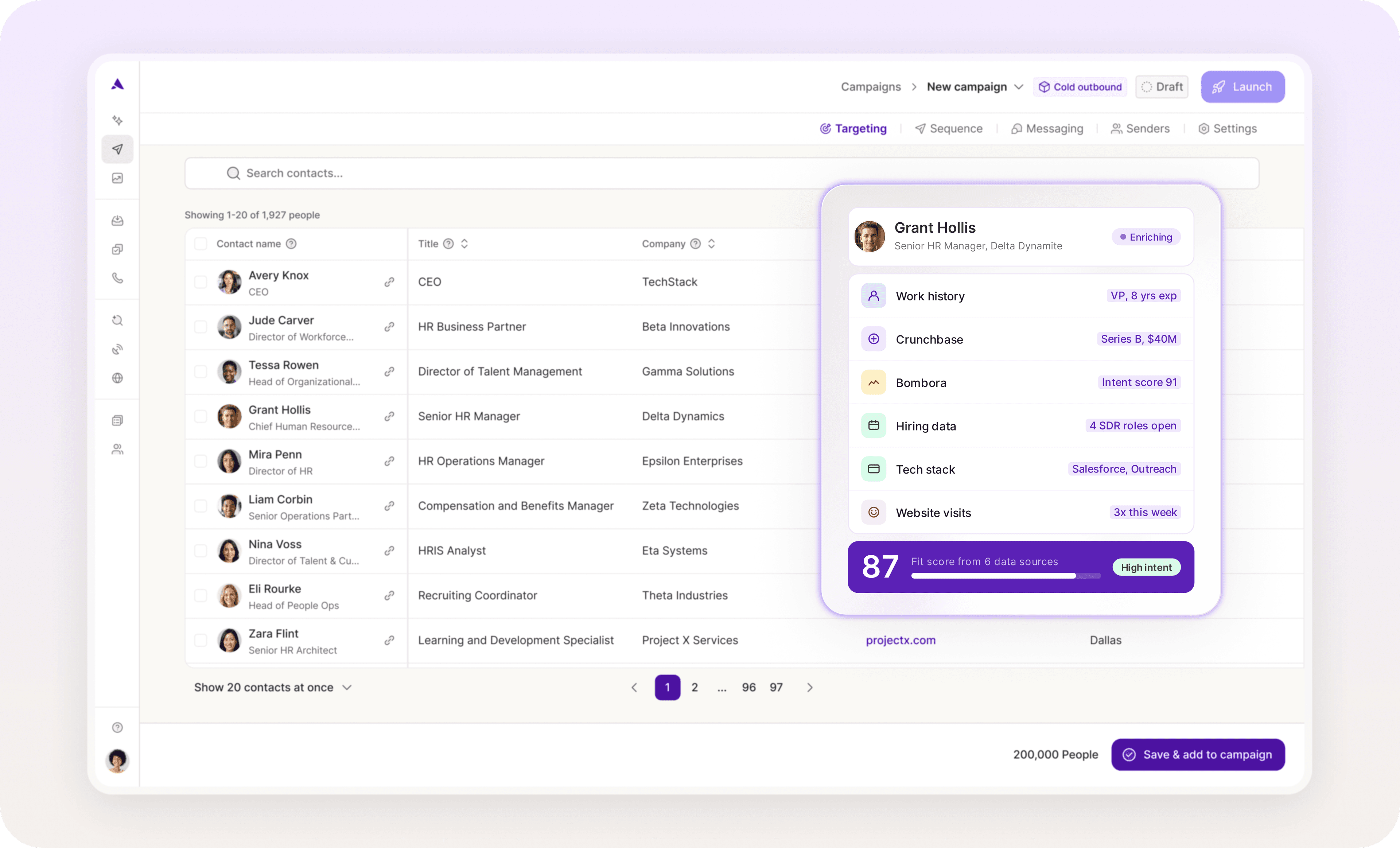
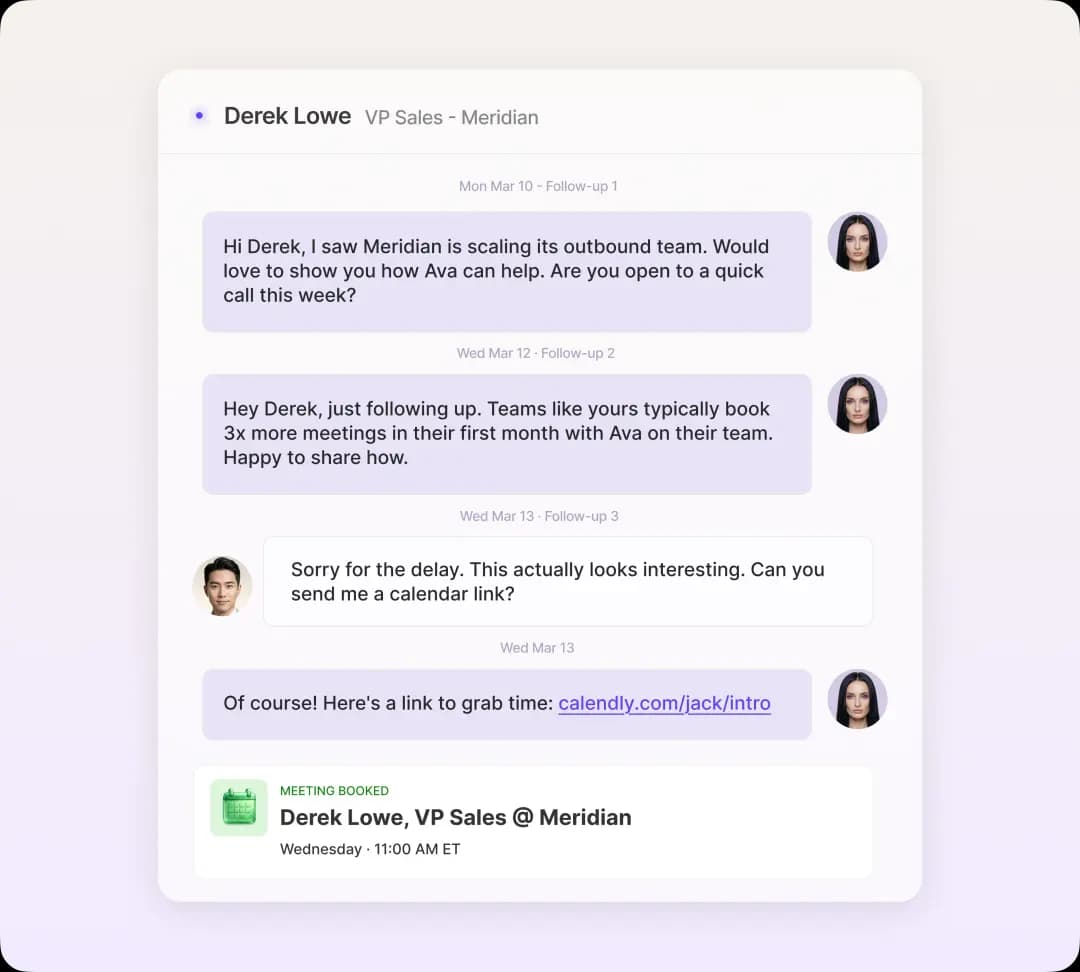
Artisan’s standout feature is AI BDR Ava. She handles prospecting, qualification, message personalization, and, of course, follow-up. Ava reacts to lead behavior in real-time, sending follow-up messages at exactly the right time.
Built-In CRM Sync and B2B Database
Artisan’s data—including from its extensive B2B database—syncs with all the major customer relationship management (CRM) platforms, including HubSpot and Salesforce. It uploads data automatically, giving you a smooth, consolidated tech stack.
Built for Any Team Size
Artisan allows small businesses or startups without a sales team to scale outbound outreach without the cost of hiring. For mid-market companies, extensive automation features cut the need for multiple sales tools. And enterprise teams benefit from a powerful layer of automation that frees reps up to focus on cultivating human relationships.
If You’re Not First to Follow Up, You’re Last
An automated follow-up system saves rep time and allows you to scale outreach for virtually no additional cost.
Even better, AI tools like Artisan handle prospecting, personalization, and optimization at a level that matches and even surpasses human quality.
AI-automated outreach isn’t a distant dream. It’s already transforming sales processes for businesses of all industries and sizes.
Automate your outbound with an AI BDR
Meet Ava—your AI BDR who handles prospecting, outreach, and follow-ups, so your team can focus on closing.

Marsha Dunn
SME @ Artisan
Marsha Dunn is a writer helping businesses connect with customers and build credibility. She specializes in B2B thought leadership rooted in expertise.