How to automate CRM data enrichment like a pro
CRM data enrichment helps sales teams score, segment, and sell faster. Explore how it works, what to enrich, and which tools lead the pack.
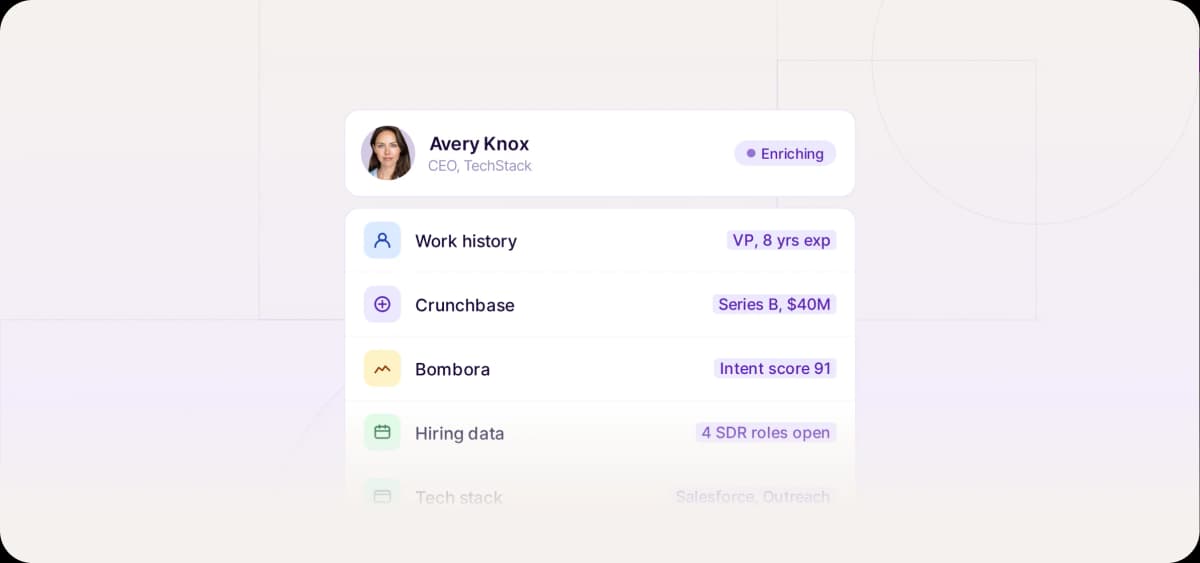
A CRM with incomplete contact data is like a car with a quarter tank of gas. It won’t take you very far.
The fix? Automated enrichment that maintains your CRM database with fresh fuel—accurate contact, company, and intent data that powers sales workflows and keeps your team informed.
Read on to learn why you need to automate data enrichment, the 10 best enrichment software for doing so, and three sales workflows that’ll help you turn enriched leads into new customers.
What Is CRM Data Enrichment and Why Does It Matter?
CRM enrichment is the process of adding and updating fields in lead or client profiles contained in your CRM. Common examples include job title, company size, revenue, email address, technographics, and online behavior.
Data enrichment used to be a tedious, manual process. But not anymore. Most B2B enrichment platforms allow you to create automatic, real-time enrichments. So when a new lead enters your CRM, their profile is automatically filled with useful sales intelligence.
This up-to-date information powers your lead scoring, routing, and segmentation strategies, allowing you to sell faster and smarter.
Why Sales Teams Can’t Afford to Skip CRM Data Enrichment
Inaccurate CRM data isn’t just frustrating. It dramatically hinders the speed, personalization quality, and conversion rate of your sales outreach, which in turn hurts revenue.
In fact, according to Validity’s State of CRM Data Management Report, 37% of CRM users report lost revenue due to poor-quality CRM data.
Here are the major reasons why poor-quality CRM data decreases profits:
Wasted rep time doing manual research on leads and companies
Inaccurate lead qualification estimates leading to unnecessary meetings
Inability to properly segment your lead list or run intent-based marketing campaigns
Failed cold outreach because email or phone numbers were incorrect
CRM enrichment software is the solution to these issues. Automating enrichment reduces research time, improves targeting, and gives reps clean, actionable records that make personalized outreach a breeze.
What Data Should You Enrich?
When setting up your enrichment automations and selecting tools, there are four data categories you should prioritize—contact information like email addresses, company intel, technographics and intent data, and data about executives.
Contact-Level Fields
Enriched contact data helps you personalize outreach, connect with leads, and route new leads to the right salesperson on your team.
Here are the most important fields to enrich:
Email address
Job title
Phone number (including direct-dials and mobile numbers)
LinkedIn profile and other social handles
Company-Level Fields
Complete company profiles help you identify companies that fit your ideal customer profile (ICP), score and segment your leads, and run targeted lead generation campaigns with relevant pain points.
Here are the key company-level fields to enrich:
Industry
Revenue
Size (number of employees)
HQ location
Technographics and Intent Data
Technographics refers to any intel about a company’s tech stack. This is useful for identifying gaps that your software can fill. An understanding of a lead’s tech stack also gives you a clever way to open a sales conversation—for example, ”Hi Rick, I see you’re not using any tools for automating your sales outreach…”
Intent data, on the other hand, is any signal indicating a lead’s likelihood to buy—for example, data on activities like visiting your website or searching for products like yours.
According to Mike Bruce, owner of Mike Bruce Design, tracking intent signals like services browsed and marketing content engagement has helped his team run outreach campaigns tailored to leads’ levels of interest:
“Enriched data powers our automated workflows. For example, leads showing high intent for branding or digital strategy receive tailored email sequences with case studies, creative samples, and consultation invites. Low-intent leads get nurturing sequences focused on education and brand awareness.”
As Mike proves, automating CRM enrichment around buying behaviors and technology use can dramatically improve your ability to personalize outreach while saving time on account research.
Relationship and Executive Data
Sales teams can use CRM enrichment tools to gain deeper visibility into the organizations they’re trying to close.
Relationship and executive data helps them run account-based marketing, find referral opportunities, and facilitate strategic outbound campaigns to convert high-value brands.
The most critical data points here are:
Org chart roles
Job changes
Company announcements (like expansions or new funding)
Mutual contacts

Automate your outbound with an AI BDR
Meet Ava—your AI BDR who handles prospecting, outreach, and follow-ups, so your team can focus on closing.
Manual vs. Automated CRM Enrichment
Compared to automated enrichment, manual enrichment is slow, hard to scale, and downright costly to your bottom line. Today, automation is a necessity for teams that want to score and convert more leads in less time.
Why Manual Enrichment Doesn’t Scale
Manual enrichment is impossible to scale. It’s just too inefficient.
Sales development reps (SDRs) digging through LinkedIn profiles for contact info and googling companies to find intel on decision-makers is snail-slow. It can take up to twenty minutes to research a single company and fill out a record in your CRM. Manual research is also prone to human error.
What Automated Enrichment Unlocks
With automated enrichment, leads are enriched instantly when they enter your CRM.
For example, when a new lead submits a form on your website and becomes a lead, your data enrichment tool automatically populates their record with accurate intel. Your CRM can then run lead scoring and routing workflows that rely on this data.
Software like Ava t takes this automation to the next level. AI BDR Ava doesn’t just fill lead profiles and route them to reps. She actually builds and executes personalized outreach sequences based on this lead data—booking sales meetings on autopilot.
Benefits of Real-Time CRM Enrichment
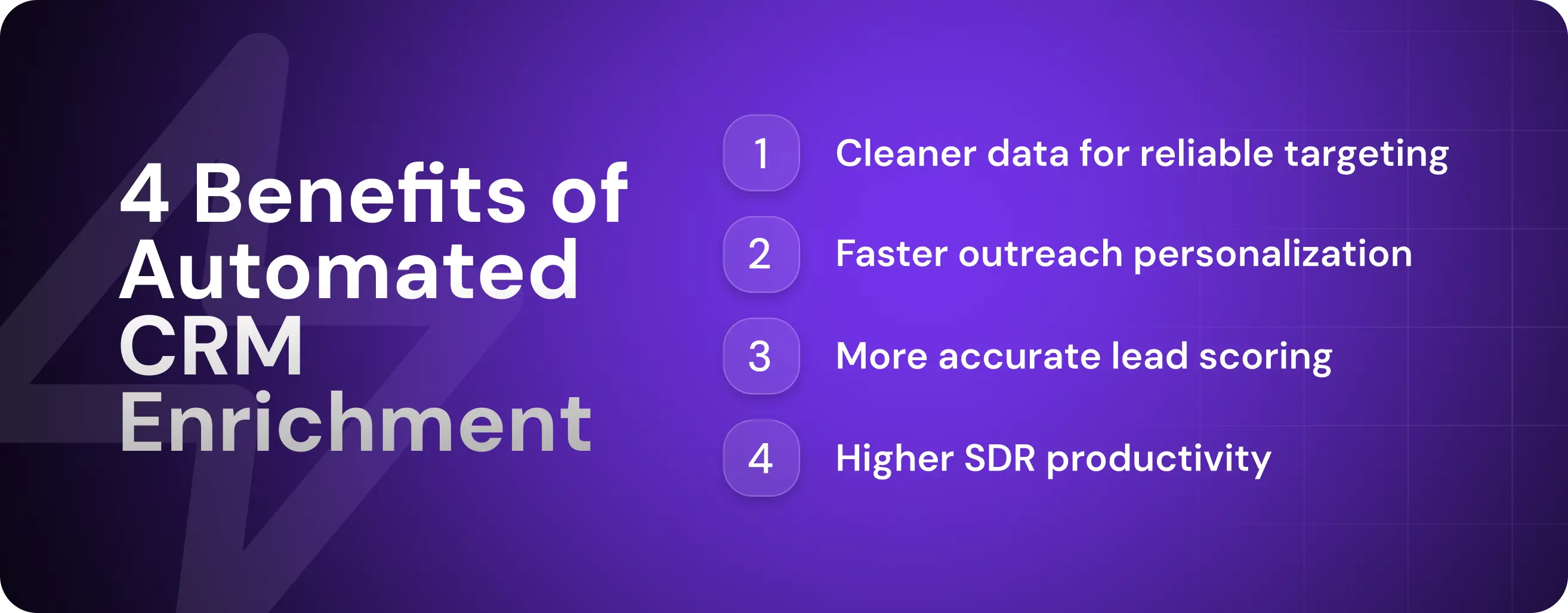
From personalized outreach to accurate lead scoring, automated CRM enrichment delivers many advantages to sales teams. These advantages help them surpass their competition in terms of outreach relevance, speed, and consistency.
Cleaner Data for More Reliable Targeting
Clean contact data helps you reliably target and reach your leads.
When contact information is up to date, bounce rates drop because you have correct email addresses. You also have more information at your disposal to route leads to the right sales reps, so your new business development rep (BDR) never ends up holding a discovery call with your highest-value lead this quarter simply because the lead’s company revenue and size fields were incomplete.
Personalization at Speed
Enriched fields unlock dynamic content and tailored messaging. If an SDR can see that a company recently received funding, they can spin their cold email to mention problems often experienced by growing startups.
You can also set up email marketing sequences that automatically pull lead data into the content, personalizing emails without human input and boosting reply rates.
Faster, More Accurate Lead Scoring
Lead scoring is becoming a no-brainer in B2B sales. According to SugarCRM’s State of CRM Report, 45% of CRM users say “capturing intent data capture and/or lead scoring” is a bigger priority than it was five years ago.
Data enrichment is essential to lead scoring. It provides scoring algorithms with accurate information like company size, revenue, and behavioral data. With this intel, these models can easily find companies that match your ICP and help you prioritize your sales efforts.
Higher SDR Output With Less Busywork
SDRs spend way too much time on research-related busywork.
In fact, SDR Leader P. Dillon Tucker found that 21% of the SDRs he interviewed spent over two hours updating prospect and account information everyday.
Automated CRM enrichment makes most account research unnecessary. Your CRM is already populated with actionable lead insights. As a result, reps can spend more time selling—they can act on data rather than scouring the web for it.
The Top CRM Data Enrichment Tools
As far as B2B sales tools go, data enrichment software should be high on your priority list.
That’s because without contact and company data, you can’t fully make use of other sales tools that rely on data to power their automations. You need email addresses, for instance, to run automated email sequences.
Here are the best B2B CRM enrichment tools on the market.
Tool | Pros | Cons | Price |
Ava | No integrations needed Syncs with CRMs Autonomous AI outreach | Limited if only used for enrichment without outbound goals | Reach out for a quote |
Clearbit | Fast setup Comes with HubSpot’s CRM features | Limited functionality for outbound Must use HubSpot to access it | Starts at $45 per month |
ZoomInfo | Rich filters Accurate contact data | High price and long contracts Can be complex to implement | Custom pricing (starts at around $15k) |
Apollo | Built-in sequencing Growing B2B database | Mixed data quality User interface limitations at scale | Starts at $49 per user per month Offers free plan |
Clay | Flexible integrations Highly customizable | Steeper learning curve Requires time to configure | Starts at $134 per month Offers low-credit free plan |
Lusha | Easy to use Affordable | Limited firmographic depth Not scalable | Starts at $29.99 per month Offers low-credit free plan |
Kaspr | Chrome extension is intuitive Good compliance stance (GDPR-aligned) | Narrow enrichment scope Lacks deeper integrations | Starts at $49 per user per month Offers low-credit free plan |
Hunter | Simple user interface Built-in email validation | Limited to email data (no phone numbers) No real firmographic or intent data | Starts at $34 per month Offers low-credit free plan |
Cognism | Strong compliance High data accuracy | Costly Longer onboarding | Reach out for a custom quote |
UpLead | Solid email data Simple user interface | Lacks deep firmographics Contains some outdated contact info | Starts at $99 per month Offers 7-day free trial |
1. Artisan
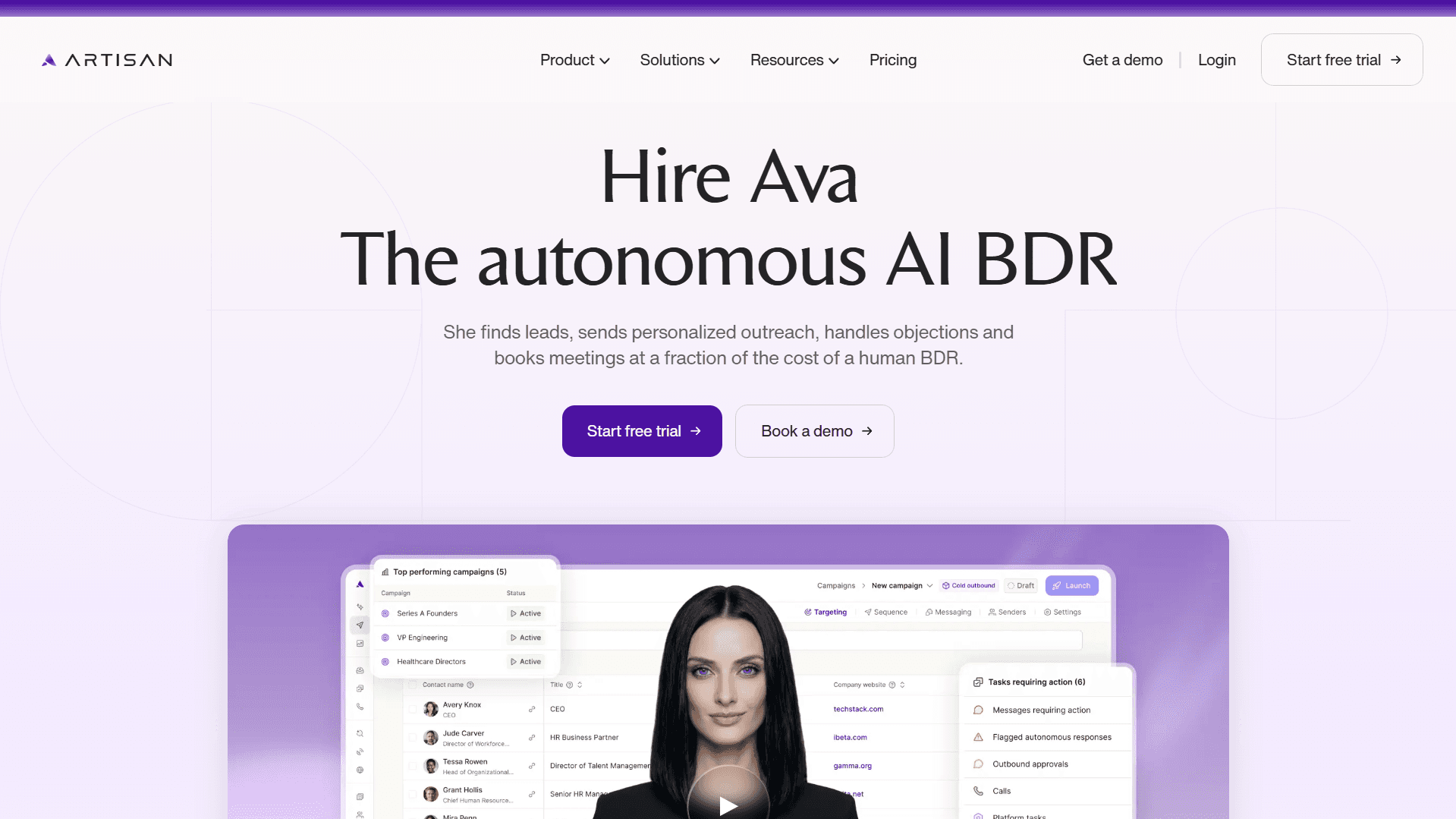
Artisan is an outbound AI sales platform that fully automates CRM enrichment and cold email delivery. One of the most powerful features is AI BDR Ava, who acts as an autonomous AI employee.
Ava finds leads that match your ICP from Artisan’s database of over 300M leads, researches them across social and the web, tracks their online behavior, and runs personalized outreach sequences—generating B2B leads for your sales team at scale and on autopilot.
Who Is Artisan Best For?
Outbound teams looking to eliminate tool sprawl—Artisan consolidates data enrichment, prospecting, and engagement tools into one AI-first platform.
Artisan Pros
No integrations needed
Syncs with CRMs
Autonomous AI outreach
Artisan Cons
Limited if only used for enrichment without outbound goals
2. Clearbit (now HubSpot Breeze)
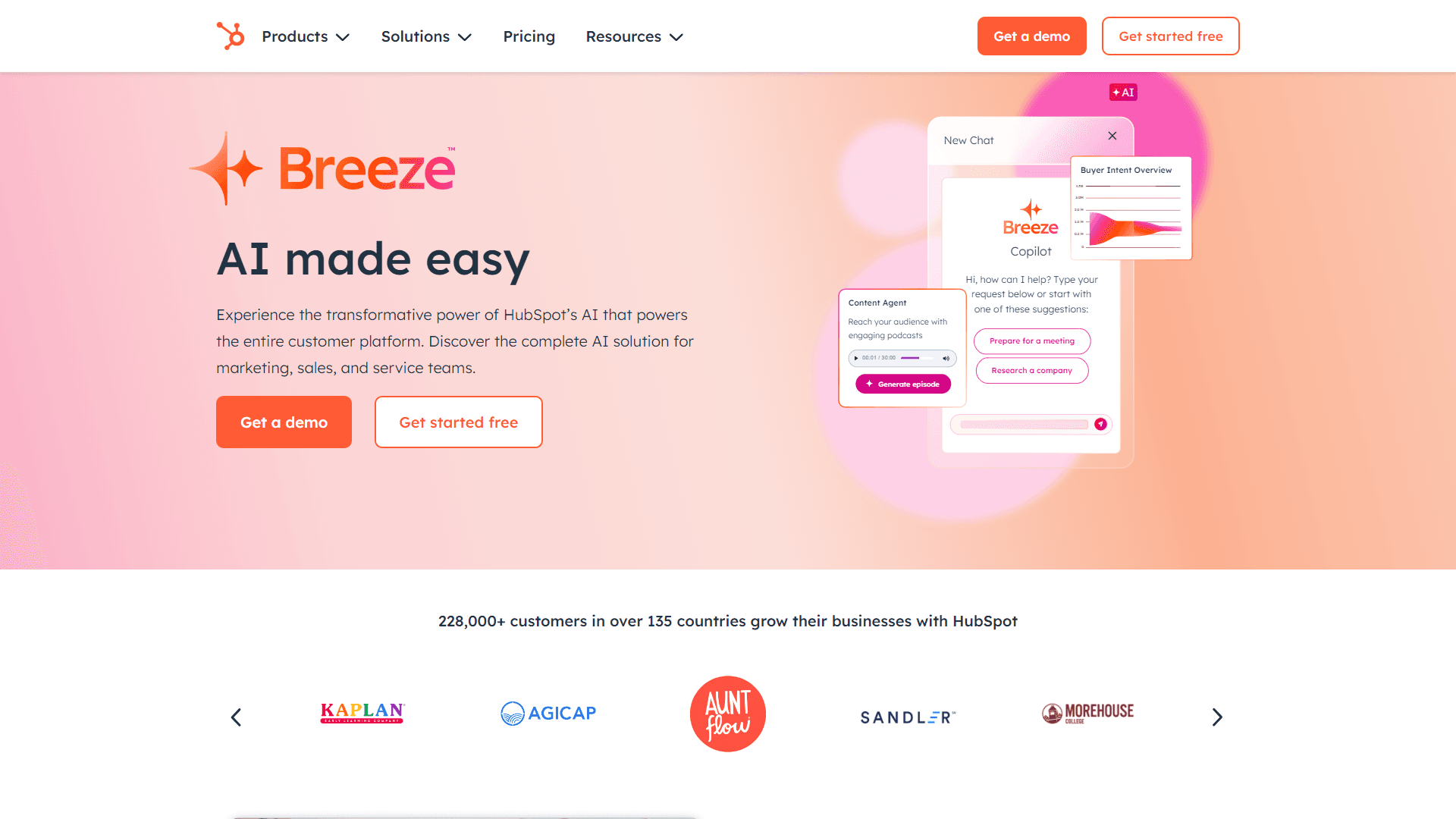
HubSpot Breeze, formerly Clearbit, is HubSpot CRM’s native data enrichment tool. It provides real-time data for 100+ fields.
Built for inbound lead generation, Breeze comes with a web-form optimization tool that dynamically shortens forms while ensuring you still collect the data necessary to fuel lead scoring and routing.
Who Is HubSpot Breeze Best For?
Inbound teams using HubSpot as their CRM.
HubSpot Breeze Pros
Fast setup
Comes with HubSpot’s CRM features
HubSpot Breeze Cons
Limited functionality for outbound
Must use HubSpot to access it
3. ZoomInfo
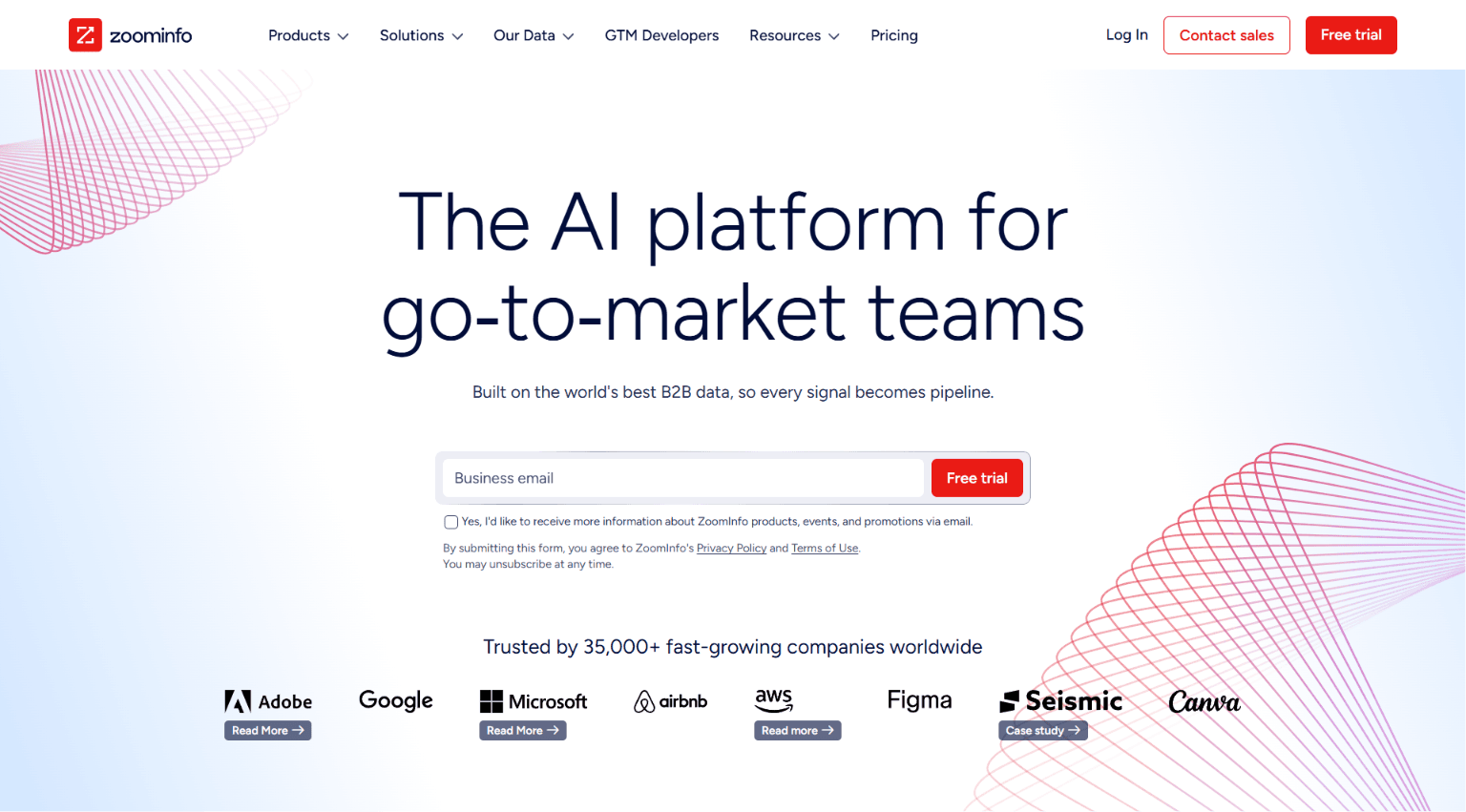
ZoomInfo is a go-to-market intelligence platform with an extensive, searchable B2B contact database and real-time CRM data enrichment capabilities.
Though expensive, it does have the strength of an enterprise-grade database with buyer intent data and useful company insights like org charts and Scoops (recent company announcements).
Who Is ZoomInfo Best For?
Large sales orgs with complex data needs and marketing teams running ABM strategies.
ZoomInfo Pros
Rich filters
Accurate contact data
ZoomInfo Cons
High price and long contracts
Can be difficult to implement
4. Apollo.io
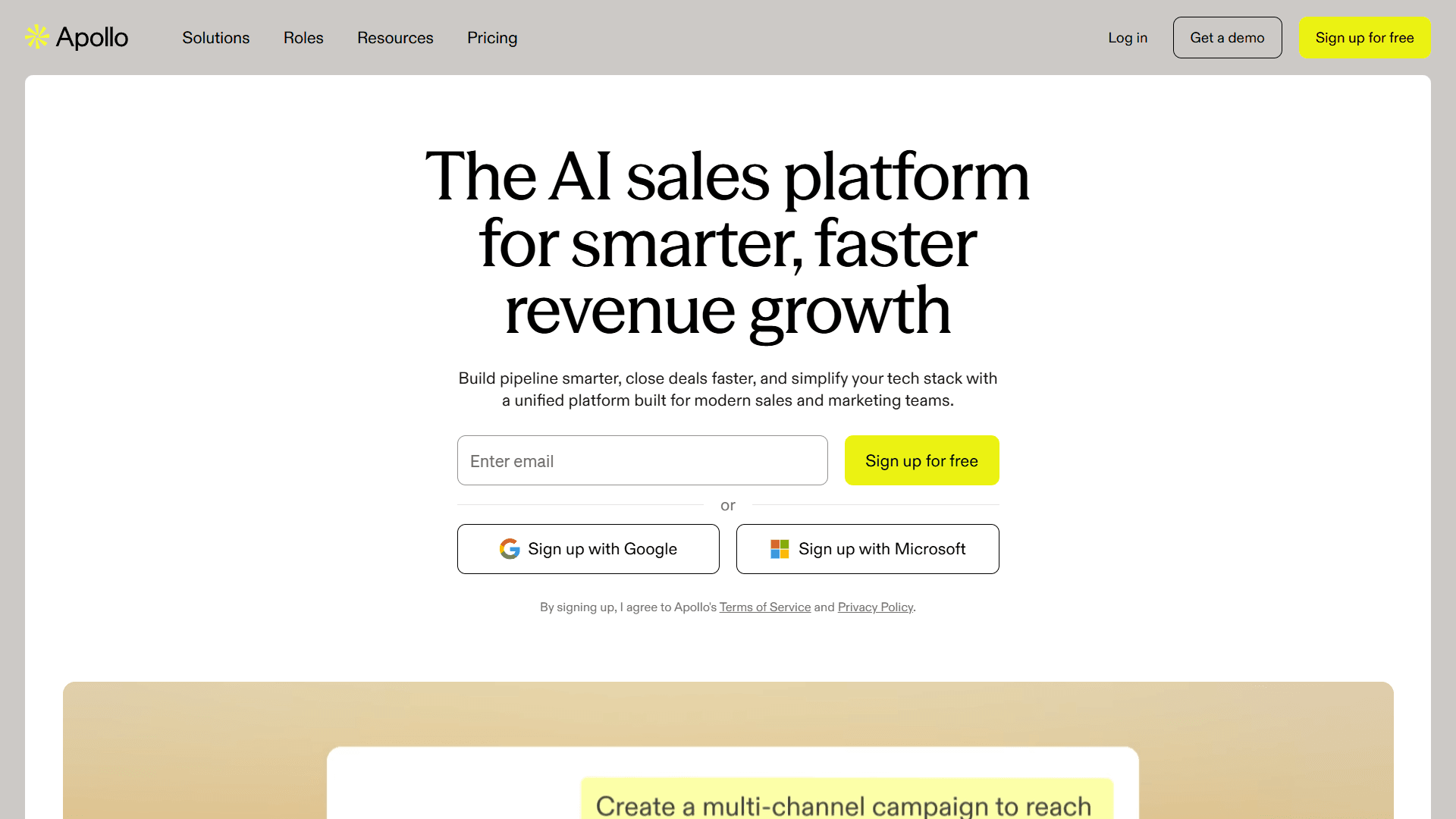
Apollo is a B2B database and sales engagement platform that allows you to find leads and automate outreach to them within the same tool. It offers CRM contact enrichment via manual uploads or automated enrichment syncs.
Who Is Apollo Best For?
SDRs at startups or scale-ups that want native outreach features.
Apollo Pros
Built-in sequencing
Growing database
Apollo Cons
Mixed data quality
User interface limitations at scale
5. Clay
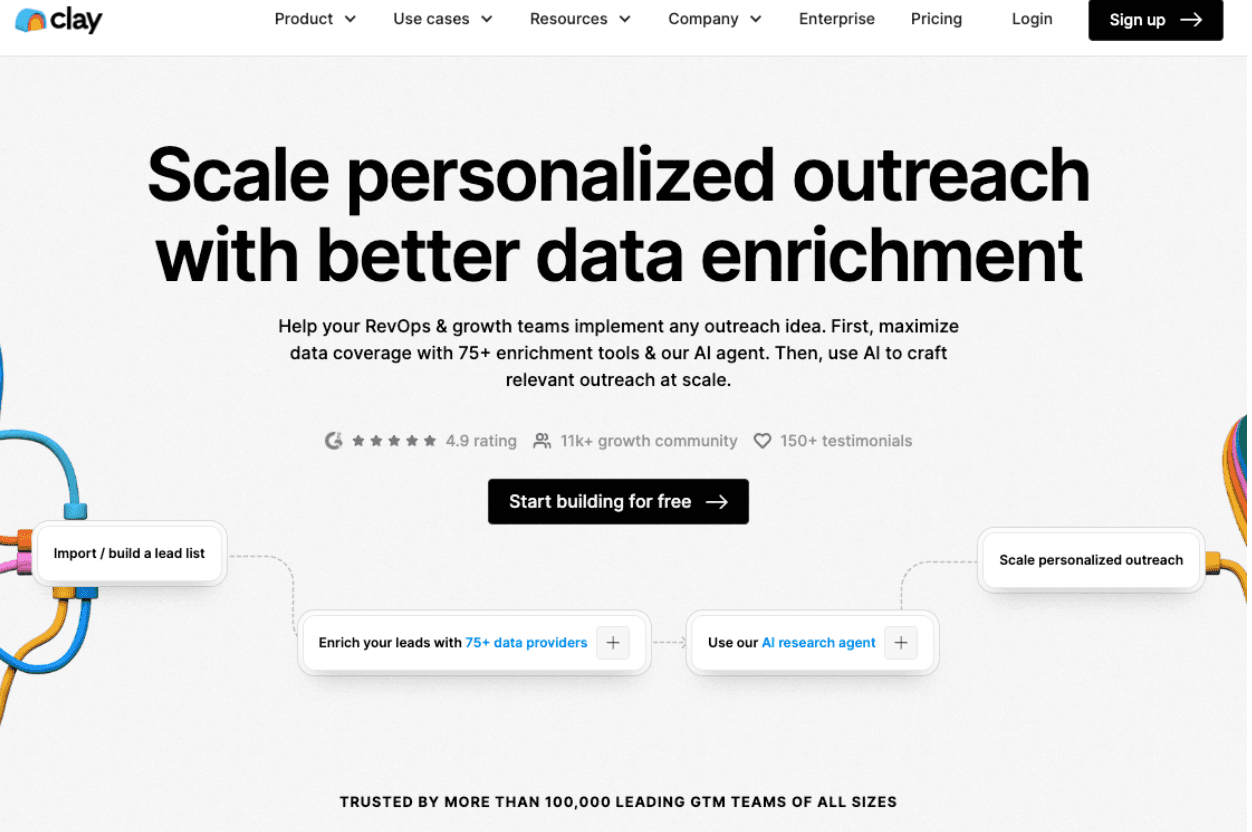
Clay is a spreadsheet-style data enrichment tool—if you’re handy with Excel, you’ll feel at home in its user interface. Moreover, the platform allows you to deploy AI research agents, set up no-code GTM workflows via APIs, and enrich CRM records with data from over 150 data providers.
Who Is Clay Best For?
RevOps and workflow-heavy teams.
Clay Pros
Flexible integrations
Highly customizable
Clay Cons
Steeper learning curve
Requires time to configure
6. Lusha
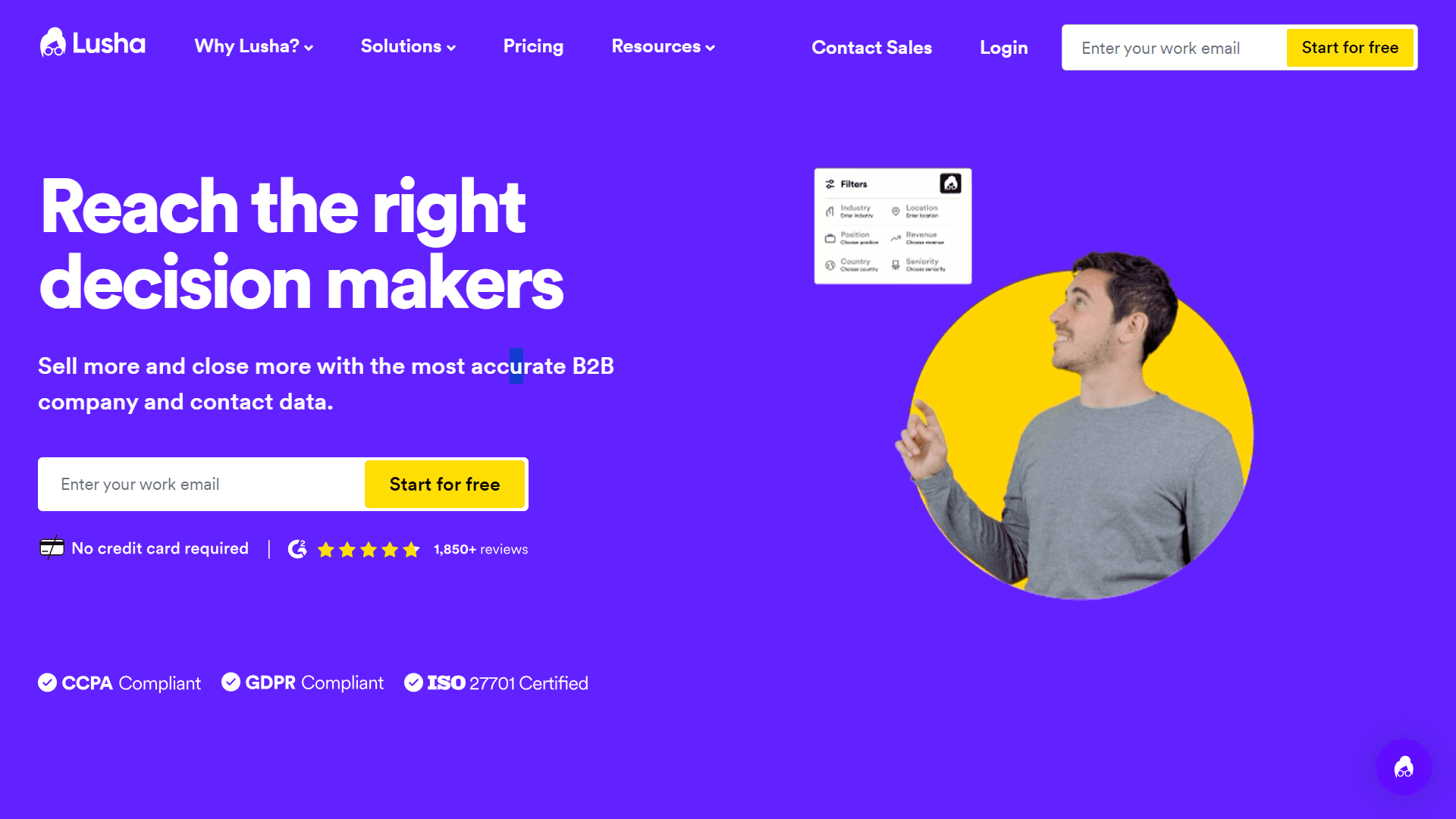
Lusha is a lightweight sales intelligence platform that provides you with real-time access to contact data via a contact database search and a Chrome extension. Prospecting reps can use the extension to uncover contact data associated with LinkedIn profiles and company websites while they’re browsing the web.
Who Is Lusha Best For?
Reps that regularly prospect on LinkedIn.
Lusha Pros
Easy to use
Affordable
Lusha Cons
Limited firmographic depth
Not scalable
7. Kaspr
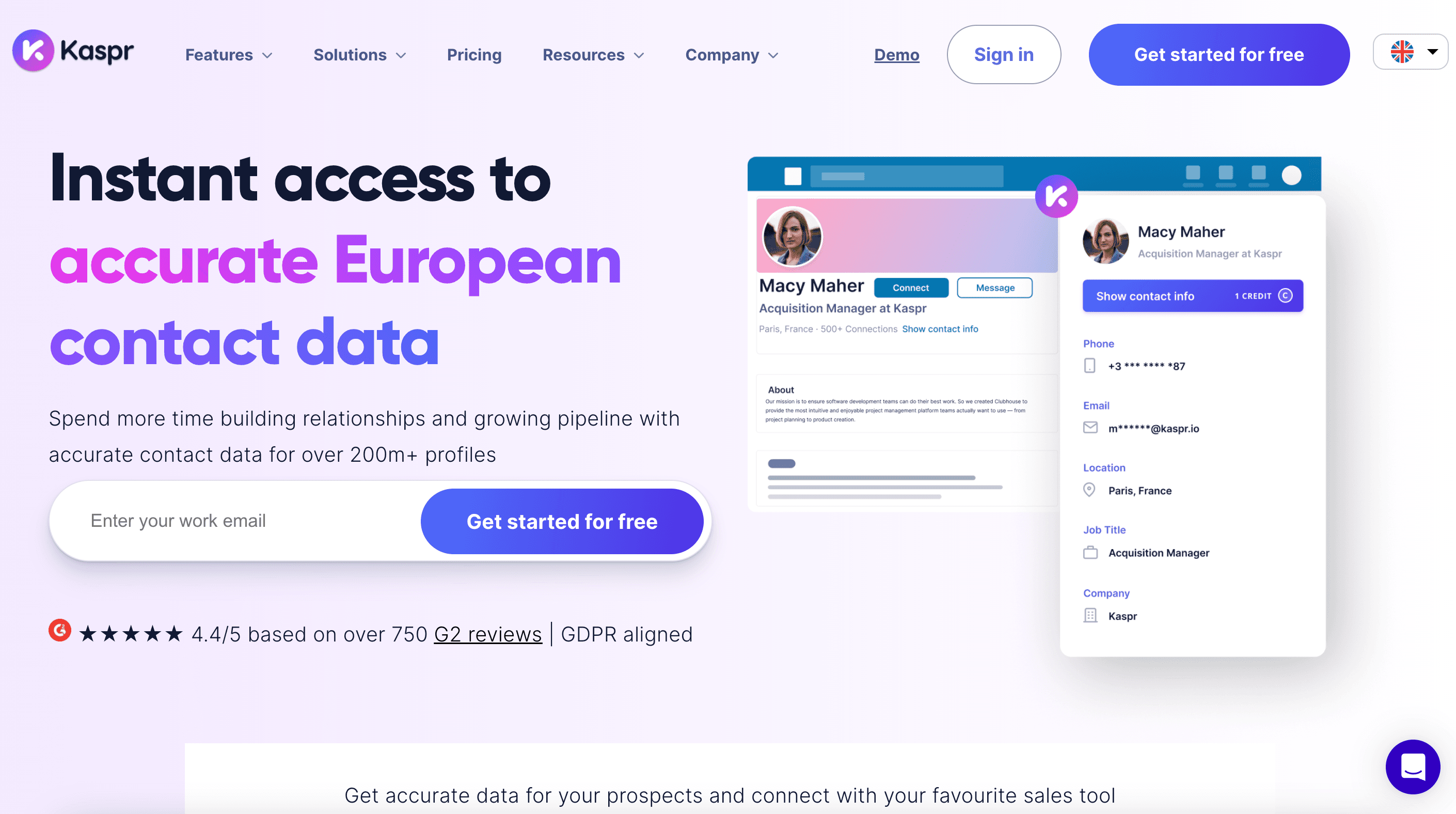
Kaspr is a LinkedIn prospecting tool with a contact details export feature. Its Chrome extension reveals the phone numbers and email addresses of LinkedIn users and adds those leads to a lead management tool in the Kaspr platform.
Who Is Kaspr Best For?
Companies that run EU-focused prospecting on LinkedIn.
Kaspr Pros
Chrome extension is intuitive
Strong overall compliance (GDPR-aligned)
Kaspr Cons
Narrow enrichment scope
Lacks deeper integrations
8. Hunter.io
Hunter is an email finder and verification tool with basic email outreach capabilities like sequencing, templates, and tracking. A major strength is that B2B sales reps can use the tool to discover every email associated with an account by submitting the company’s domain name.
Who Is Hunter Best For?
Reps that need to find and verify contact emails of existing leads.
Hunter Pros
Simple user interface
Best-in-class email validation tools
Hunter Cons
Limited to email data (no phone numbers)
No real firmographic or intent data
9. Cognism
Cognism is a sales intelligence platform that’s popular among sales teams targeting businesses located in Europe and Asia. It offers GDPR-compliant enrichment, a searchable global database, and buying signals like funding alerts, job changes, and hiring trends.
Who Is Cognism Best For?
Enterprise brands and regulated industries doing outreach in EMEA or APAC.
Cognism Pros
Strong compliance
High data accuracy
Cognism Cons
Costly
Longer onboarding
10. UpLead
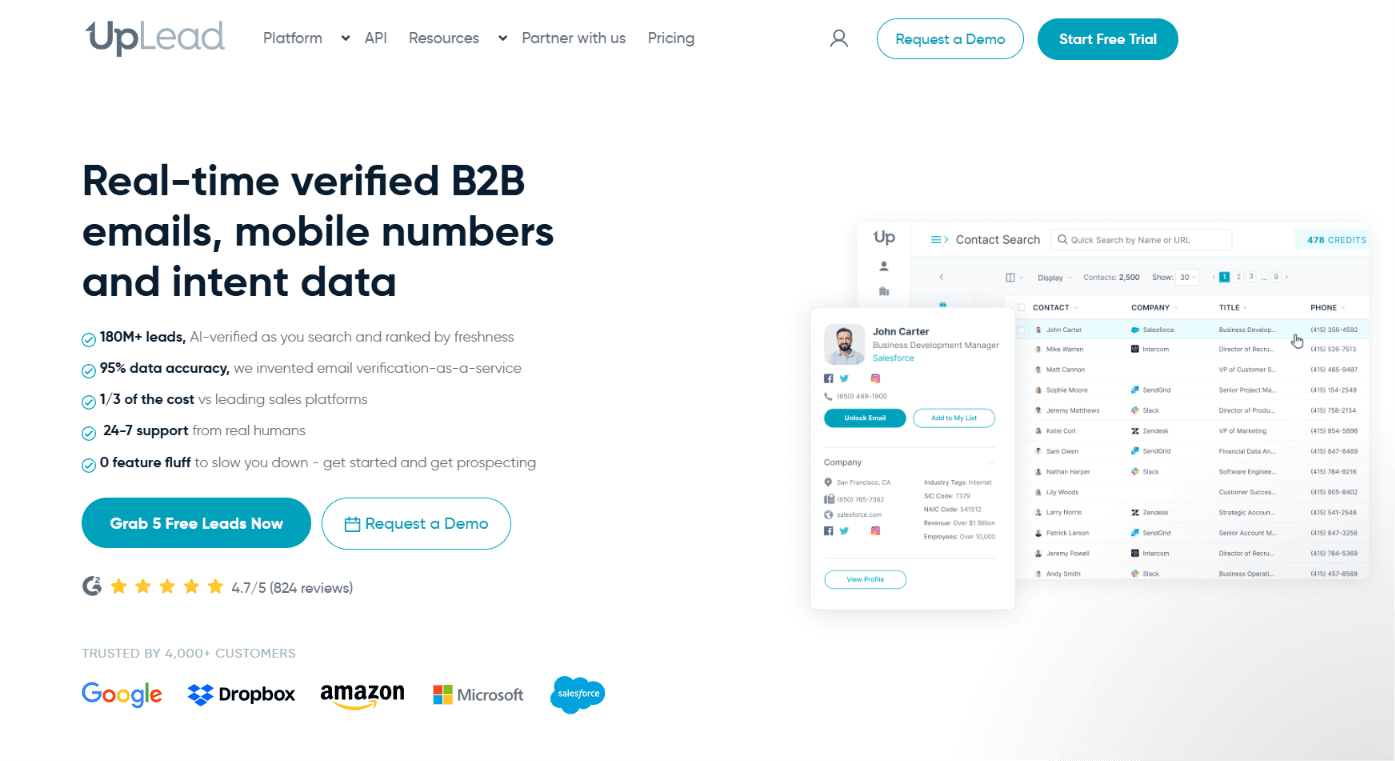
UpLead is a sales intelligence app that offers affordable, entry-level enrichment, validation, and access to a B2B database that contains 160M AI-verified lead profiles. Sales teams can use UpLead to enrich their CRM either instantly or on a recurring schedule.
Who Is Uplead Best For?
SMBs and budget-conscious teams.
Uplead Pros
Solid email data
Simple user interface
Uplead Cons
Lacks deep firmographics
Contains some outdated contact info
How to Use Enrichment to Power Sales Workflows
Having enriched CRM data is valuable in itself. But it becomes all the more powerful when you use it to fuel sales workflows. Sales teams can save a tremendous amount of time and boost conversion rates when they use data to trigger outreach, score leads, and route them to the right sales reps.
Trigger Campaigns Based on Enriched Fields
In your sales or marketing automation platforms, set up automated outreach campaigns or email sequences that trigger based on enriched fields. For example, a lead that enters the CRM with a revenue field of $50M+ might kickstart an enterprise-level multi-channel campaign.
Here are five examples of how to tailor campaigns around specific datasets:
Demographics: Personalize email content by job title, tech stack, or job function.
Firmographics: Send industry-specific case studies and playbooks.
Intent signals: Launch email campaigns focused on “growing pains” to companies with recent hire spikes, office expansions, or funding.
Technographics: Run product comparison email sequences to leads using specific competitors.
Online behavior: Trigger a “cold call task” to reps for leads with low email open rates.
Score and Route Leads Automatically
In your CRM or sales automation platform, set up a lead scoring model that uses enriched CRM data to make judgments about how qualified a lead is.
Your preset lead scoring model will then automatically crunch demographic and firmographic data to see if new leads fit your ideal customer profile. It will also track and analyze behavioral data to estimate buying intent.
Here’s a list of criteria you would see in a typical lead scoring model:
Job title = Director, Manager, or VP => +5 points
Industry = Healthcare, Real Estate, or Tech => +5 points
Visited homepage => +1 point
Visited pricing page => +3 points
Uses hard-to-beat competitor => -2 points
Company size = 500 employees or more => +5 points
Company size = 100-500 employees=> +2 points
In addition to scoring, you should also automatically route leads to a rep when they reach a certain threshold—a sales-qualified lead (SQL) score you’ll set in your scoring model.
Automated lead routing ensures qualified leads are assigned to the salesperson best equipped to close them. For example, you can create a lead routing rule where leads in a certain industry go to the SDR who specializes in that vertical.
Here are four rules to include in your lead routing system:
Large companies route to the enterprise SDR team.
Leads with large revenue potential go to the most experienced account executives.
Companies with advanced tech stacks route to sales reps with software engineering expertise.
Leads from a certain region or state route to reps with expertise in that area (or ownership of that sales territory).
With enriched CRM data fueling automatic lead scoring and lead routing, sales reps can skip account research and jump straight into outreach. That means faster lead response times, more personalized outreach, and less time wasted on prospecting, research, and meetings with unqualified leads.
Check the exceptions after enriched fields enter the CRM. A changed company size or conflicting account owner can affect routing even when the import succeeds. Artie lists ongoing CRM data quality among its AI employee responsibilities. Use a review of conflicting values and missing ownership to evaluate fit, with your existing scoring and routing rules as the reference.
Stronger CRM Data. Stronger Pipeline
An automated CRM enrichment system gives your sales team the intel it needs to effectively score, segment, and convert leads.
The next step up? An AI sales automation tool that doesn’t just give you B2B data but also acts on it to generate leads for your sales team.
Artisan—powered by AI BDR Ava—finds leads, researches them, and sends personalized outreach sequences. She automates every step in the lead gen process from prospecting to booked meetings.
Automate your outbound with an AI BDR
Meet Ava—your AI BDR who handles prospecting, outreach, and follow-ups, so your team can focus on closing.

Sam Rinko
SME @ Artisan
Sam Rinko is a former SaaS sales rep turned tech writer. He sold real estate software before writing about lead generation, cold calling, and AI sales tools.