Do you need AI web scraping for sales and market research?
AI web scraping helps sales teams extract web data without code. See tools, workflows, and real use cases for lead generation.
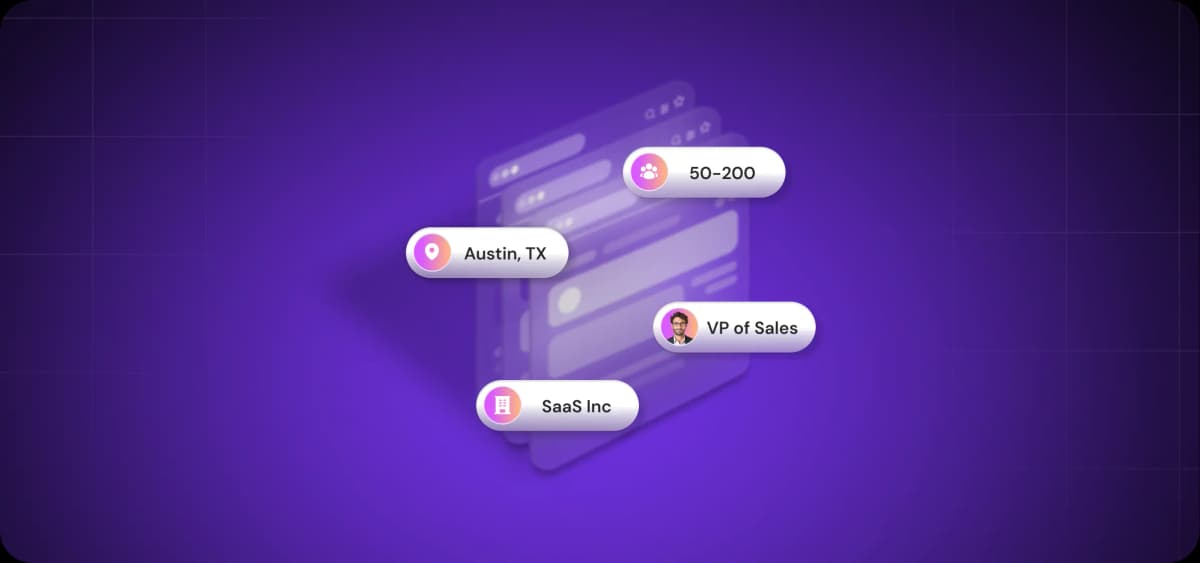
You need data to do sales. However, traditional data collection methods have always had problems.
Manual research scale, outsourcing to VAs adds cost and delays, and code-based scrapers are buggy.
AI-powered web scraping resolves these problems. It pulls prospect data from any source—social, company sites, directories, and marketplaces—without code or maintenance.
What is AI web scraping?
AI web scraping uses AI tools to automate data extraction from websites, pulling information more intelligently than manual methods or traditional rule-based scrapers.
Traditional scrapers follow fixed instructions. If a script encounters a problem not accounted for in the code (like dynamic content) or contextual understanding is required, it simply doesn’t work.
AI-powered scrapers are intelligent. They use natural language processing and semantic understanding to interpret webpage content the way a person would. Instead of relying on CSS selectors or HTML attributes, AI models recognize real patterns in how information appears.
AI web scraping in sales
What does AI scraping look like in a real sales context?
Let’s say you’re selling a product aimed at data scientists. You point an AI scraper at a target resource and describe what you need: "Find all executives with ‘Data Science’ or ‘AI’ in their title, search social media for their recent activity, and flag anyone who joined in the last six months."
The AI navigates the site, interprets dynamic JavaScript content, extracts the data, and structures it into a usable format:
Here’s what that data might look like:
Name | Title | Company | Location | Start Date |
Sarah Liu | VP of Engineering | AI Corp | San Francisco, CA | October 2024 |
Mike Torres | Head of AI/ML | Beta Systems | Austin, TX | December 2024 |
David Kim | Director of Data Science | ModernTech | New York, NY | September 2024 |
The results flow into your CRM or directly into outreach sequences. You can apply AI scraping across social media profiles, company directories, review sites, marketplaces, job boards, and any other source where your prospects show up.
Why outbound teams are turning to AI web scrapers
Data is your competitive advantage. It powers your CRM, drives your workflows, fuels your outreach, and guides every touchpoint until the deal closes. Better data means better targeting, sharper messaging, and higher conversion rates.
Manual data collection doesn’t scale
Reps spend 70% of their time on non-selling tasks, according to Salesforce’s State of Sales report. A big chunk of that time is spent on copying names from LinkedIn, checking company websites for tech stack clues, and manually updating spreadsheets with whatever they find.
When you need to generate thousands of leads, manual research isn’t scalable. You either end up buried in hours of work or are forced to conduct the research loosely and ruin your targeting.
Traditional web scraping tools create new bottlenecks
Python and JavaScript scrapers solve the volume problem—they pull data faster than any human could. But they create maintenance overhead.
Someone needs to write the script, update it when websites change their structure, handle CAPTCHAs, and manage edge cases where the scraper hits an unexpected page format.
Open-source tools like BeautifulSoup and Scrapy work for developers who know how to use them. However, they struggle with complex websites that load content dynamically or hide data behind login walls. Most sales teams never touch them because they require coding skills nobody on the team has.
You can always use APIs, but they always come with limited capabilities. LinkedIn's API restricts access. Google Maps scraping is expensive to run. And even when APIs are functional and affordable, someone still needs to integrate them, map the data, and maintain the connection.
AI changes how web data gets collected
Large language models (LLMs) understand webpage structure without requiring CSS selectors, XPath queries, or limited scraping logic. And if these sound like gibberish to you, AI scraping is exactly what you need.
You can describe what you need in plain language, for example, "Get the names and titles of everyone on the leadership team at Really Great Widgets Ltd." The AI navigates to the site, identifies the right pages, extracts the information, and adds contacts to a spreadsheet, CRM, or outreach sequence.
Natural language processing replaces the tight logic that breaks traditional scrapers. When a website redesigns its layout, an AI scraper adapts. The model interprets new HTML structures the same way it interpreted the old ones—by understanding context.
AI-powered tools can also handle the complexity that makes traditional scrapers fail. They can process JavaScript-heavy sites, navigate multi-step workflows, and extract data even when page structures vary across different domains.

Automate your outbound with an AI BDR
Meet Ava—your AI BDR who handles prospecting, outreach, and follow-ups, so your team can focus on closing.
What makes an AI web scraper different?
AI web scrapers solve the problems that make traditional scraping tools impractical for sales teams. They replace technical complexity with plain language, eliminate maintenance overhead, and scale across any website without custom configuration.
From selectors to natural language extraction
Traditional scrapers require you to specify exactly where data lives, typically by naming page elements—div class='employee-name' or span id='contact-info', for example. AI scrapers skip this step entirely. All you have to do is describe what you want in natural language.
You might say, "Extract all employee names and their email addresses from this list of websites." The AI will then determine where that information sits on the page, even if the page structure varies across domains.
Built for no-code and point-and-click workflows
AI scrapers are designed for reps who don't code. For example, AI-powered Chrome extensions let you click through a website once to show the scraper what data you need. Visual builders let you map fields by pointing at them.
Designed for dynamic and large-scale scraping
AI scrapers handle the technical challenges that break traditional tools—JavaScript-rendered content, pagination across dozens of pages, infinite scroll, and authentication flows.
A traditional scraper might work well on 10 sites, only to fail on the 11th when it encounters a different page structure. AI scrapers adapt on the fly and can process hundreds or thousands of websites without manual intervention.
Important features to look for in an AI web scraping tool
AI is built into the majority of B2B tools these days, and the array of features can quickly become overwhelming. So what functionality should you be looking for in your AI web scraper?
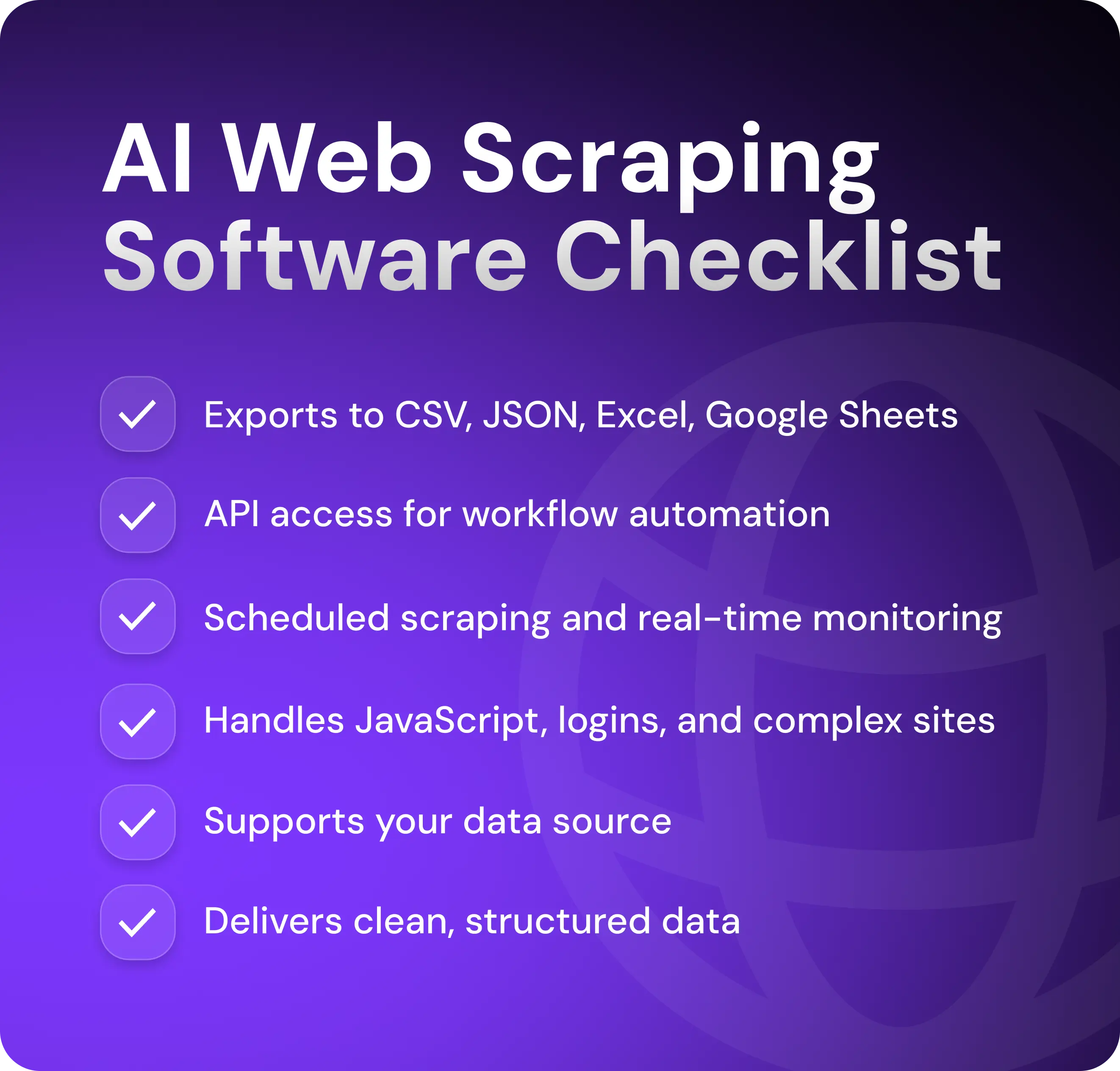
Data extraction and output flexibility
Your chosen scraper should deliver data in formats your stack already uses—CSV for quick analysis, JSON for API integrations, Excel for reporting, and Google Sheets for team collaboration.
It should also offer its own API access. A scraper's API lets you trigger scraping jobs programmatically and pull results directly into your CRM, enrichment tools, or outreach platforms automatically.
Workflow automation and scheduling
Look for a tool that allows scheduled scraping—daily, weekly, or triggered by specific events like a new job posting or company announcement.
The scraper should support real-time monitoring—watching target pages for changes and flagging them immediately.
Handling complex websites
Your tool should be able to handle login flows for gated content, process dynamic content that loads via JavaScript, and navigate marketplaces like Amazon where product data sits behind multiple layers.
LinkedIn support is also non-negotiable—that's where most prospect data lives. The scraper should work on profiles, company career pages, and job postings. Google Maps listings, review sites, and other directories are also important if you're doing location-based targeting or market research.
Data quality and structured output
The AI scraping tool should deliver clean, structured data, with names properly capitalized, dates in consistent formats, phone numbers standardized, and duplicate entries removed.
You shouldn't need to spend time reformatting columns or fixing inconsistent field mappings before loading data into your CRM or enrichment tools.
In other words, your web scraper should recognize that "$1.2M" and "1,200,000" represent the same revenue figure and that "San Francisco, CA" and "San Francisco, California" refer to the same location.
Common use cases for AI web scrapers in sales and GTM
Sales teams can use AI scrapers for more than just building prospect lists. The tech is useful anywhere you need fresh data—enrichment, personalization, market research, and more.
Lead generation at scale
Building targeted prospect lists is the most common use case for AI web scrapers. Once you set your lead criteria, they pull contact info, company data, and firmographics from websites, directories, social media profiles, and industry-specific platforms.
You can scrape company leadership pages for executive contacts, for example, pull attendee lists from conference sites, extract founders from startup databases, or build location-based lists from Google Maps. The data flows directly into your CRM with all the fields mapped.
Market research and ICP expansion
When you're testing new verticals, you may need to find companies that match specific criteria your database doesn't track.
Say you sell to ecommerce brands generating over $5M in annual revenue. Your existing database gives you company names and employee counts, but it doesn't tell you which brands are scaling fast, which platforms they use, or what their product catalog looks like.
AI scrapers pull this data directly from Shopify stores, Amazon storefronts, and marketplace listings. You can extract average product prices (to estimate revenue tier), number of stock-keeping units (to gauge catalog size), shipping locations (to identify international sellers), and technology stack from page source (to see if they use your competitors).
Now you know exactly which brands to target and what their current setup looks like before you reach out.
Sales trigger and intent monitoring
AI scrapers regularly check the websites and profiles of target accounts for changes that signal buying intent—new job postings, leadership hires, funding announcements, and product launches. These triggers let you time outreach around actual business changes instead of arbitrary cadence schedules.
For example, when a SaaS company posts an opening for a "Head of Sales" role, the scraper flags it within hours so you can reach out while they're still building the team and evaluating sales tools.
Competitive intelligence
AI scrapers track competitor websites, feature lists, and reviews. You receive alerts when they change pricing, launch new features, or are negatively reviewed.
This way, when you're competing for a deal against two other vendors, your scraper shows you where you either have an advantage or need to improve. Did a competitor recently raise prices? That’s a potential talking point in sales meetings. Have they added a new piece of functionality that you don’t offer? It may be time to consider expanding your feature set.
Popular AI web scraping tools comparison
The same AI scraper won’t be a fit for every workflow. Some are built for developers and others for no-code users. Some handle massive scale; others excel at quick one-off tasks. That’s why it’s important to know what
Browse AI
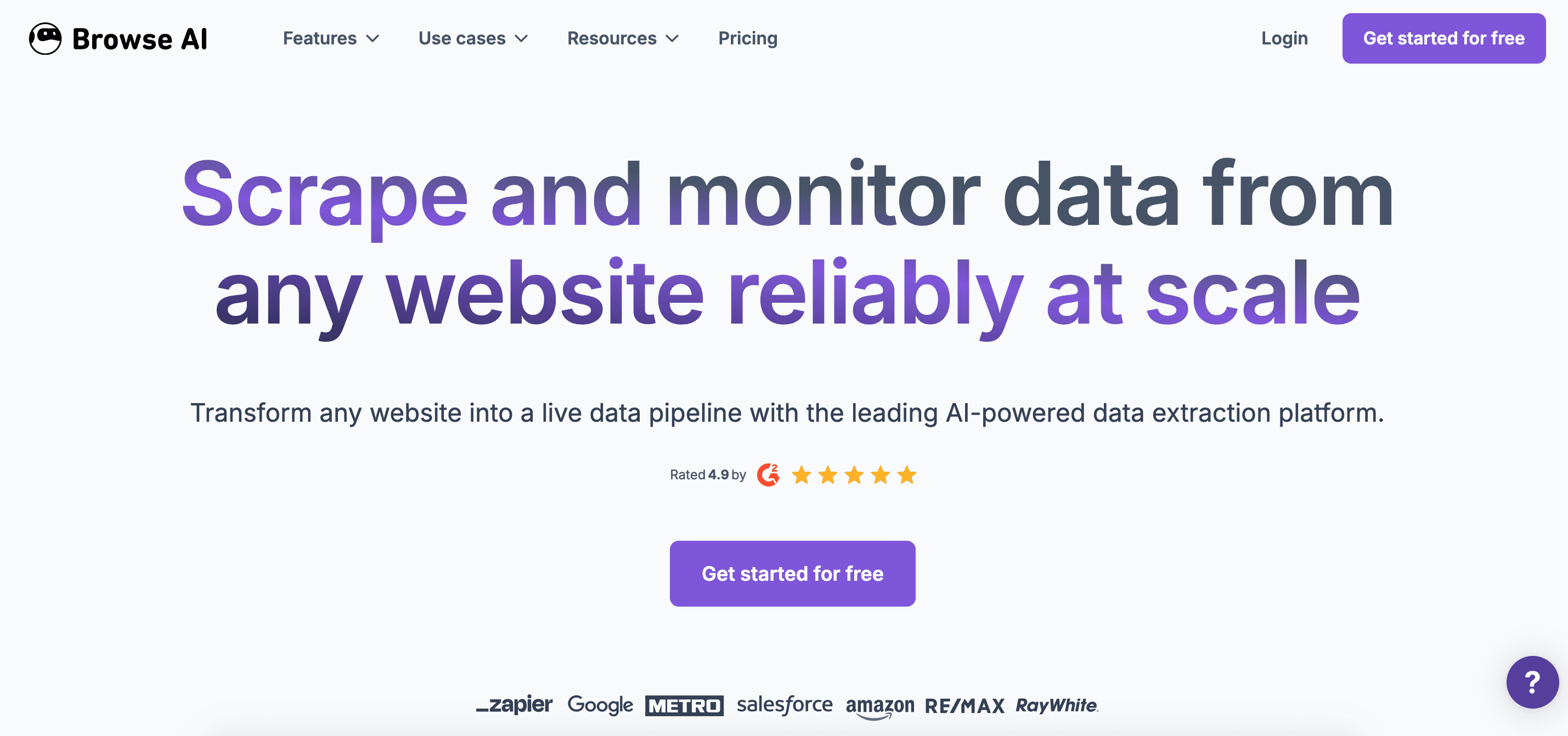
Best for: Monitoring competitor sites and tracking recurring data changes
Browse AI focuses on no-code scraping and monitoring. You record a workflow once by clicking through a website, and it repeatedly extracts the same data on a schedule.
The platform works well for recurring web data pipelines—tracking competitor pricing, monitoring job boards, and pulling product listings that update regularly. The no-code setup means anyone on the team can set up tracking systems without technical help.
Octoparse
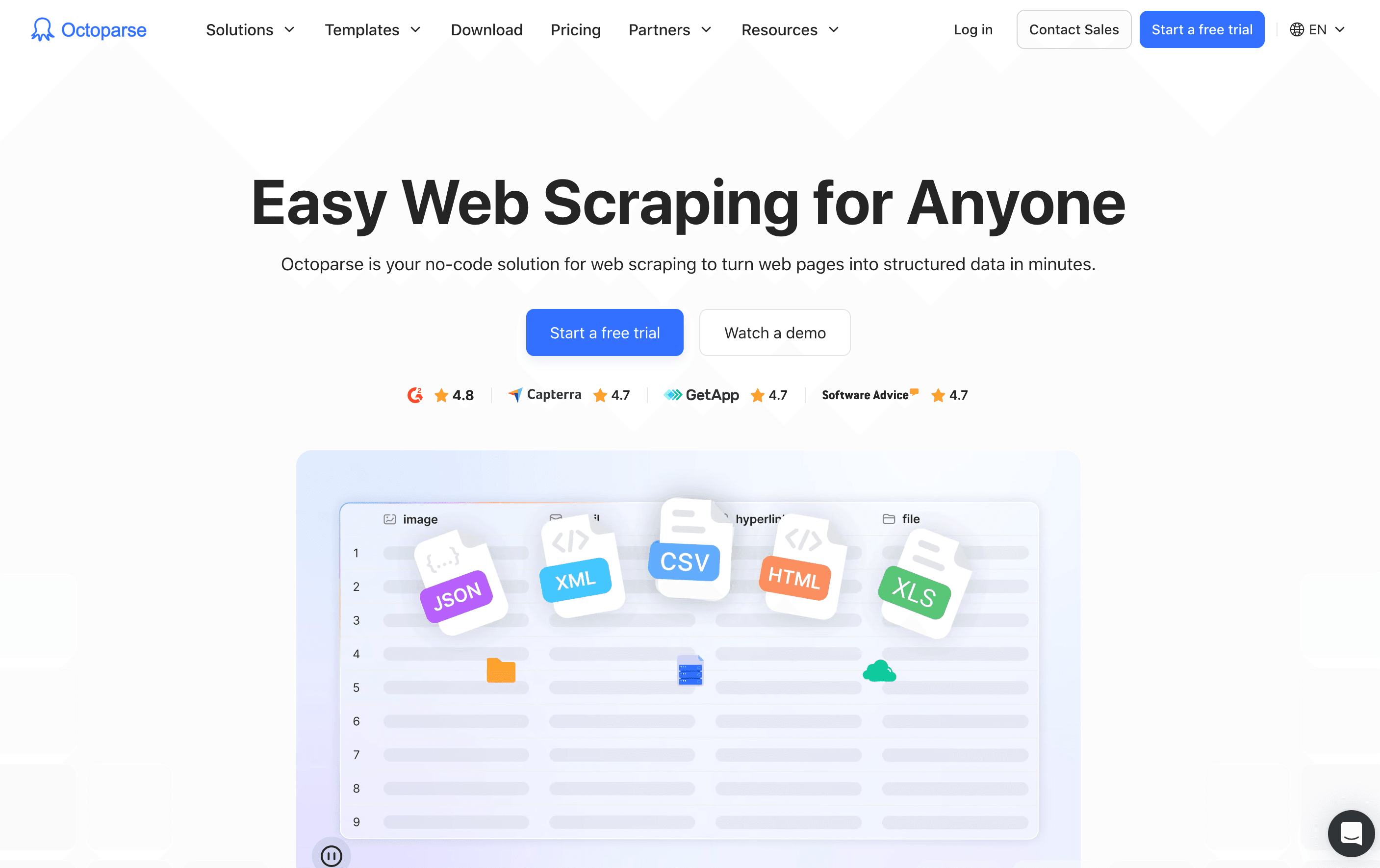
Best for: Large-scale data extraction projects with complex logic.
Octoparse handles bulk scraping across thousands of pages. The visual editor lets you build extraction rules for complicated sites. It can work around pagination, infinite scroll, and multi-level navigation.
Prebuilt templates cover common sources like Amazon, X, and Google Maps. It’s helpful when you need to pull massive datasets and have time to configure the extraction logic properly.
Firecrawl and developer-first Tools
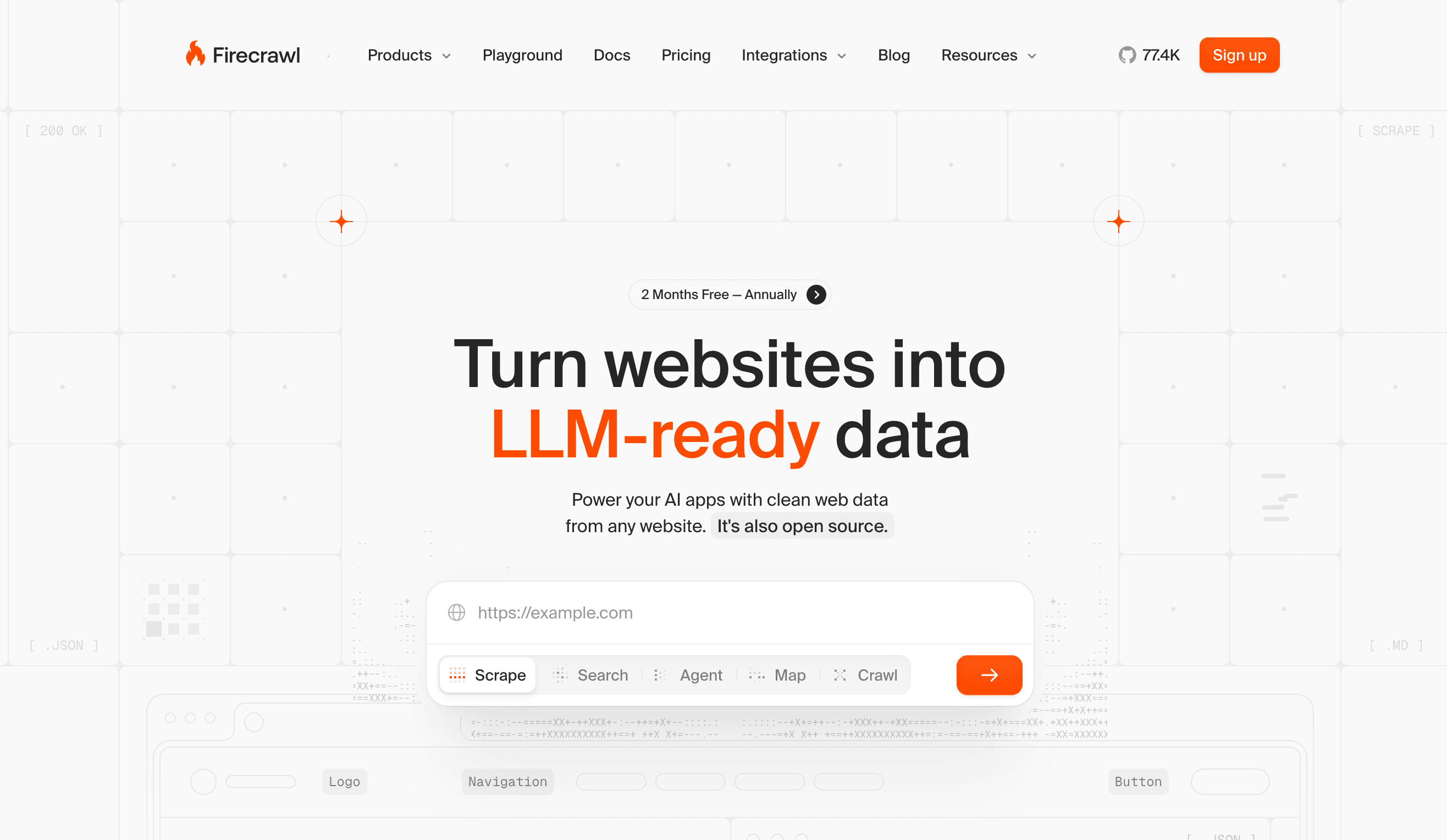
Best for: Engineering teams building custom integrations.
API-first tools like Firecrawl are built for developers who want clean JSON or markdown output that feeds directly into their applications. Developer-first tools handle technical challenges like JavaScript rendering and rate limiting while giving you full control over the extraction process.
These are a good choice for when you're building scrapers into your product or internal tools, not when sales teams need quick prospect lists.
Chrome extension-based scrapers
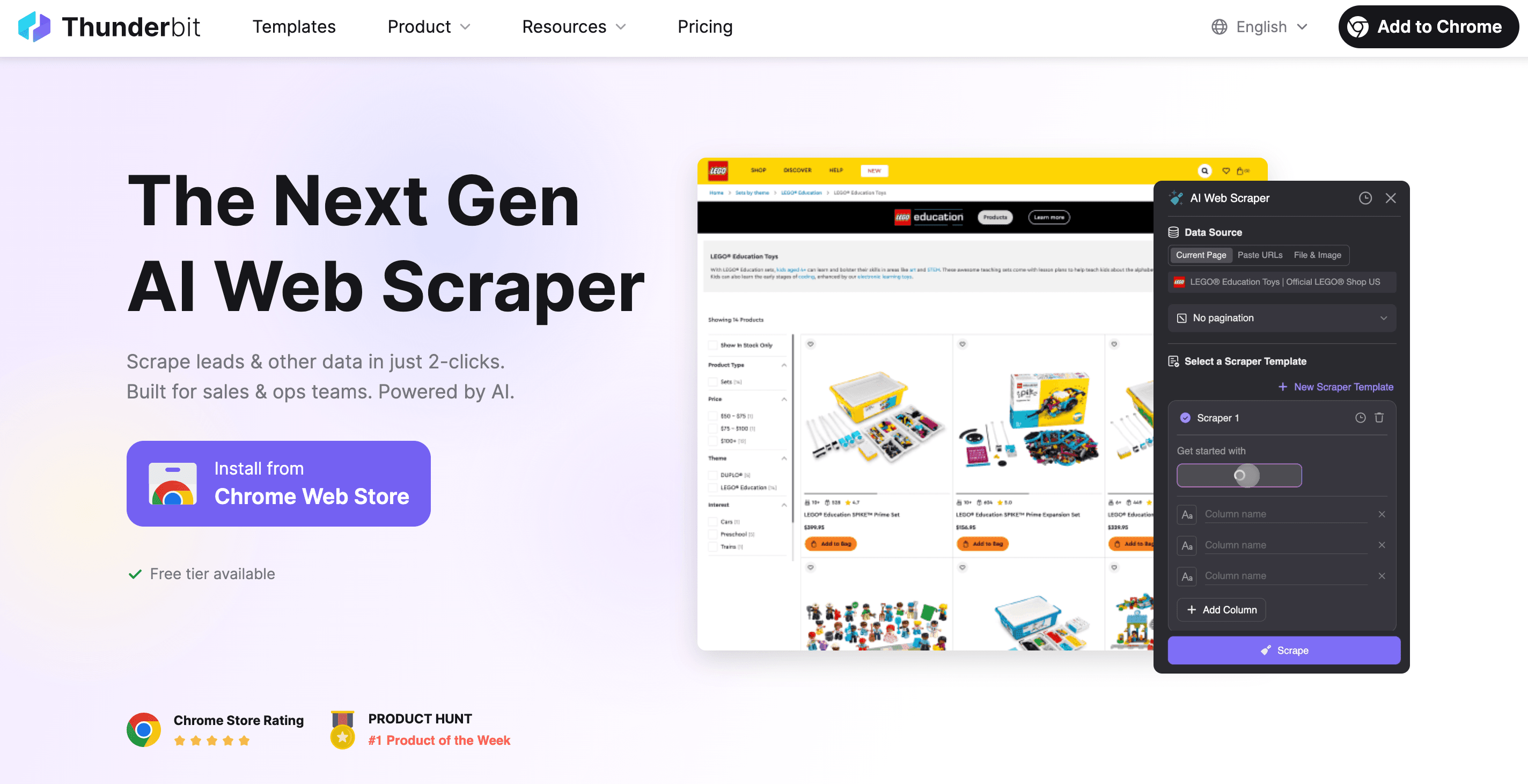
Best for: Quick, one-off data pulls from single pages.
Chrome extensions like Thunderbit and Browse AI let you extract data directly from your browser without leaving the page you’re on. You highlight the data you want, click the extension icon, and export to CSV.
These tools work when you need data right now from a single source—when extracting attendees from an event page, pulling a company directory, or grabbing product listings. They fall short on recurring workflows, large-scale extraction, or anything requiring authentication.
Where AI web scraping accelerates your outbound efforts
AI web scraping can dramatically accelerate outreach by feeding sales tools with the data they need to filter, score, and connect with leads. In fact, it’s now becoming common for AI scrapers to link to other AI tools that handle email and social media outreach autonomously.
From web data to outreach workflows
AI web scrapers speed up outreach workflows by providing sales tools with enriched lead data. This data is then used for a range of prospecting, filtering, and outreach tasks.
Outbound sales tools use data from AI web scraping in the following ways:
Enrichment pipelines that add missing contact info and firmographics
Segmentation logic that groups prospects by industry, tech stack, or buying signals
Personalization engines that customize messaging based on scraped triggers
Email address validation prior to outreach being sent
Reducing tool sprawl
The way web scraping usually works is: you scrape with one tool, enrich with another, clean in spreadsheets, and then import to your CRM before finally launching outreach.
By choosing an outbound-focused AI web scraping tool like Artisan, you can replace multiple disconnected tools, such as:
Single-purpose scraping tools (Browse AI, Octoparse) that only extract data
Enrichment platforms (Clearbit, ZoomInfo) that fill in missing fields
Data cleaning (manual work in spreadsheets) that fixes formatting issues
Import workflows (CSV uploads to CRM) that create data silos
When scraping integrates directly with your outbound workflow, you reduce monthly spend on separate tools and eliminate hours of data transfer work.
How Artisan uses AI-powered data extraction
Most AI scrapers give you data. You're then on your own to enrich it and create outreach sequences. Artisan eliminates this problem. It combines scraping, enrichment, personalization, and outreach delivery in one AI-powered platform.
Scrape any source in plain language
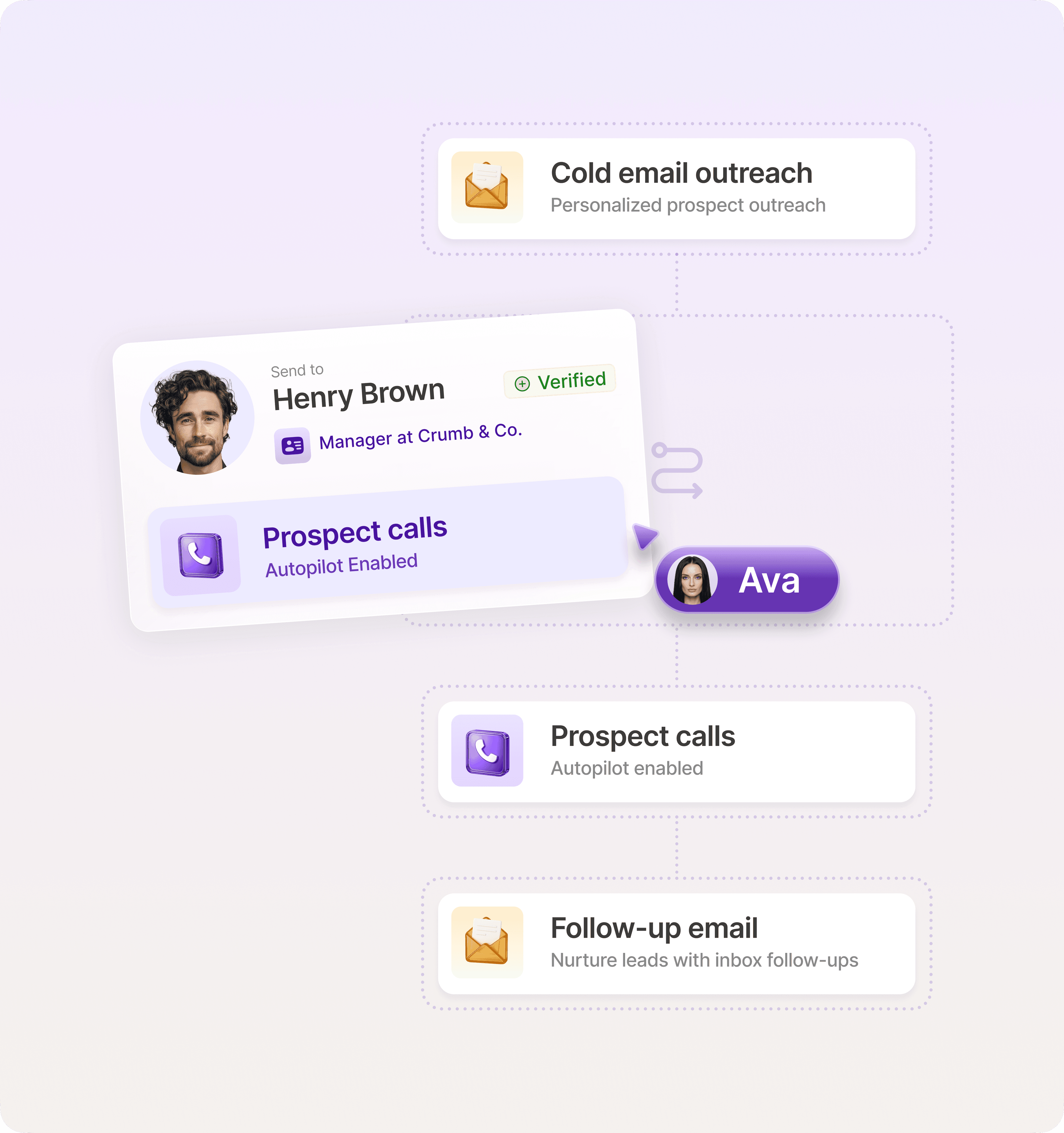
Artisan is powered by AI BDR Ava. Ava is an autonomous AI employee who will take your ICP and scrape social media, company sites, and directories to find leads that fit your criteria perfectly.

Plug data directly into outreach sequences
Artisan scrapes the web continuously to find new leads and enrich the profiles of existing leads, both in the platform itself and for any connected CRMs. Ava then uses this data to craft and send hyper-personalized messages on email and social media.
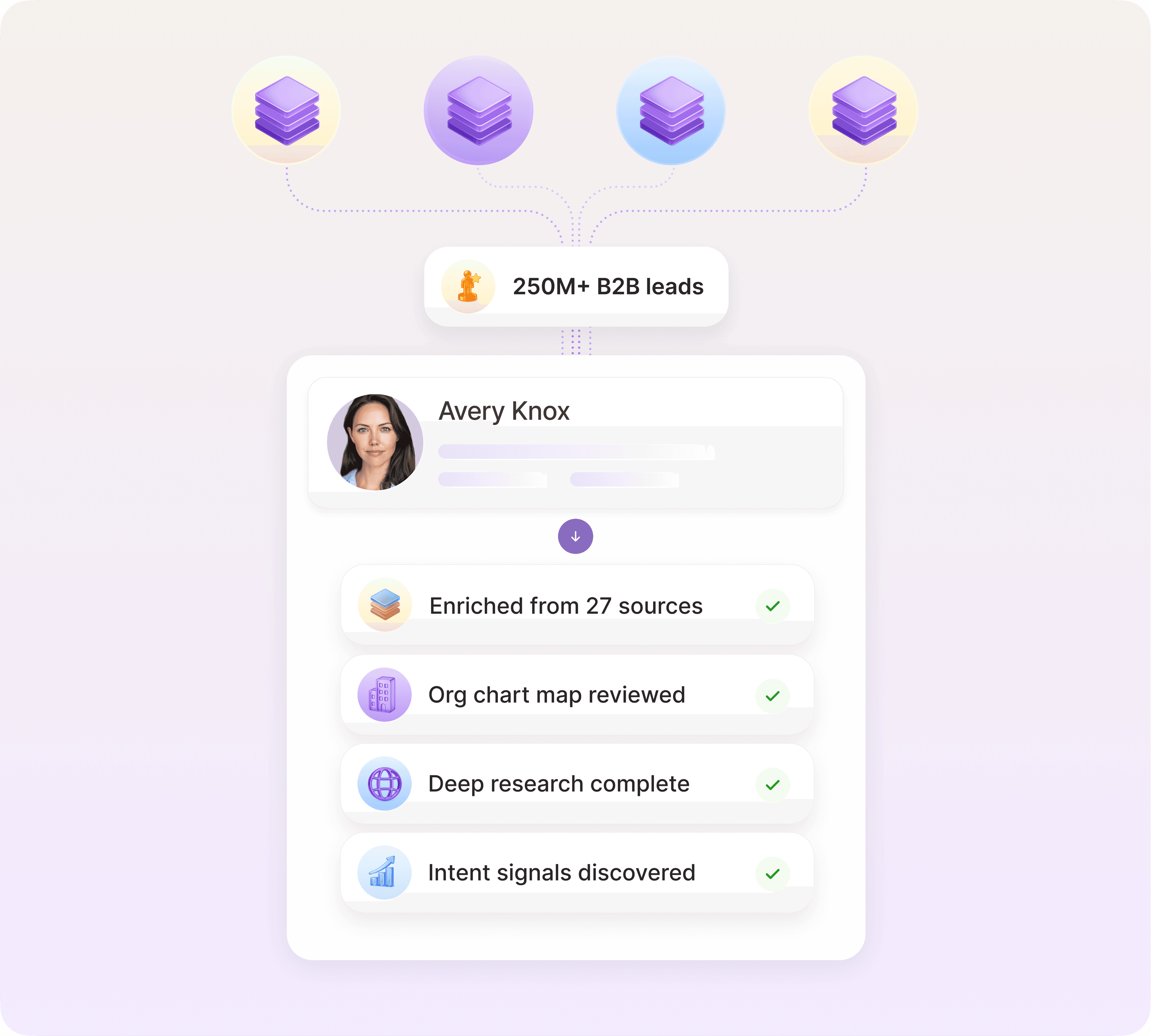
One platform replaces multiple tools
Artisan handles scraping, enrichment, and personalized outreach without switching between tools. You pay for one tool and get the functionality of an entire outbound sales tech stack.
AI web scraping: From nice to have to essential
Gartner predicts that 95% of seller research workflows will soon begin with AI, up from less than 20% in 2024.
You now need AI tools just to stay competitive. If you’re relying on manual research and outreach while competitors reach thousands of prospects with the click of a button, you’re working at a significant disadvantage.
Artisan provides AI web scraping as part of a full-cycle outbound automation system. Describe your ICP to AI BDR Ava and she will handle research, enrichment, and outreach. All of which leaves your sales team to focus on those all-important human conversations.
Automate your outbound with an AI BDR
Meet Ava—your AI BDR who handles prospecting, outreach, and follow-ups, so your team can focus on closing.

Adelina Karpenkova
SME @ Artisan
Adelina Karpenkova is a writer helping businesses tap into AI's potential and clear up misconceptions. She works with B2B teams on latest industry knowledge.