What is waterfall enrichment in B2B sales?
Waterfall enrichment is the basis of up-to-date, comprehensive CRM data. Learn what it is, why it matters, and how to use it in your own B2B sales workflows.
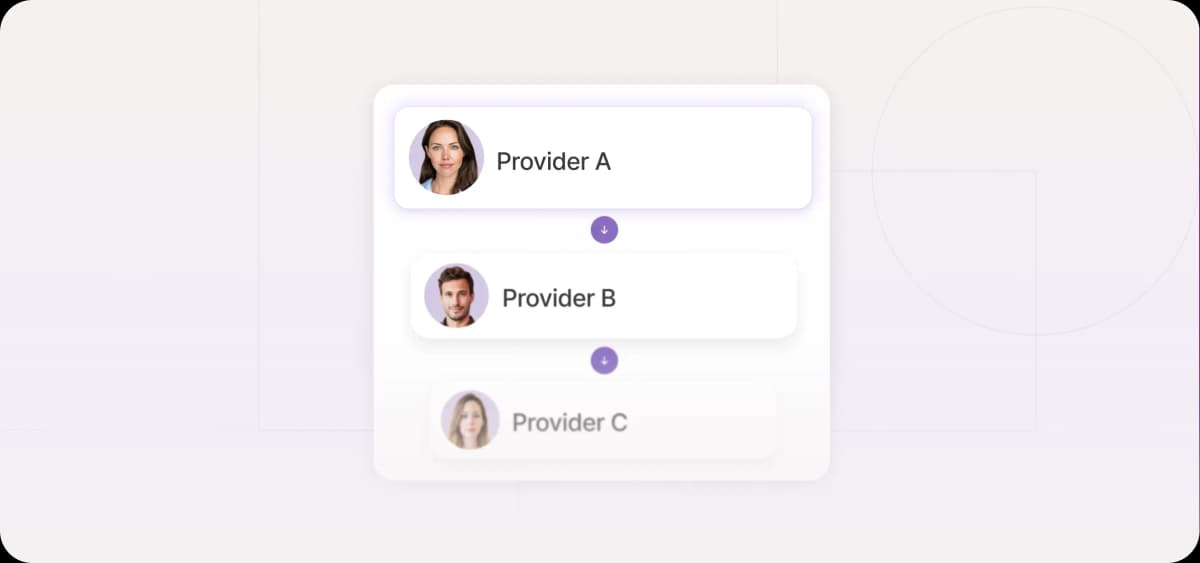
Waterfall enrichment addresses the coverage gap that single-provider enrichment leaves in your CRM data.
Closing that gap is only half the work, though. The other half is making sure the enriched data actually feeds your outbound motion, rather than languishing in your database.
What is waterfall enrichment?
Waterfall enrichment is a way of enriching lead accounts by checking multiple providers, one after another, until the necessary information is found.
Established database vendors like Apollo, ZoomInfo, Clearbit, and Lusha all maintain contact repositories built from web scraping, user contributions, and third-party data licensing. A waterfall cascade runs across its own database (if it has one) and multiple third-party vendors.
For example, if you’re in search of a prospect’s work email, your system might check Apollo, then cascade to Clearbit if Apollo draws a blank, then to Lusha. The order is configured by your team based on where your ideal customer profile (ICP) is best covered. Each provider either requires a direct subscription or is bundled through your waterfall enrichment platform.
Your data is leaking pipeline
Mismatched contacts, stale records, and bounced emails all contribute to the same problem: reps burn time on pipeline that was never going to convert. Waterfall enrichment fixes the issue at the source.
One provider is never enough
No single data provider has complete coverage. Committing to one means accepting its blind spots.
Independent research that looked at B2B profile lists from reputable vendors found that person-to-company match rates sit at just 67–71%, meaning roughly one in three contacts in a typical enriched list is already misattributed before outreach begins.
And your provider has no way of telling you which third that is. There's no fallback when a record is missing, no cross-check when a role has changed, and no way to access the contact details your vendor simply doesn't have.
What waterfall enrichment really means
Waterfall enrichment is designed to recover that 30% gap. By cascading through multiple providers, each with different data sources and update cycles, it increases the accuracy of your contact list.
But more sources alone don't mean better data. That's why waterfall enrichment systems also include a verification step for all data types. For emails, for example, most platforms run an SMTP (Simple Mail Transfer Protocol) check that pings an address’s mail server to see if it's live before anything is written to your CRM. If verification fails, the cascade moves to the next provider.
Why this matters for outbound teams
Higher match rates are the most visible outcome of waterfall enrichment, but the effect runs through every part of your outbound motion. From inbox deliverability to rep productivity, cleaner enrichment tightens each link in the campaign chain.
Waterfall enrichment improves four areas of campaign performance:
Deliverability: Contact verification leads to fewer bounces, which protects your sender domain and keeps future campaigns out of recipients’ spam folders.
Personalization: Fuller profiles give sales reps the context to open with messaging that’s relevant.
CRM hygiene: Only verified data is written back, so your CRM records stay up-to-date.
Rep productivity: Sales development representatives (SDRs) spend less time chasing dead contacts and more time in actual conversations.
For outbound teams that run high-volume sequences, these benefits compound across every campaign.
How waterfall enrichment works
Waterfall data enrichment runs on sequential logic. You define the fields you need and the order in which providers should be queried, and the cascade handles the lookups in turn.
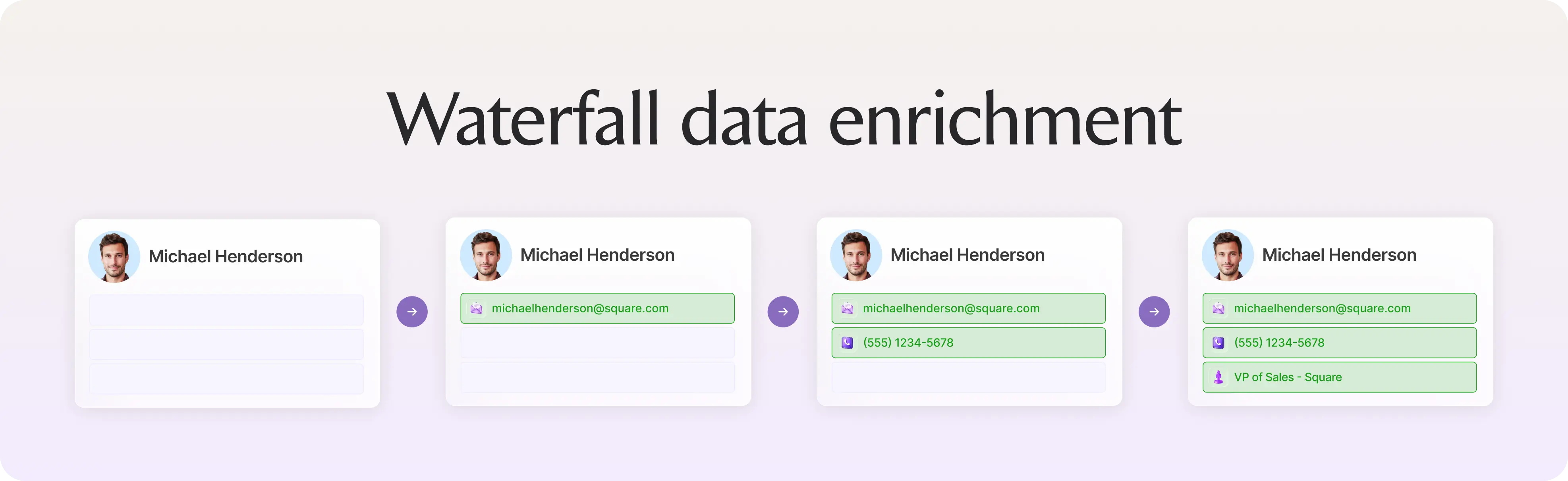
The sequential logic behind waterfall enrichment
The first step in setting up a cascade is to assign each provider a priority position based on how well it performs for your ICP. Providers with the strongest match rates for your specific audience should sit higher in the stack.
For example, your logic for European mid-market targeting might look like this:
Cognism: Top priority for European coverage, phone-verified mobile numbers, and GDPR-compliant data
Apollo: Secondary source for contacts Cognism misses, with broad global database coverage
ZoomInfo: Tertiary fallback for firmographic depth and any remaining gaps
Once a provider returns a verified result for a given field, the cascade stops for that field and moves on. If Cognism finds a valid email, Apollo and ZoomInfo are never queried for that contact, so you don't pay for redundant lookups and you don't risk overwriting a good record with a worse one. If Cognism draws a blank or returns an address that fails SMTP verification, the fall-through logic kicks in, and Apollo runs the next attempt.
Some providers publish coverage data by region and company size to help you build an informed starting configuration. In addition, CRMs and sales tools can sometimes adjust provider priority automatically based on observed match rates.
The core steps inside a waterfall workflow
A waterfall enrichment workflow can be broken down into four distinct stages. Each builds on the previous one, moving from input definition to verified data inside your CRM.
1. Defining the fields you need
The first stage involves defining which data points an outbound motion depends on, such as work email, direct dial, job title, company size, and tech stack. Each field is given its own cascade with a tailored provider order.
2. Normalizing your inputs
The system standardizes the input data, the data the provider will use to run its searches, before querying providers. These are usually names, company names, or any existing contact information.
3. Running the cascade and verifying results
Each provider is queried in sequence. For emails, results are validated before being accepted. If data is unavailable or validation fails, the cascade continues to the next provider. This process is called routing.
4. Syncing to your CRM or outbound system
Verified fields are written back to your CRM or directly into your sequencing tool. Unresolvable fields are flagged rather than filled with bad data.
Where email waterfall enrichment fits in the process
For email outreach, you typically start with a list of partially known contacts, perhaps a name, a company, or a social media handle. The cascade fills in what's missing, starting with what matters most, which is usually a work email.
Work email is the baseline, and everything else layers on top of it. From there, enrichment tools layer in the data points needed for personalization: job titles, company size, tech stack, and other firmographics.

Automate your outbound with an AI BDR
Meet Ava—your AI BDR who handles prospecting, outreach, and follow-ups, so your team can focus on closing.
The real pros and cons of waterfall enrichment
Waterfall enrichment delivers genuine gains in coverage and quality, but there are operational tradeoffs. Weighing both sides matters before you commit to a multi-provider stack.
The pros
You reach more contacts: A cascade fills the gaps left by single-provider enrichment.
You only pay for verified data: Waterfall enrichment stops the moment a verified result is found. You're not charged for failed lookups or data you already have.
Your data will be cleaner: Every result is verified before it is written to your CRM.
The cons
It takes time to set up correctly: Choosing providers, configuring cascade order, and testing match rates across separate ICPs may take weeks, and the setup needs revisiting as provider coverage shifts.
Costs can be hard to predict: When you're paying per successful fill across multiple vendors, monthly spend varies with list volume and match rates in ways that are difficult to forecast upfront.
Compliance becomes more complicated: Every provider you add to your stack has its own data collection practices. If you're selling into Europe, you need to verify that every single one meets GDPR requirements.
Four best waterfall enrichment tools
The right tool depends on how much control you want over your enrichment stack and what your existing sales toolkit looks like. The four options below span the spectrum, from fully unified AI platforms to highly configurable spreadsheet-style builders.
1. Artisan: Unified waterfall enrichment and outbound engine
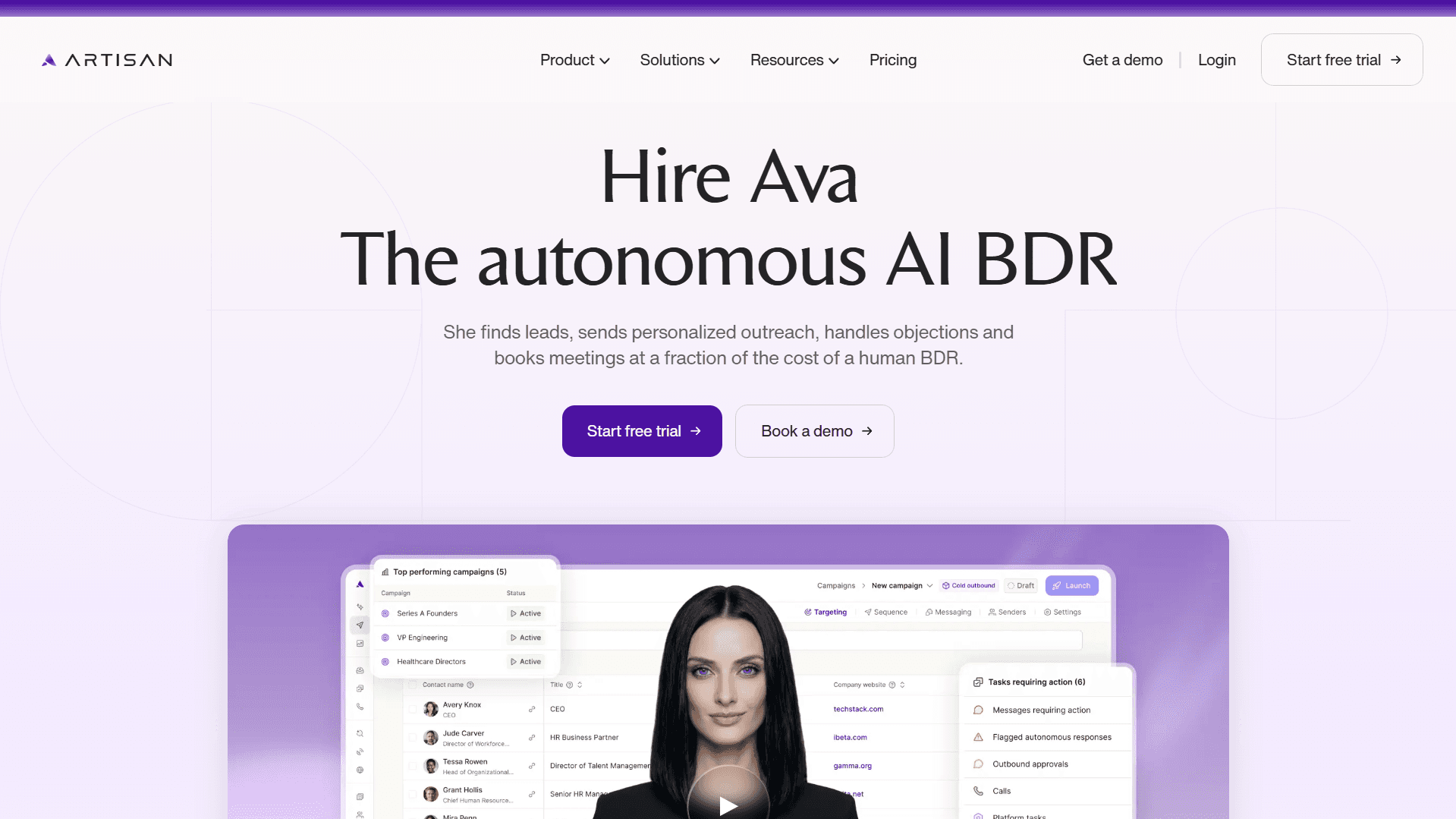
Artisan is an AI-powered sales platform that combines lead discovery, enrichment, and outbound sequencing. Unlike most waterfall enrichment tools, it doesn't stop at finding contact data. Artisan takes that data and turns it into personalized email and social media outreach sequences.
Who is Artisan for?
Artisan is the right tool for sales teams of all sizes that want to run outbound without stitching together a separate enrichment tool and sequencing platform.
How Artisan works
You define your ICP during campaign setup with the help of AI BDR Ava, an autonomous sales rep around which the platform is built.
Artisan's proprietary waterfall system sources the most relevant details for each contact.
Enriched data feeds directly into personalized outbound sequences.
Sequences run automatically until a lead responds or the follow-up limit is reached, at which point the lead is either handed off to an AE or marked as unresponsive.
Key features
Prospecting database of over 300 million B2B, ecommerce, and local business contacts
Proprietary personalization waterfall that sources the most relevant data for outreach
Monitoring for real-time intent signals, like job changes, funding rounds, and behavioral triggers, which are then used for lead scoring and outreach personalization
Email and social media message personalization
End-to-end outbound workflows from prospecting to AE handoff
Fully automated outreach sequences and follow-ups
Limitations
You can't select individual providers for your enrichment workflows.
2. Apollo waterfall enrichment
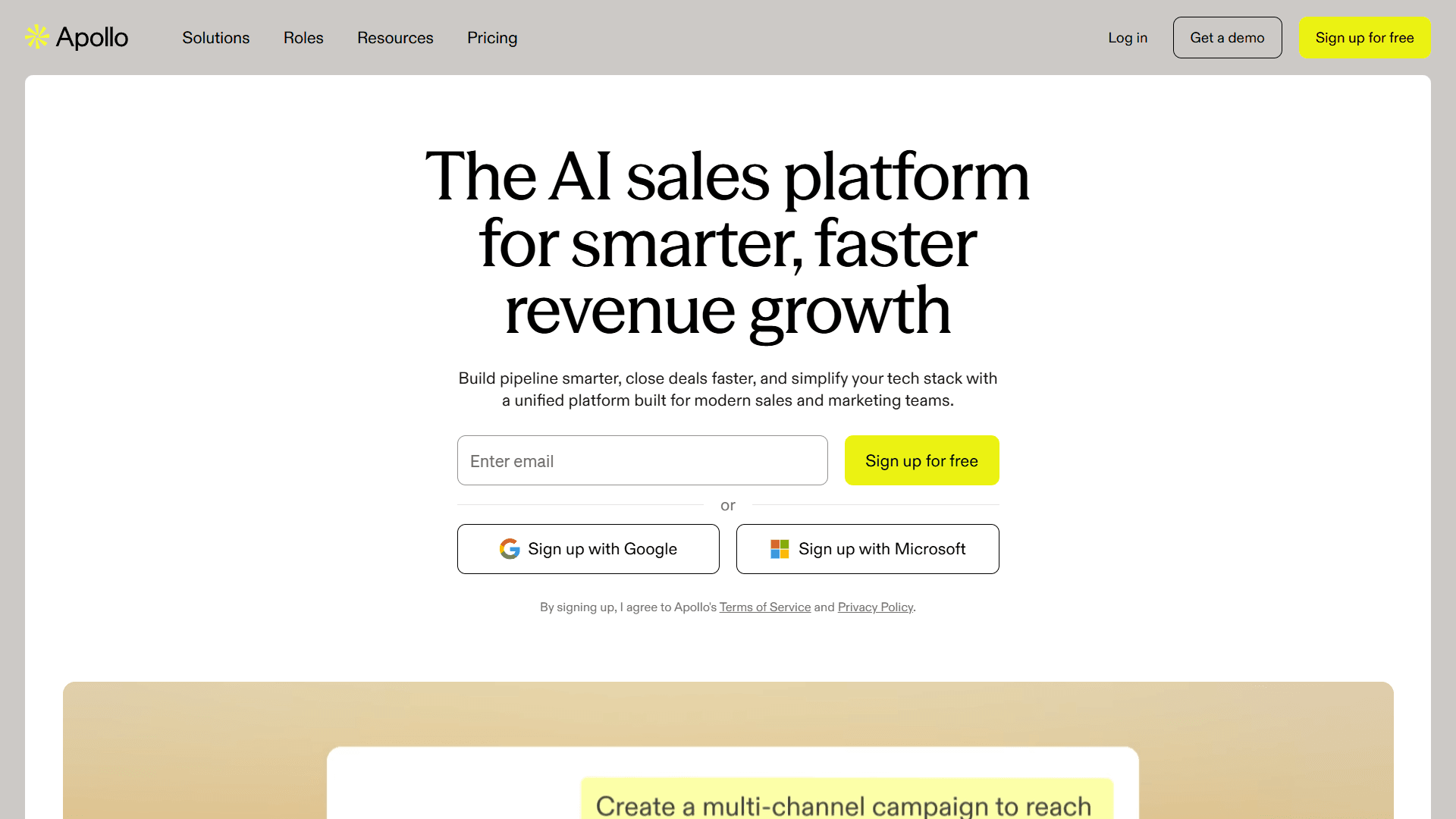
Apollo is a sales intelligence platform with a proprietary database of B2B leads and built-in waterfall enrichment. When its own database comes up short, Apollo turns to third-party vendors that you select from its list of supported data and validation sources.
Who is Apollo for?
Apollo is a solid option for teams that want access to a large proprietary database and built-in waterfall routing under one subscription.
How Apollo works
You specify backup data vendors when configuring your enrichment workflow.
Apollo first queries its own database for contact data.
If its own records don't return a result, it cascades to third-party providers.
Apollo can include an optional validation step to ensure a high level of data accuracy before a record is saved or used in a sequence.
Enriched data syncs directly to Apollo's built-in sequencing and CRM.
Key features
B2B contact database with built-in waterfall fallback
Native sequencing and CRM integration
Credits-based pricing with waterfall enrichment included
Access to multiple third-party providers without additional contracts
Limitations
You are limited to the specific third-party providers available in the Apollo integrations marketplace.
3. Clay waterfall enrichment
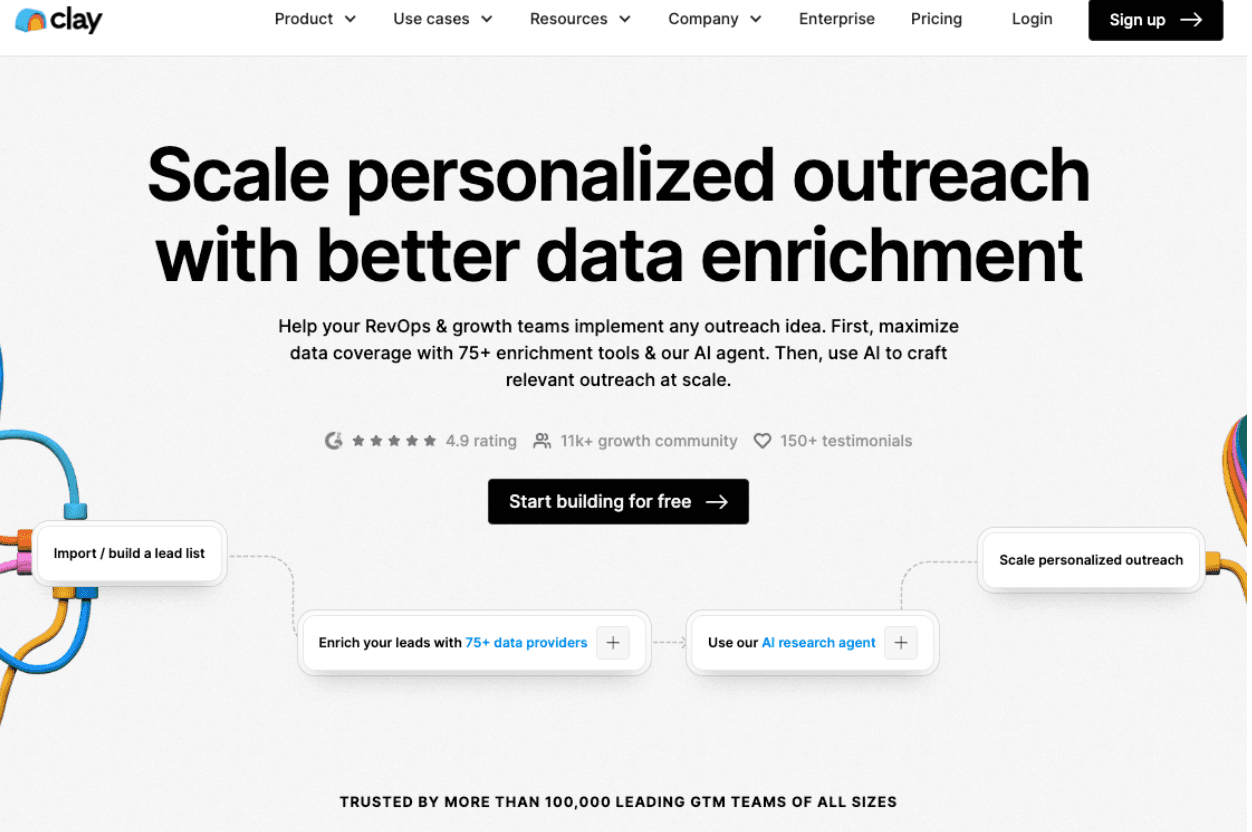
Clay is a data enrichment platform built around API-driven waterfall routing. It offers a flexible, programmable, spreadsheet-like interface that can chain together dozens of data providers.
Who is Clay for?
Clay is most suitable for tech-savvy teams that want granular control over their enrichment stack.
How Clay works
You connect your chosen data providers via API.
Cascade order and fallthrough logic are configured manually per field type.
Clay queries each provider in sequence and validates results before writing to your records.
Enriched data is pushed to your CRM or outbound tool via native integrations.
Key features
Connects to over 100 data sources and enrichment providers
Fully configurable cascade logic per field type
Flexible output delivery to CRM, sequencing tools, and spreadsheets
An AI agent that can browse the web to find data points that aren't in traditional databases
Limitations
Building and maintaining Clay workflows requires technical knowledge.
4. Lemlist with pre-outreach enrichment
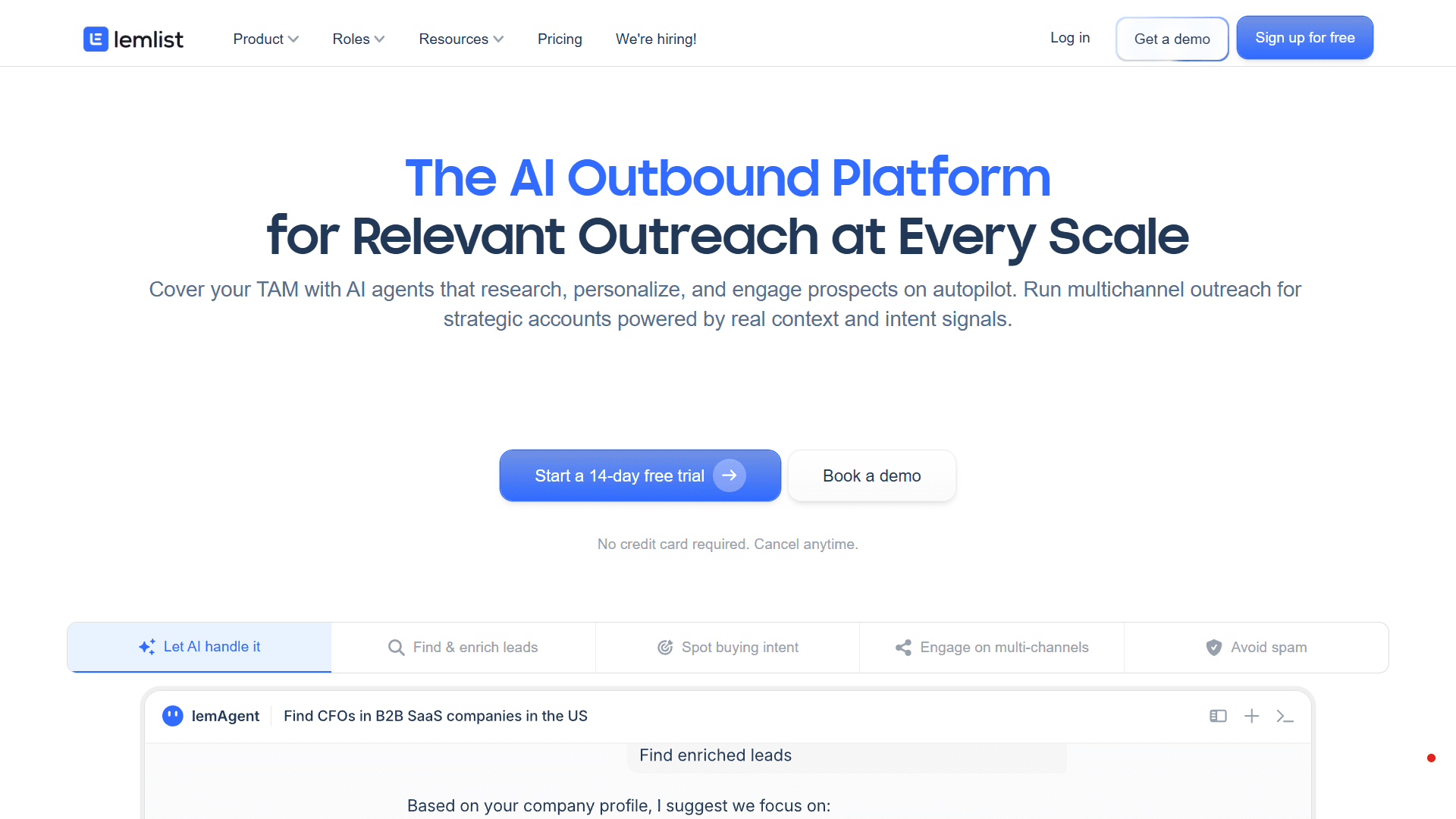
Lemlist is primarily an outbound sequencing platform, but it includes a waterfall enrichment process that runs before campaign launch. Enrichment is bundled into the outreach setup workflow.
Who is Lemlist for?
Small outbound teams that already have a contact list and want to enrich and verify it as part of their campaign setup.
How Lemlist works
You import a contact list into Lemlist before launching a sequence.
Lemlist runs lead enrichment across multiple providers to fill missing fields.
Enriched leads are pushed directly into multichannel sequences.
Unverified or unresolvable contacts are flagged before outreach begins.
Key features
Pre-campaign enrichment built into the sequence setup workflow
Multi-provider waterfall routing with email verification
Native sequencing with personalization across email and social media
Limitations
The waterfall process is a black box, so you cannot choose which specific providers are used or change their order.
Waterfall enrichment API and automation
Before modern enrichment tools, the standard process was manual: export contacts to a CSV, run them through an enrichment tool, and reimport the results into your CRM.
Some teams still work this way, but it leaves gaps everywhere. Contacts that arrive between batches aren’t enriched, and records decay between runs.
A waterfall enrichment API replaces this manual cycle with a continuous one that fires the moment new contact data enters your system.
How a waterfall enrichment API works
Most waterfall enrichment platforms offer an API that connects directly to your CRM or outbound tool. Once the integration is set up, you define the trigger conditions, which are the events that tell the system to run enrichment on a given contact.
For example, you can set enrichment to trigger at the following times:
A new contact is imported into your CRM
A prospect submits a form on your website
A campaign is about to launch
When a trigger fires, the API passes the contact's existing information to the enrichment platform. The waterfall cascade runs, querying providers in sequence until verified fields are returned. These verified fields are then written back to the contact record in your CRM automatically.
Real-world use cases
API-triggered enrichment fits naturally into several points across the outbound workflow. The most common applications relate to moments when new contacts arrive or existing ones go stale.
Here are the four most common use cases:
Enriching and verifying records automatically as new contacts enter your CRM
Cleaning and completing a list before an outreach sequence launches
Identifying and enriching anonymous visitors as they hit your site
Running aging records through the waterfall on a regular basis to catch role changes and outdated emails
Where Artisan connects the dots
Artisan doesn't require API configuration. It handles enrichment as part of the same workflow, alongside prospecting and outreach. AI BDR Ava enriches contacts using Artisan’s in-house database, multiple third-party providers, and comprehensive web scraping.

Single-source vs waterfall vs AI-driven enrichment
Waterfall enrichment overcomes many of the shortcomings of single-source enrichment, but it requires a more complex configuration. AI-driven enrichment goes a step further by removing most of the manual setup work.
Single-source enrichment
For single-source enrichment, you subscribe to one provider, query it for every contact, and accept whatever it returns. It's simple to set up, easy to budget for, and sufficient for teams with a narrow ICP in a geography their provider covers well. The limitation is a hard ceiling on match rates, which typically sits at around 60%.
Traditional waterfall enrichment
In traditional waterfall enrichment, you set your system to run through a group of providers, and each fills the gaps the last one missed. Match rates climb to 80% or higher, and coverage across geographies and company types improves significantly.
Cleaner data comes with operational complexity, though. You often have to manage multiple provider contracts and configure cascade logic on your own.
AI-powered waterfall enrichment
AI-driven tools like Artisan add a layer of intelligence on top of the cascade logic. Instead of manually configuring provider order, defining fall-through rules, and maintaining API connections, you define your ICP, and the system handles the rest.
Where traditional waterfall enrichment stops at delivering a verified contact record, AI-powered enrichment also connects directly to outreach. Enriched data feeds into outbound sequences immediately, with personalization based on the data the waterfall surfaced.
How to measure enrichment effectiveness
Match rate is just a starting point for measuring the effectiveness of your enrichment. The numbers that actually tell you whether the system is working sit further down the funnel.
The following metrics show the broader effectiveness of your enrichment:
Reply rate
Meeting booked rate
Pipeline generated
Revenue growth
Together, these metrics show you where enrichment is working and where it's leaking.
Build a better outbound engine
Waterfall enrichment is the fuel your outbound motion runs on. Instead of obsessing over data quality, focus on tools that help you surface the right data and push it into your workflows.
Enriched contacts allow for deep personalization and give reps the context they need to start real conversations.
Artisan is built for exactly these purposes. AI BDR Ava sources the most relevant lead details through Artisan's proprietary waterfall, which draws on a huge array of data sources, and uses them to score leads and create hyper-personalized outreach sequences.
Automate your outbound with an AI BDR
Meet Ava—your AI BDR who handles prospecting, outreach, and follow-ups, so your team can focus on closing.

Adelina Karpenkova
SME @ Artisan
Adelina Karpenkova is a writer helping businesses tap into AI's potential and clear up misconceptions. She works with B2B teams on latest industry knowledge.