How to use real-time sales signals for smarter B2B lead scoring & 5 best tools
Build a B2B lead scoring system that filters noise, flags high-intent buyers, and automates outreach so you don’t have to guess who’s worth a follow-up.
Most leads look qualified in your CRM. Most of them will never buy.
A smart B2B lead scoring system identifies real intent and triggers campaigns at the right moment.
This guide explains how to build a scoring model that reflects modern go-to-market frameworks.
Bad leads look just like good ones in your CRM
It’s common for scaling go-to-market (GTM) teams to struggle to separate good leads from bad ones, even when a lead scoring system is in place. There are a mix of reasons for this, but incomplete data, poor ICP alignment, and processes that weren’t designed for volume tend to be the most common.
Why lead quality breaks as volume grows
There’s a lot happening in the background that B2B sales and marketing teams only discover when the pipeline is leaking and being filled with poor-fit leads. And it has a lot to do with a poor ICP alignment.
93% of marketers say that personalized experiences (dependent on up-to-date personas) drive the most purchases. Yet only 14% of teams deliver about half of those campaigns.
These findings speak volumes about delayed updates to target personas. Marketing generates more MQLs as the company scales, but they “match” an ICP developed a few quarters ago.
This means that early-stage startups overscore signals that don’t indicate a strong fit. More traffic doesn’t mean more high-quality pipeline. Teams have to update their lead scoring model as lead volume grows to capture leads that actually drive revenue.
Lead scoring gives you a filter for focus
As a business grows, sales and marketing teams have to sit down and redesign the lead scoring system. The balance lies in keeping basic filters like job title, form fill, and company size while layering in advanced signals like pricing page visits, repeat website sessions, etc.
The goal should be to develop a lead scoring model in which each action meaningfully adds or subtracts points so every lead gets a dynamic score. Only then can sales reps’ focus and time move to high-probability opportunities.
The core data types behind every high-converting score
The first step in building a smart scoring model is to put together an extensive list of data points that are applicable to your business.
Best practice is to combine attributes from three categories—demographics and firmographics, behavioral signals, and technographics—to achieve a prioritization model that mirrors how real buying decisions are made.
Demographic and firmographic attributes
This is your “fit layer” to determine whether the lead matches your ideal customer profile.
Here are all the possible demographic signals you can add to your lead scoring:
Job role and authority: C-level, VP-level, head of department, manager-level, board member, specialist
Functional department: sales, marketing, RevOps, product, finance
Decision-making power: Budget holder, technical evaluator, end user
Seniority level: Executive, senior leadership, mid-management, junior-level
Tenure: Less than 6 months, 6–24 months, over 2 years
Location: United States, UK, DACH, APAC, EMEA, LATAM
Email domain quality: Corporate domain, free domain (Gmail/Yahoo), education (.edu), government (.gov)
Example of a demographic scoring model
Criteria | Points | Reason |
C-Level / VP | +25 | Budget authority |
Director / Head | +20 | Likely evaluator |
Sales / RevOps | +15 | Core persona |
<6 Months in Role | +15 | Change = buying window |
Corporate Email | +10 | Valid buyer |
Free Email | -25 | Low probability |
Next, layer in signals that allow you to measure company-level fit.
Here are the firmographic attributes you can assign scores to:
Company size: 1–10, 11–50, 51–200, 201–500, over 500
Annual revenue range: Over $1M, $1M–$10M, $10M–$50M
Industry: SaaS, fintech, healthcare, ecommerce, manufacturing
Funding stage: Bootstrapped, seed, Series A, Series B, public
Growth signals: Hiring spike, revenue growth, rapid headcount growth, new leadership hires, market expansion
Market focus: Domestic-only, international expansion, multi-region enterprise
Business model type: B2B, B2C, hybrid, product-led growth (PLG)
Example of a firmographic scoring model
Criteria | Points | Reason |
50–500 employees | +20 | Ideal scaling range |
Series A–C | +15 | Budget + urgency |
SaaS industry | +15 | Strong product fit |
Hiring 5+ sales roles | +20 | Clear growth motion |
Enterprise-focused | +10 | Higher ACV |
1–10 employees | -15 | Likely too early |
Once you’ve established these scoring models, you can enrich incomplete records using real-time firmographic data to eliminate accounts with a poor fit early. If you don’t subtract points for clear misalignment at this stage, your behavioral and technographic scoring will become ineffective.
Behavioral and intent-based actions
This group of signals determines whether your buyers are actively researching or buying. Assign higher scores to actions with strong intent, such as repeated pricing visits or webinar signups.
Sales and marketing teams usually group behavioral data into four main categories:
Website behavior
Content engagement
Email engagement
Buying committee signals
In turn, each category has a list of subcategories and signals you can score.
Website behavior
Pricing engagement: Pricing page visit, repeat pricing visit, time on pricing page for more than 2 minutes
Product page interaction: Feature page views, integration page views, API documentation views
Conversion page behavior: Demo page visit, demo form submit
Case study engagement: Case study views, industry-specific case study views
Blog consumption depth: Multiple blog views, scroll depth
Comparison behavior: Competitor comparison page visit
Chat interaction: Chat initiated, sales meeting requested
Session frequency: Over 2 visits in 7 days, over 3 visits in 14 days
Content engagement
Content downloads: Whitepaper, ebook, industry report
Event engagement: Webinar registration, webinar attendance, 50% or more of watch time
Tool usage: ROI calculator usage, assessment tool completion
Newsletter engagement: Subscription, 3 or more clicks in 30 days
Email engagement
Email interaction: Open, multiple opens, link click, multiple clicks
Direct response: Reply, forward, meeting booking
Negative signals: Unsubscribe, hard bounce, spam complaint
Buying committee signals
Multi-stakeholder activity: Over two contacts from the same company engaging
Role diversity: Executive and manager engaging
Simultaneous page visits: Multiple sessions within 48 hours
Contextual signals
Contextual signals provide information about a company’s activities that may indicate it’s a good time to reach out with account-based marketing campaigns and outreach. They can be seen as a form of soft intent signal—they indicate potential readiness.
Here’s an overview of the most commonly used contextual signals:
Recent funding round
New hires
Strategic partnership announcement
CRM migration and marketing or sales automation migration
Data provider switch
Website redesign, or pricing page redesign
Surge in review site activity
Market expansion into a regulated industry
Layoffs announced, or budget cuts reported
Revenue decline reported
Seasonality demand spike
Competitor price increase
Competitive lawsuit or disruption
Example of a behavioral scoring model
Behavior | Points | Reason |
Pricing page visit | +20 | Strong buying intent |
2+ pricing visits | +30 | Evaluation phase |
Webinar attendance | +20 | Education stage |
Demo request | +40 | High intent |
2 contacts engaging | +25 | Buying committee forming |
New hire | +10 | Likely upcoming changes to tech stack |
Recent funding round | +15 | Budget for new tools |
Market expansion | +20 | Segment-specific software required |
Unsubscribe | -35 | Clear disengagement |
Engagement frequency is a particularly powerful behavioral signal because it can uncover urgency. You should assign higher scores for three pricing visits in 5 days than for 10 blog visits over 6 months.
Technographic and contextual signals
Technographic attributes show which technologies a company uses. You can incorporate them into your scoring to qualify and segment accounts, identify gaps and replacement opportunities, and confirm compatibility with your tool.
Here are the most common technographic signals:
CRM (HubSpot, Salesforce, Zoho, no CRM detected)
Marketing automation platform (Marketo, Pardot, ActiveCampaign)
Sales engagement platform (Outreach, Salesloft, Apollo)
Multiple competitor tools detected
Website visitor tracking software installed
API-connected or integration-heavy stack
No marketing automation detected
Spreadsheet-based lead management signals
Don’t use technographic signals primarily as positive scoring levers. These are a great means of protecting sales focus by assigning negative values. Companies with no CRM or without an API, for example, might be a poor fit for your product.
Example of a behavioral scoring model
Criteria | Points | Reason |
CRM integrates with our tool | +5 | Straightforward implementation |
Lacks a tool with our functionality | +10 | Likely open to hearing from vendors |
Relies on legacy platforms | -15 | The cost of implementation is too high |
Recently purchased a competitor tool | -30 | Unlikely to change vendors |
Choose your scoring model based on team size and complexity
When building a scoring model, many sales and marketing teams begin by asking, “Which lead scoring model should we use?” However, “What model can our current data quality and volume realistically support?” is a far better question.
The most effective modern GTM teams work with the data they have reliable access to and know is accurate.
Rule-based scoring (best for startups)
Rule-based scoring remains foundational because it forces clarity.
This is where you define what a good fit looks like and what constitutes meaningful engagement with your business. You assign explicit weight to firmographics, role seniority, and behavioral activity. You also define triggers that subtract scores.
Rule-based scoring works best in one of the following business scenarios:
Your deal volume is still stabilizing.
Your ICP is well defined but not fully proven.
You don’t yet have enough closed-won data for predictive modeling.
Predictive and machine learning models (mid-market and enterprises)
Predictive scoring becomes valuable when you have enough historical conversion data to detect real patterns. Instead of manually assigning weights to each signal, machine learning models analyze past opportunities and identify which combinations of signals correlate with closed-won outcomes.
In CRM platforms like HubSpot or Salesforce, predictive models provide a probability score—a percentage likelihood that a contact will convert within a defined window.
This layer adds objectivity and surfaces non-obvious signal combinations. But predictive models are only as good as the data feeding them. That’s why it’s vital to maintain strong CRM hygiene. Once you have it, predictive scoring continuously evolves as more data is captured.
Intent-based and negative scoring (for all business stages)
Intent-based scoring is now a fundamental part of lead scoring logic and modern GTM plays. It accounts for lead activity across your owned resources and external platforms like LinkedIn, X, and news sites.
This layer is usually added by integrating separate tools into your CRM, such as Artisan’s anonymous website visitor tracker and HubSpot.
Artisan, for example, captures unique website visits and provides data about the company visiting your website, decision-makers, and IP addresses.
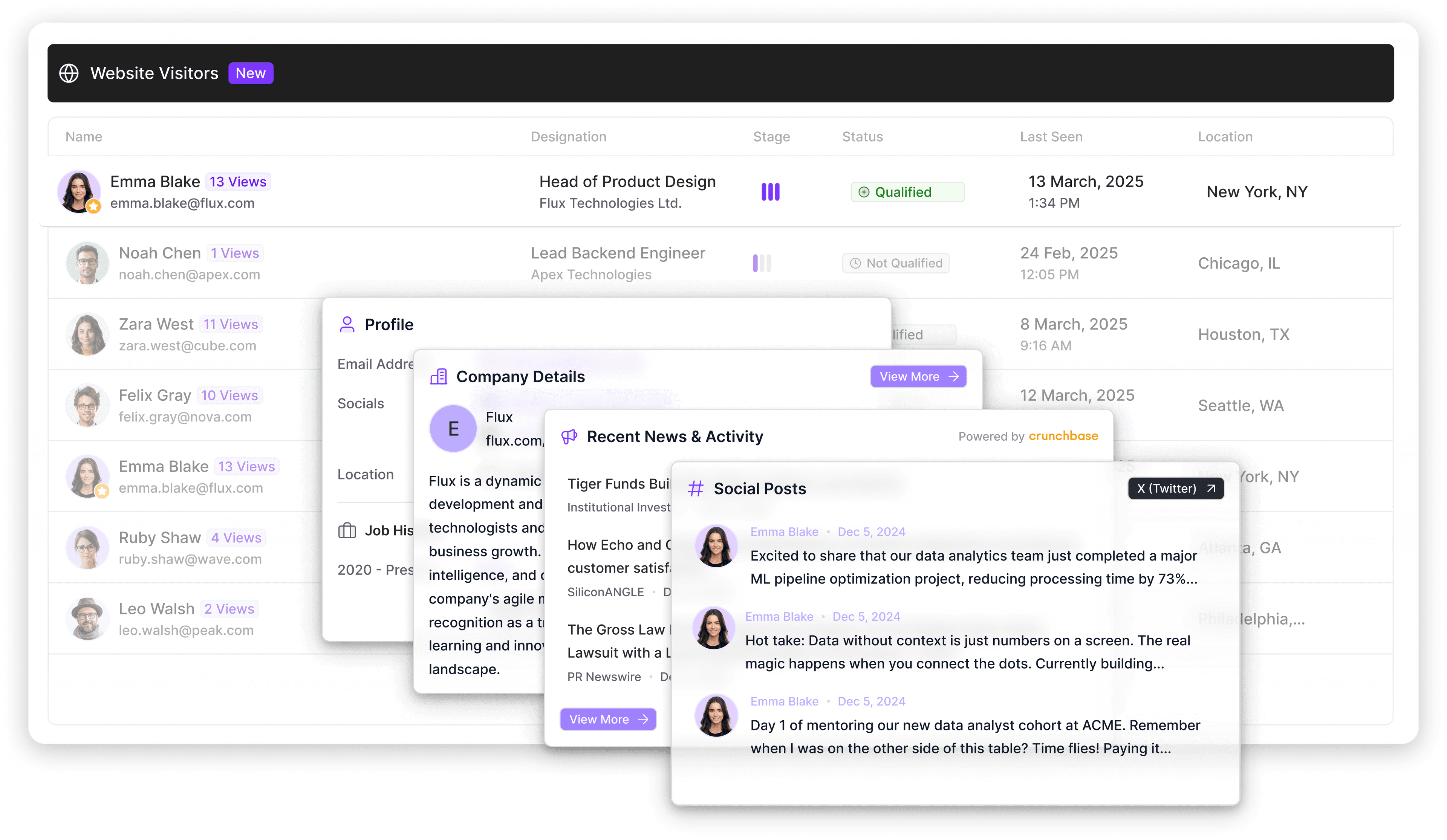
Once it has surfaced a new company, it pushes this data to your CRM. From there, automated workflows trigger outreach or ABM campaigns.
Negative scoring is equally important for businesses of all stages. It ensures that activity alone doesn’t inflate priority. Companies with recent layoffs, hiring freezes, or clear disqualifiers should actively lose points—even if engagement exists.
Build a scoring system that doesn’t need babysitting
Lead scoring fails when it requires constant manual adjustments. If your model needs weekly tuning to stay relevant, the problem lies in its logic.
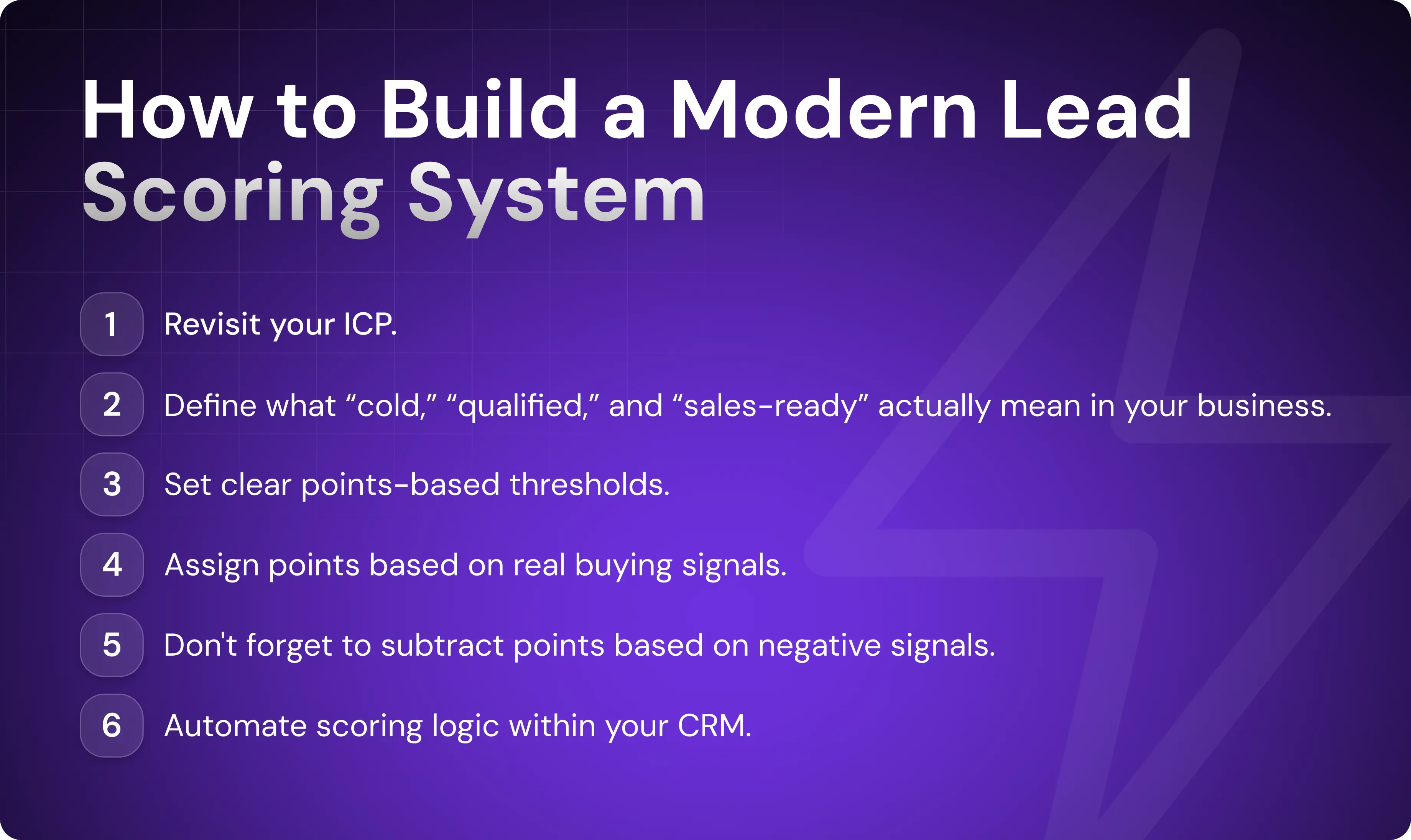
1. Define your ICP and thresholds first
If you don’t know who your ideal customers and personas actually are, no scoring model will save you. Clarify them first, and then bring your marketing and sales teams together to align on what “cold,” “qualified,” and “sales-ready” actually mean in your business.
For example, a contact might remain cold if they only download top-of-funnel content, even if they’re in the right industry. A marketing-qualified lead (MQL) might require strong firmographic alignment and at least one meaningful engagement signal. A sales-qualified lead (SQL) should require both a tight ICP fit and recent buying behavior, such as pricing page engagement or demo intent.
From there, define clear thresholds like the following:
0–39 points: Cold (monitor or nurture only)
40–59 points: Engaged but not ready for sales
60–79 points: MQL (strong fit and early buying signals)
80 points or more: SQL (high fit and clear buying intent)
The purpose of this stage is to define, in a general sense, which categories of scoring criteria actually matter. You’re specifying a type of behavior (such as an engagement or buying action) rather than the specific behavior itself (such as a price page view). These thresholds point you to the data you need to collect.
2. Assign points based on real buying signals
Once you’ve clearly defined your ICP and scoring criteria in the abstract, the next step is to set specific rules for adding or subtracting points based on firmographic, behavioral, and technographic signals.
At this stage, you should ask which data points you need to collect to score and define leads according to the thresholds in the previous step.
Let’s look at a practical example.
A director of sales at a 150-person SaaS company (add 35 points for ICP-fit) who visits the pricing page (add 20) and attends a product webinar (add 15) would cross 70 points and become an MQL. If that same account then submits a demo request (add 20), they move past 80 and qualify as SQL. However, if that same contact uses a free Gmail address or announced layoffs in the last month, you subtract 20 points.
This is where enrichment becomes critical, so it’s important that you have access to the data you need. If firmographic or technographic fields are incomplete, scoring will become subjective.
Artisan is an AI-first platform that works 24/7, filling in missing account properties and updating company size, funding data, tech stack, and intent signals in real time. Artisan is built around AI BDR Ava, an autonomous employee who analyzes lead data and updates scores automatically and at scale.

3. Automate the scoring logic with your CRM
Your model’s logic should automatically update scores and trigger actions the moment thresholds are crossed.
In most CRMs, lead scoring automation starts with a score property. You define criteria that add or subtract points based on contact and company fields, website behavior, email engagement, and lifecycle activity. The platform recalculates scores automatically as new signals come in. You can also apply time decay so older engagement gradually loses weight.
When a contact crosses your threshold, the CRM triggers a predefined workflow (or multiple workflows).
Here’s a list of common workflows that reps set to run when thresholds are passed:
Cold lead
Outbound email
Early-stage ads
Connection on social media
Engaged lead
Email nurturing
Webinar or demo invitation
Relevant case study
MQL
SDR outreach sequence
Qualification call request
Delivery of product-focused content
Lead assignment to sales
SQL
Sales call scheduling
Opportunity created in CRM
Tailored demo or proposal
Deal stage progression in sales tracking software
Lead enrichment platforms like Artisan update lead scores based on real-time buying intent. Artisan monitors changes in lead and account behavior on social media, news sites, company press releases, and more. Once new intent is logged, Artisan automatically updates your CRM lead record, which can then recalculate a lead's score on the fly.
The best lead scoring tools (ranked by use case)
Now that you know the scenarios and lead scoring logic your CRM must support, let’s compare seven of the best lead scoring tools on the market. We’ve broken them down by use case so you can identify which one is most likely to be a fit for your business.
1. HubSpot: Best for teams already using HubSpot CRM
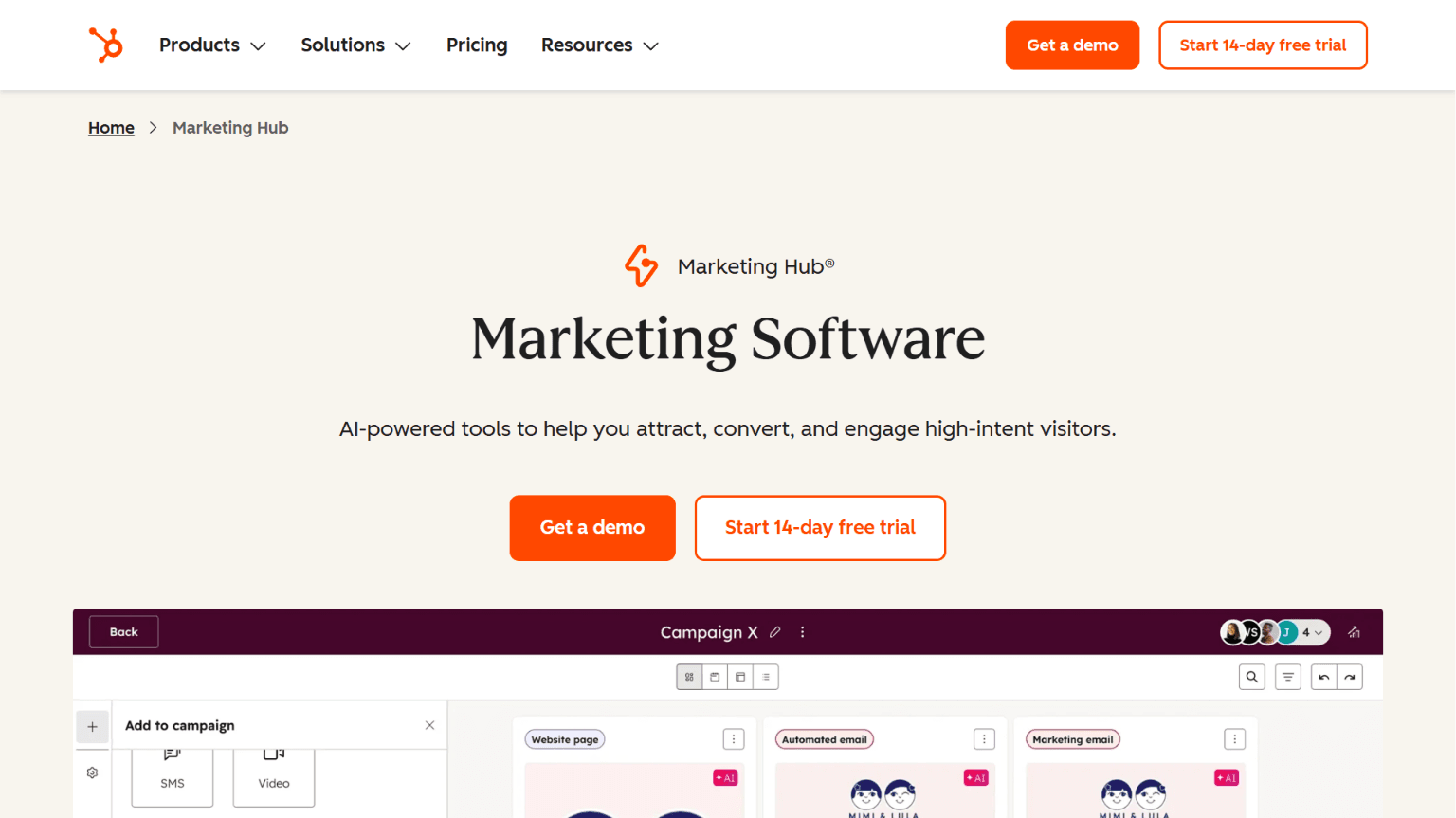
HubSpot offers native rule-based and predictive lead scoring directly inside its CRM. It works best when scoring needs to connect immediately to lifecycle stages, workflows, and marketing automation without relying on third-party orchestration.
Best for: Growth-stage teams already running HubSpot that want scoring tightly integrated with marketing automation, lead generation, and pipeline management.
Scoring approach: ICP fit paired with engagement rule-based scoring, predictive lead scoring, and Breeze AI-assisted lead qualification and prioritization.
Key features
Custom positive and negative scoring properties (contact and company)
Predictive lead scoring (conversion probability modeling)
Breeze AI for intent surfacing and prioritization
Ongoing data enrichment from a proprietary database (formerly Clearbit)
Real-time workflow-triggered score updates
Score decay and lifecycle stage automation
Native marketing automation and sales sequencing
Pricing
Lead scoring is available on the Marketing Hub and Sales Hub professional plans, which are also both included in the Professional and Enterprise Customer Platform combined packages.
Customer Platform Professional: $1,450/mo ($50/month for extra seats)
Customer Platform Professional Enterprise: $4,700/mo ($75/month for extra seats)
Sales Hub Professional: $100/month/seat
Sales Hub Enterprise: $150/mo/seat
Marketing Hub Professional: $890/month for 3 seats ($50/month for extra seats)
Marketing Hub Enterprise: $3,600/month for 5 seats ($75/month for extra seats)
2. Salesforce: Best for enterprise CRM integration
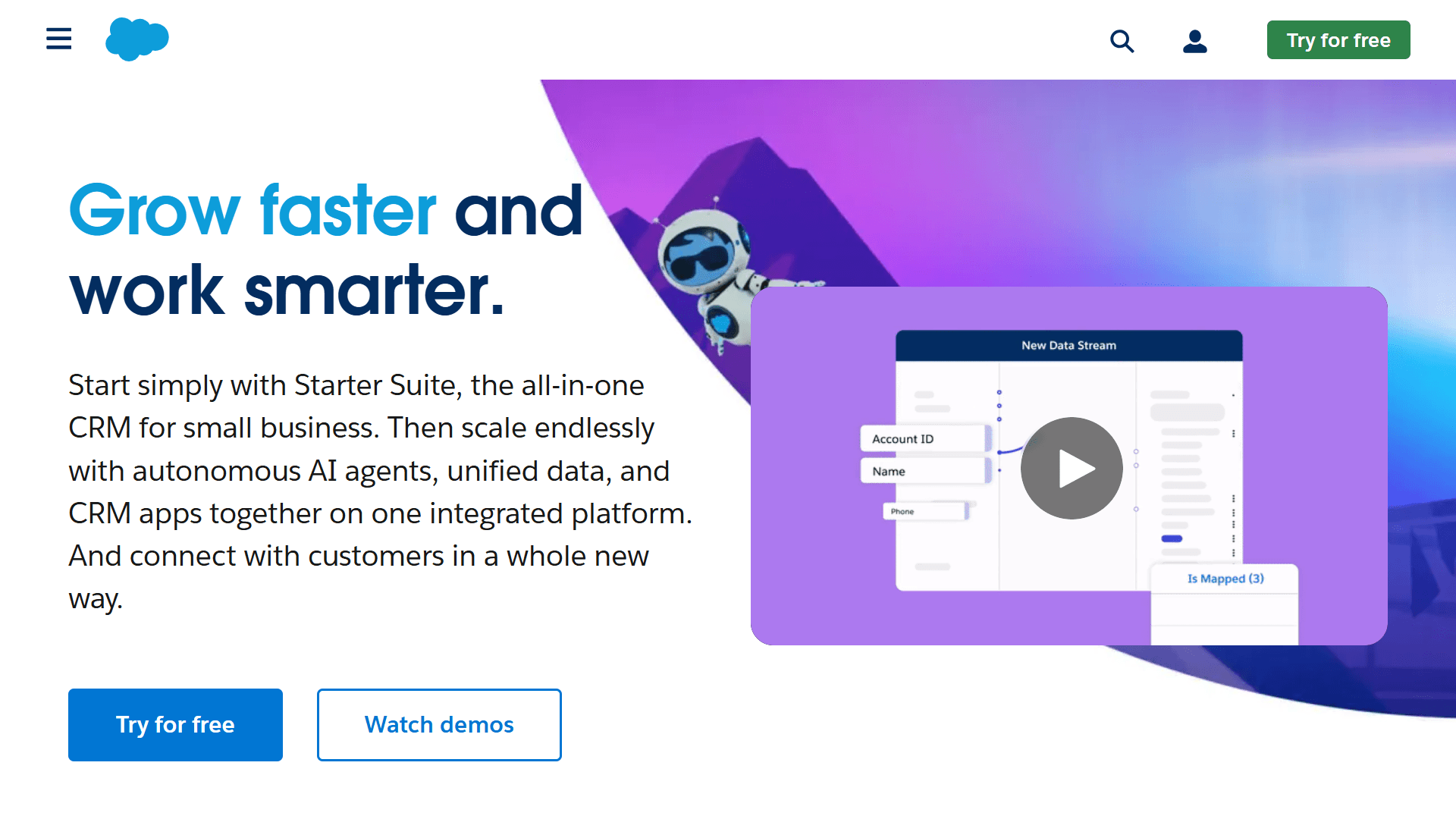
Salesforce supports highly customizable scoring models through custom fields, process automation, and Einstein AI. It excels when lead scoring must support complex enterprise sales flows and forecasting logic.
Best for: Enterprise organizations with dedicated RevOps teams that need predictive scoring tied directly to opportunity forecasting.
Scoring approach: Custom rule-based scoring combined with Einstein predictive scoring.
Key features
Custom lead and account score fields
Process automation with Salesforce Flow for real-time scoring updates
Einstein AI predictive scoring
Account-level scoring support
Deep reporting and pipeline forecasting
Multi-object scoring (lead, contact, and account)
Pricing
Lead scoring is primarily available via two Salesforce products: Agentforce Sales (formerly Salesforce Cloud) and Marketing Cloud Account Engagement (its account-focused marketing solution).
Agentforce Sales Enterprise: $175/user/month (available to purchase as an add-on)
Agentforce Sales Unlimited: $350/user/month
Agentforce 1 Sales: $550/user/month
Marketing Account Growth+: $1,250/org/month
Marketing Account Plus+: $2,750/org/month
Marketing Account Advanced+: $4,400/org/month
Marketing Account Premium+: $15,000/org/month
3. MadKudu: Best for predictive lead scoring
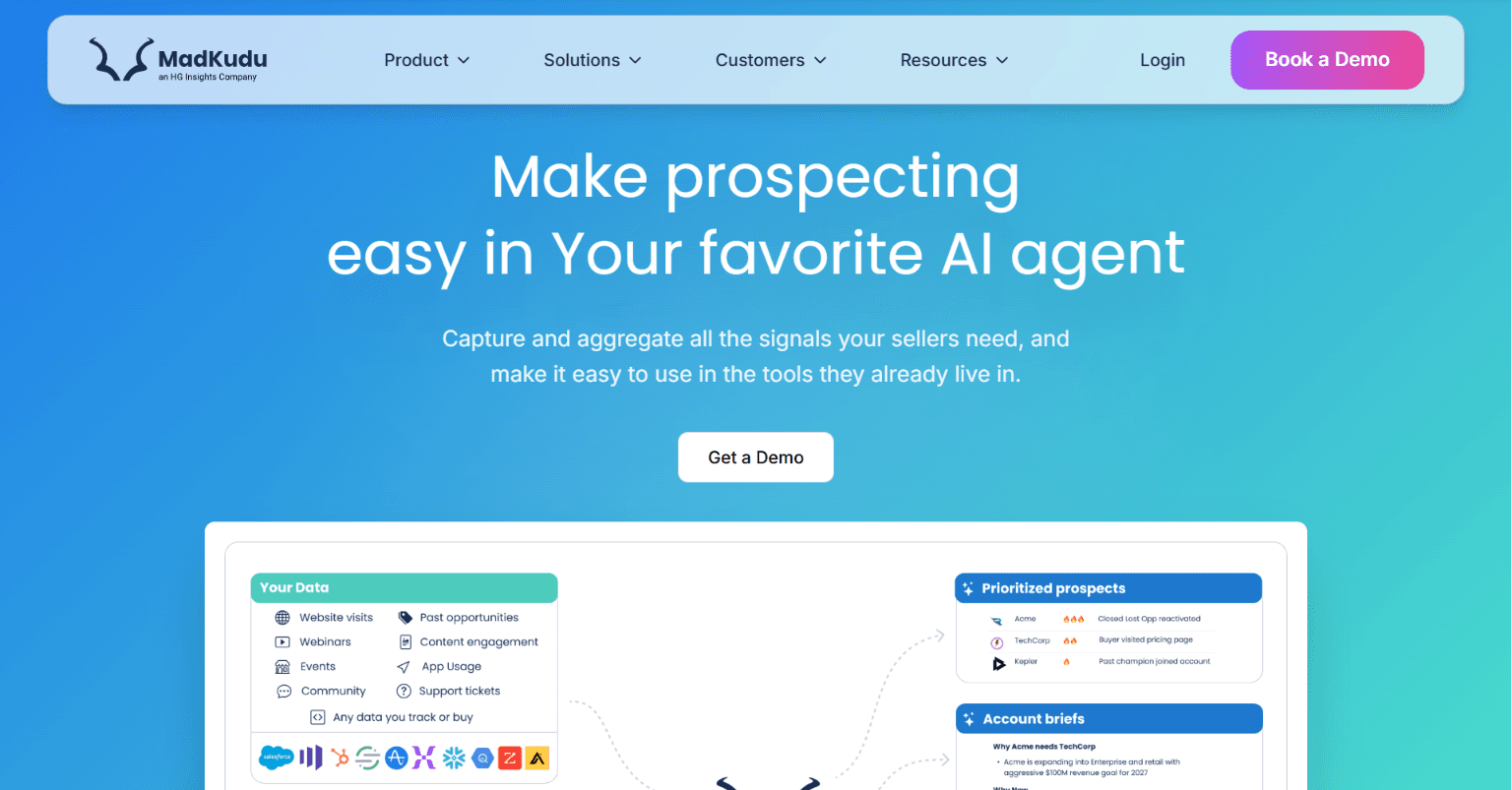
MadKudu specializes in predictive scoring for B2B SaaS, using historical conversion rates to surface high-probability accounts and contacts. It operates as an intelligence layer on top of your CRM.
MadKudu acquired Breadcrumbs, a well-established predictive scoring platform, in December 2024 and integrated its functionality, such as rule-based logic with predictive modeling. Now MadKudu supports account-level scoring by combining multiple stakeholder activities, CRM attributes, and marketing engagement into a single score.
Best for: Product-led or inbound-heavy SaaS companies with strong historical data and a stable ICP.
Scoring approach: Machine-learning-driven predictive modeling blends fit, engagement, and historical conversion signals to generate probability scores.
Key features
AI-based predictive scoring models
Account-level scoring
Predictive model overlays based on historical wins
Revenue outcome feedback loops
Score segmentation by lifecycle stage
Fit versus engagement separation
Continuous model retraining
CRM and marketing automation integrations
Pricing
Custom pricing is available upon request.
4. ActiveCampaign: Best for marketing-driven teams
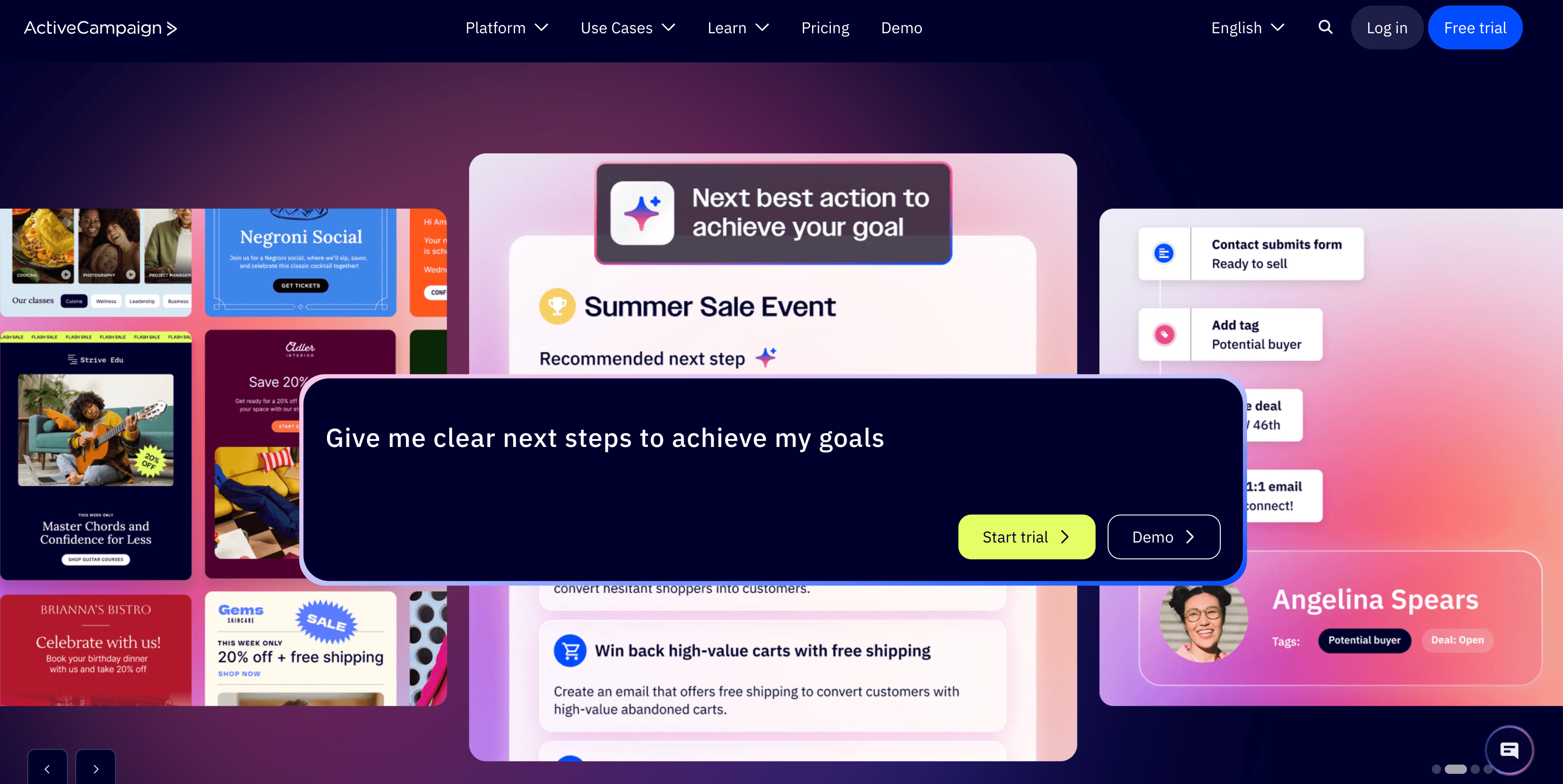
ActiveCampaign ties lead scoring directly to marketing automation workflows. It tracks engagement velocity—opens, clicks, and repeat visits—and adjusts scores in real time. Scoring is closely connected to nurture campaign sequences, making it effective for top- and mid-funnel lead qualification before sales involvement.
Best for: Small to mid-sized B2B teams where marketing owns lead qualification and sales engages later in the sales cycle.
Scoring approach: Rule-based scoring tied to email and web automation.
Key features
Email behavior scoring (opens, clicks, replies)
Website tracking and visit-based scoring
Automated score updates
Custom field-based scoring rules
Drip campaign enrollment based on score
Basic CRM integration
Pricing
ActiveCampaign offers a 14-day free trial. Pricing varies based on the number of email contacts you have. The prices below are for starting packages with up to 1000 contacts.
Starter: $15/month
Plus: $49/month
Pro: $79/month
Enterprise: $145/month
5. Zoho CRM: Best budget option with built-in scoring
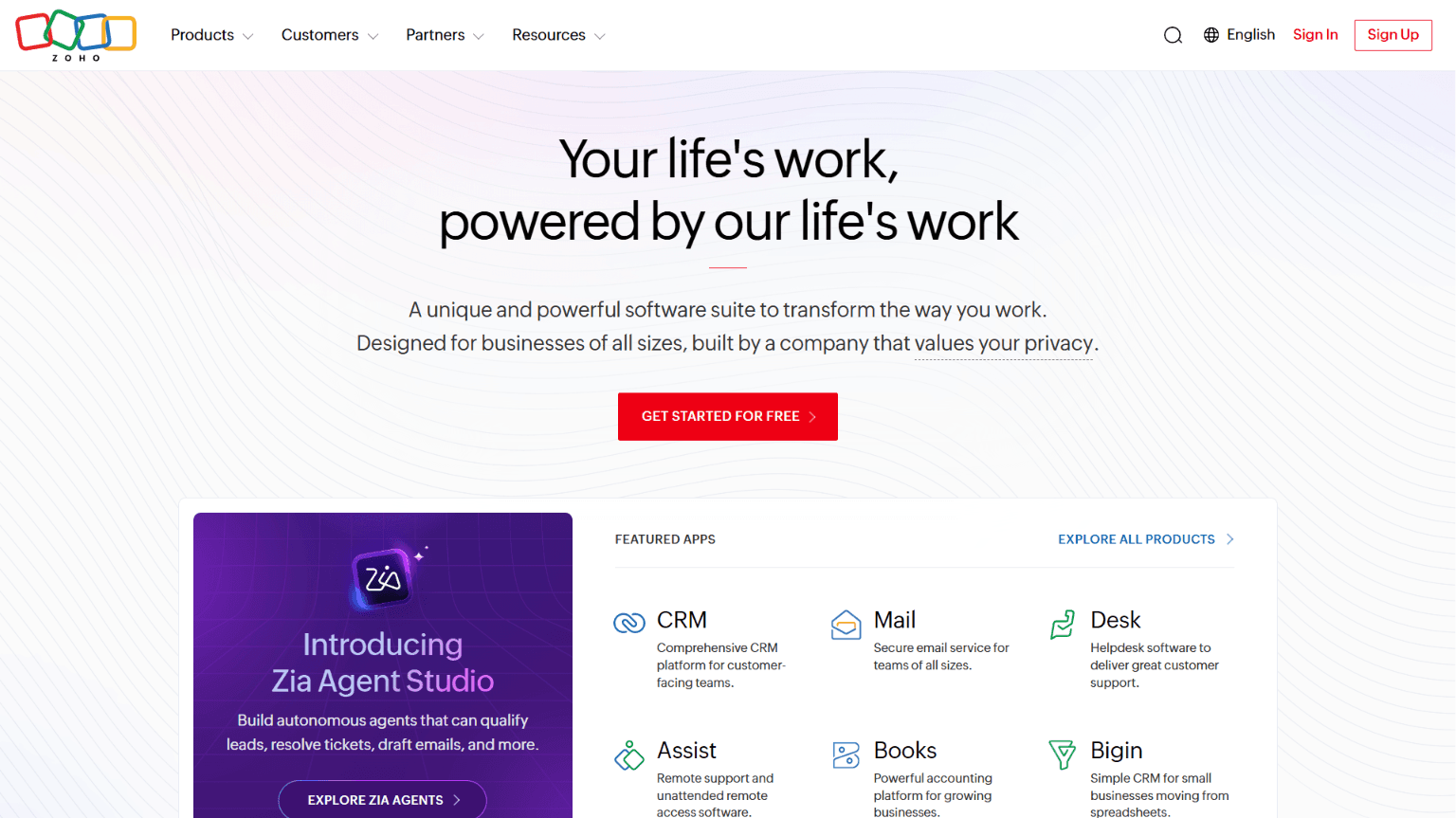
Zoho CRM includes built-in rule-based scoring and allows teams to assign points based on CRM attributes, website behavior, and interaction history without adding third-party tools.
On the flip side, Zoho CRM lacks advanced predictive modeling. It supports only workflow-triggered routing, field-based scoring, and contact prioritization directly inside the CRM. However, its AI assistant Zia can analyze historical CRM data and assign a likelihood-to-convert score to leads.
Best for: Small B2B teams implementing structured lead scoring for the first time with a limited budget.
Scoring approach: Native rule-based scoring within CRM workflows.
Key features
Custom scoring rules (positive and negative)
Workflow-triggered routing based on scores
Engagement tracking
Contact and lead-level prioritization
Basic automation rules
Pricing:
Zoho offers a limited free plan.
Standard: €20/user/month
Professional: €35/user/month
Enterprise: €50/user/month
Ultimate: €65/user/month
Why Artisan makes scoring smarter and faster
Most lead scoring platforms stop at prioritization. Artisan connects scoring directly to execution. The platform is built around an AI BDR called Ava. She is a fully autonomous AI sales rep who can handle all of the early and middle stages of the outbound sales cycle, including lead enrichment and scoring.
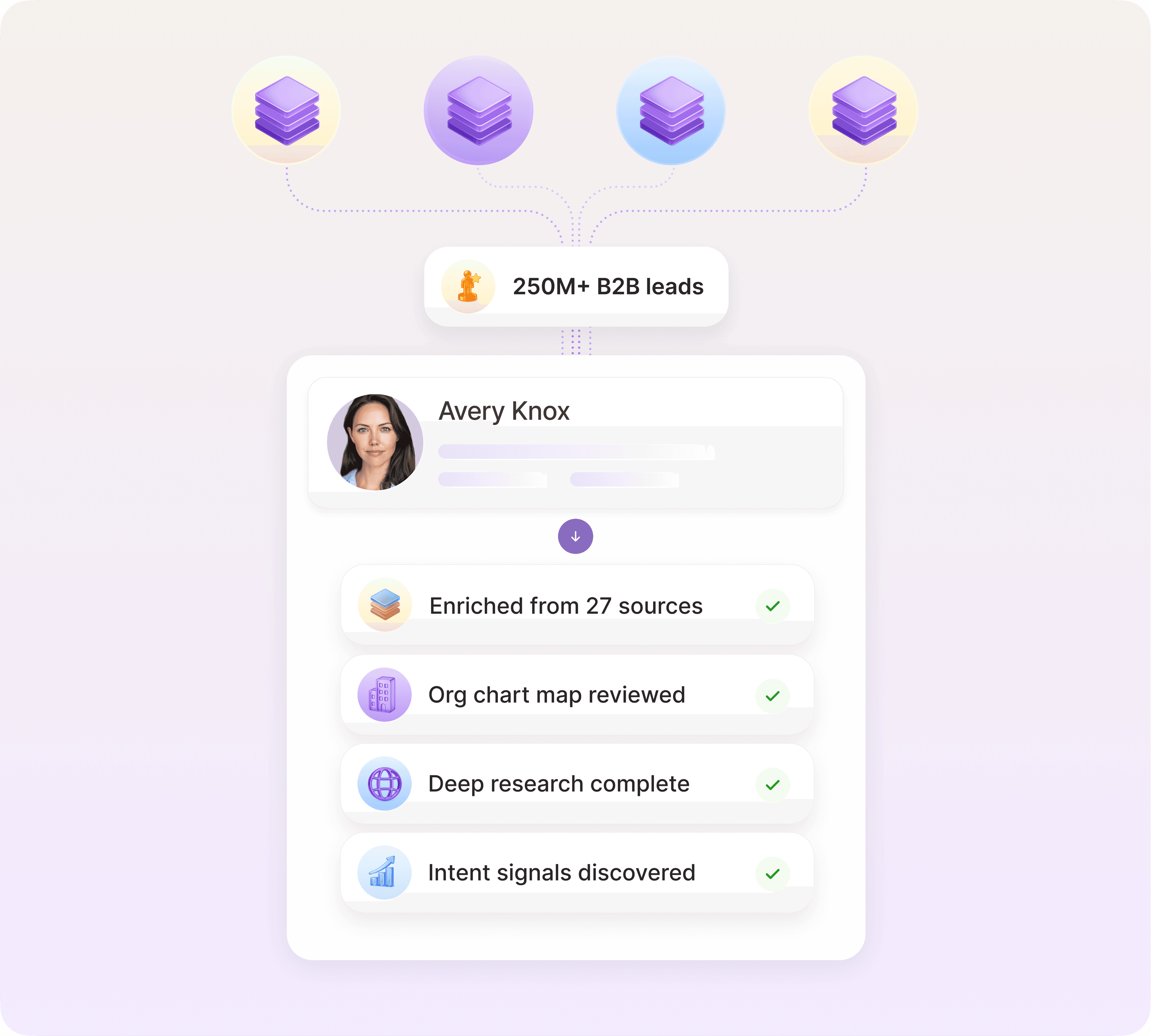
Ava enriches and scores leads in real time
Ava combines web scraping with access to Artisan’s database of over 300 leads. She gathers firmographic, demographic, technographic, and behavioral signals to enrich and score live profiles of potential accounts and decision-makers.
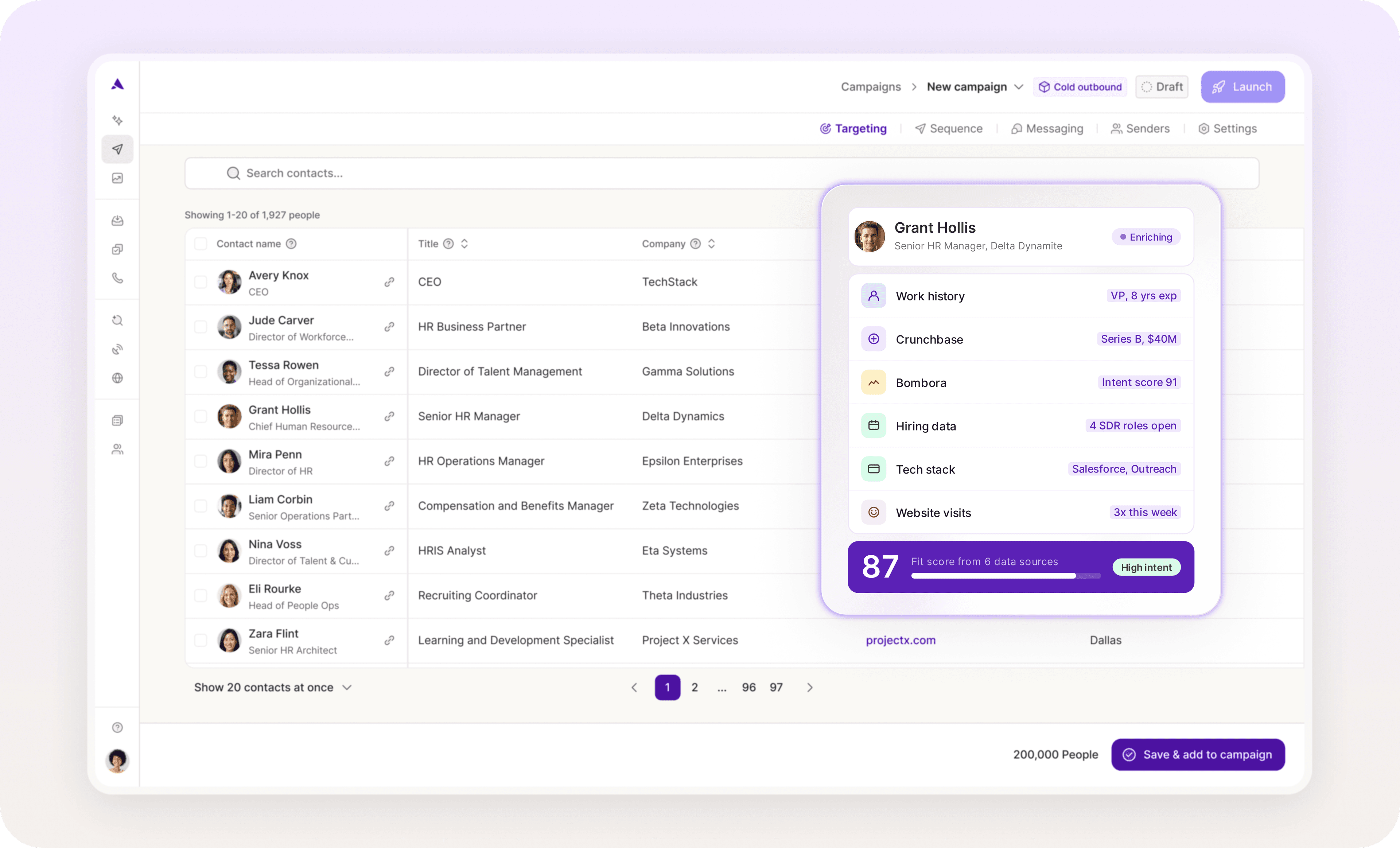
Score and trigger outreach from one dashboard
When a prospect crosses your defined intent threshold, Ava automatically launches multi-channel outreach sequences and follow-ups across email and social media. If intent spikes, sequences adapt in real time.
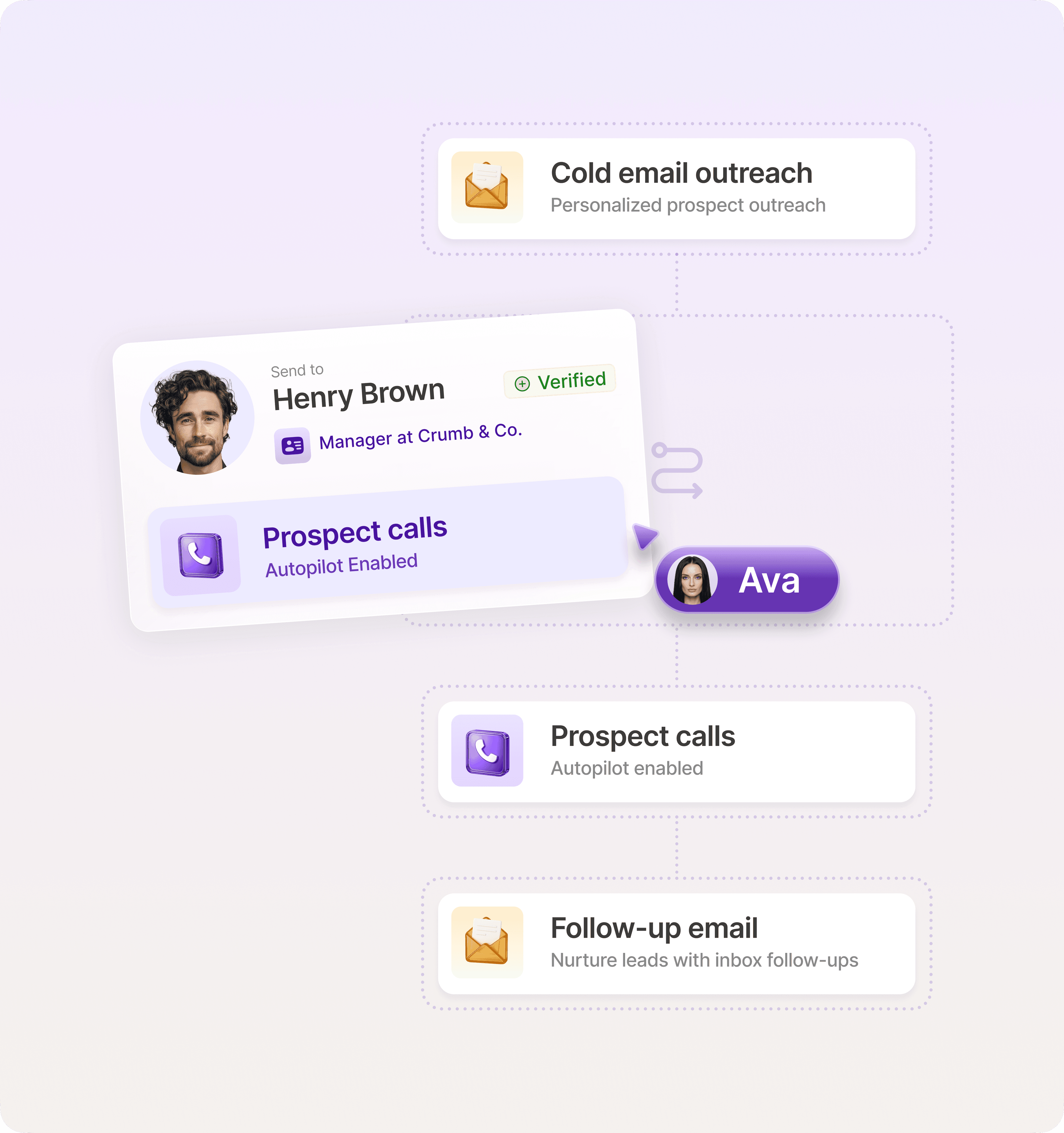
Automate the full funnel without adding headcount
With Artisan, there’s no exporting lists, syncing tools, or manually pushing leads between platforms. Ava handles prioritization, testing, and sequence optimization in the background while feeding response data into your scoring model.
Score smarter or get left behind
Fundamentally, lead scoring is about defining crystal-clear ICPs and designing seamless workflows. This ensures that every significant data point and behavior is reflected in a lead’s score. A modern tech stack with the latest AI functionality is the engine that makes this possible.
Artisan is changing the way that many companies approach scoring and outreach. It automatically enriches and ranks leads using a range of high-quality data sources. It then launches personalized outreach across social media and email. It scales and automates your outbound without adding headcount. Pair it with a properly configured CRM, and you’ll instantly be miles ahead of the competition.

Automate your outbound with an AI BDR
Meet Ava—your AI BDR who handles prospecting, outreach, and follow-ups, so your team can focus on closing.

Jenny Romanchuk
SME @ Artisan
Jenny creates senior-level content for sales, SEO, and marketing professionals. She also leads partnerships at the District #1 Charitable Foundation.