How to automate web scraping for leads and growth
Automate web scraping to boost lead generation and data collection. From point-and-click scrapers to code libraries, see how to collect web data on autopilot.
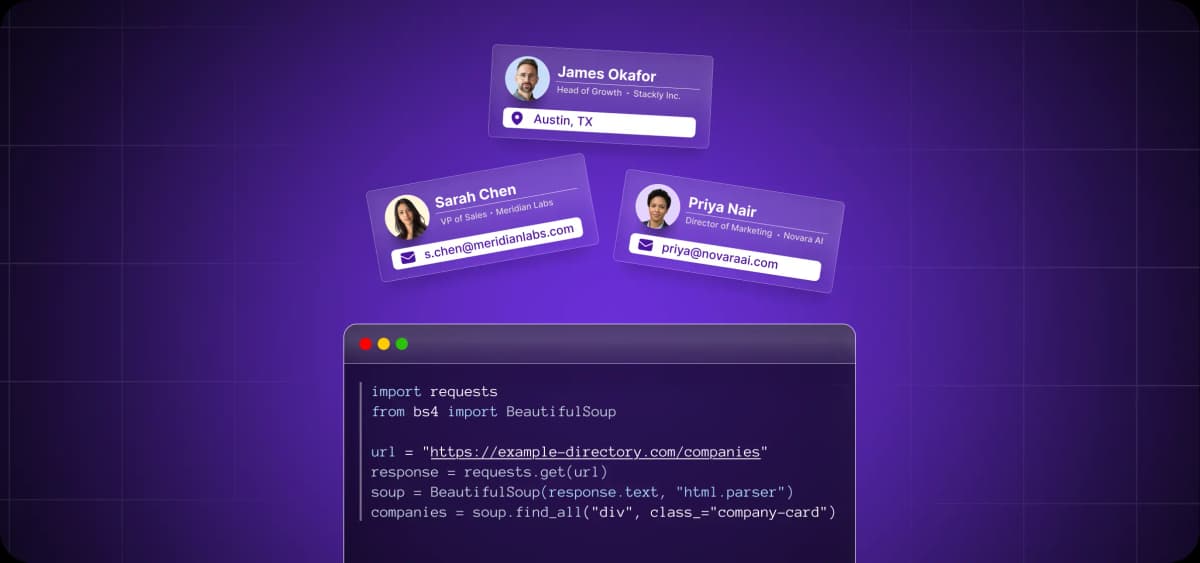
Web scraping has traditionally been a developer task. Sales would send over a request, often wait several weeks, and then receive a CSV.
No-code tools have changed this. But they still hit a ceiling when workflows get complex.
The key to successful automation is matching the right method to each use case. This guide will help you do exactly that.
Scraping without the busywork: Why automation changes everything
Manual scraping has a time cost. Every hour a rep spends extracting data from social media or a competitor's site is an hour they're not running outreach, following up, or closing.
Automated scraping tools add a line item to your software budget, but they remove a much larger one from your payroll.
Time, speed, and scale that manual methods can't match
A well-configured scraper pulls structured data from hundreds of pages in seconds. Thats a speed no human can match
Modern scraping APIs can parse over 180 static HTML pages per second. A rep manually copying data from social media profiles might get through 20 to 30 an hour on a good day. The math isn't close.
From clicks to CSVs to outreach
When you set up scheduled scraping, you start catching buying signals in real time.
Automated scrapers catch competitors' price changes, ideal customers exploring your category, job postings that signal a need for new tools, and whatever else you want them to catch.
Contact data flows from your scraper directly into your CRM, and an outreach sequence fires. By the time a rep logs in, the lead has already been enriched, contacted, and warmed up for an account executive (AE) handoff.
The no-code and pro-code divide
Scraping tools have split cleanly into two camps, and both are viable.
Founders and sales ops teams can build functional scrapers in visual tools with no code and no engineering resources. Developers who need pagination logic, custom authentication, or high-volume extraction have a separate set of tools that give them full control.
Whatever camp you're in, automation delivers cleaner data, faster results, and scale no manual process can handle.
6 ways to automate web scraping like a pro
There's no single right way to scrape. The best method depends on what you're collecting, where the data lives, and what happens to it afterward. Tested approaches range from browser extensions that take minutes to set up to full Python frameworks built for scale.
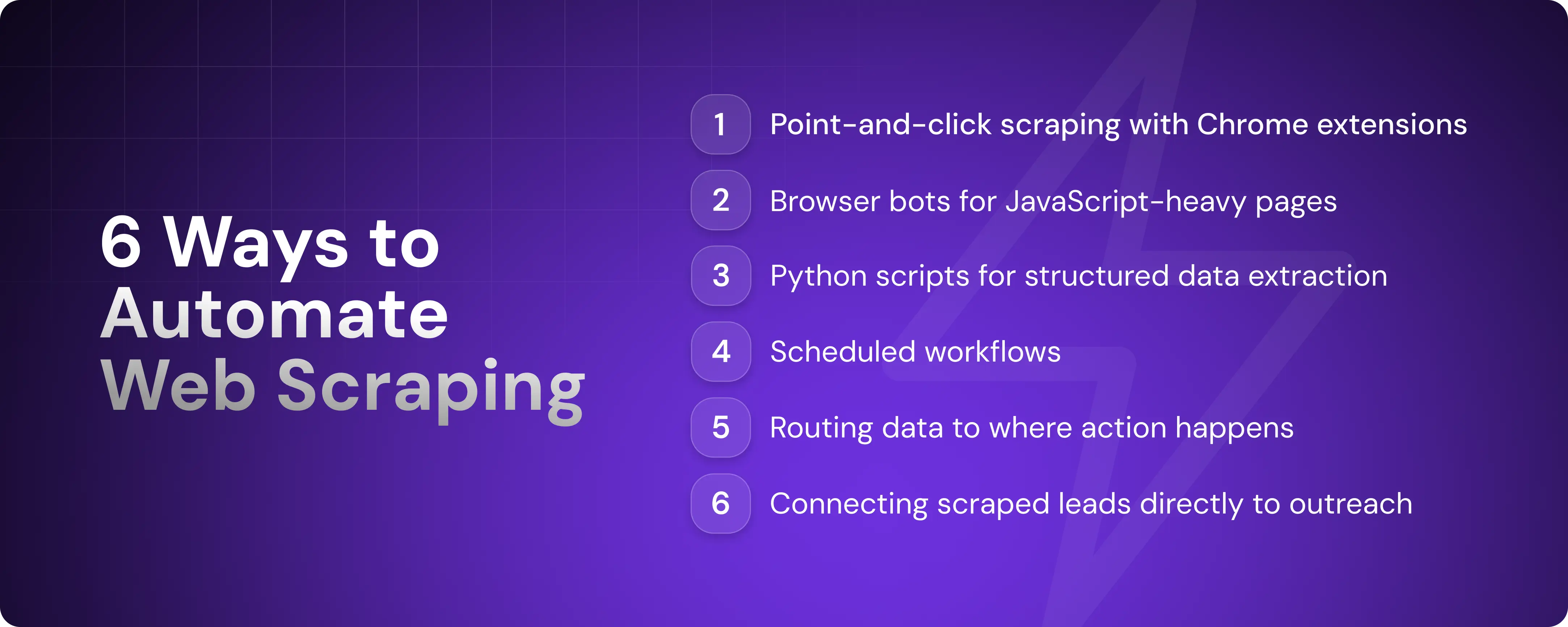
1. Use Chrome extensions for point-and-click scraping
Chrome extensions like Web Scraper and Instant Data Scraper let you select page elements visually and pull structured data without writing any code. You click what you want, define the pattern, and export to CSV.
Most extensions support scheduled runs and automatic parsing of tables, lists, and paginated content. For sales and marketing teams that need a quick data pull without involving engineering, this is the fastest path to results.
That said, extensions run in your browser, which means they don't scale past a few hundred pages.
2. Scrape dynamic pages with browser bots
Unlike static pages, JavaScript-heavy sites load content after the initial page request. Standard scrapers don't wait for that. They parse what the server returns and move on, missing anything that renders client-side.
Browser bots like Selenium and Playwright solve this problem. Originally built for automated browser testing, developers adopted them for scraping because they offer full control over a live browser session.
You write a script that opens a browser, navigates to a URL, waits for the page to finish loading, and extracts whatever is rendered. Both tools require Python or JavaScript and some familiarity with code, so this approach is squarely in developer territory.
Browser automation is significantly slower than HTTP-based scraping because it renders full pages. It's the right choice for interactive or authenticated content but unnecessarily heavy for static pages.
3. Extract structured data with Python scripts
For developers who just need to parse HTML and pull specific fields, lighter libraries get the job done faster.
BeautifulSoup is a Python library that handles targeted, one-off extractions with a few lines of code. If you need a full crawling framework that also manages requests, handles retries, and pipelines data through to storage, there's Scrapy. Pair either one with Pandas, a data analysis tool, or an SQL database, and your scraped data goes straight into an analysis-ready format.
This method gives you the most control over what data is collected, how it’s cleaned, and where it goes next.
4. Schedule scraping workflows with zero manual triggers
Not all scraping methods support scheduled runs. Chrome extensions, for example, need a browser open to work. To run scrapers on true autopilot, you need something that operates independently of your machine.
Cron jobs are the simplest starting point: scheduled terminal commands that trigger a script at a set time or interval. GitHub Actions and cloud functions like AWS Lambda do the same but run on remote servers, so your scraper keeps going whether your laptop is open or not.
Finally, platforms like Apify and Octoparse remove the infrastructure layer entirely. You configure your scraper in their interface, set a schedule, and they handle the rest.
5. Push data to where you'll use it
It's important to connect your scraper to a tool that allows you to analyze collected data, whether Google Sheets, Excel, a custom-made database, or a third-party app. Scraped data that sits in a CSV file isn't useful in its raw form.
Third-party connectors like Zapier and Make let you trigger workflows the moment new data arrives. For example, you can add a contact to your CRM automatically when a company matches your ICP.
If you want fewer moving parts, look for a scraping tool that integrates natively with your tech stack or comes with a clean API you can plug directly into your existing systems.
6. Turn scraped leads into sales outreach automatically
Pulling data into a CRM is useful, but it still leaves a gap. Someone has to act on it, and by the time they do, the lead may have gone cold.
Some platforms handle lead sourcing and outreach in one system, removing the need to connect multiple tools. You simply show up when a lead is warm and ready for a conversation.
Artisan works this way. AI BDR Ava, a truly autonomous sales rep around whom the platform is built, scrapes data from across the web, enriches lead profiles, and launches personalized outreach sequences without a manual handoff.

No-code vs. Python: Choose your weapon
With so many no-code tools available, you should consider whether Python is worth the added complexity. The answer depends on what you're scraping and what you need to do with the data afterward.
When you want speed over scale
No-code tools are the right call for structured pages, single-site projects, and one-off data pulls. If you're a founder or marketer who needs a vetted list of leads by the end of the day, the time cost of setting up a Python environment and building a scraper outweighs the benefit.
Most no-code tools come with pre-built templates for common targets like Amazon listings, social media profiles, and business directories, which means you can collect data within minutes of signing up.
When you want full control
Python is the better choice when you're scraping at scale, across multiple sites, or when data needs processing before it's usable.
No-code tools give you only what the template covers. If a site structures its data differently than expected, you need to combine fields from multiple pages, or you want to filter records before they hit your CRM, you're stuck.
With Python, you write a script that defines exactly what is requested, what should be extracted, and what should be ignored. You control how missing values are handled, how the output is structured, and where it goes when the scrape is done. Data arrives in your system the way you need it, not the way a template was designed to deliver it.
Bonus: Hybrid workflows work best
You don't need to pick a side. You can blend tools and methods based on what each does best. Scrape with code, but schedule with Zapier, for example. Or pull data with a no-code tool but enrich it with Python.
No-code tools are fast to set up but limited in what they can do with data. Python is flexible but adds overhead. When you combine them, you gain the speed of no-code for collection and the precision of code for processing.
6 end-to-end scraping flows that feed your funnel
The right scraping workflow does more than collect data; it also drives warm leads straight to your pipeline. The highest-converting use cases range from cold prospecting to intent-based outreach.
1. Extract target accounts from directories or maps
Review sites, startup directories, and local business listings publish the kind of company data that takes hours to compile manually. A scraper can pull names, URLs, locations, and founding dates in one pass across hundreds of listings, with everything and ready to use.
This is a great starting point for territory-based prospecting or niche vertical outreach.
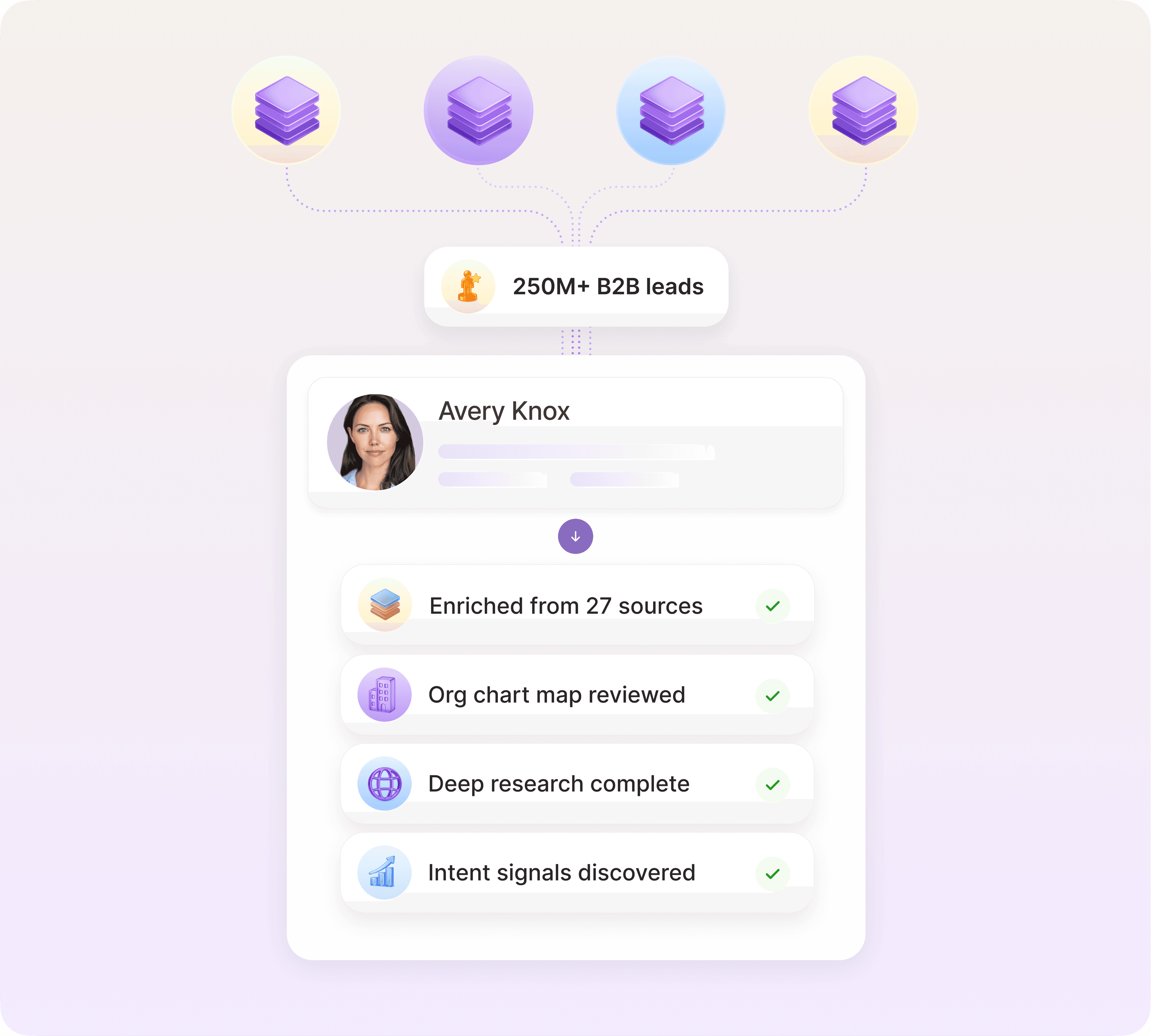
From there, an automation tool like Artisan creates detailed lead profiles complete with contact data, firmographics, and intent signals, turning a raw list into an actionable prospect list.
2. Track job changes and new roles
Job postings and team page updates are some of the clearest signals that an account is growing and spending. Scraping job boards, team pages, and funding announcements will surface these signals the day they're posted.
Tools like Browse AI and PhantomBuster have pre-built workflows for parsing social media and company pages. PhantomBuster's Profile Scraper pulls over 70 data points per profile, including current job title, company, contact details, and hiring flags, and exports directly to Google Sheets or your CRM.
3. Monitor competitor sites or Amazon listings
If a competitor raises their prices or cuts a feature, every prospect in your pipeline who mentioned them during a discovery call is worth a follow-up. The scraper surfaces the trigger; your CRM tells you who to call.
For e-commerce teams, scraping Amazon listings works the same way. If a competitor's product is collecting bad reviews, you know what buyers in that category are unhappy about. Now you can use that data to write your listing copy around those pain points and run ads on your competitor’s keywords.
Before using a detected change in outreach, check the original page and record when it was observed. Then identify which account brief or battlecard needs an update. For teams evaluating Artie, owning that research follow-through is a concrete recurring assignment to test alongside the scraper. Keep an owner responsible for approving customer-facing claims.
4. Scrape industry events and speaker lists
Conference sites publish attendee lists, speaker bios, and session topics before the events. That data amounts to a pre-qualified prospect list filled with people who are active in your space and publicly associated with a specific topic.
Here's how to turn event data into pipeline:
Find relevant conferences by scraping event aggregators like Eventbrite, Luma, or industry-specific directories.
Collect speaker and attendee data automatically with a no-code scraper. Most conference pages are static HTML and scrapers take minutes to set up.
Enrich each record with firmographic data using a tool like Artisan or Clay to filter down to ICP matches before outreach.
Lead with their topic in your cold message and position your product as the next step in what they're already advocating for. Speakers are usually early adopters who respond well to tech that’s ahead of the curve.
5. Pull startup mentions or press from news sites
A company announcing a new office or market expansion in a press release is telling you they're about to hire and buy. Scraping news sites, funding databases like Crunchbase, and press aggregators surfaces companies that are actively investing in growth and new tools.
The press release gives you everything you need to personalize outreach, and the right tools eliminate the need to do that manually. Tools like Artisan, for example, surface funding announcements and craft personalized sequences automatically.
6. Turn internal data into external prospecting
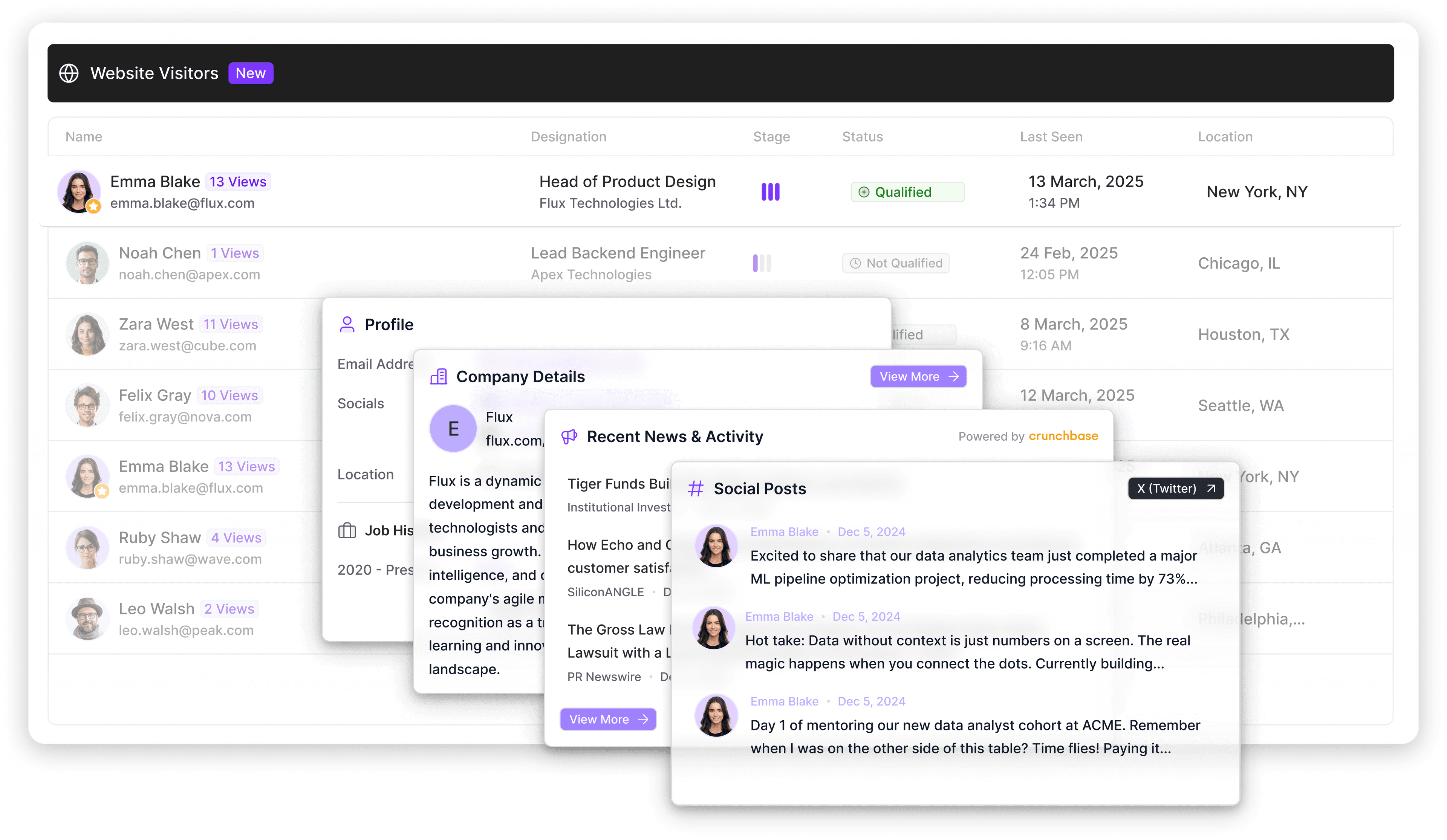
Some of the strongest buying signals, such as on-site behavior and product usage data, might already be sitting in your systems.
This dataset will be smaller than one in a dedicated contact database, but the conversion rates will likely be higher because it’s associated with leads that are actively considering your solution.
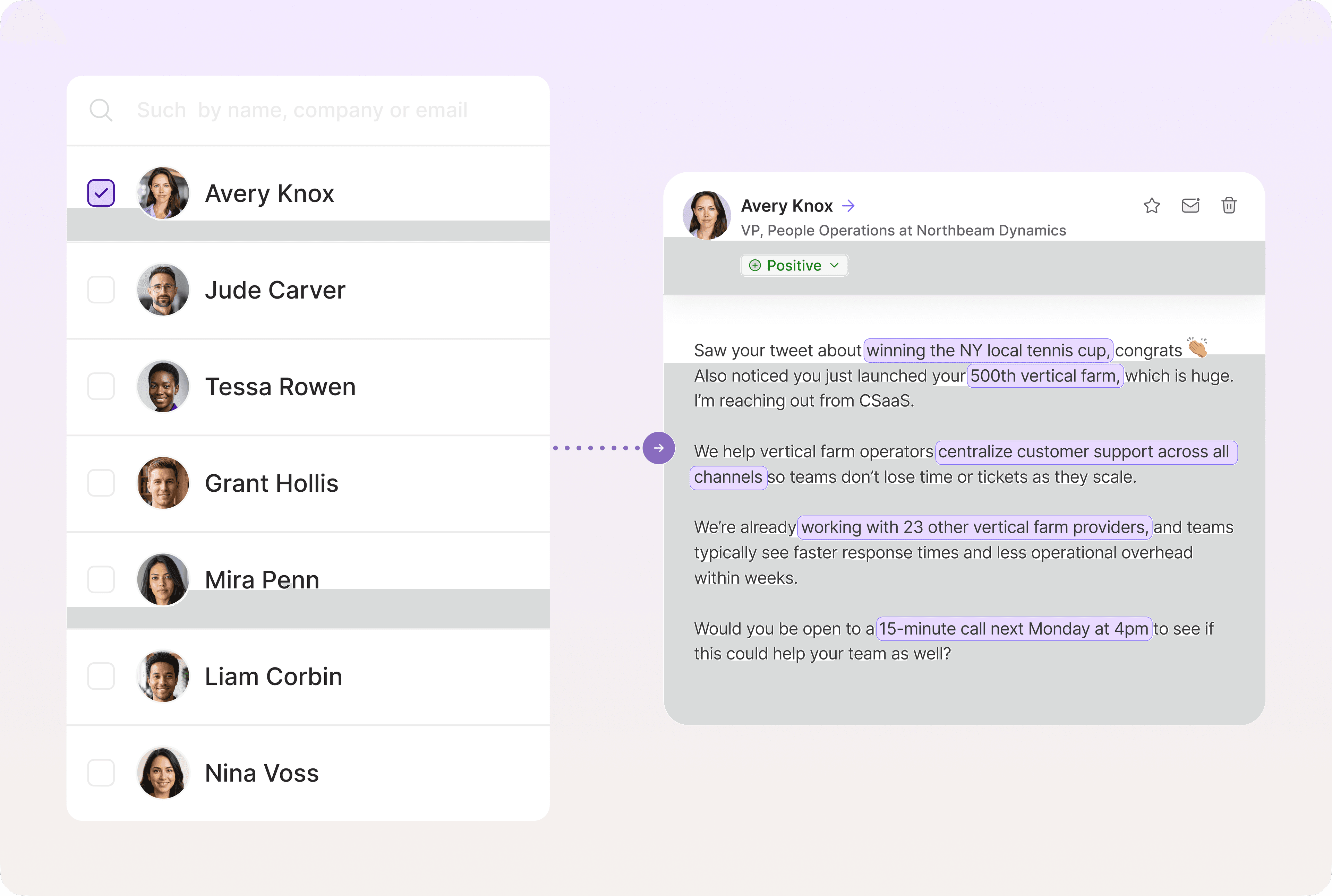
Artisan's Watchtower campaigns, for example, are built for turning internal activity into outreach. You define what counts as high-intent activity, and Artisan monitors for those signals and triggers outreach automatically when a visitor qualifies.
How to avoid being blocked or banned while scraping
Many sites don't want scrapers to access their data. It strains their servers, bypasses paywalls, and in some cases undermines their business model.
They actively look for patterns that don't match human behavior, like too many requests too fast, consistent timing, or a missing browser fingerprint.
A handful of precautions go a long way toward keeping your scrapers running smoothly.
Scrape respectfully (or risk being shut out)
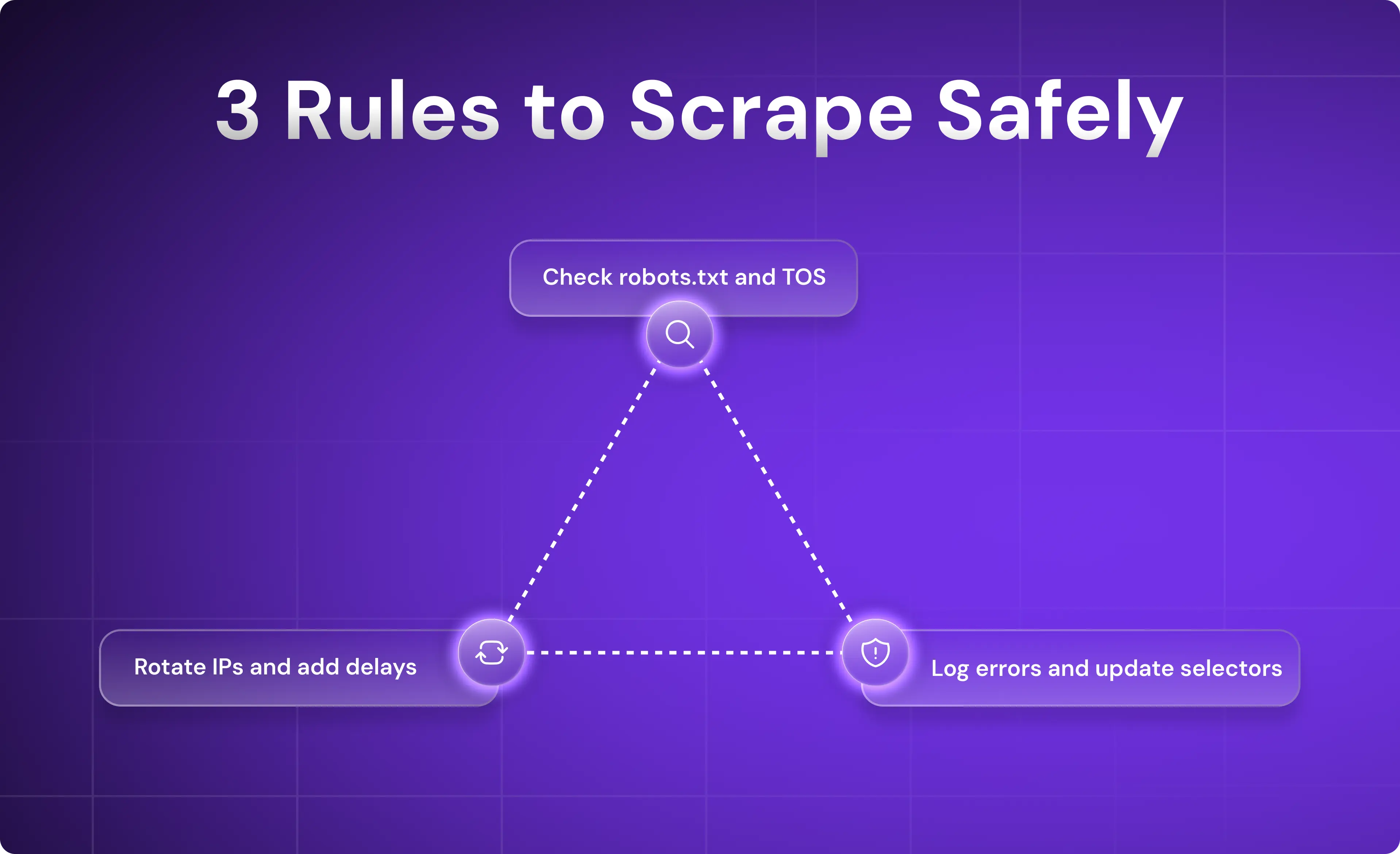
Before pointing a scraper at any site, check its robots.txt file and terms of service. Most sites specify what automated access they allow. Ignoring those rules can lead to an IP ban or expose your company to legal liability.
Rotate IPs and add delays
Sending hundreds of requests from a single IP in quick succession is the fastest way to get blocked. Use proxies or cloud-based scraping platforms that handle IP rotation automatically. Add randomized delays between page loads to mimic real user activity, since consistent timing looks like a bot.
Most managed scraping platforms handle this out of the box. Artisan's scraping workflows, for example, include built-in throttling and proxy management, so you don’t have to manually configure rate limits every time you set up a new flow.
Keep your flows resilient
Templates often break because of website changes, whether it's a redesign, a new content management system (CMS), or even a minor layout update. Build error logs into your workflows so failures surface immediately rather than silently return empty data for days.
For more complex scrapers, add fallback behaviors and periodic screenshots to help diagnose what broke and where.
The final mile: Turning data into pipeline
You can automate scraping, but if you don't also automate what happens next, it's all wasted effort. Scraped data needs to flow automatically into action to turn from a CSV into pipeline.
Why scraped leads don't work on their own
A list of names, titles, and emails sitting in a spreadsheet is a starting point that's already aging.
Contact data decays fast, and the signals that made a lead worth scraping in the first place have an even shorter shelf life.
Unless you integrate your scraped data into an automated go-to-market (GTM) workflow, it will decay before anyone touches it.
Where traditional workflows break down
The typical process looks like this: a scraper runs, data lands in a spreadsheet, someone exports it, someone else imports it into a CRM, and a rep picks it up days later to send a generic sequence.
In that time, a competitor with an automated workflow may have already reached the same prospect.
Scraping triggers are time-sensitive by nature. Before you run a single scraper, build a sequence that will fire immediately when data lands.
Scrape smarter, sell faster, and automate the follow-up
A scraper is only as valuable as the workflow behind it. Clean data, routed automatically, triggering outreach the moment a signal appears is what turns a scrape into pipeline.
Artisan connects all the parts of your scraping workflow. AI BDR Ava monitors signals across the web, enriches leads using an array of sources, and then launches personalized outreach and follow-ups, all fully automated and at scale.

Automate your outbound with an AI BDR
Meet Ava—your AI BDR who handles prospecting, outreach, and follow-ups, so your team can focus on closing.

Adelina Karpenkova
SME @ Artisan
Adelina Karpenkova is a writer helping businesses tap into AI's potential and clear up misconceptions. She works with B2B teams on latest industry knowledge.