10 best autodialers for smarter outreach
Compare the best autodialers for outbound sales, from power dialers to predictive systems. Find tools that boost speed, workflow, and results.
Are your reps losing deals because they spend too much time researching, dialing, logging, and routing leads? Are they wasting valuable hours cleaning up workflows that should already be automated?
Autodialers help. But only if you pick one that fits with your team’s selling style.
This guide breaks down what matters when choosing autodialer software and compares the best autodialers on the market today.
Which features actually matter in an auto dialer?
For sales leaders, the things that usually matter most in autodealers are connect rates, ease of use, CRM integrations, and—don’t overlook this one—compliance. Missing any one of these is enough to break the whole workflow, so it’s important to be rigorous when evaluating providers.
1. Choose the right dialing mode
Dialing mode determines who decides when a call happens—the rep or the system—and how many call attempts happen per hour. In practice, this affects how much time reps have to understand context before calling and how aggressively the system dials on their behalf.
Here are the three main types of dialing mode:
Power dialers place one call at a time, automatically dialing the next number as soon as the previous call ends. The system controls when the next call starts, but the rep is always present and ready.
Predictive dialers call multiple phone numbers at the same time, predicting when a rep will be free and routing a live answer to them automatically. The system decides how many calls to place and when, not the rep.
Preview dialers show the rep who they’re about to call, including CRM data and notes, and wait for the rep to manually start the call. This mode is slower by design, so a sales rep has time to learn context and prep for a call.
2. Ensure the dialer integrates with your tech stack
This point is critical because weak integrations don’t log data correctly, forcing sales reps to context-switch and manually clean data. The result is that pipeline data becomes unreliable
Thus, if you’re considering an autodialer that requires a separate dashboard to be useful, steer clear. Instead, evaluate CRM integrations based on what actually happens during and after a call.
The dialer should execute a real-time CRM sync with every call logged to the correct contact, company, and deal the moment it ends. Duration, outcome, and recording should all be included.
If your CRM is HubSpot, Salesforce, or Pipedrive, native integrations usually work well with autodialers, but even then, you still need to run a CRM compatibility check.
3. Review productivity features
The biggest gains for sales teams come from features that reduce repetition, cleanup, and manual follow-up.
Look for the following productivity-enhancing features:
Automated voicemail messages
Answer detection to filter out dead lines and bots
Local number display (so a lead sees an incoming local number)
Smart call routing by territory, ownership, or availability
Workflow integrations (e.g., automated email follow-up after a successful call)
4. Don’t skip compliance
Outbound calling carries real regulatory and deliverability risk. And not all dialers are fully compliant, which can be damaging (and costly) for your company. A compliant autodialer protects you by enforcing guardrails at the system level.
Ask the sales rep for the dialer you’re considering to ensure it’s safe for your business:
Does it have TCPA-safe dialing logic? It should control when and how calls are placed based on consent rules, call frequency, and dialing mode. This prevents over-dialing and reduces exposure when scaling call volume.
Does it have DNC list handling? DNC list handling filters contacts who opt out across all lists and cadences.
Does it have caller ID management, including number rotation and registration? This prevents outbound numbers from being flagged or labeled as spam by carriers.
5. Check quality, uptime, and reporting
Reliability matters as much, if not more, than feature count. The best auto dialer software looks powerful in demos and doesn’t falter under real outbound volume.
Before committing, review feedback on Reddit, Capterra, and G2, and validate these fundamentals directly with the vendor:
Consistent call quality without poor audio, jitter, or dropped connections
Low-latency routing with short delays between pickup and rep connection
Simple rep-facing UX and live dashboards showing activity and outcomes

Automate your outbound with an AI BDR
Meet Ava—your AI BDR who handles prospecting, outreach, and follow-ups, so your team can focus on closing.
The 10 best auto dialers
Now that you know what features to look for, let’s compare ten of the best auto dialers on the market. We’ve broken them down by use case so you can compare what kind of workflow each tool actually supports
1. Nextiva
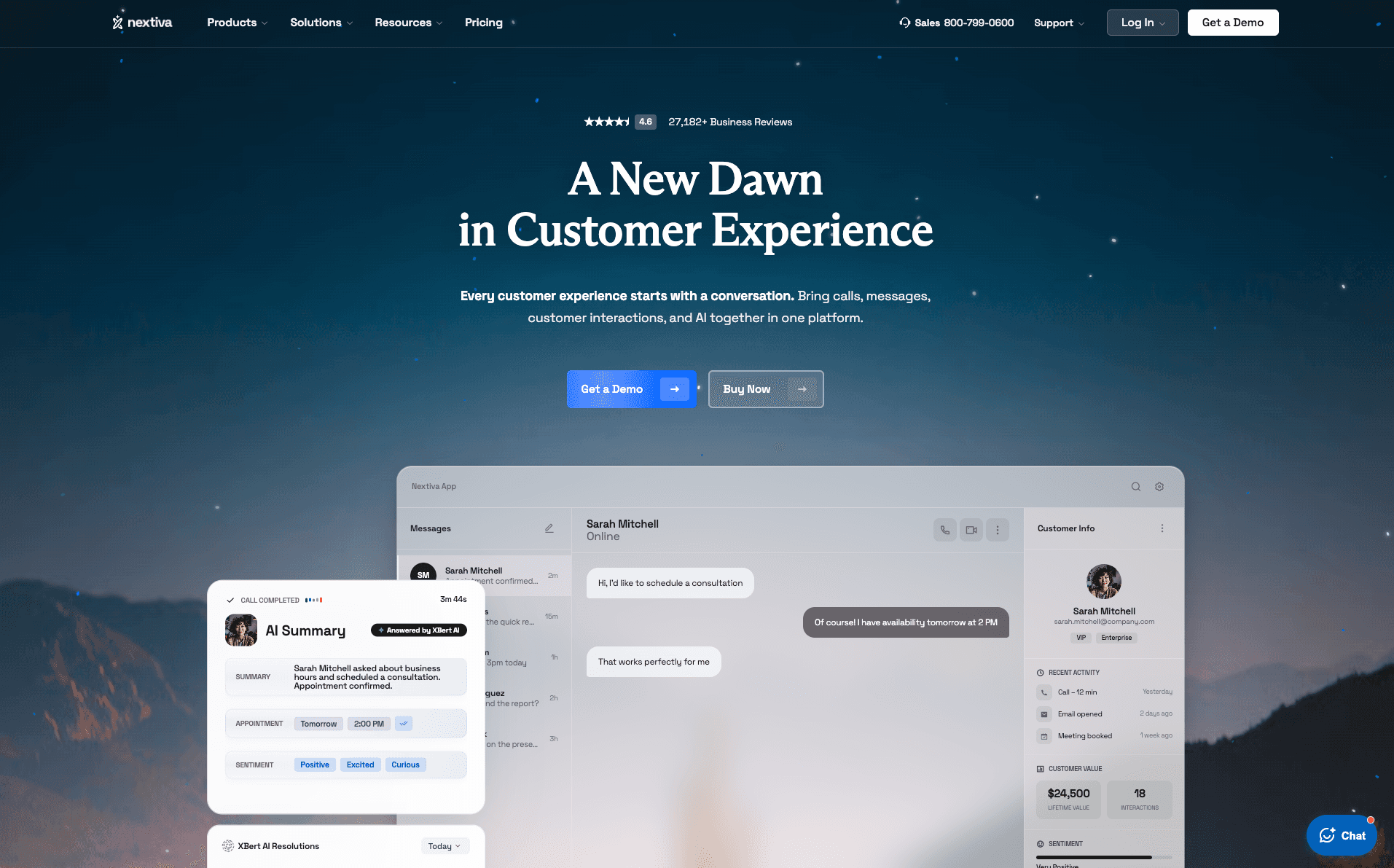
Nextiva is a unified VoIP (Voice over Internet Protocol) and contact center application with built-in outbound dialing for growing sales teams.
Nextiva works best for teams that want outbound calling to be tightly bundled with business phone infrastructure, not a standalone sales dialer. It combines voice, SMS, and internal calling into a single workflow while still supporting outbound motions.
Nextiva is a common choice for RevOps teams that prioritize platform stability and uptime over aggressive dialing automation.
Pros
Nextiva’s call routing and voice quality are consistently rated high by mid-market teams, making it suitable for long daily call blocks without degradation.
The platform combines outbound dialing with internal telephony, which reduces tool sprawl for teams already using VoIP.
Admin controls are robust, enabling sales leaders to centrally manage call flows, permissions, and number provisioning.
Cons
Outbound-specific automation is limited compared to sales-first dialers.
Less flexible for SDR teams running complex call cadences tied to intent signals.
Pricing
Core: $23/user/month
Engage: $50/user/month
Power Suite CX: $75/user/month
2. CloudTalk
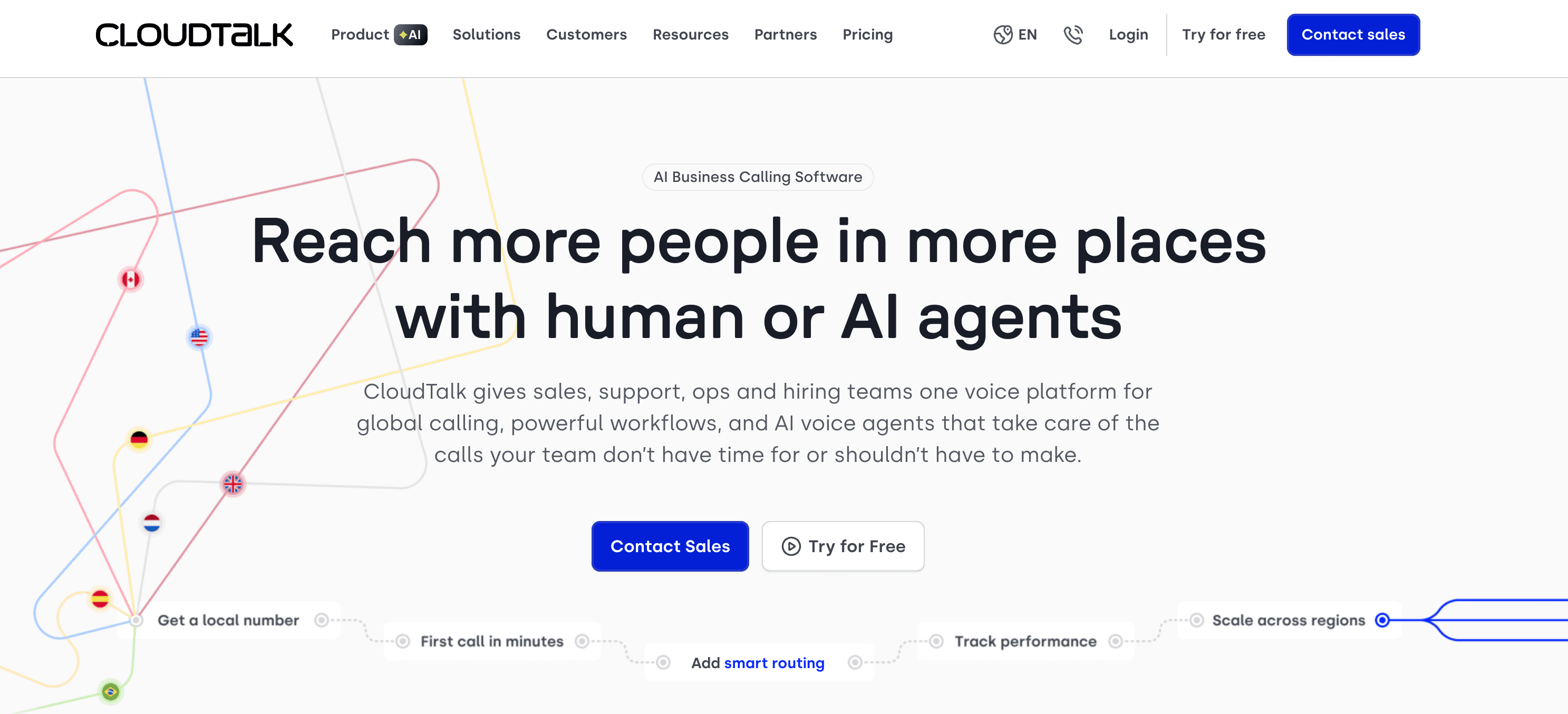
CloudTalk is a sales-focused, cloud-based dialer designed for high-volume outbound teams that live inside their CRM. Its biggest differentiator is how tightly dialing, call outcomes, and analytics stay synced with tools like HubSpot and Salesforce.
Teams choose CloudTalk when they want serious dialing power without moving into heavyweight call-center software.
Pros
Power and predictive dialing modes are optimized for sales teams, not just support queues.
CRM sync is deep and reliable, with automatic logging, tagging, and disposition mapping.
Advanced analytics make it easier to see talk time, pickup rates, and rep-level performance trends.
Cons
Setup requires thoughtful configuration to avoid over-dialing.
Some advanced reporting features are gated behind higher plans.
Pricing
14-day free trial
Lite: $27/user/month
Essential: $39/user/month
Expert: $69/user/month (3 seats minimum)
3. Dialpad
Dialpad is an AI-native calling platform with real-time transcription and coaching insights. Dialpad is an excellent option for teams that want conversation intelligence baked directly into cold calling. It’s especially useful for managers focused on learning from every live conversation to boost reps’ productivity.
Pros
Real-time transcription and keyword tracking allow managers to review calls without manual tagging.
AI-generated call summaries reduce rep admin work after conversations.
Clean, modern UX lowers adoption friction for distributed teams.
Cons
Limited predictive dialing capabilities.
Not designed for high-volume outbound operations.
Pricing
For Dialpad Connect, an AI-powered communications platform for calls, messages, and meetings, pricing is as follows:
14-day free trial
Standard: $27/user/month
Pro: $35/user/month
Enterprise: Undisclosed
For Dialpad Support, a support center solution with real-time AI to help your team achieve impressive customer experiences, pricing starts at $95/user/month.
For Dialpad Sell, a sales outbound solution with real-time AI coaching to improve rep performance, pricing starts at $49/user/month.
4. 8x8
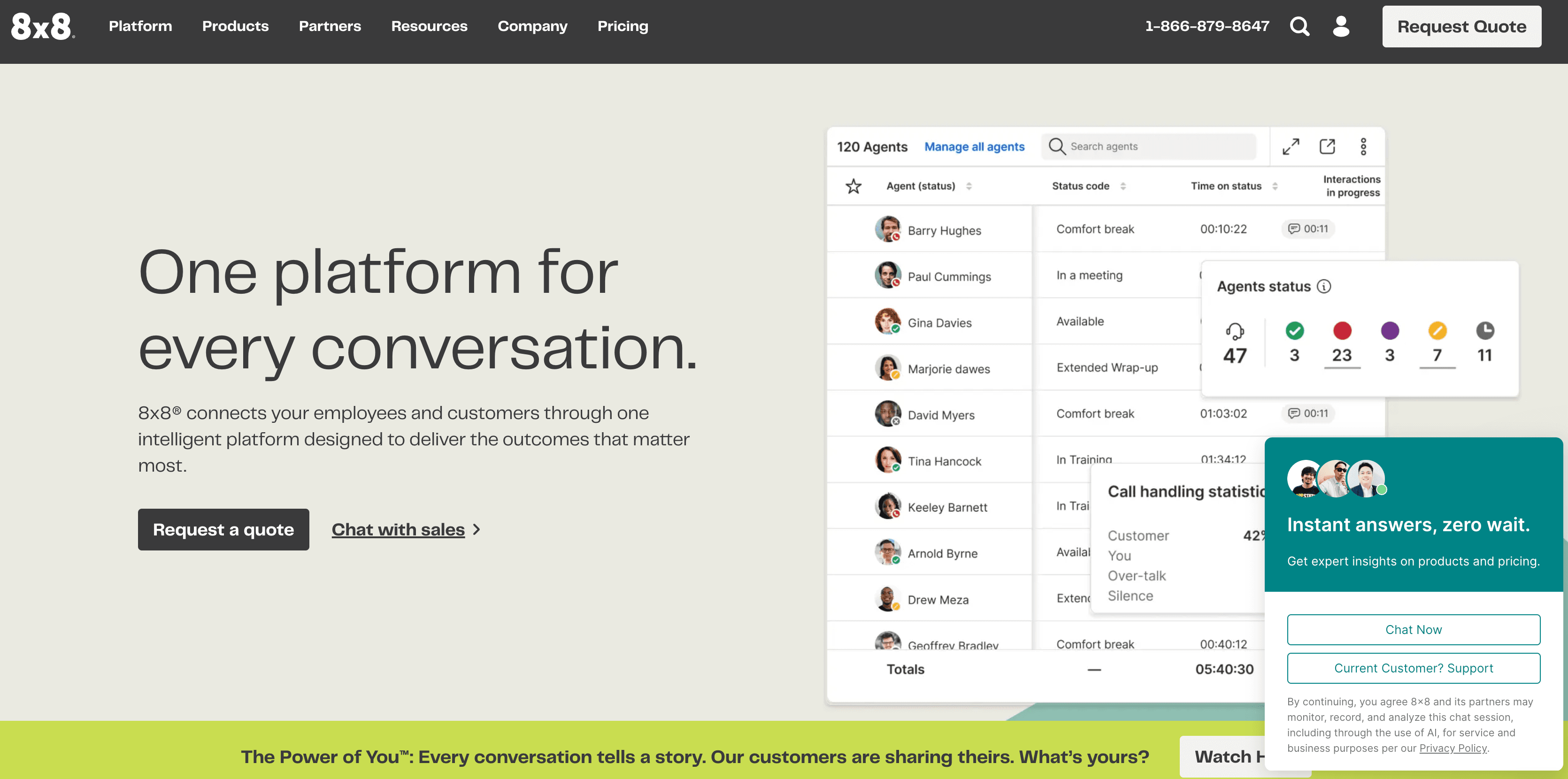
8x8 is an enterprise-grade communications platform with global outbound dialing capabilities. It stands out for its international compliance support and infrastructure reliability. Teams usually choose 8x8 when outbound calling must coexist with carrier redundancy, SLAs, and compliance controls.
Pros
Strong global voice infrastructure with regional compliance coverage.
Advanced call routing and redundancy for large organizations.
Permissions, call policies, and number management are enforced globally from one admin layer.
Cons
Setup, onboarding, and ongoing changes usually involve the IT department.
Pricing
8x8 only offers custom enterprise pricing.
5. RingCentral
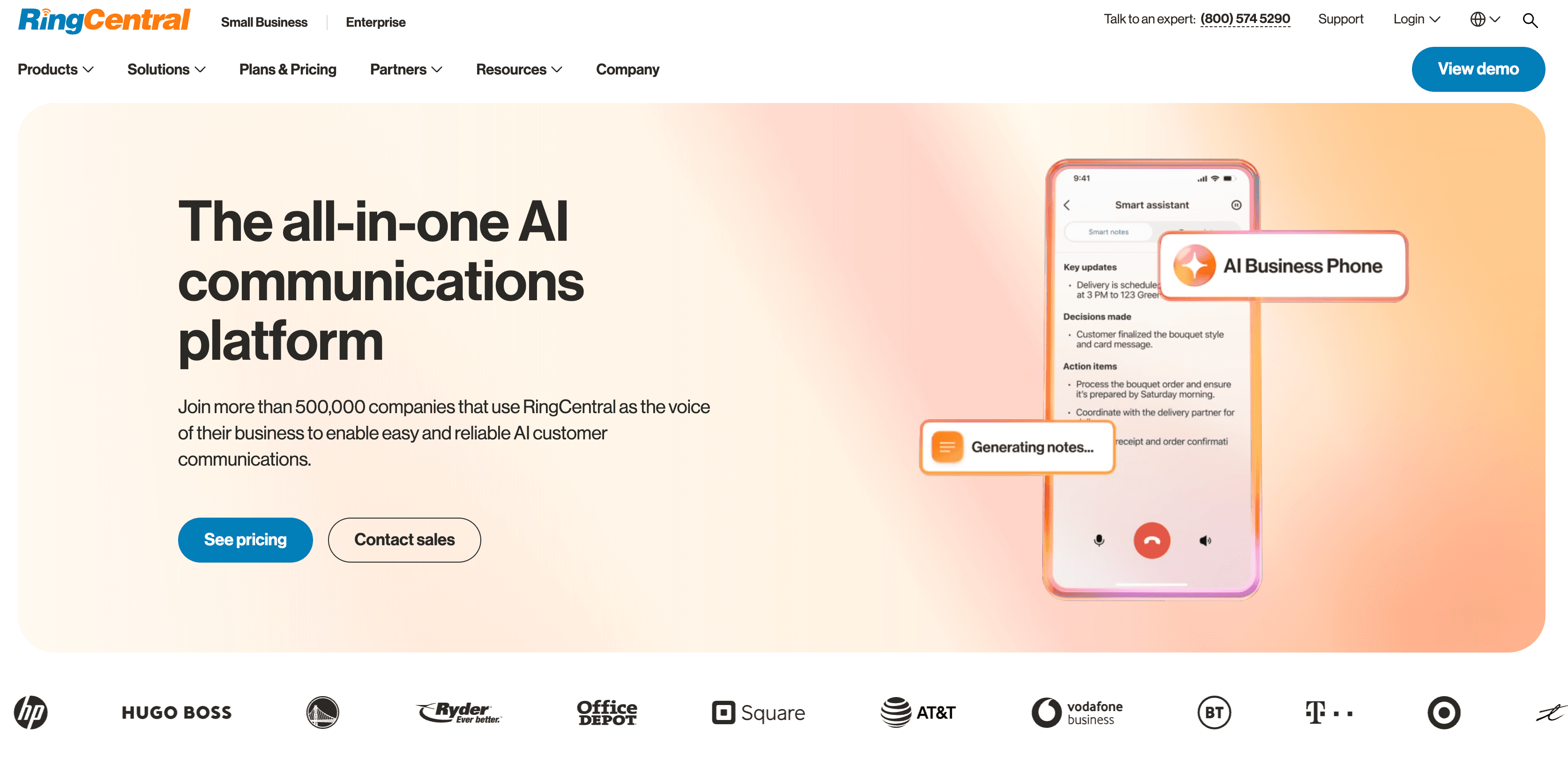
RingCentral is another large-scale cloud communications platform supporting outbound dialing at enterprise volume. RingCentral is chosen by teams that prioritize stability, scale, and vendor maturity.
It’s not fully optimized for outbound workflows, but it handles massive call volume with minimal downtime. RingCentral is a reliability-first option for enterprises with strict IT requirements.
Pros
Proven uptime and infrastructure stability at scale.
Extensive integrations across enterprise software stacks.
Predictable performance even under heavy call loads.
Cons
Limited outbound sales automation.
Costs increase quickly as teams grow.
Pricing
A 14-day free trial
Tiered plans for different use cases; pricing starts at $30/user/month
6. Ooma
Ooma is a lightweight business phone platform with basic autodialing functionality. Ooma works for small teams and early-stage founders with 1–5 people who need outbound calling without complexity. Its differentiator is affordability combined with basic automation. Typical users include local and professional services, as well as small agencies.
Pros
Straightforward outbound calling without heavy CRM configuration and admin rules.
Suitable for teams making a limited number of daily calls.
Low operational overhead compared to enterprise tools.
Cons
No advanced dialing logic.
Limited analytics and workflow automation.
Pricing
Essentials: $19.95/user/month
Pro: $24.95/user/month
Pro Plus: $29.95/user/month
Enterprise: Custom pricing
7. Vonage
Vonage is a programmable voice platform with APIs for custom outbound dialing solutions. Vonage is ideal for technical teams building custom calling workflows. Its strength is flexibility. Teams choose Vonage when dialing must be deeply embedded into proprietary systems. For example, marketplaces need Vonage to call buyers and sellers automatically. Likewise, fintech or healthcare platforms can trigger calls from backend events.
Pros
Robust APIs for building custom dialing logic.
Deep carrier-level control for companies operating across regions or under strict telecom requirements.
Strong carrier infrastructure.
Cons
Requires engineers to build and maintain.
No native sales workflows, CRM sync, or rep-facing UI.
Pricing
Vonage has custom pricing that is partly usage-based (per minute and per number).
8. Aircall
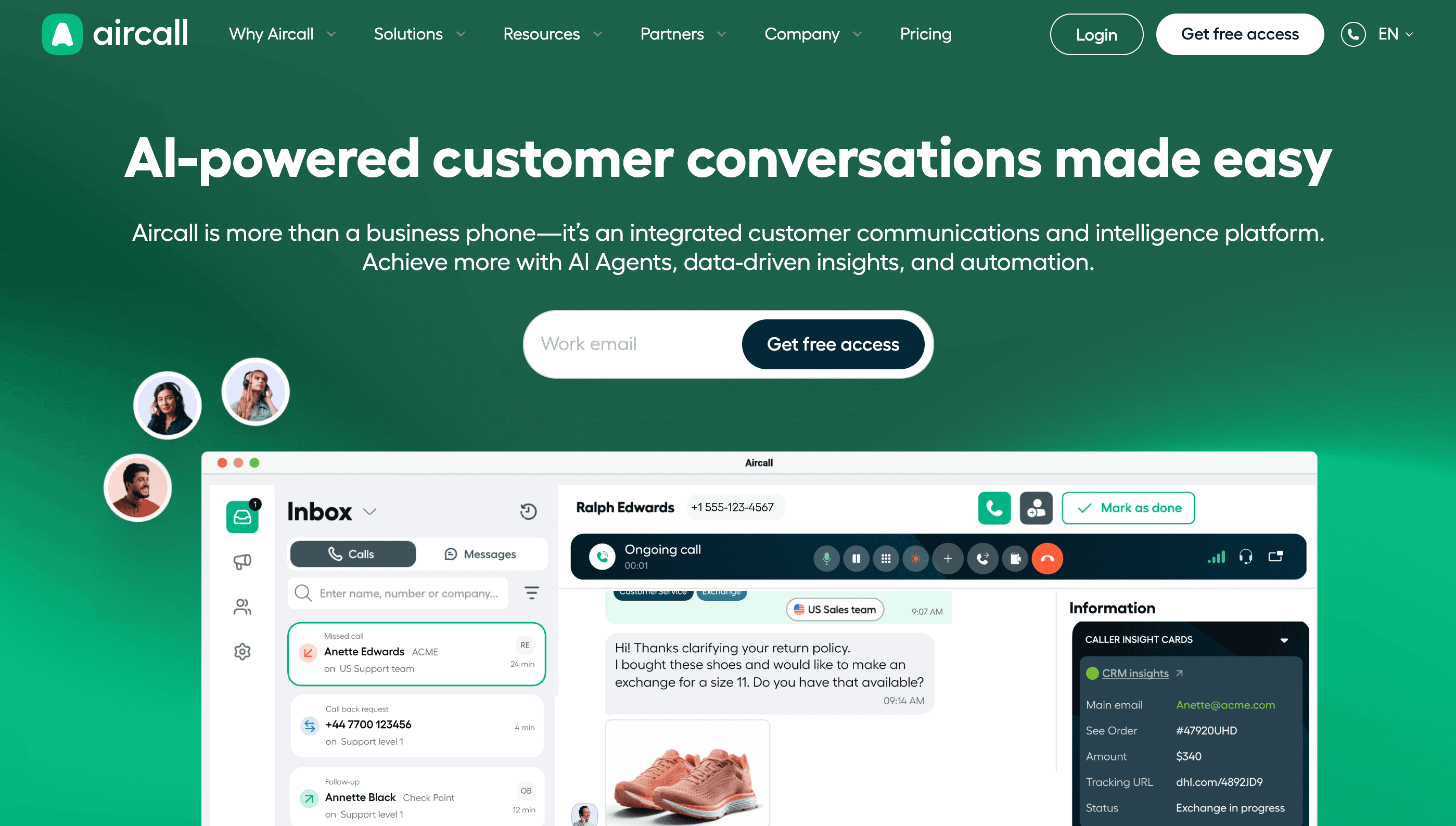
Aircall is a sales-friendly cloud dialer with fast CRM integration. It’s popular among outbound sales development reps (SDRs) who want fast deployment and strong CRM visibility. It stands out for making call activity easy to monitor across teams without a complex setup.
Pros
Strong native CRM integrations reduce manual logging.
Live activity dashboards with actionable insights make it easy to spot under-dialing, low pickup rates, or rep fatigue.
Power dialing supports structured outbound blocks.
Cons
Predictive dialing is limited.
Advanced features require higher pricing tiers.
Pricing
Essentials: 3 licenses for $120, billed monthly
Professional: 3 licenses for $210, billed monthly
Custom: 25 licenses minimum
9. Quo (formerly OpenPhone)
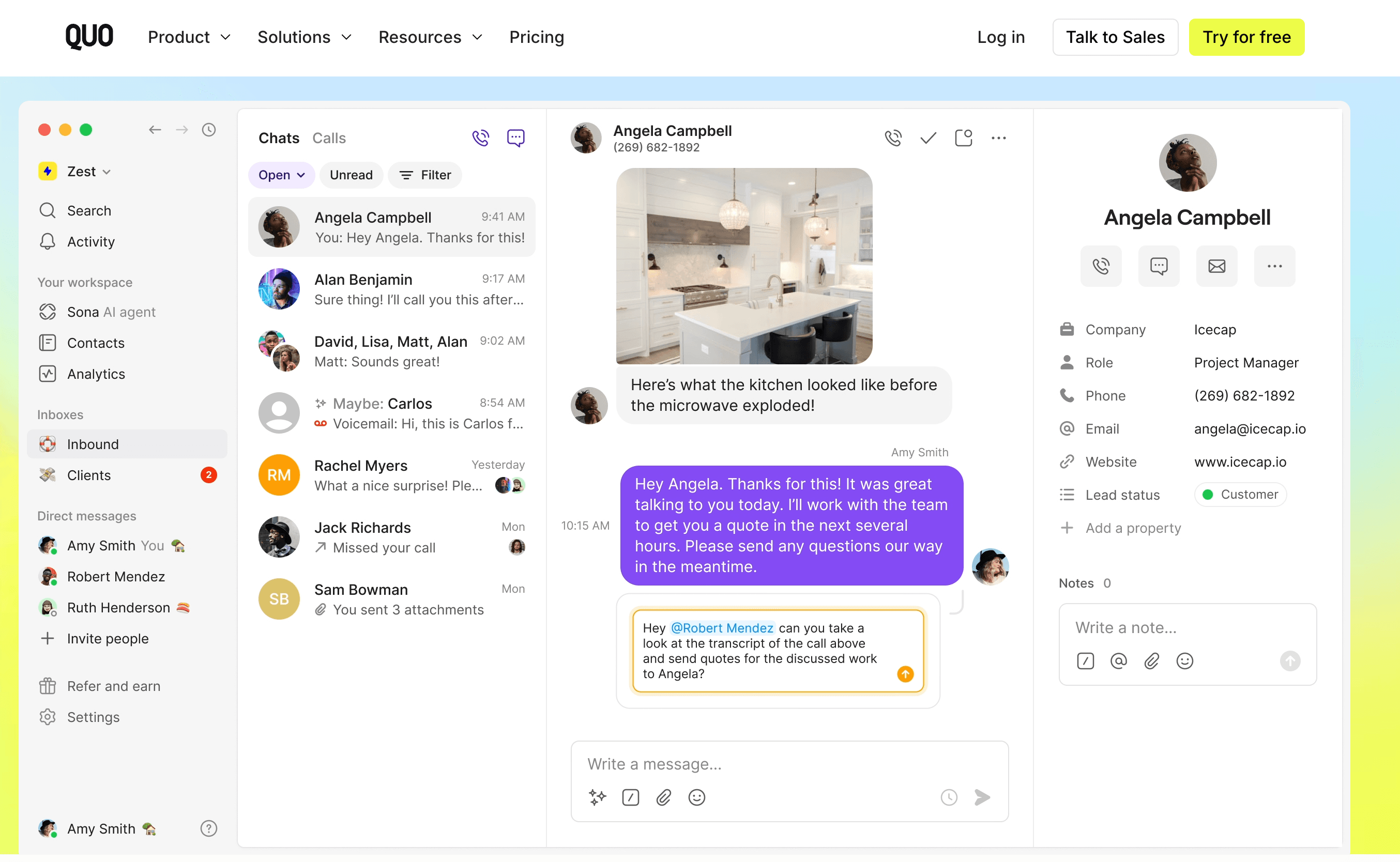
Quo is a modern dialer designed for small teams running outbound alongside product, support, and ops work. Its standout feature is shared visibility across calls, texts, and contacts.
Pros
Shared inbox for calls and texts keeps context across sales, support, and ops.
Integrates well with lightweight CRM workflows.
Clean UX reduces friction for non-sales users.
Cons
No high-volume dialing modes.
Not built for SDR teams working at scale.
Pricing
A 7-day free trial
Starter: $19/user/month
Business: $33/user/month
Scale: $47/user/month
10. Talkdesk
Talkdesk is an advanced contact center platform with predictive dialing and analytics. Talkdesk is designed for high-volume outbound and blended call centers with 50–500 (or more) reps. It has deep call analytics combined with aggressive predictive dialing. Talkdesk is a perfect fit for BPOs, financial services, insurance, and collections.
Pros
Sophisticated predictive dialing algorithms.
Enterprise-grade reporting and quality assurance (QA) tooling for call scoring, monitoring, and compliance audits.
Operational controls for tight enforcement of scripts, pacing, and permissions.
Cons
Heavy setup and onboarding.
Expensive relative to sales-focused tools.
Poor fit for personalized B2B outreach.
Pricing
“Talkdesk Outbound” is available as part of its CXA (customer experience automation) plan, which operates on a custom pricing structure.
Where do you go after dialers?
Autodialers solve manual dialing. But outbound teams rarely struggle with dialing alone. Outreach relies on multifaceted workflows that also incorporate intent tracking, personalization, and email and social media messaging.
The remedy to tool sprawl is to connect phone workflows to email, social media, and CRM tools. Simply put, you have to engineer a smooth omnichannel outbound workflow.
That’s where AI-powered sales platforms like Artisan can help. Artisan is powered by an AI BDR called Ava. She optimizes lead sourcing, lead enrichment, intent signals monitoring, and email outreach. When connected to your CRM, Artisan automatically triggers follow-ups and outreach sequences after a call or based on other predefined triggers.

Here’s a simplified example of how teams use a dialer together with Artisan and a CRM:
Ava pulls leads that match your ICP, enriches them with firmographic and behavioral data, and syncs them to your CRM.
Reps (or automated call steps) go through the contact list using a power or preview dialer connected to the CRM.
The dialer logs the call, outcome, duration, and call recording to the correct contact and deal.
Ava automatically enrolls the lead into an email or a social media follow-up sequence and adjusts messaging based on the call outcome.
This way, your outbound sales process is fully automated but stays highly personalized. You can reach hundreds of new leads a week without sacrificing quality.
Dialers start the motion and outbound builds on it
Autodialers are table stakes for modern outbound. They remove friction, increase call volume, and protect rep time. But sustainable outbound performance comes from workflows that coordinate calls, messages, data, and timing.
If your team is ready to build a scalable outbound engine, Artisan automates all of the early and middle stages of the outbound sales cycle.
The platform is built around AI BDR Ava, who prospects, enriches, and scores leads on autopilot. She then sends personalized outreach and follow-ups via social media and email. All of which means your reps are free to focus on real, human conversations and close more deals.
Automate your outbound with an AI BDR
Meet Ava—your AI BDR who handles prospecting, outreach, and follow-ups, so your team can focus on closing.

Jenny Romanchuk
SME @ Artisan
Jenny creates senior-level content for sales, SEO, and marketing professionals. She also leads partnerships at the District #1 Charitable Foundation.