7 best email autoresponder tools for scalable outreach
Learn how email autoresponders work, where they fit in automation, and how sales teams use them to scale follow-ups and outreach.
The more high-intent leads you engage, the faster your pipeline moves and the more deals you close.
But your sales teams are busy. Working manually, reps fall behind. By the time a message lands, the moment's often gone.
Email autoresponders solve this by triggering messages when leads show intent, without requiring extra headcount.
Where email autoresponders actually fit in modern email marketing
An email autoresponder is a sales and marketing tool that automatically sends emails after a lead takes an action or after a set period. A well-chosen autoresponder will allow you to send relevant follow-up messages even when reps are overwhelmed.
Autoresponders fire based on two types of triggers:
Time-based triggers: These messages go out after a specified period. For example, on birthdays or after a stretch of lead inactivity.
Action-based triggers: These fire after a lead takes a specific step, such as downloading a report, viewing a pricing page, or signing up for a newsletter.
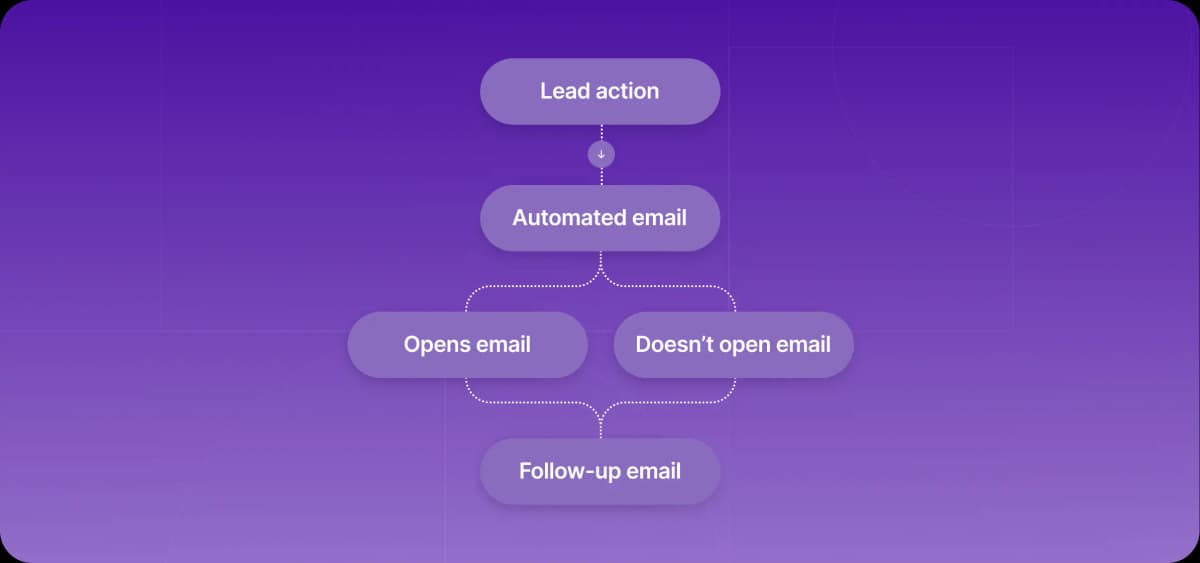
Autoresponders don't send a single message. Instead, they initiate workflows that deliver messages in a predefined sequence. Responses are preset, but conditional if-then logic splits lead paths by behavior or segment. An onboarding workflow, for example, could split depending on whether a lead opens the initial email.
Traditionally, autoresponders sit within the marketing stack. But they also cut repetitive tasks in go-to-market (GTM) sales efforts. This automation scales follow-ups, maintains consistency, and prevents leads from going cold.
That said, autoresponders aren't a silver bullet for sales teams. They won't adjust dynamically. They rely on set logic to send prewritten emails at the right moment, and they don't understand context or respond to what a lead actually says.
This sets them apart from advanced sales platforms like Artisan, which is powered by an autonomous AI BDR called Ava. Ava conducts prospect research, hyper-personalizes messages, and tailors follow-ups based on recipient responses.
Top autoresponder use cases that produce solid results
Autoresponders work best when they have a designated role in your stack. Their structured workflows suit predictable early-stage outreach more than situations that require in-person sales conversations.
Welcome emails and early onboarding
When new customers sign up, fast follow-ups maintain interest. An autoresponder workflow can guide buyers to customer support, link to your FAQs, and explain the onboarding process.
As a result, customers will feel welcome, and your sales and customer service teams are less likely to be consumed with lots of small questions about how to use the platform.
A welcome email starts the journey, but onboarding continues until the customer reaches first value. Give setup milestones, missing information and blockers a named owner. Artie includes customer onboarding from sales handoff through setup among its AI employee use cases. Evaluate that ongoing responsibility separately from the autoresponder's send rules.
Follow-up sequences that prevent lead drop-off
Follow-up sequences keep high-intent leads engaged and prevent them from cooling and turning to competitors. They also warm up cold leads.
You can use autoresponders to trigger basic sequences after the following actions:
Demo request
Report or whitepaper download
Inactivity after cold outreach messages
Transactional and behavioral emails
Transactional emails are operational messages, such as order confirmations, receipts, or password resets. An autoresponder guarantees these messages land instantly.
Unlike marketing emails, transactional emails are triggered by a specific user action and contain essential, time-sensitive information. Reliable delivery and speed are critical, since delays can disrupt the customer experience and erode trust.
Ecommerce and abandoned cart flows
In ecommerce settings, autoresponders re-engage web visitors who have abandoned their carts. Recent research from the Baymard Institute found that the average cart abandonment rate is 70%.
If you’re not targeting abandonments, you’re almost certainly leaving serious revenue on the table. These messages convince leads to buy by reinforcing product value, addressing common objections, and creating urgency with low-stock alerts and limited-time offers.
7 best email autoresponder tools: An overview
The right autoresponder depends on your team's size, industry, and sales complexity. These seven tools range from beginner-friendly platforms with free plans to enterprise-grade systems with deep CRM integration.
1. Mailchimp
Mailchimp is a popular autoresponder known for its competitive pricing and free plan, though users must pay to access most automation features. It offers a basic CRM, built-in forms, and A/B testing, but it doesn't support deep account-level personalization or the dynamic outbound cadences that many sales teams need.
It offers a solid set of features, and the tool is well suited for beginners. Users can segment audiences by demographics and behaviors, and pre-set workflows include abandoned-cart recovery and sign-up sequences.
Key features
Trigger-based automated messaging
Basic CRM for managing lead and customer data
A/B testing for continued optimization
AI subject line and content suggestions
SMS automation for multi-channel sequences
Integrations with Shopify and Zapier
Deliverability checks to ensure emails reach inboxes
2. GetResponse
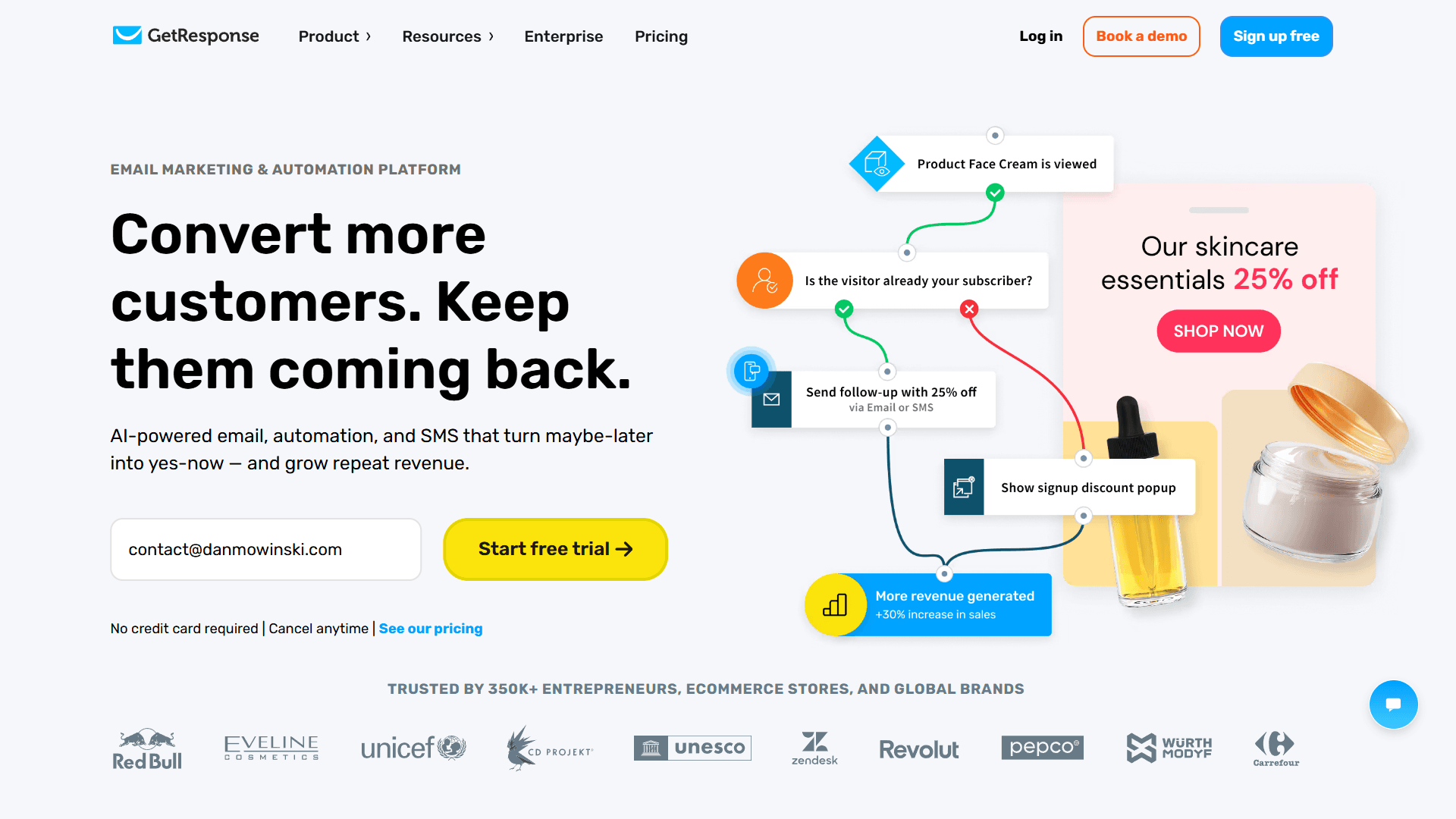
GetResponse has AI capabilities that generate email content and subject lines using OpenAI. It also offers over 100 templates that speed up sequence development.
While its automation features allow users to create simple sales processes, such as qualification flows, GetResponse is best suited to campaign-level targeting rather than one-to-one sales conversations.
Key features
AI-generated email content and subject lines for quick sequence development
Over 100 editable templates with a drag-and-drop builder
Automated onboarding workflows that keep new customers engaged
Campaign performance tracking and optimization
3. Brevo (formerly Sendinblue)
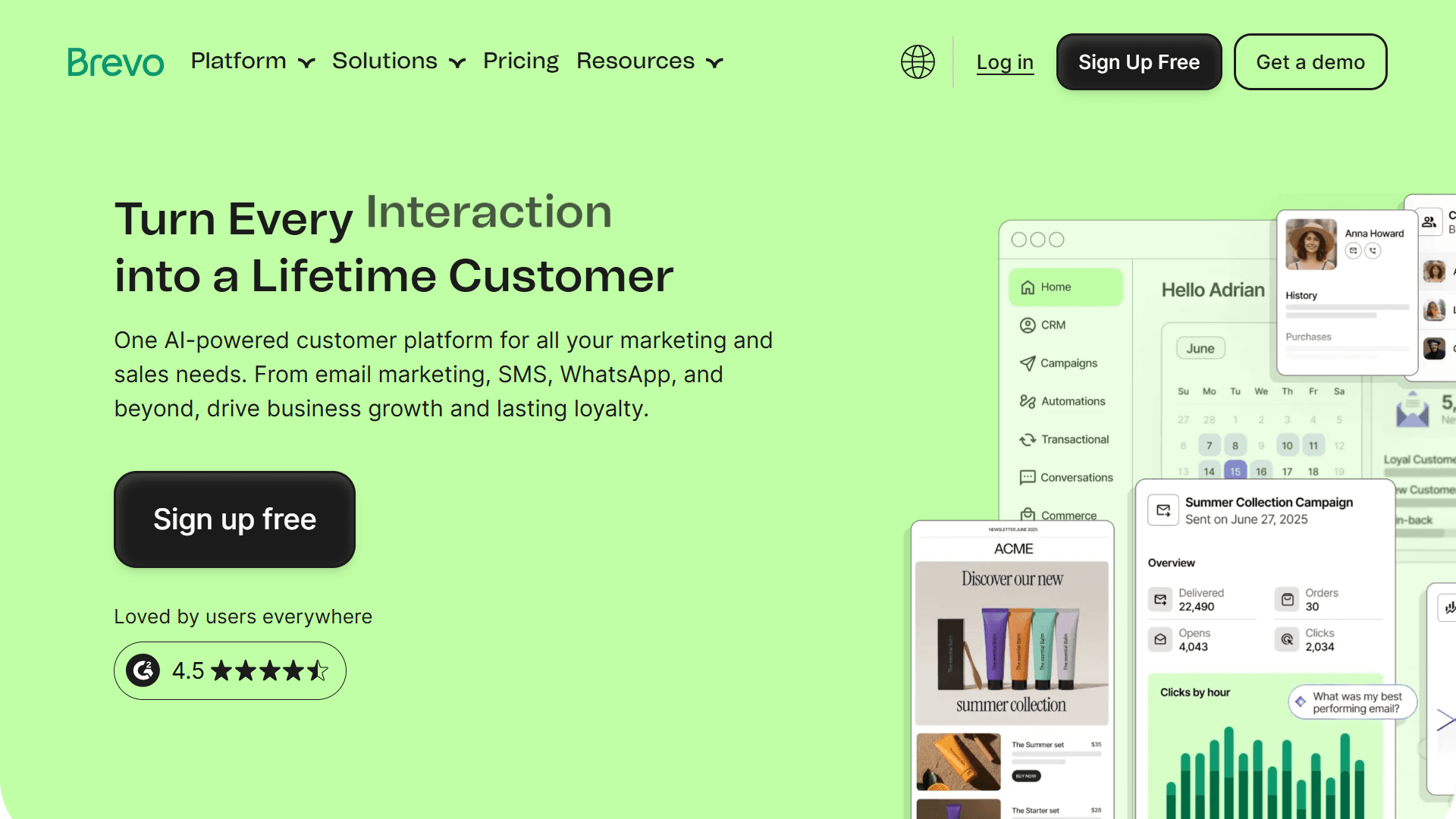
Brevo's workflows span SMS, email, and WhatsApp and cover transactional, behavioral, and welcome series. It has a large library of integrations and offers a built-in CRM. The free tier is generous: users can send 300 emails per day.
Brevo allows users to time emails and set conditions to personalize workflows. It supports abandoned cart, post-purchase, and cross-selling sequences, but it won't handle complex outbound cadences that adapt to live sales signals.
Key features
Email, SMS, and WhatsApp automation for multi-channel campaigns
AI content and subject line generation for basic personalization
Deliverability checks to ensure messages reach inboxes
Send-time optimization that tracks when users are most likely to open emails
Transactional, behavioral, and welcome workflows
Built-in CRM that keeps data unified
Advanced segmentation and analytics for improved targeting
4. AWeber
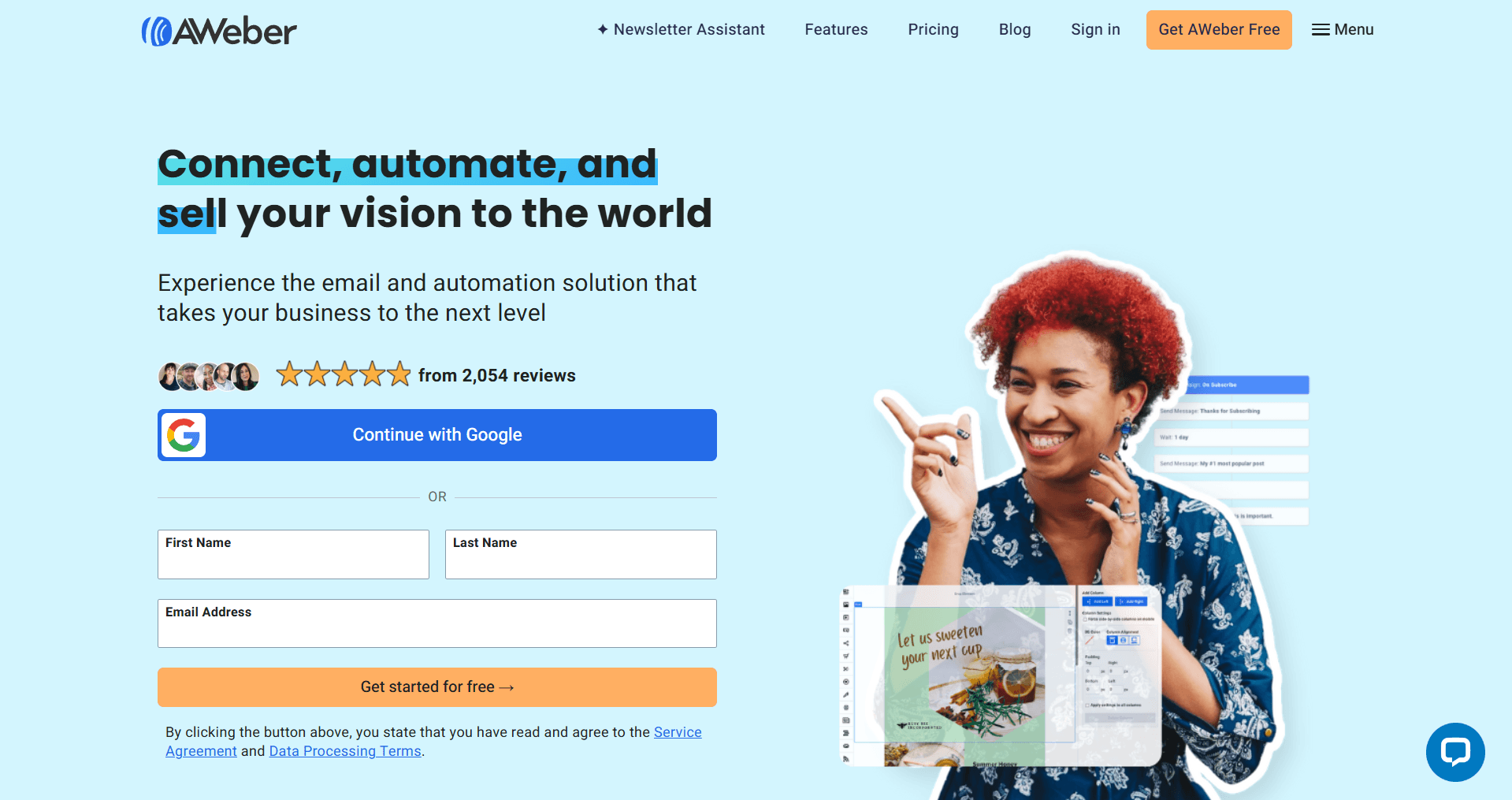
AWeber is a straightforward autoresponder platform with an easy setup process, which makes it a strong choice for beginners. Users can build automated sequences that trigger based on timing or behavior.
AWeber also supports abandoned cart, onboarding, and lead-generation workflows. However, its sales features lack the segmentation depth that complex SaaS sales motions require.
Key features
Ecommerce integrations with Shopify, Zapier, and other popular tools
Visual email builder and AI writing assistant for fast template building
Date and behavior-based email triggers
Features for creating landing pages and forms
5. ActiveCampaign
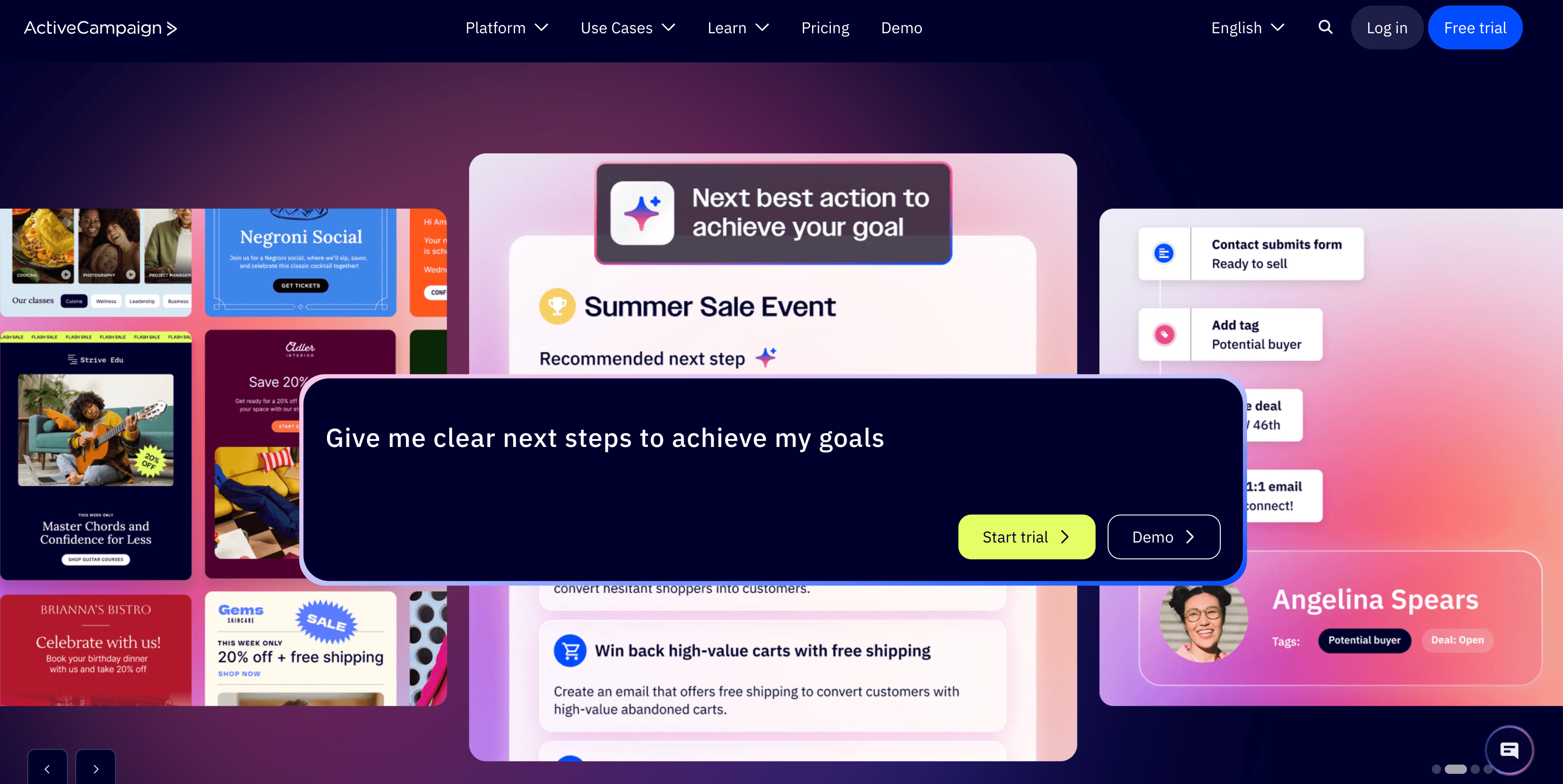
ActiveCampaign is a cross-channel marketing automation platform that supports SMS, WhatsApp, and social media. The tool offers a built-in CRM, uses your data to personalize messages, and has AI agents that optimize send times, subject lines, and content. It also includes deliverability checks, a drag-and-drop designer, and AI content generation.
However, these features come with a tradeoff: complexity. ActiveCampaign is better suited to enterprise teams with the time and resources to master it.
Key features
Built-in CRM for data-driven campaigns
Cross-channel automation that spans SMS, WhatsApp, social media, and email
AI campaign builder for hands-off workflows
Integration with calendar software for booking meetings, calls, and demos
Outbound workflows, including lead qualification and meeting booking, to assist the sales team
6. HubSpot
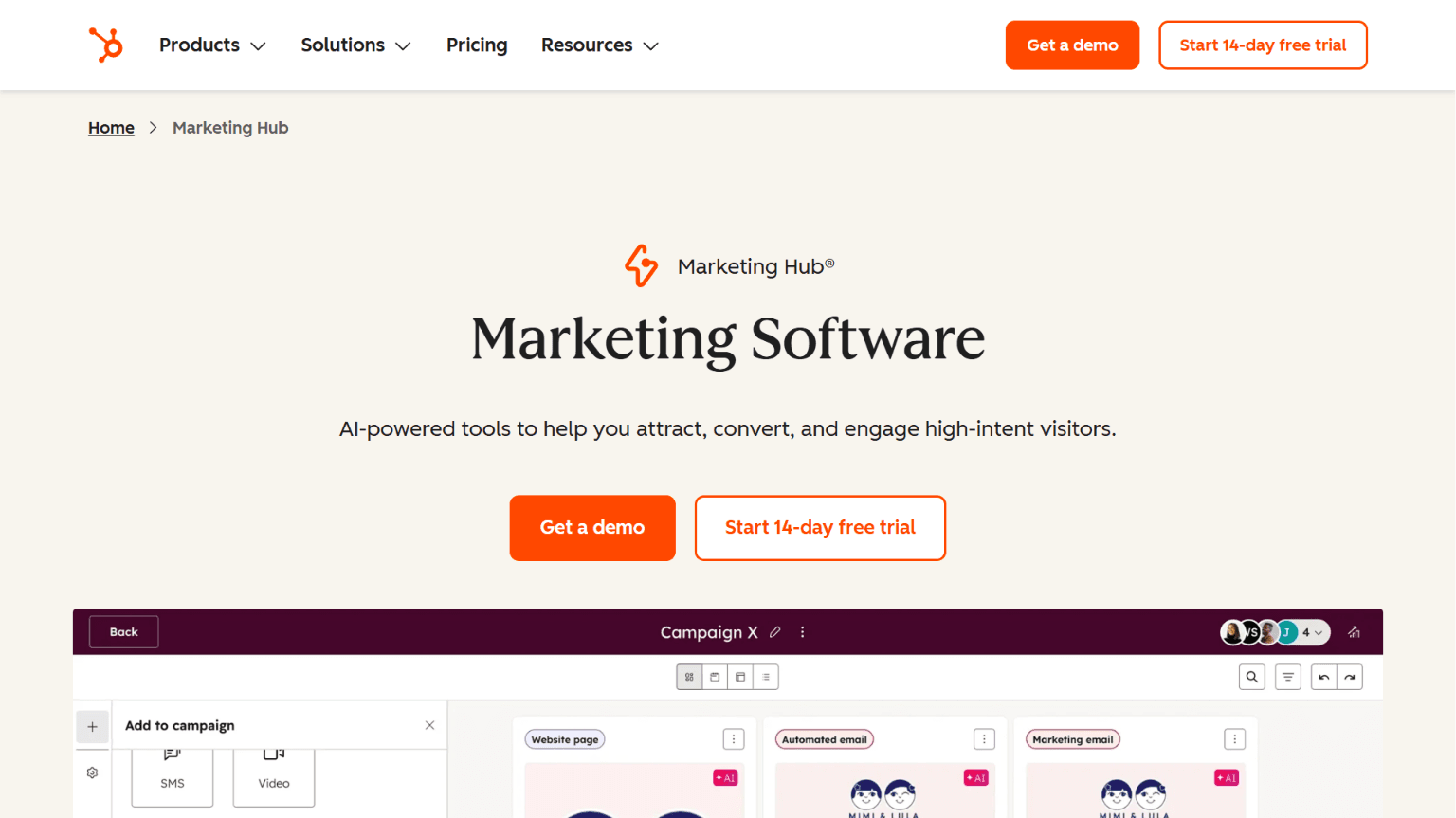
HubSpot has evolved from a CRM into an all-in-one sales and marketing platform. It offers three email automation tools: one embedded in the Marketing Hub, another in the Service Hub, and a third in the Sales Hub, which you'll need for outbound.
Sales Hub integrates directly with the HubSpot CRM and is best for teams already invested in parts of the HubSpot ecosystem.
HubSpot Workflows allow users to personalize follow-ups based on an individual's characteristics, behaviors, and journey stage. The tool does support automated sales conversations, but costs can escalate quickly because advanced automation is only available on higher tiers.
Key features
Integration with HubSpot's native CRM, as well as popular tools like Salesforce
Complex workflows designed for sales settings
Behavior-triggered sequences that respond to lead segmentation
Advanced reporting features that track key metrics
Sales and marketing alignment on one platform
7. Omnisend
Omnisend is an automated email responder tailored for ecommerce. It offers abandoned cart recovery, transactional emails, and post-purchase workflows. Users can also create multi-channel campaigns across SMS, email, push notifications, and WhatsApp.
The tool integrates with Shopify and other popular ecommerce platforms. But while powerful for ecommerce, Omnisend lacks the personalized messaging that B2B outbound or SaaS sales workflows require. For teams that want to switch providers, Omnisend will handle migration for customers that spend over $250 per month.
Key features
Multi-channel automation across SMS, push notifications, and email
Pre-built ecommerce workflows, including abandoned cart recovery and cross-selling flows
Automated transactional email delivery
Native ecommerce platform integrations, including Shopify, BigCommerce, and WordPress
Deliverability optimization to maintain your domain rating
Why connect autoresponders to a CRM for sales automation?
An autoresponder needs data to segment leads and track intent effectively. Connecting your email automation tool to a CRM will supply this data and ensure that customers receive relevant messages at the right time.
CRM context and customer journeys
Your CRM is integral to your email marketing campaigns because it provides the context and data that autoresponders need to personalize messages.
CRMs store the following types of data:
Stage in the customer journey
Customer actions
Demographics
Company characteristics
This information supports sharp targeting. For example, a CRM-connected autoresponder can send awareness-stage messages to leads who have just encountered your brand, rather than push for conversion too early.
Integrations and stack complexity
You have two choices: pick an autoresponder that integrates with your current stack, or choose a more advanced tool that offers deeper automation. Both options prevent data silos, reduce onboarding time, and help your team extract full value from the tool.
Ask the following questions when deciding whether a tool fits your stack:
Do you need a personalized sales outreach tool?
Does your current email platform offer enough CRM depth?
Will you need advanced workflows later?
When automation needs sales intelligence
Modern buyers expect relevance. Delivering it requires structured data: firmographics (industry, size, revenue), technographics, intent signals (content consumption, keyword research), and behavioral activity (site visits, email engagement).
Effective sales sequences use this data for the following:
Personalization: Tailored subject lines and copy referencing role, industry challenges, recent activity, and strategic goals.
Messaging: Content that’s broadly tailored to either the stages of awareness, consideration, or decision.
Proof: Industry-specific case studies, quantified outcomes, and benchmarks matched to company profiles.
CTAs: Stage-appropriate suggestions for next steps, such as downloading a guide, booking a demo, starting a trial, etc.
How Artisan replaces and extends autoresponder logic
Artisan is an outbound-first sales platform powered by an AI business development representative (BDR), Ava, who handles research, follow-ups, and timing.
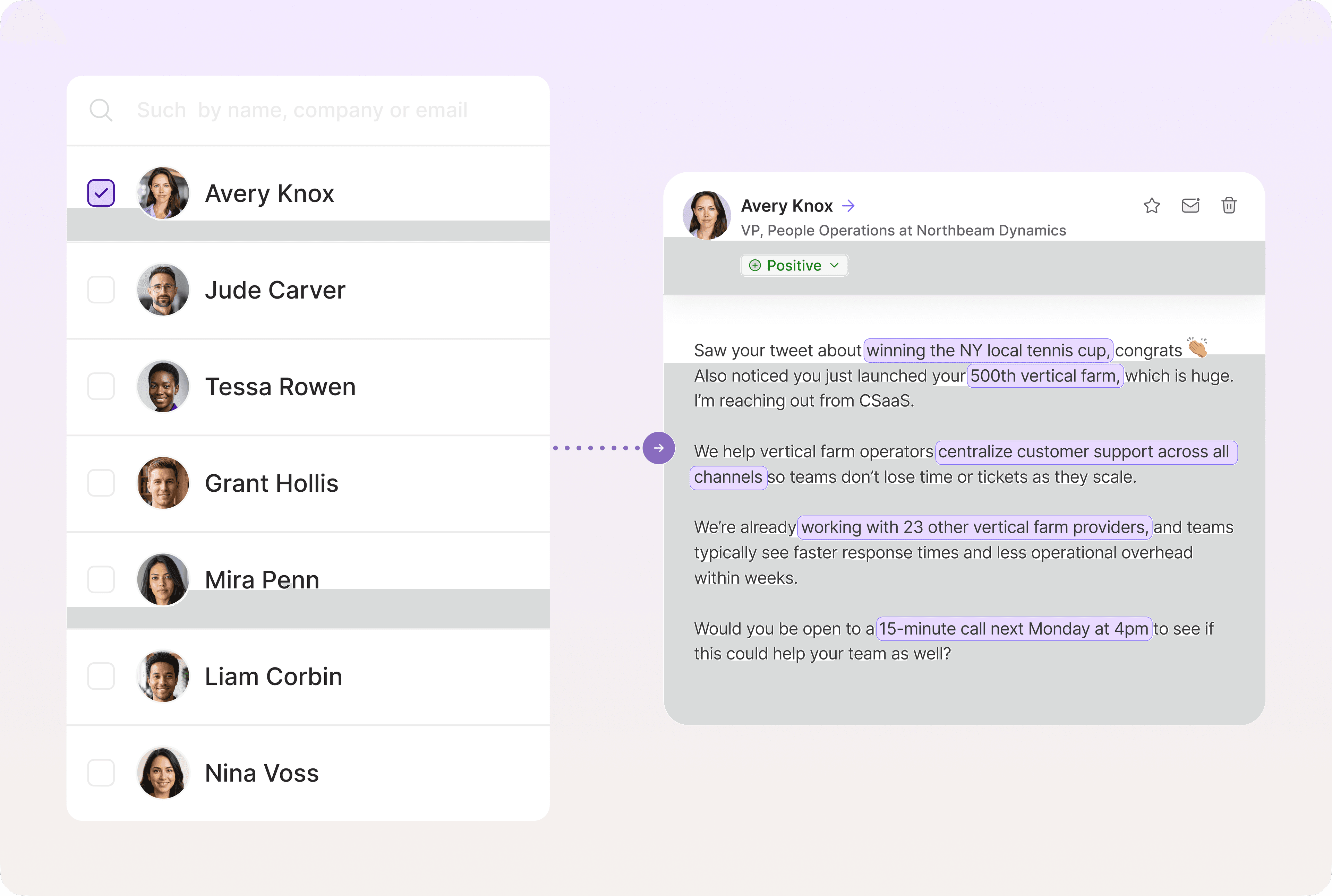
Most autoresponders specialize in email marketing. They offer some sales features but lack the ability to drive the one-on-one conversations that win over leads. Artisan fills this gap with cadences that feel human rather than scripted.
With deep personalization and built-in A/B testing, Artisan's sequences refine themselves over time and deliver stronger messaging with each iteration.
Choosing the right autoresponder setup for your use case
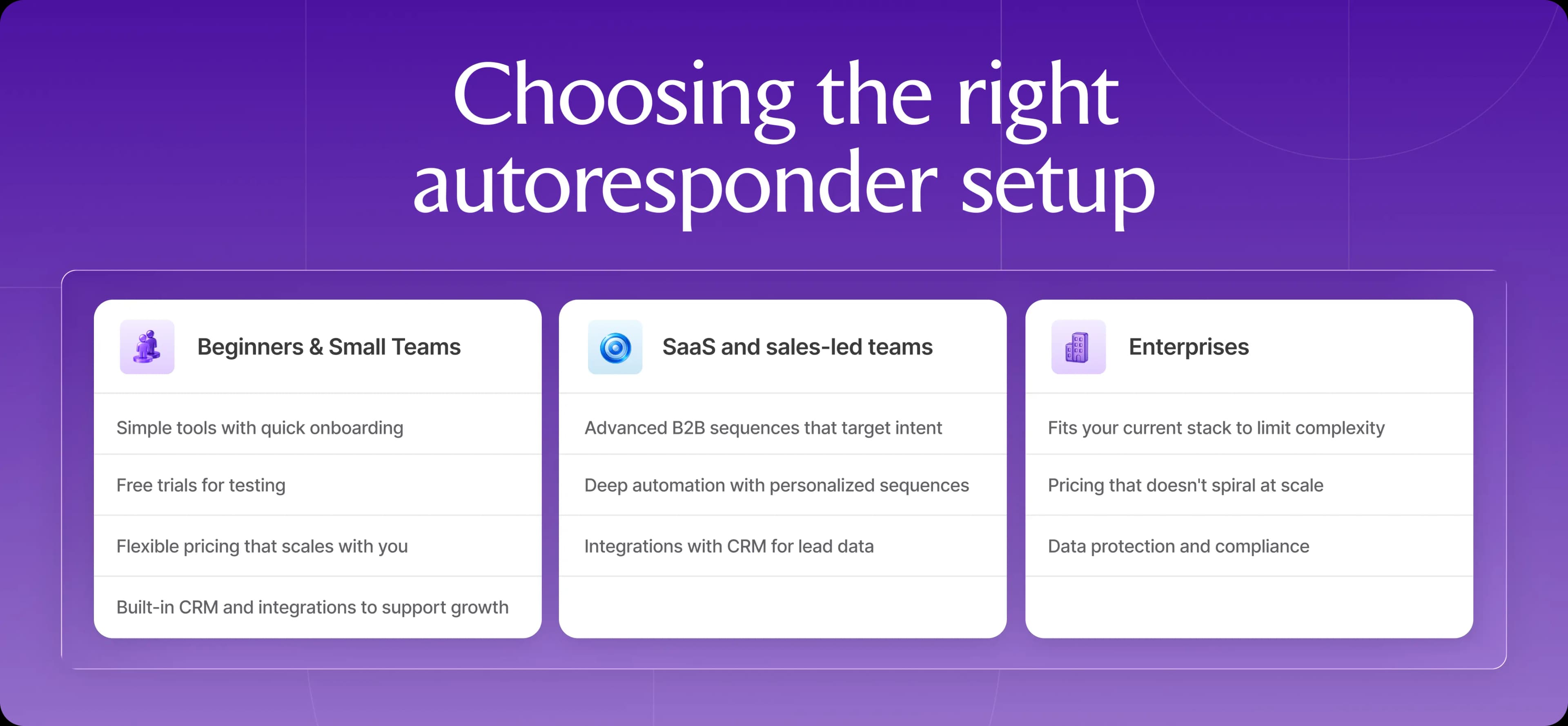
Your ideal tool depends on your company's size and industry. Smaller teams need simple tools with affordable plans, while enterprises and SaaS teams require advanced features and integrations with their tech stacks.
Beginners and small teams
If you're just starting out, look for the following attributes when choosing a tool:
Simplicity: Rather than chasing long feature lists, choose a solution with intuitive automation, templates, and onboarding.
Free plans or trials: Take advantage of free options to determine which tool fits your team's skillset before you commit.
Flexible pricing: Choose a tool that allows you to scale gradually. Pricing shouldn't jump before revenue does.
Integrations: Select a tool that fits your current stack to avoid wasting time.
SaaS and sales-led teams
Sales-led and SaaS teams should look for the following features:
Strong outbound processes that act on intent: B2B buyers are rarely actively in-market. As such, you need highly effective intent tracking that logs signals and responds immediately when buyers are actively searching for a solution.
CRM connection for deep personalization: Your tool should allow you to nurture leads with relevant messages rooted in CRM data.
Sequences that prove value: Most SaaS providers face the ongoing challenge of maintaining engagement while explaining complex features to busy leads. Sequences should build value with each step and show social proof and industry knowledge.
Enterprises
Enterprises should choose tools with the following features:
Compatibility with your existing tech stack: Most enterprise companies have complex tech stacks.
Sustainable pricing at scale: If you’re running a large company, you likely have larger teams with more diverse needs, so ensure your chosen tool has a fair price per seat and that costs don't escalate at volume.
Data protection: Choose a tool that prioritizes data compliance in all the jurisdictions in which you collect and use sensitive information.
If you're still babysitting sequences, you're late
Autoresponders boost open rates and conversions with consistent email workflows. But basic tools only go so far. Modern outbound requires automation that understands intent, reads context, and times messages precisely.
Artisan goes beyond autoresponder logic and executes full outbound sequences. AI BDR Ava conducts deep lead research, composes personalized messages (including follow-ups), and routes potential buyers to reps when they show interest. All of which means your team can devote themselves to all important human conversations.

Automate your outbound with an AI BDR
Meet Ava—your AI BDR who handles prospecting, outreach, and follow-ups, so your team can focus on closing.

Marsha Dunn
SME @ Artisan
Marsha Dunn is a writer helping businesses connect with customers and build credibility. She specializes in B2B thought leadership rooted in expertise.