AI scheduling assistants: How they work and 5 best tools
This guide breaks down how an AI scheduling assistant works, what features matter, and how to choose the right tool for meetings, tasks, and team calendars.
Staring at your calendar to identify the best time for a team sync or deep work session probably isn’t your idea of fun.
Thankfully, AI assistants can automate scheduling tasks. Which means you can spend your time on work that matters, not finding time for it.
What is an AI scheduling assistant?
AI scheduling assistants are digital tools that use artificial intelligence to automatically schedule meetings, identify scheduling conflicts, and optimize your calendar based on your routines, tasks, priorities, and availability. It’s sort of like having a personal assistant, but in AI form.
Here are the five major functions of an AI scheduling assistant:
Auto-schedule meetings and tasks based on your rules
Spot scheduling conflicts and manage rescheduling
Sync with calendar tools like Google and Outlook
Set “focused work” time blocks when no one can schedule a meeting with you
Send meeting reminders and updates
What do you risk with manual scheduling?
Struggling to find time for your various meetings? Overwhelmed by too many of them?
When you handle scheduling manually, striking the right balance in your calendar between meetings, tasks, and deep work is often an ongoing struggle.
The back-and-forth time-sink nobody accounts for
Coordination over Slack and email eats up time and attention that could be put towards more impactful initiatives. It’s also just tedious. Who wants to have several back-and-forth emails to try to find the perfect time for a sales call or weekly team meeting?
Focus time is the first casualty
We all want to make our colleagues happy. When you manually schedule meetings, it’s hard not to sacrifice deep work time to find a time that suits all parties. With automated scheduling, it’s easier to resist the urge to people-please. AI protects that focus work block without involving you.
Complex calendars create silent failure
When you’re constantly asking, “When works best?” to multiple people in different time zones, who also have different schedules and competing priorities, complexity creeps in quickly. This complexity leads to accidents, such as double bookings and incorrect time zone alignment.
AI scheduling assistants aren’t nice-to-haves anymore
Businesses that still rely on manual methods to organize calendars are missing out on huge time-saving opportunities. So what keeps some brands from adopting these affordable tools? Often, it’s misconceptions about how the AI actually works.
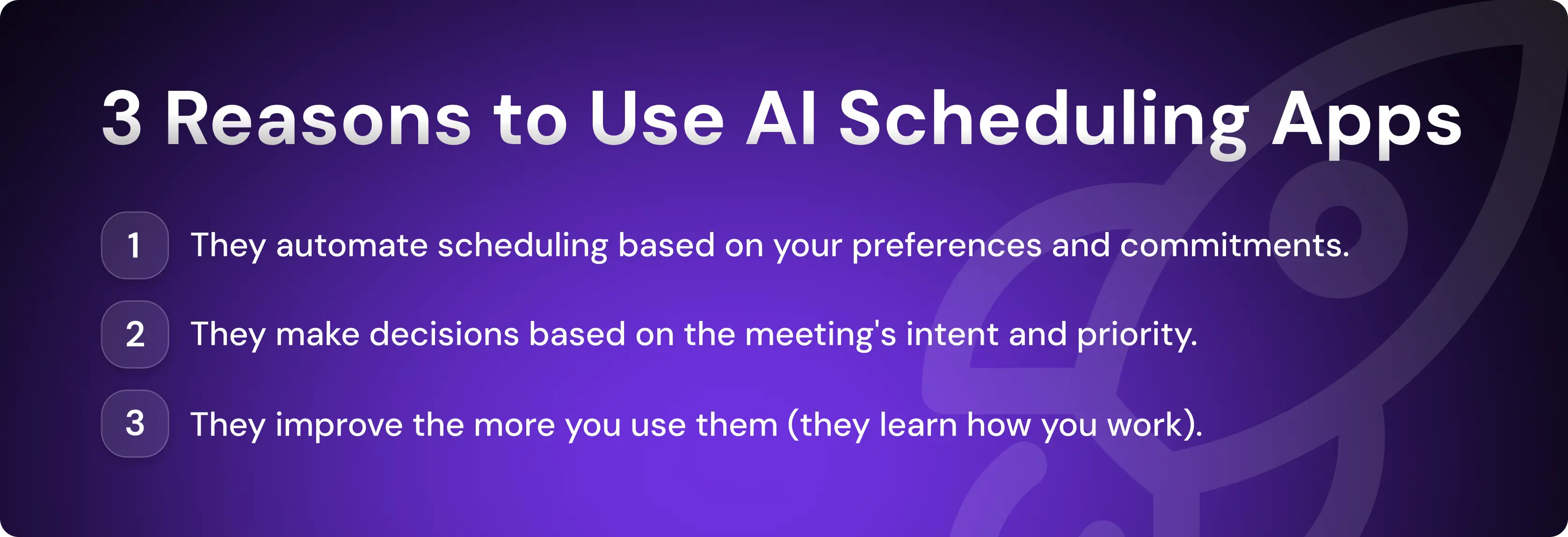
They automate around your calendar; they don’t replace it
AI scheduling apps integrate with your personal and work calendar. They schedule, remove, and update meetings and tasks directly in the interface you already use to plan your day. T
They also typically integrate with project management tools. If a task is assigned in that software, it will also appear on your calendar, reducing the need to check multiple dashboards
They understand intent, not just availability
AI assistants use natural language processing to interpret the intent behind requests like “Can we find a time next week?” or “Let’s reschedule for tomorrow.” They don’t randomly select open slots in your calendar. They’ll often even consider factors like meeting priority, urgency, and time zones.
They optimize continuously, not once
Unlike a regular static calendar, AI assistants optimize your schedule continuously as your day progresses, adapting to the inevitable unforeseen events. For example, an assistant might automatically rebook a meeting with a customer who emails to reschedule.
The features that actually matter (and the ones that don’t)
AI scheduling tools usually offer a wide variety of features. But there are three big ones that can drive significant productivity boosts: automated meeting scheduling, focus time blocking, and intelligent task management.
Meeting scheduling that removes you from the loop
Automated scheduling is one of the most sanity-saving functions of AI scheduling apps. Scheduling your meetings without human intervention allows you to focus on your work, not your colleague’s calendar.
Here are the key elements of meeting scheduling functionality:
Booking links: Delivers links to a booking page that displays your availability.
Calendar sync and conflict management: Keeps Outlook or Google calendars updated in real-time.
Advanced group scheduling: Analyzes attendee time zones and schedules to find the best time for a meeting.
Intelligent rescheduling: Reschedules meetings based on their priority—for example, moving a low-urgency meeting to tomorrow to make room for one with the CEO.
Focus time, deep work, and time blocking
From protecting your deep work time to prioritizing your tasks based on deadlines, AI meeting schedulers help you become more creative and productive.
Here’s how key focus features help you prioritize deep focus over shallow work:
Automated focus time protection: Reserves blocks of time every week for uninterrupted creative or cognitively demanding work.
Adaptive time blocking: Dynamically creates or reschedules task windows as your day evolves—for example, if you want to “Work out for 1 hour between 2 and 5 PM,” the AI assistant will find the best time based on other commitments.
Prioritization of important tasks: Ensures your higher-priority tasks get precedence on your calendar over less important ones.
Task management and workflow alignment
A healthy calendar consists of more than just meetings and deep work time. It also includes tasks. AI scheduling tools can automatically schedule all those managerial and administrative jobs.
Here are the three main ways that AI helps with task management:
Integrates with to-do lists and project management tools
Uses deadline-aware task scheduling so you’re never rushing
Builds recurring habits and routines into the schedule, and protects them
A reserved block of time still needs a clear outcome. If the bottleneck is completing the preparation or follow-up, include ongoing work ownership in your evaluation. Artie is an AI employee designed to take on responsibilities across apps. Test a concrete assignment, such as maintaining a meeting brief and its action list, alongside your existing scheduling setup.
How AI scheduling assistants fit into daily work
The three main types of users who will benefit most from AI scheduling assistants are sales professionals who need help scheduling meetings with leads, business teams that want to streamline internal scheduling, and individuals looking to wrest back control over their days.
Sales and revenue teams that need meetings to happen
Sales reps use AI scheduling assistants to handle scheduling tasks so they can spend more time on essential manual tasks—discovery and research in the run-up to meetings and tailoring outreach and nurturing materials for high-value leads.
Here are the most useful AI scheduling functions for salespeople:
Books meetings with leads and clients automatically
Schedules group sales meetings that involve multiple decision-makers
Manages meeting routing, CRM logging, and follow-up logic
Reminds reps about upcoming sales meetings
Artisan includes this agentic functionality as part of its broader sales toolkit. AI BDR Ava won’t just schedule meetings with leads. She also finds decision-makers, researches them, and sends personalized email sequences, logging the outbound activity in your integrated CRM.

Teams trying to stay sane internally
Internal scheduling friction is a real headache for busy professionals. It can easily consume hours of time every week with back-and-forth messaging.
The following AI scheduling software functions help with coordination:
Scheduling of group meetings
Slack notifications and invites
Detailed time-tracking dashboards
Automatic booking of recurring meetings
Individuals protecting work-life balance
AI scheduling tools give you the benefits of an executive assistant. You can configure the tool to schedule your day in ways that align with your values, habits, and goals.
AI scheduling tools can do all of the following:
Allocate buffer time between meetings
Schedule your daily habits and routines into your calendar
Study your preferences to improve scheduling over time
Respect your working hours, leisure time, and critical commitments
Arrange similar tasks next to each other to reduce context switching
5 best AI scheduling assistants to evaluate
The various AI scheduling platforms solve different problems. Some are geared towards meeting scheduling while others prioritize helping users plan their tasks. It’s therefore best to research and trial several options to find the right one for your specific needs.
Reclaim.ai: Built to defend your focus time
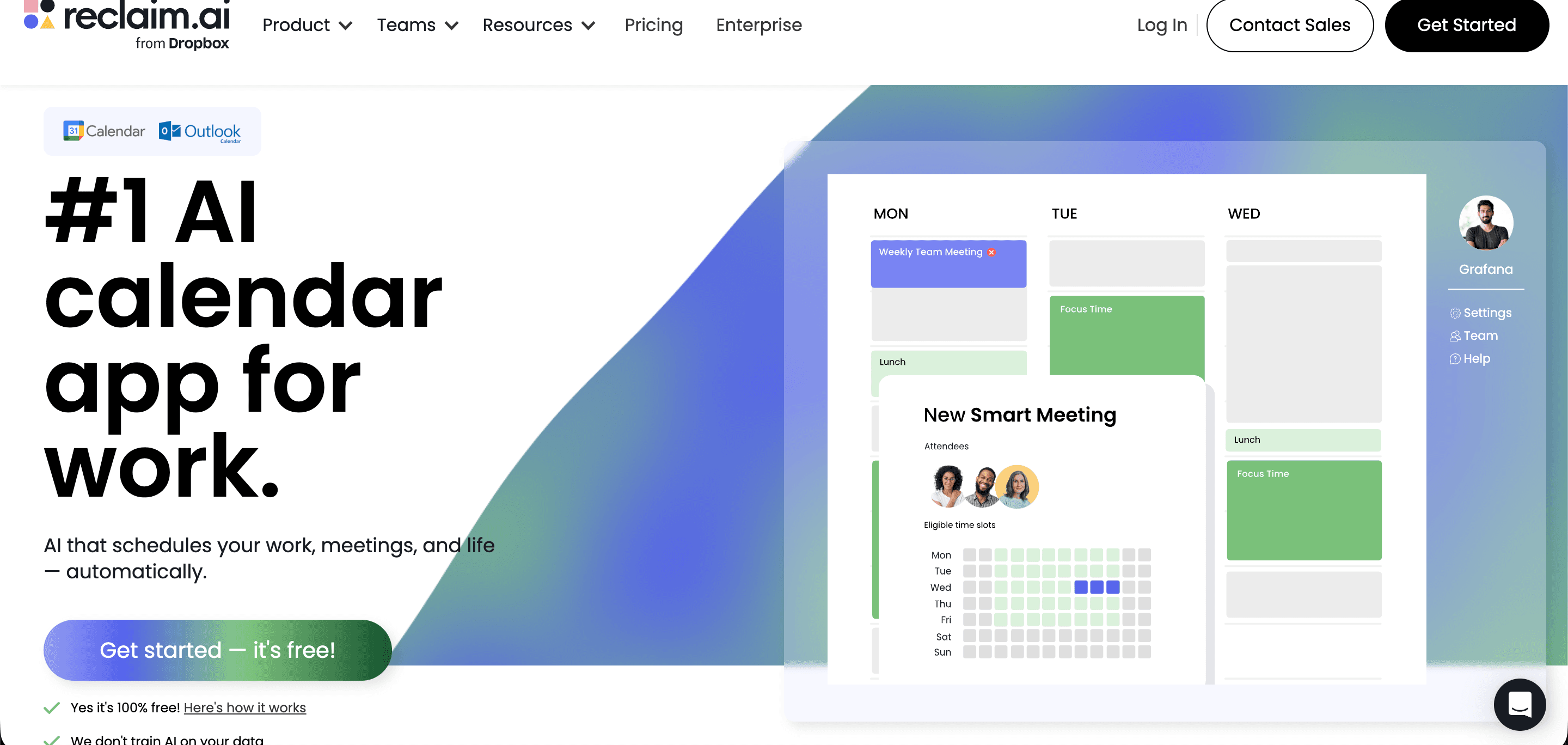
Built for individuals and business teams, Reclaim.ai is an AI calendar app that automatically schedules your meetings and tasks.
Compared to competing tools, Reclaim’s platform is the best available shield for defending your deep work blocks and routine habits, whether it’s a morning walk or a 3 PM cold call block.
Reclaim top features
Focus time: Set focus time goals, build in blocks, create auto-decline rules for meetings scheduled, and auto-reschedule blocks when there are conflicts.
AI habit tracking: Let the AI schedule habits into your calendar and track your consistency. You can also configure custom rules for rescheduling and receive habit reminders.
Smart meetings: Find the best times for recurring team meetings with AI, automate rescheduling, and set tentative meeting slots.
Clockwise: Built for teams, not solo calendars
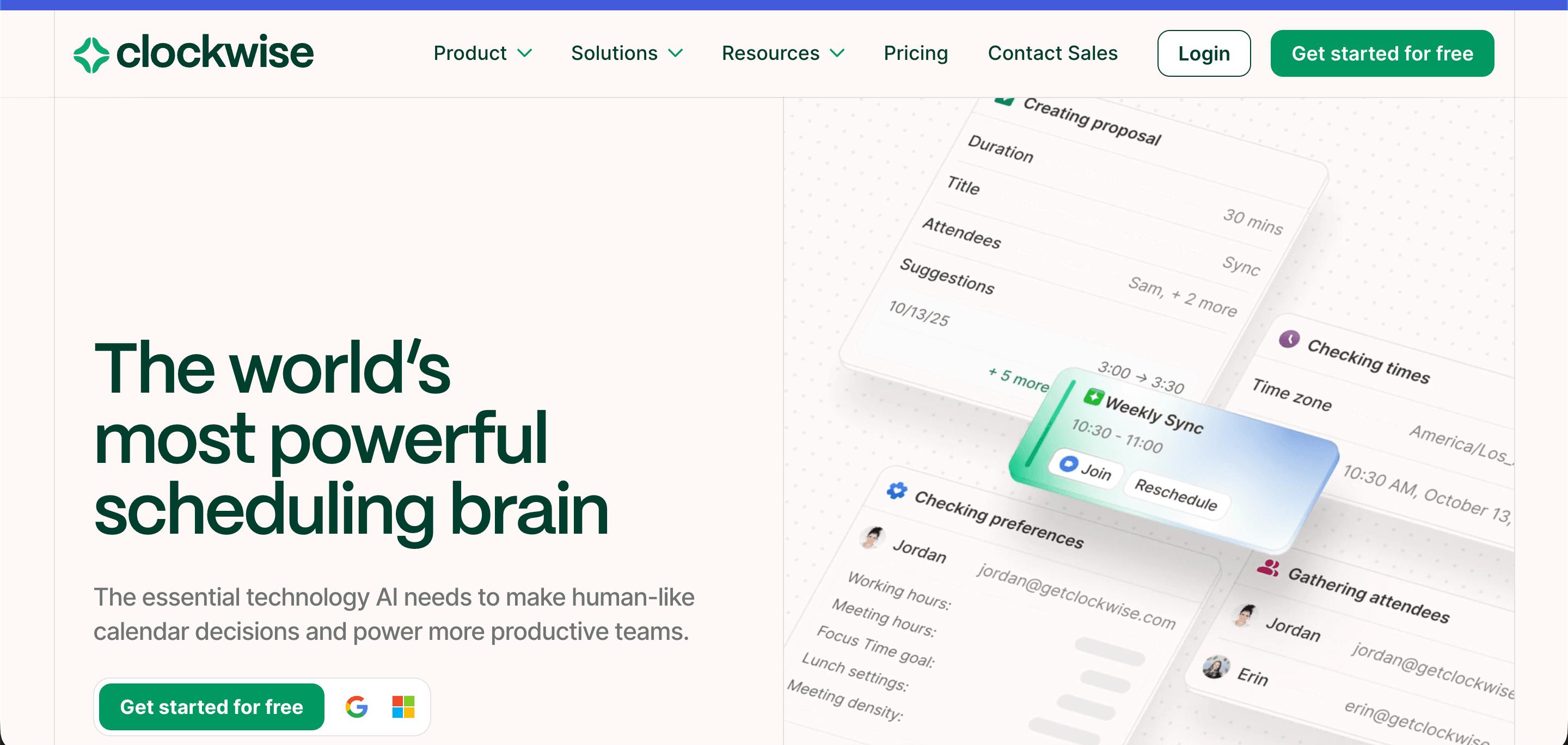
Clockwise is an AI-powered time management app that helps teams stay coordinated with predictive scheduling and real-time calendar optimization.
To create team schedules and pick meeting times, Clockwise considers both individual preferences and company requirements, helping organizations strike a nice balance between solitary deep work and team collaboration.
Clockwise top features
Intelligent scheduling: Finds ideal meeting times for all attendees, based on calendar data and its understanding of individual and team habits and preferences.
Conflict detection and rescheduling: Shuffles meetings you’ve marked as flexible to the most convenient time for attendees.
Proactive focus time blocks: Rearranges your flexible meetings to create more long, uninterrupted time blocks for focused work.
Motion: When scheduling and project planning merge
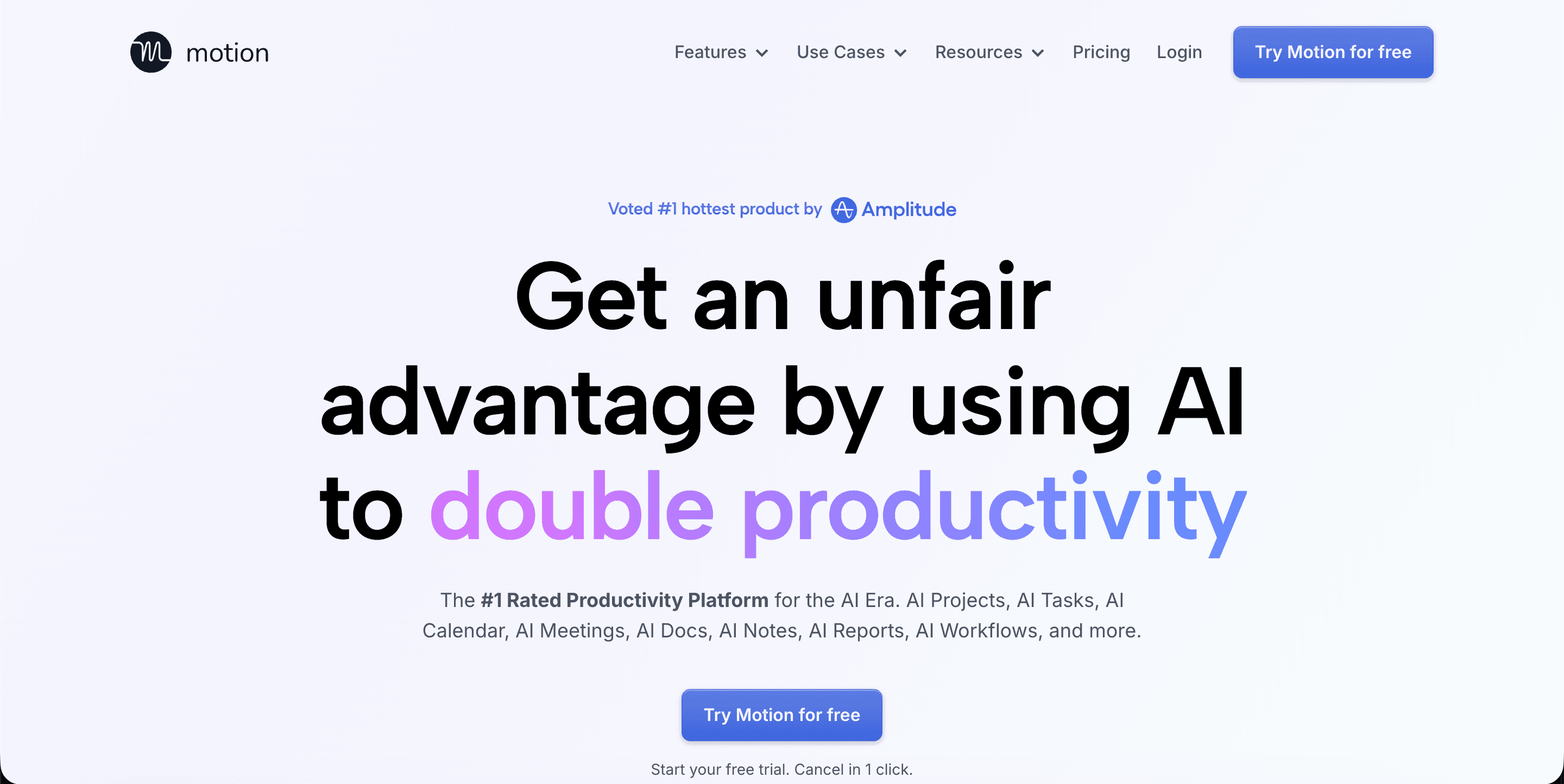
Motion is an AI executive assistant platform. It pairs a set of productivity tools—AI task planner, AI document assistant, and AI workflow builder—with an AI calendar assistant that intelligently plans your day and schedules your meetings.
Since the AI-powered calendar is built into a larger project management platform, Motion is ideal for workers with complex schedules who want to make sure their calendar always reflects their projects, deadlines, and priorities.
Motion top features
Dynamic daily planning: Schedules tasks and meetings based on their priority and your capacity, notifies you of upcoming deadlines and reshuffles your day if you’ve taken on too much.
Embedded calendar: Enables you to put your Motion calendar onto your website so leads can easily book appointments with you.
AI project manager: Assigns tasks to the right employees’ calendars, manages capacity planning so no one is overwhelmed, and provides you with intelligent dashboards that help you spot inefficiencies and bottlenecks.
Calendly: Simple booking with smarter routing
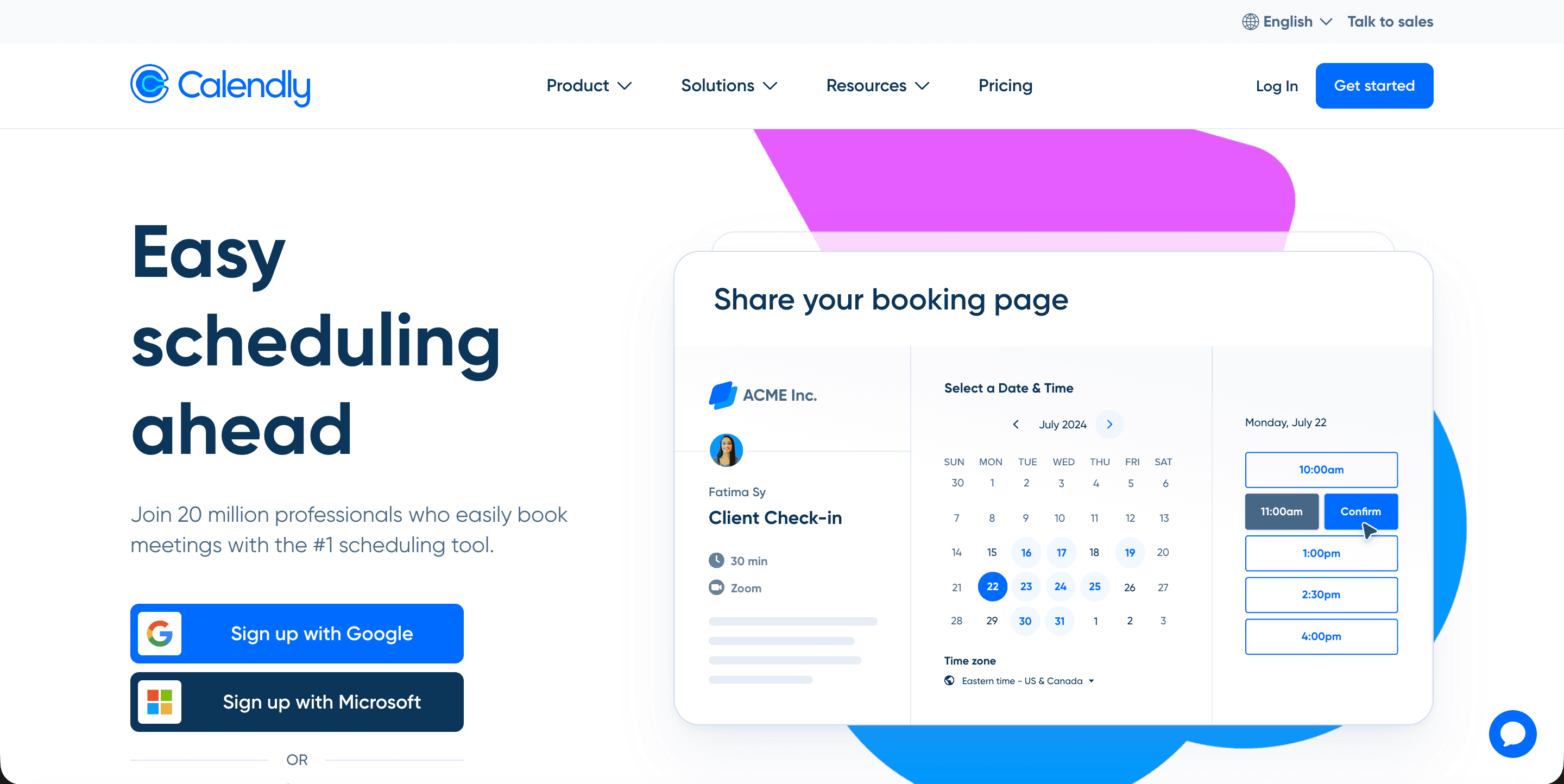
Calendly is an online appointment scheduling tool with shareable scheduling links that make external meeting coordination simple. It’s a popular AI tool for salespeople.
When the lead receives a link, they’ll be able to see your availability (which you customize) and can choose a time slot for the meeting.
Calendly top features
AI-assisted lead routing: Through integrations with CRMs like HubSpot and Salesforce, Calendly can automatically qualify leads and route them to the most appropriate rep, who can then schedule a meeting.
Scheduling links: Connect your personal calendar, customize your availability, set a meeting location, and share the scheduling link with leads so they can choose a time that works for both of you.
Automated reminders: Configure workflows for automated personalized email and text reminders, ensuring everyone shows up to the meeting.
SkedPal: Time blocking for people who mean it
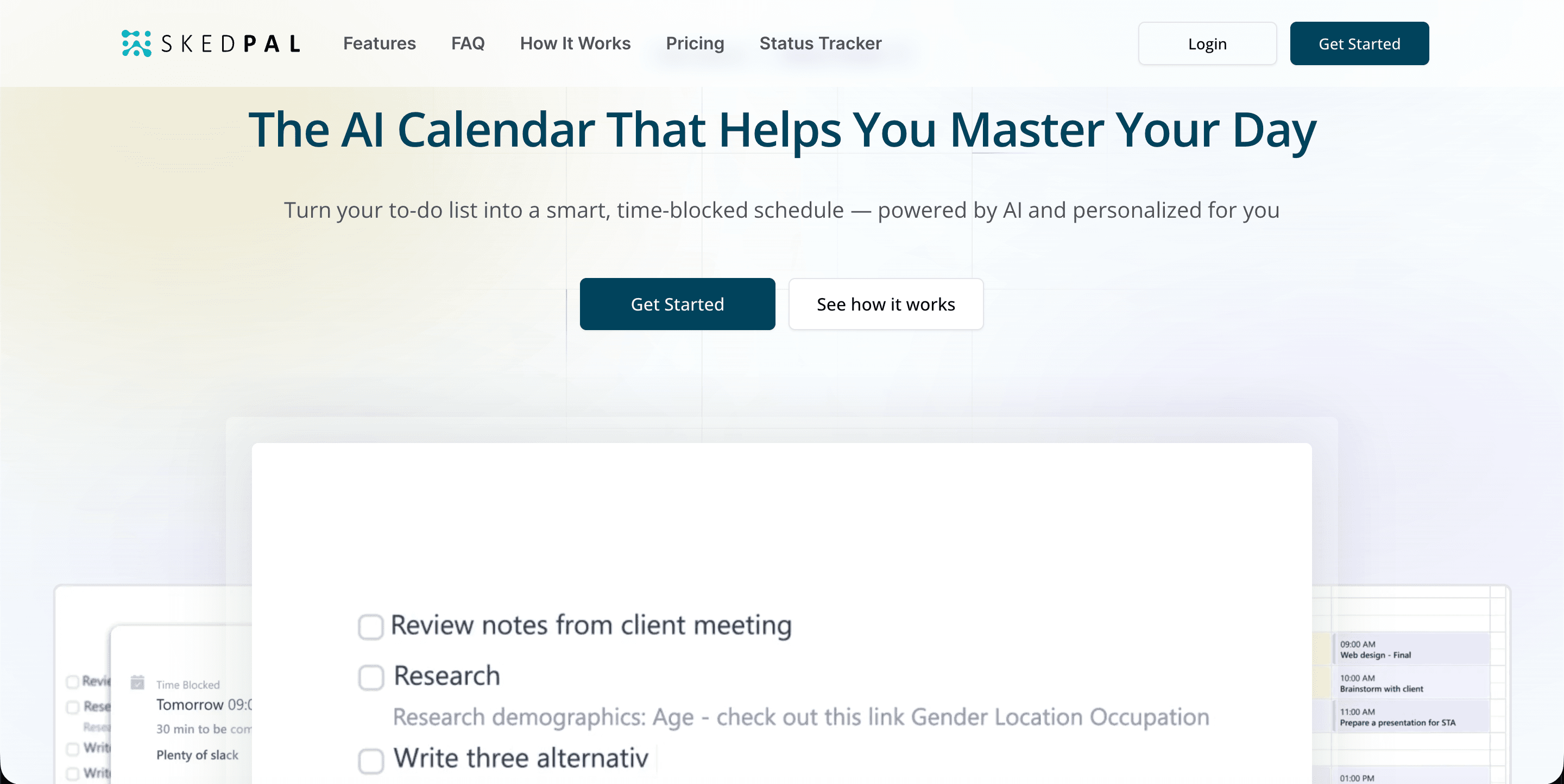
SkedPal, a task-focused AI calendar, is perfect for people who use to-do lists and want a fast way to get those tasks onto their calendar.
SkedPal takes your goals, constraints, and calendar preferences into account and automatically turns your task list into an adaptive, time-blocked schedule.
SkedPal top features
Auto-scheduler: Automatically builds an optimal schedule based on your tasks, goals, and preferences.
Time maps: Asks you when you like to do certain activities—like writing in the morning—so it can plan your days in a way that aligns with how you work.
Calendar analytics: Gives feedback around how you’re actually spending your time.
How to choose an AI scheduling assistant without regret
If you were to hire a personal assistant, you’d certainly take care in your evaluation. You don’t want just anyone managing your calendar. The same due diligence is essential when picking an AI scheduler. While you can often customize, there are still functional differences in how platforms work.
Who it’s for matters more than features
Are you using the assistant for personal productivity? Coordinating team calendars? Or are you looking for a tool to automatically schedule meetings with external leads and clients?
Considering the core inefficiencies you’re trying to solve is the best place to start in a software investigation. After you’ve defined your needs, find tools that specialize in that area.
For example, if your internal meeting load is heavy and you need an AI assistant to auto-schedule meetings, Clockwise is a strong option. If your priority is protecting deep worktime, go with Reclaim. Looking for an AI BDR that reaches out to leads and routes interested ones to the right reps? Artisan is your best choice.
Integrations that actually matter
Look for AI scheduling tools that integrate with your calendar so data transfers smoothly between systems. When you do this, all scheduling changes happening in the AI tool will be reflected in real time on your Google or Outlook calendar, and vice versa.
Look for the following types of integrations as a baseline:
Team communication platforms: Enables teammates to schedule meetings directly from the chat interface, reducing the time lost switching between apps. S
CRMs: Helps the AI route leads and schedule meetings according to account ownership data, while also logging meetings under the contact record.
Project management tools: Gives the AI access to project details like tasks and deadlines so it can intelligently schedule your day.
Pricing, free plans, and learning curve
Pricing, onboarding support, and ease of use—consider all these factors. Most scheduling assistants offer a free trial. Some even have entirely free plans. That said, they often come with limitations like user limits and feature restrictions for automations and analytics. If you want to give a potential platform a full test drive, reach out to ask for access. Most reps will be obliging.
Adopting an AI scheduling assistant with little friction
An AI scheduling assistant doesn’t just come into your office and start confidently planning your perfect days.
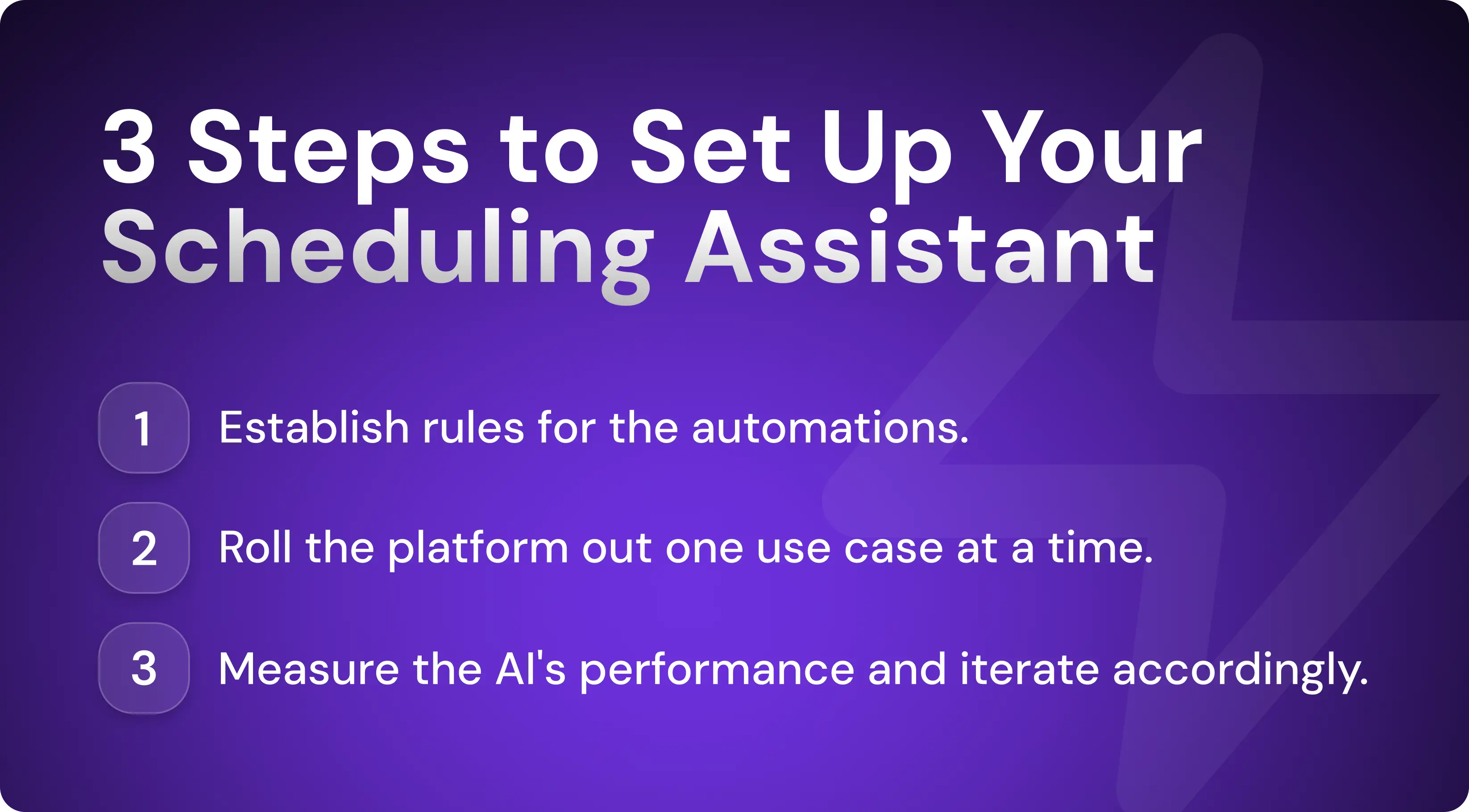
The tool relies on your configuration and data input to make smart decisions about your calendar. You need to set rules, gradually roll them out, and measure their performance if you want the best results and highest adoption rates.
Set rules before automation
Before the AI assistant can optimize your calendar, it needs to know what it’s optimizing for. That means setting rules for work hours, focus blocks, constraints, priorities, and notifications.
Here’s how to set rules in your AI scheduling assistant:
Define core working hours: Establish your workday so AI doesn’t schedule meetings for you when you’re off the clock.
Block recurring focus time: Schedule non-negotiable deep work blocks where AI cannot schedule meetings or administrative tasks.
Prioritize meeting types: Rank which meetings take precedence so the AI can prioritize correctly (for example, high-value client meetings might always take priority over team syncs).
Add buffer times between meetings: Instruct the AI to create 10-minute breaks between meetings so you can re-energize and avoid rushing.
Configure reminder preferences: Set up rules around reminders—such as an automated 10-minute notification before every meeting.
Roll out gradually
Fast, aggressive, all-at-once software rollouts lead to low adoption rates because team members become overwhelmed by all the new tools they need to integrate into their workflow.
A better way to implement an AI scheduling assistant is to focus on one use case at a time, starting with the biggest pain point.
For example, a team might first set up automations for scheduling internal meetings. Once that's working smoothly and everybody trusts the AI, they can give it more responsibility and configure it to schedule external meetings as well.
Measure what matters
Most AI scheduling assistants offer reporting tools. You can use these to find ways to improve the overall performance.
Track these KPIs to optimize your AI scheduling tool:
Reduced rescheduling
Fewer no-shows
Faster meeting booking
Preserved focus time
More high-priority tasks completed
Stop playing calendar Tetris and let AI handle it
Sick of wasting hours scheduling meetings? Tired of transferring tasks from a list to your digital calendar? The right AI scheduling app cuts the busywork.
If you run outbound sales campaigns, an additional tool that sources and schedules meetings with new leads can help ensure that your reps' calendars are always filled with qualified meetings.
Artisan is an AI sales automation tool powered by an AI BDR called Ava. She finds leads that fit your ideal customer profile and reaches out to them over email and social media with personalized messages. She then routes positive responses to the most suitable reps, allowing them to book meetings immediately.

Automate your outbound with an AI BDR
Meet Ava—your AI BDR who handles prospecting, outreach, and follow-ups, so your team can focus on closing.

Sam Rinko
SME @ Artisan
Sam Rinko is a former SaaS sales rep turned tech writer. He sold real estate software before writing about lead generation, cold calling, and AI sales tools.