Email sequencing software: Top 11 tools and expert guide
Learn how top sales teams use email sequencing software to automate follow-ups, increase response rates, and streamline outbound workflows.
Poorly chosen email sequencing software creates problems that compound quickly.
Ill-timed sending patterns can damage your domain reputation. A lack of automation features means reps spend too much time on manual tasks. And bad data causes you to miss prospects you can't re-engage later.
The right automation tool should protect your reputation, boost your conversions, and allow you to scale quickly without any loss in quality.
Why reps miss pipeline without email sequencing
Without email sequencing tools, it’s practically impossible to send high-quality outreach at any level of scale. This dramatically limits the number of leads you can reach with cold emails.
Manual outreach slows down sales
Research by Instantly found that 58% of email responses come from your first email. The rest (42%) arrive from follow-up touches—which are hit or miss when handled manually.
When reps manage follow-up emails without the help of automation software, they often miss more than just the occasional forgotten prospect.
It’s not uncommon for them to struggle to identify the right moments to reach back out. They default to arbitrary follow-up schedules instead of responding to real engagement signals.
One Channel Isn’t Enough Anymore
Research from Expandi and Belkins shows that sales email response rates average 5.1%, and LinkedIn outreach hits 10.3%. Relying on email alone means missing more than half the engagement opportunities available through multichannel coordination.
Single-channel strategies also limit your ability to test and optimize. You can't learn what resonates when you're only pulling one lever. Multichannel sequences let you see which combinations drive responses—email plus LinkedIn, or email plus phone call, or SMS plus video message.
Core features that make or break email sequence tools
There are over 100 email sequencing platforms on G2. Knowing which features are non-negotiable—from multi-channel sequencing to deliverability—helps you filter options fast and find the best email sequence for your business.
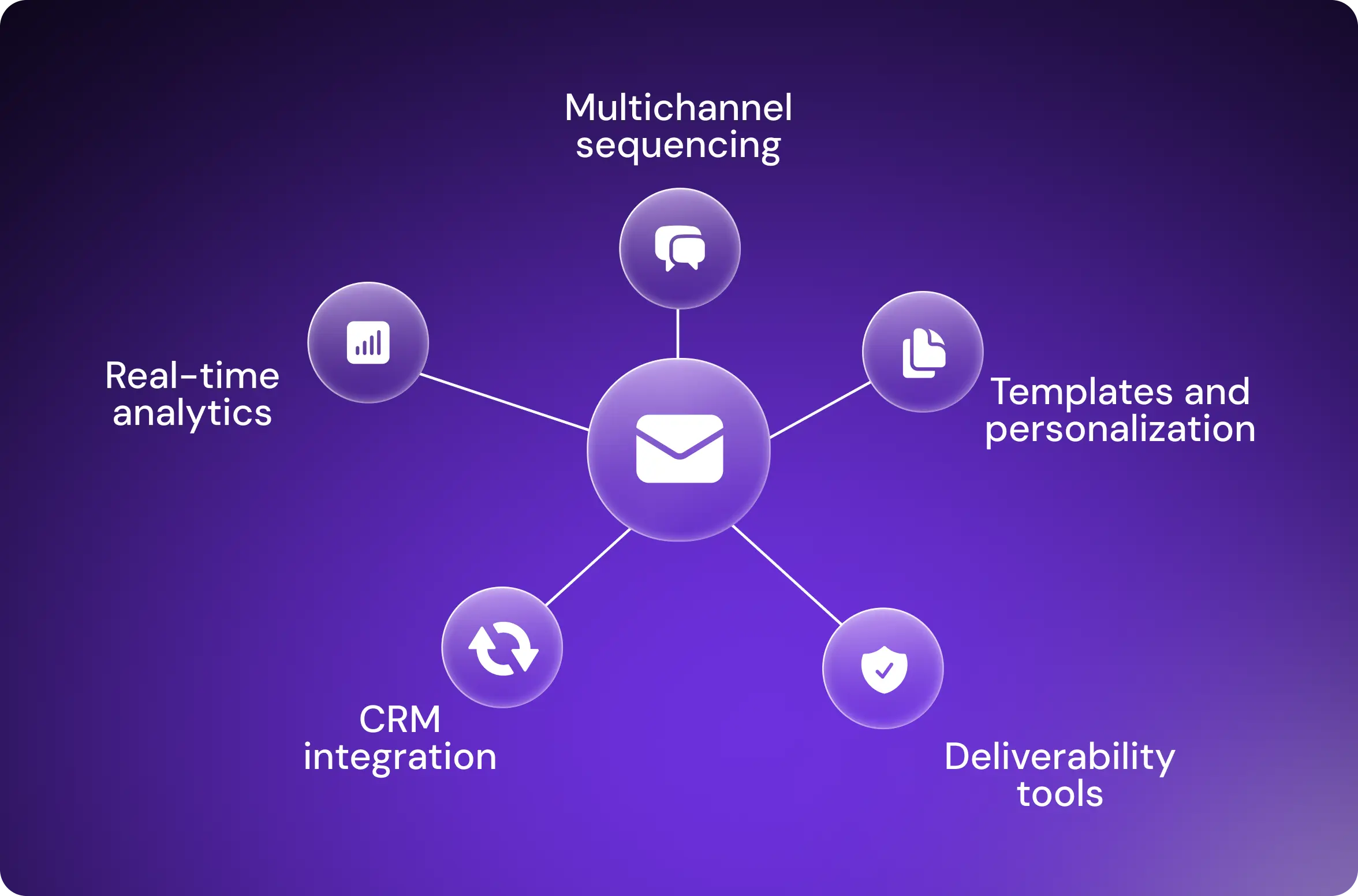
Multi-channel sequencing
An email sequencing tool should support at least one additional channel beyond email, such as LinkedIn, SMS, or another platform your buyers use. It should let you build automated workflows that coordinate multichannel outreach based on engagement patterns.
In B2B contexts, for example, buyers split their time between email and LinkedIn. Starting with a LinkedIn connection request builds familiarity before moving the conversation to email for detailed discussions.
Strong sequencing platforms execute these actions automatically—sending the connection request, following up with a message, and then transitioning to email.
Template libraries and dynamic personalization
Building a new workflow shouldn't feel like rocket science. Many of the best email automation platforms have libraries with sales sequence templates for different personas, industries, and use cases—all of which means you can launch campaigns faster.
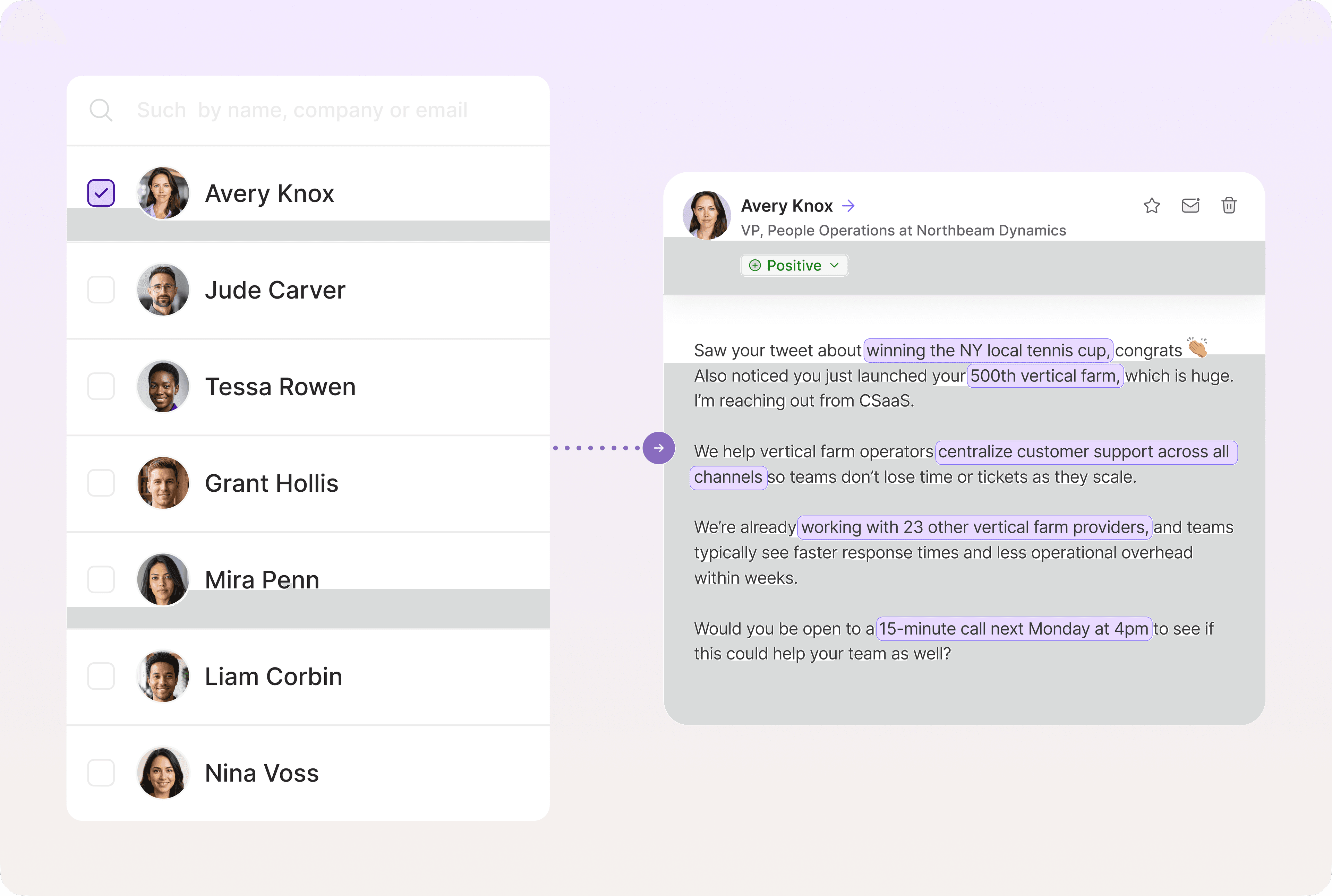
In addition, don’t overlook dynamic fields. These pull customer data directly from your CRM and insert relevant details into each message at scale.
Your chosen platform should include the following dynamic fields as a baseline:
[first name]
[lead company]
[industry]
[job title]
[location]
AI-powered personalization takes this further by generating relevant messages based on prospect data. Artisan, for example, tracks lead behavior across the web and on social media and crafts highly tailored messages without any human input.
CRM integrations and workflow sync
Sequences should pull data from and push data to your CRM automatically. This is usually best done through direct integrations.
Most email sequencing tools have integrations with the major players like HubSpot, Salesforce, or Pipedrive. If you have a more niche CRM, check that it’s supported.
Look for bi-directional sync so changes in your CRM update sequence enrollment automatically, and vice versa. Whatever happens in your sequencing tool should automatically be reflected in CRM records.
Real-time metrics and A/B testing
Your email sequencing software should show real-time data, not yesterday's numbers. Open rates, reply rates, and bounce rates should update immediately as prospects engage.
Filtering capabilities are a good indicator of high-quality analytics functionality. You should be able to slice performance by sequence stage, industry segment, and company size.
Your chosen platform should also make it easy to run A/B tests and declare winners without digging through spreadsheets.
Deliverability and warm-up tools
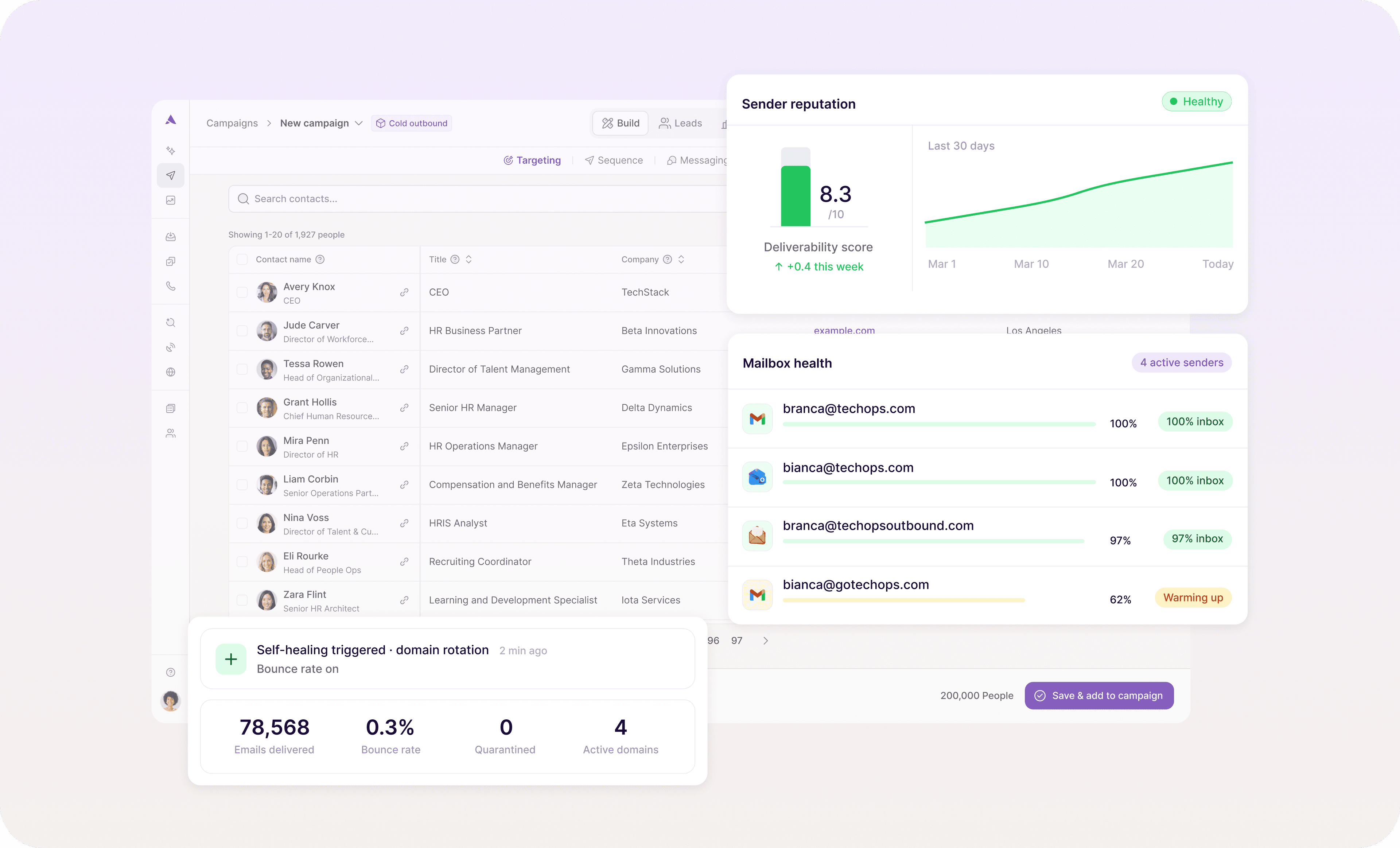
The best cold sequence in the world fails if emails land in spam. Your system needs robust deliverability infrastructure with rigorous domain authentication, IP warming, and spam score monitoring.
Built-in warm-up tools gradually build sender reputation for new email accounts before launching full campaigns. A platform should also provide deliverability analytics showing inbox placement rates, spam complaints, and domain reputation.
If you’re not technically minded, it’s best to opt for a solution that runs deliverability optimization in the background with a minimal amount of oversight. Artisan, for example, makes sure that emails are landing in recipients’ inboxes and immediately flags any issues when they arise.
11 best email sequencing platforms
Now that you know which features are non-negotiable, let’s look at 11 of the top email sequencing platforms on the market to see how they compare.
It’s important not to overlook this stage. As you’ll see, vendors often cater to distinct audiences—from affordable apps for small businesses to enterprise-grade solutions that can accommodate hundreds of users.
1. Artisan: All-in-one email sequence software
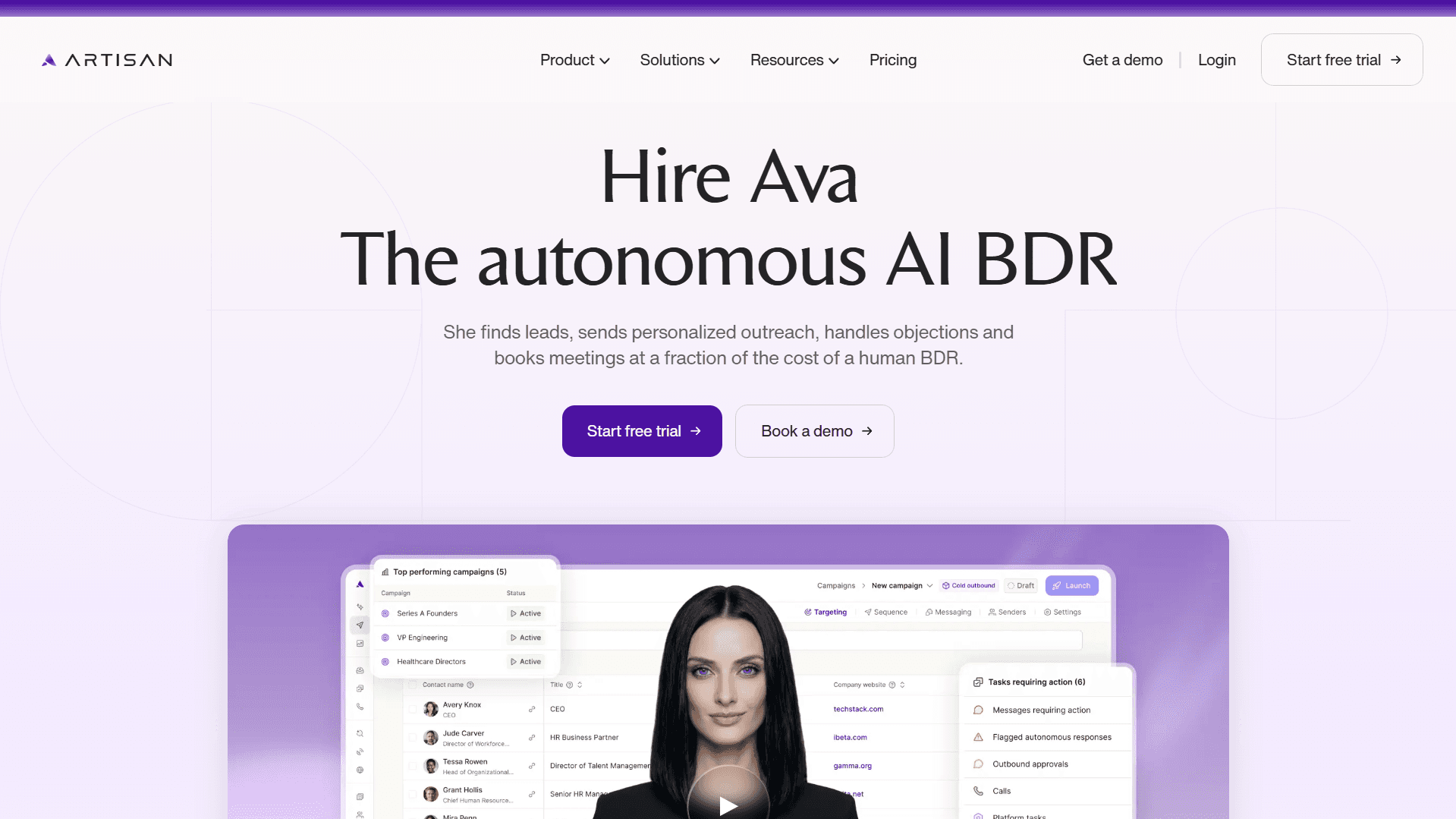
Artisan uses AI to automate the entire outbound process from research to outreach to follow-up. Instead of just sending predefined messages, AI BDR Ava researches prospects, identifies signals like job changes and company growth, and crafts personalized email sequences.

The platform supports multichannel outreach across email and social media with AI-generated personalization at every touchpoint.
In addition, you control how much the AI handles—build granular campaigns with detailed oversight or use Artisan's sales playbooks that apply proven frameworks to your audience automatically.
Key features of Artisan
AI-powered prospect research
Database with over 300 million B2B, ecommerce, and local leads
Automated sequence creation
Built-in deliverability optimization tools
Unified inbox and analytics dashboards
Native CRM integrations (HubSpot, Salesforce, Pipeline, etc.)
Proven sales playbook frameworks
Pros
Ava identifies intent signals, including job changes, funding rounds, hiring patterns, and company growth indicators, for precise lead scoring
End-to-end automation reduces manual prospect research and writing time by hours per week per rep
AI adapts sequences based on real-time engagement without manual intervention
Combined prospecting and sequencing eliminates the need for separate data tools
Deliverability optimization infrastructure is included without additional setup
Cons
Best suited for teams comfortable with AI-driven workflows rather than fully manual processes
Artisan pricing
Artisan operates on a custom pricing model based on team size and feature requirements. Contact us to get your quote.
2. Saleshandy: Lightweight email automation for small teams
Saleshandy focuses on cold email automation for small teams and solo operators. The platform allows for unlimited email accounts and sequences, with emphasis on deliverability and ease of use.
The platform works well if you're running high-volume cold outreach yet don’t need complex enterprise features. Pricing is transparent with flat monthly costs that don't grow with team size.
Key features of Saleshandy
Unlimited email accounts and sequences
Email verification and list cleaning
Built-in email warmup
Engagement tracking and analytics
Basic personalization with merge fields
A/B testing for subject lines and content
Pros
A user-friendly interface that requires minimal setup time
Flat pricing makes costs predictable for growing teams
Unlimited email accounts let you rotate inboxes to protect domain reputation
Automated email verification reduces bounces before campaigns launch
Built-in warmup maintains sender reputation automatically
Cons
Email-only platform
Basic personalization compared to AI-powered platforms
Limited CRM integrations
Saleshandy pricing
Saleshandy pricing starts at $36 per month. Unlimited email accounts and sending are included in all plans.
3. Woodpecker: Focused on cold email and deliverability
Woodpecker is a cold emailing platform with a strong emphasis on deliverability and compliance. It’s a particularly good option for European companies navigating GDPR requirements, though it works well for any team prioritizing inbox placement over advanced automation capabilities.
The platform includes automated follow-ups, A/B testing, and interest detection that stops sequences when prospects engage. The company has recently introduced LinkedIn outreach integration, so it now supports multichannel campaigns across both email and social.
Key features of Woodpecker
Automatic follow-up sequences with conditional logic
Interest detection that pauses outreach based on engagement signals
Email address validation
Built-in warmup and inbox rotation
GDPR-compliant opt-out handling
A/B testing for subject lines and message content
Sending schedule optimization for better deliverability
LinkedIn outreach automation
Pros
High-quality deliverability optimization for cold email campaigns
Multichannel outreach (email and LinkedIn)
Simple campaign management
Responsive customer support
Cons
The sequence builder lacks a drag-and-drop interface, making campaign setup less intuitive
The built-in lead database falls short of dedicated prospecting tools in data quality and coverage
Woodpecker pricing
Pricing starts at $35/user/month for 500 prospects.
4. Outreach: Enterprise-grade sales engagement
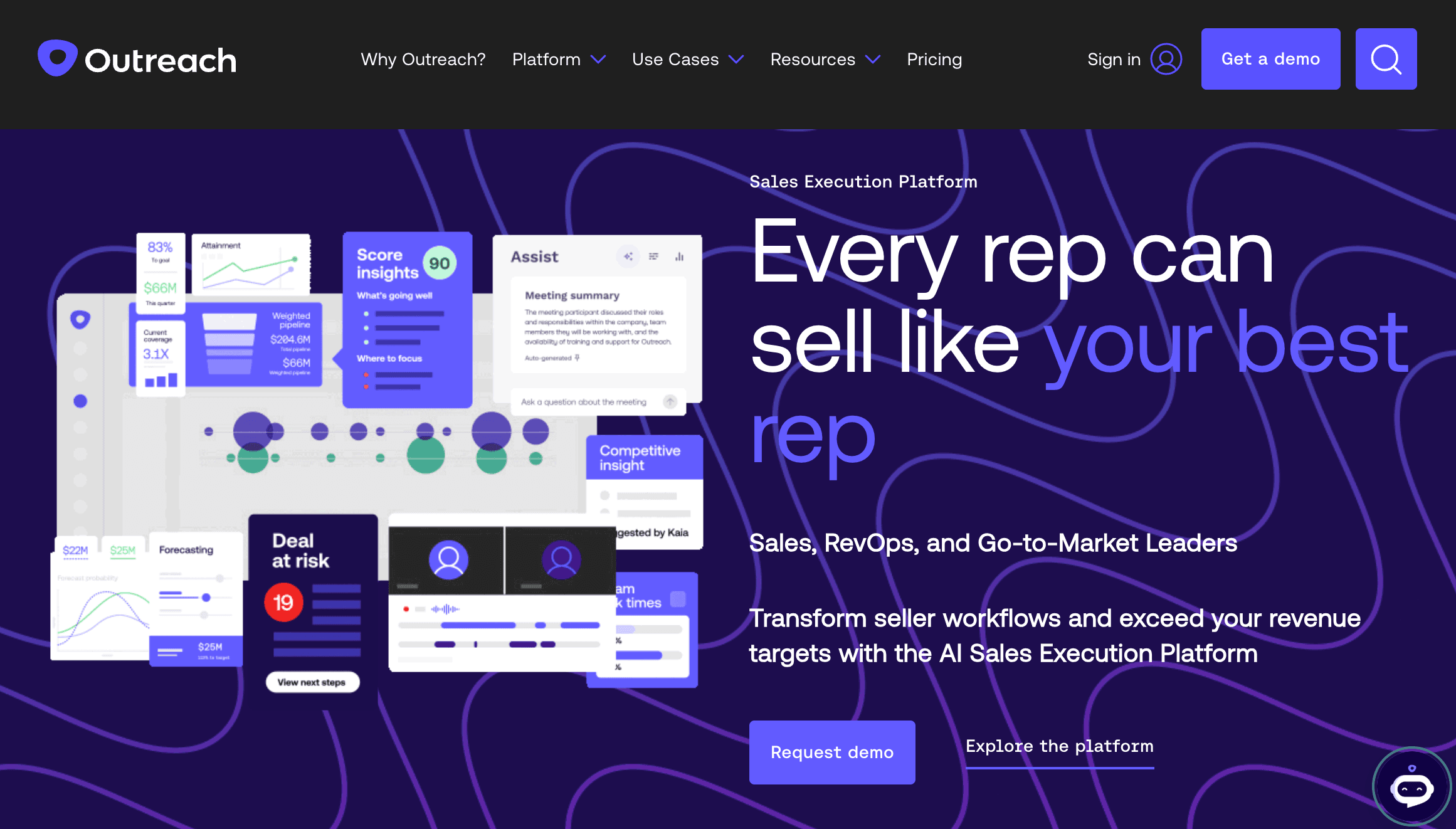
Outreach pioneered the sales engagement category and remains the enterprise standard for large teams. The platform handles complex multichannel sequences with advanced branching logic and extensive analytics.
Users can send sequences via email, phone, and LinkedIn. They can also set up custom flows with sophisticated conditional paths based on prospect behavior.
The analytics dashboard provides detailed funnel visibility from sequence enrollment through to closed deals. You can track which steps generate opens, which messages drive replies, and where prospects drop off in each sequence.
Key features of Outreach
Multichannel sequences (email, phone, LinkedIn)
Advanced branching logic based on prospect engagement and CRM data
Detailed analytics with funnel visibility and rep performance tracking
Native CRM integrations with bi-directional sync
Robust APIs for custom workflow automation
Admin controls for governance and best practice enforcement
Pros
Runs email, LinkedIn, and calls from one place
Supports complex, multi-step sequences
Comprehensive analytics plus sentiment analysis
Deep integration with Salesforce and other systems
Works well for large teams with multiple departments
Cons
Requires dedicated admins to configure and optimize
Implementation takes weeks to months, depending on team size
It’s overkill if you just need basic sequences
Outreach pricing
Pricing is based on team size and feature requirements.
5. Smartlead: AI-Powered volume sending
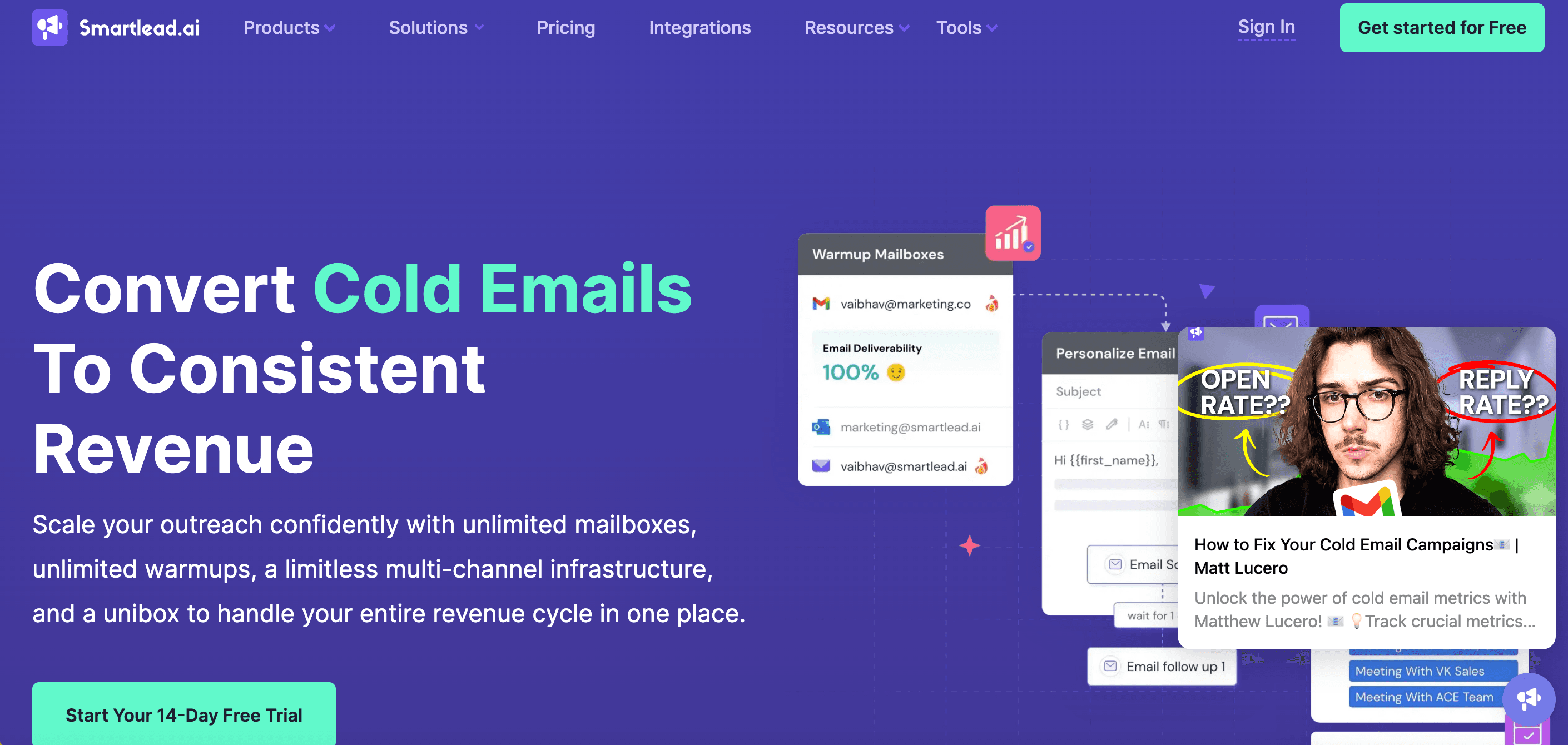
Smartlead is simple cold email software. You can manage multiple email accounts, rotate sending to protect your domains, and warm up new addresses automatically.
The platform is built for volume and inbox placement over advanced AI-driven personalization, unlike Artisan or Apollo. The API and tagging system let you automate complex workflows across multiple campaigns, verticals, and teams without manual oversight.
Key features of Smartlead
Unlimited email account connections with automated rotation
Built-in email warmup for new accounts
Deliverability monitoring with spam scores and inbox placement tracking
Email validation and bounce management
Spintax support for message variation at scale
API access for custom workflow automation
Domain health metrics and reputation monitoring
Pros
Automated inbox rotation keeps deliverability strong
Built for agencies running high-volume outbound
Easy integrations and API access for custom workflows
An active Slack community for support and tips
Lots of support documentation
Cons
It’s an email-only platform with no multichannel support
Steeper learning curve for teams new to technical cold email infrastructure
Interface prioritizes functionality over ease of use
Smartlead pricing
Usage-based pricing starts at $39/month. Costs scale with email volume and number of accounts.
6. Reply: Multi-channel sequences and AI assistance
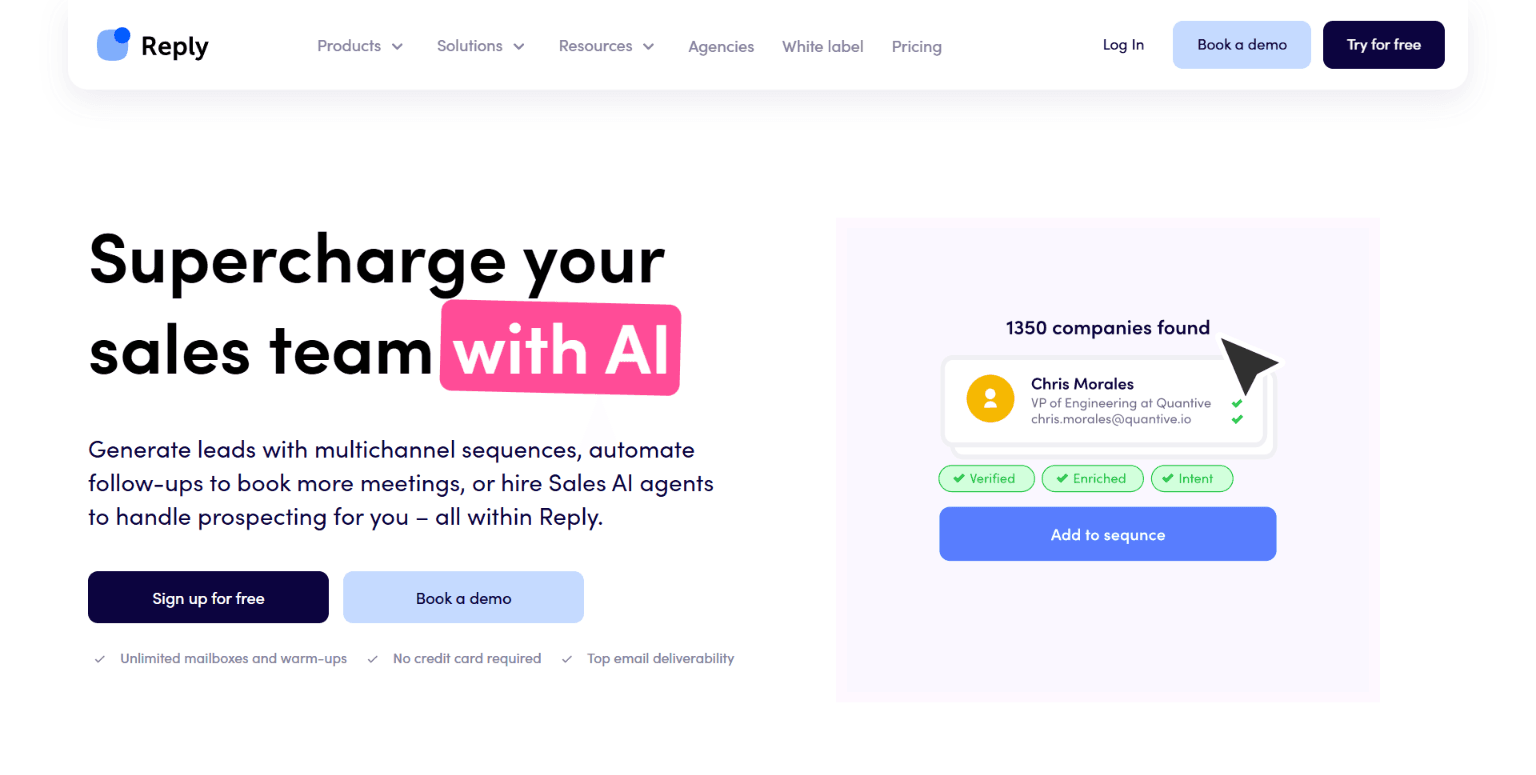
Reply combines multichannel sequencing with AI writing assistance to speed up campaign creation. It can also combine email, LinkedIn, SMS, and phone calls into unified workflows.
The AI assistant writes first drafts and suggests improvements based on what's worked historically. It won't replace a good copywriter, but it cuts down the time spent staring at blank templates. Sequences branch based on engagement—opens, clicks, replies—and sync with your CRM automatically.
Reply also has its own B2B contact database with verified emails, intent signals, and job change alerts.
Key features of Reply
Multichannel sequences across email, LinkedIn, calls, and SMS
AI writing assistant for message generation and optimization
Built-in B2B contact database with verified emails
Email verification and warmup tools
Conditional branching based on engagement and CRM data
Meeting scheduling and inbox management
Intent signals and job change tracking
Pros
A clean interface that's easy to pick up
Support team is responsive and helpful
Works well for straightforward multichannel sequences
Chrome extension for extracting contact data from LinkedIn accounts while browsing
Cons
Can't handle complex personalization workflows
Fairly basic reporting
Reply pricing
Pricing starts at $99/user/month for multichannel automation. Separate plans are available for high-volume sending and AI SDR features.
7. Lemlist: Visual personalization and large database
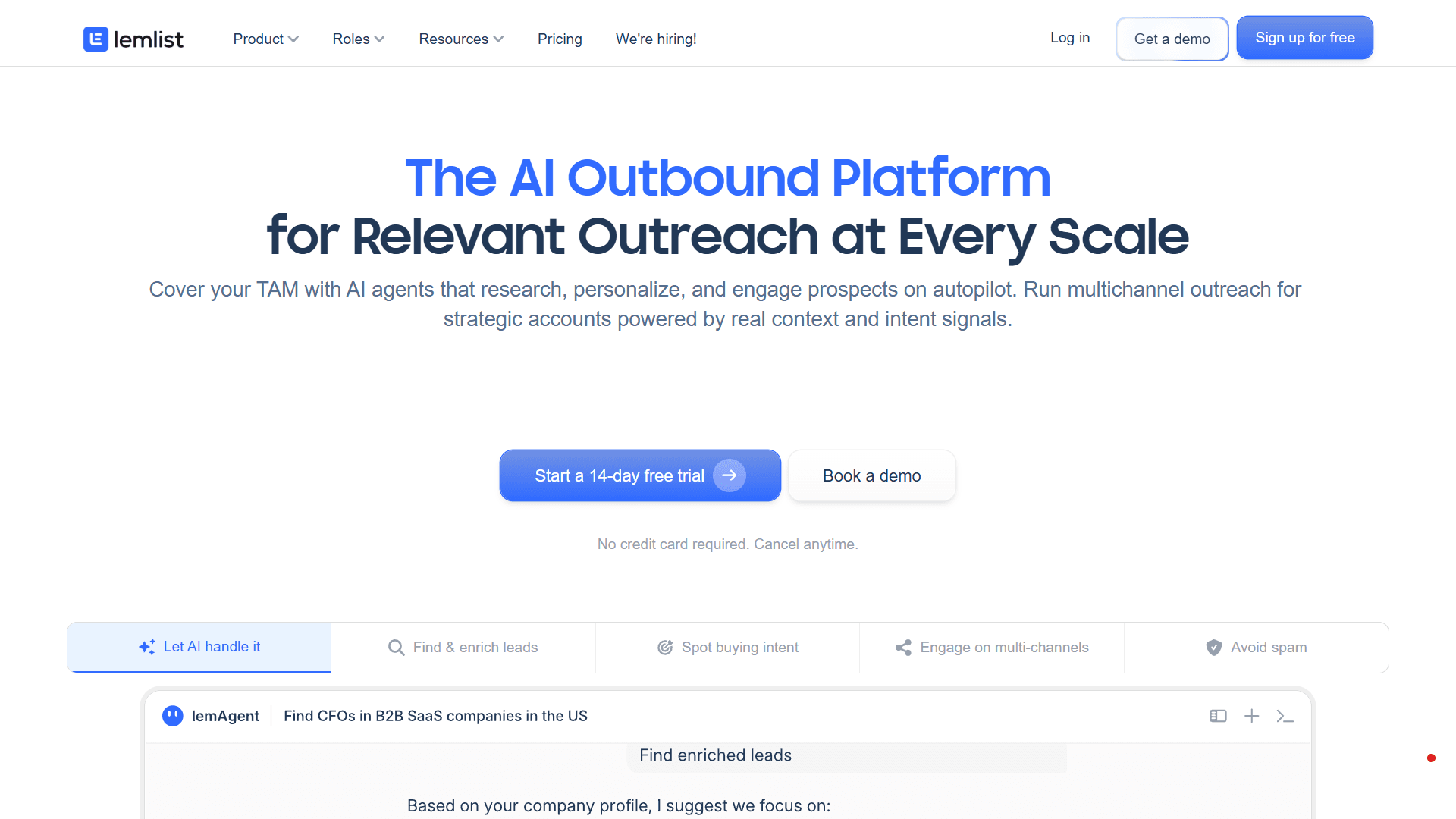
Lemlist is a prospecting tool that supports multichannel sequences across email, LinkedIn, phone, and WhatsApp. Lemwarm, their built-in email warmup tool, protects sender reputation and keeps messages out of spam folders.
Beyond sequences, Lemlist includes a B2B lead database, email verification, and enrichment tools. You can find prospects and launch campaigns without switching platforms.
Key Features of Lemlist
Multichannel sequences
Advanced AI-powered personalization
Integrated email warm-up and deliverability booster (Lemwarm)
B2B database of over 600M leads
Unified inbox for different channels
Native integrations with HubSpot, Salesforce, and Pipedrive,
API for custom integrations
Pros
Strong personalization with dynamic variables and AI assistance
Easy to set up—workflows will feel plug-and-play for SDRs
More channel options than most tools (email, LinkedIn, calls, SMS, and WhatsApp)
A Chrome extension pulls contacts directly from LinkedIn
Cons
Analytics could be more customizable and detailed
Team controls need improvement
Lemlist pricing
The email-only plan starts at $69/user/month. Multichannel automation, including built-in calling and advanced sequence conditions, is available from $99/user/month. WhatsApp automation can be purchased as an add-on for $20/user/month.
8. Instantly: Mass email sending with warm-up
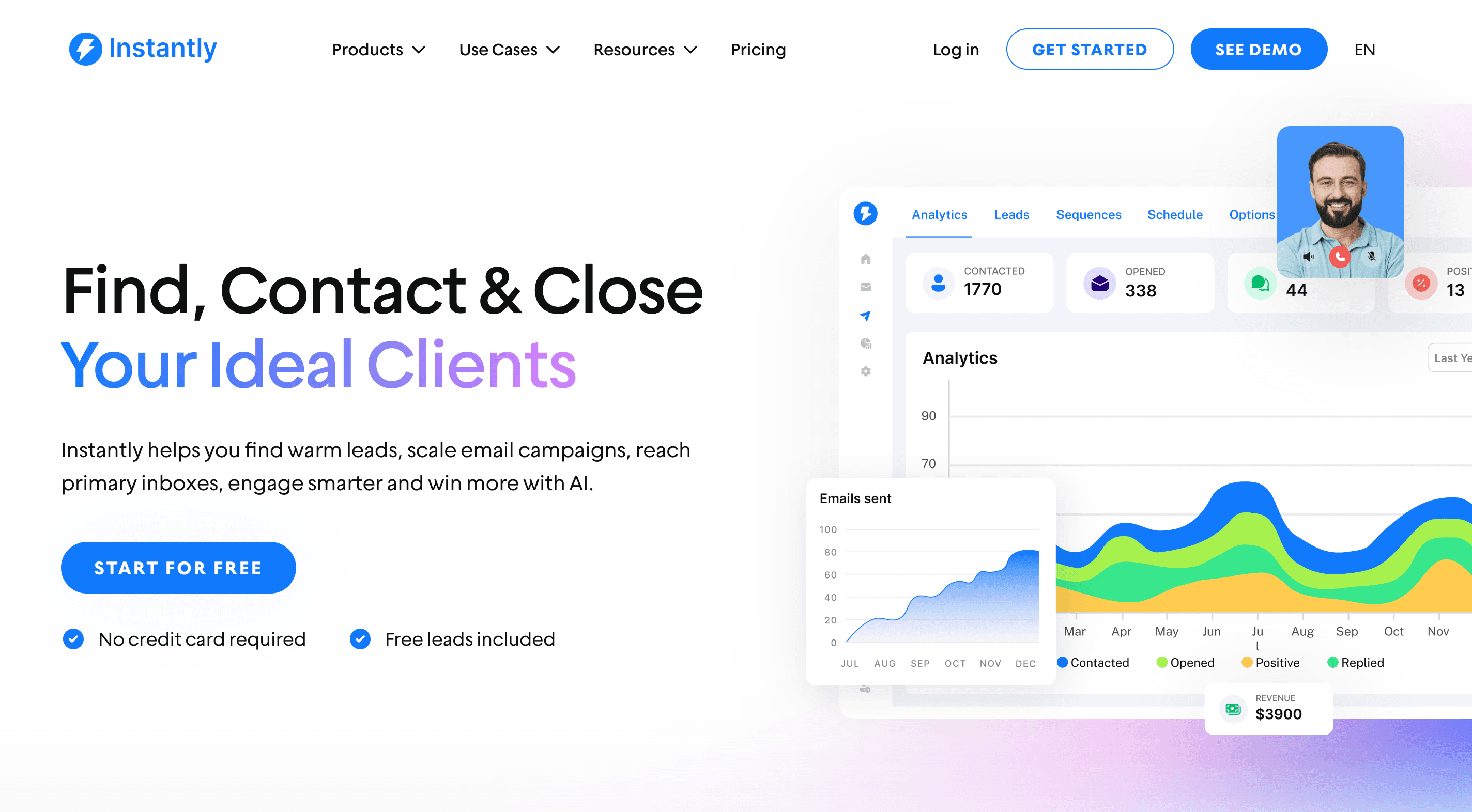
Instantly is a dedicated cold email platform built for high-volume outreach. The setup is straightforward—verification, warmup, and rotation work right out of the box without requiring deep technical knowledge.
What makes Instantly appealing for contractors and agencies is unlimited email accounts at flat pricing. You can connect hundreds of accounts and rotate sending to protect domain reputation while scaling volume. The platform handles warmup automatically across all accounts.
Instantly's CRM (sold separately) has features for lead management, pipeline tracking, phone dialing, and SMS outreach.
Key features of Instantly
Unlimited email accounts with flat pricing
Built-in email warmup across all accounts
Email validation and list cleaning
A/B testing for subject lines and content
Basic personalization with merge fields
Deliverability monitoring and analytics
Pros
Unlimited email accounts let you rotate sending
Simple setup makes it possible to start running campaigns quickly
Email validation reduces bounces
Good for agencies managing multiple client accounts
Cons
CRM is a separate paid product
Email-only for outreach (calling and SMS are only available in the CRM)
Email deliverability tends to crash over time
Instantly pricing
Email sequences begin at $47 per month. CRM capabilities with a unified inbox cost an extra $47 per month.
9. Apollo: Contact database and email sequencing
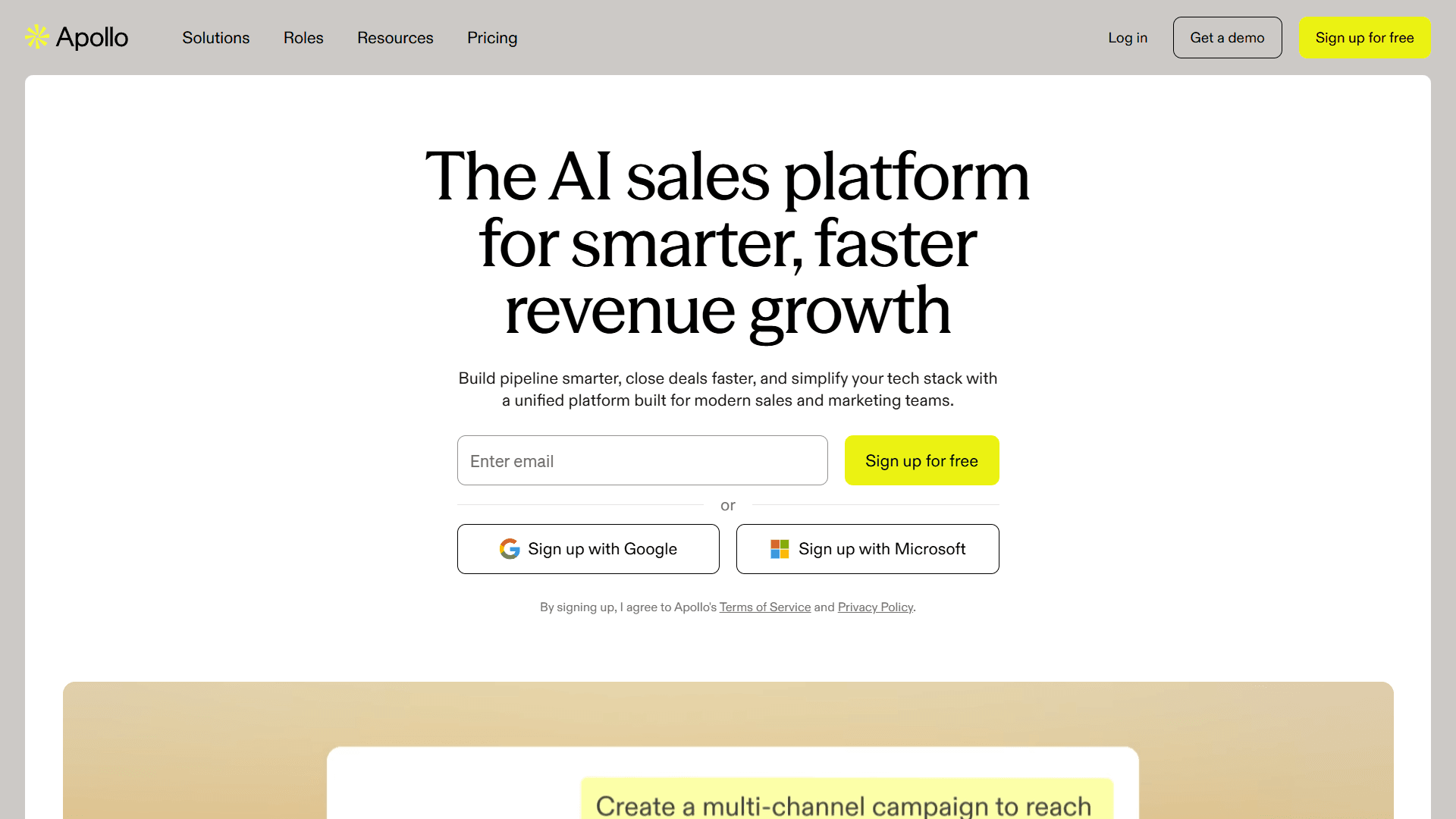
Apollo is an outbound automation platform that combines email sequencing with a large B2B contact database. You can search for contacts, enrich data, and launch sequences without switching tools.
Email and LinkedIn sequences are both supported, and you can run A/B testing and set behavioral triggers across both. The platform tracks engagement automatically and syncs with your CRM. Built-in email verification cleans lists before sending.
Key features of Apollo
B2B contact database
Email and LinkedIn sequencing
Automated domain warm-up
Built-in email verification and enrichment
Tracking of over 65 intent signals
A/B testing
Conversation intelligence for call analysis
Native CRM integrations with bi-directional sync
Chrome extension for on-the-go LinkedIn prospecting
Pros
Large contact database with detailed filtering options
Built-in email verification reduces bounces
More affordable than enterprise alternatives
Works well for teams starting outbound from scratch
Cons
Takes time to learn all the features
Data quality can be inconsistent
Apollo pricing
A free plan is available. Paid plans start at $59/user/month.
10. Close: CRM and email in one for SMBs
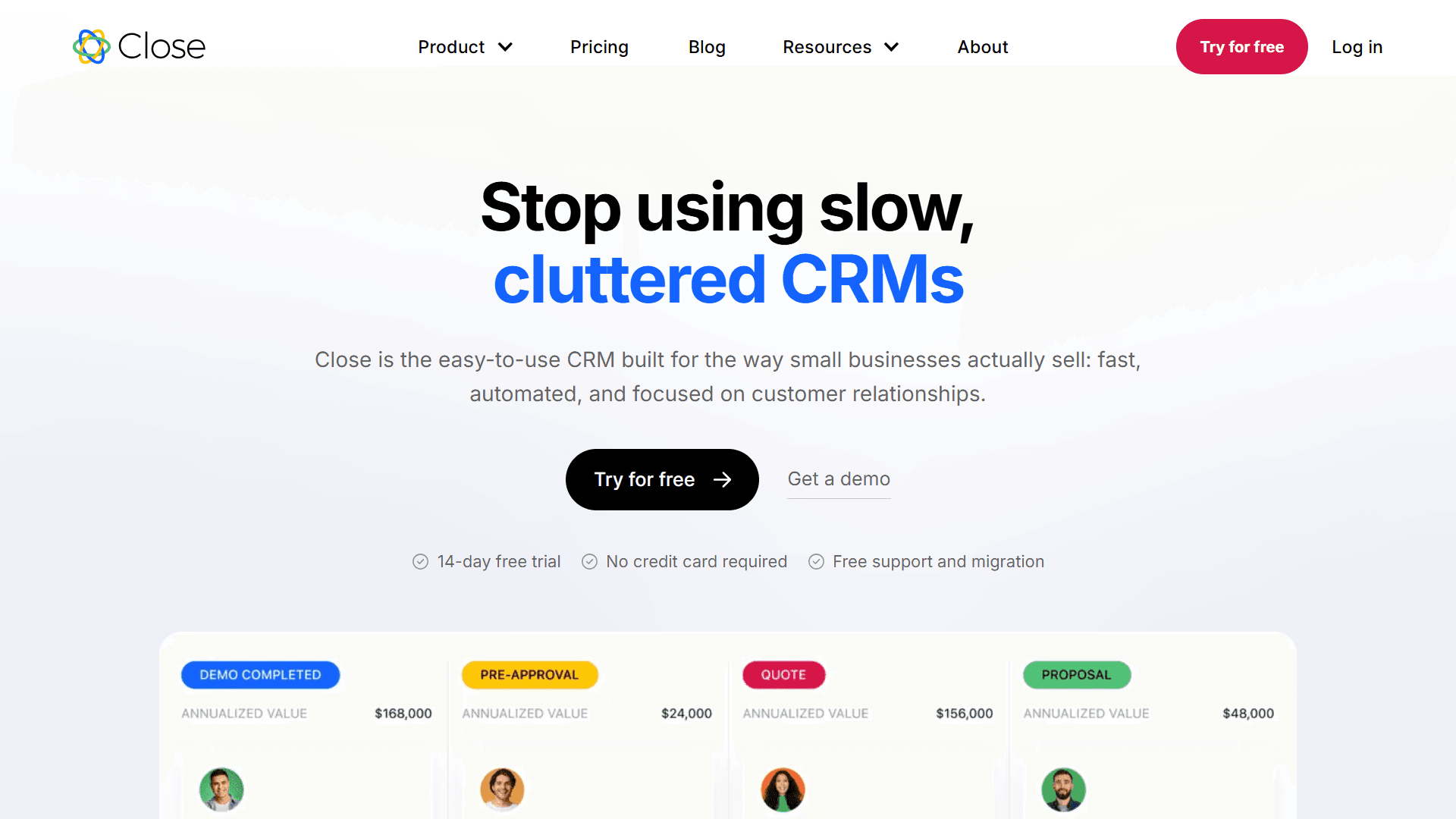
Close combines a CRM, cold calling dialer, and email sequencing in one platform built specifically for small and mid-sized sales teams. Close keeps things simple on purpose. Setup is quick, follow-ups are automated, and everything stays in one tool.
It's a solid choice if you want CRM and sequencing without the enterprise complexity (and costs). Just know you're trading simplicity for features—there’s no LinkedIn integration, no AI personalization, and no fancy multichannel coordination.
Key features of Close
Email sequences with CRM-based enrollment
Phone dialer for cold calling
Basic personalization with contact properties
Workflow automation
Unified inbox for all communications
Contact and deal management
Email tracking
Pros
CRM and sequencing in one platform eliminates the need for third-party CRM sync
Built for teams that rely heavily on cold calling
Fast setup without complex implementation
A mobile app is convenient for work on the go
Good for teams new to sales automation
Cons
Limited multichannel support beyond email and calls
Basic automation compared to dedicated sequencing platforms
No LinkedIn integration
Reporting features are fairly simple
Close Pricing
Essentials start at $49/user/month, covering email, SMS, and calls. Power dialer, AI features, and advanced automation are available at $109/user/month.
11. HubSpot: CRM-native sequences for simpler use cases
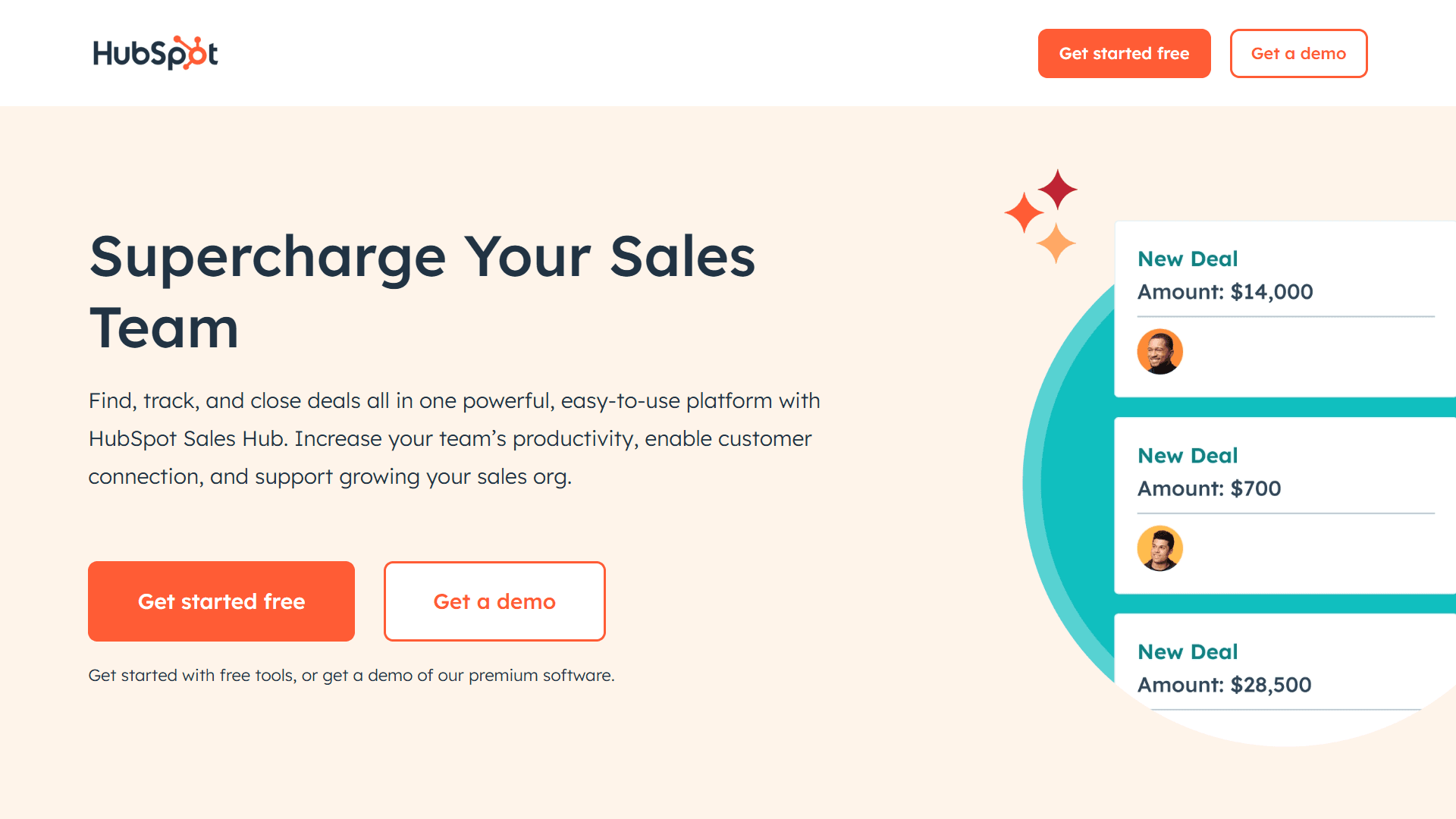
HubSpot Sales Hub includes email sequencing as part of its broader CRM and sales automation platform.
The platform's real strength is how everything connects. Sequences enroll prospects based on marketing activity, form submissions, website behavior, or lifecycle stage changes. They then adjust based on engagement—if someone opens or clicks, the sequence surfaces manual tasks for your rep to follow up.
You also get predictive lead scoring on the Enterprise plan, AI-powered send time optimization (among other features) through Breeze Intelligence, and workflows with complex branching logic across all plans that include sequencing.
Key features of HubSpot
Email sequences with dynamic branching
LinkedIn Sales Navigator integration for InMails and connection requests
Predictive lead scoring and AI send time optimization (higher tiers)
Workflows that trigger sequences based on behavior
Unified CRM with marketing automation integration
Meeting scheduler and email tracking
Custom reporting and forecasting
Pros
Works seamlessly with HubSpot CRM and marketing tools
Little onboarding and training required if already using HubSpot
Marketing and sales data unified in one platform
Plenty of support documentation and a wide community of users
Free CRM tier available
Cons
Email sequences require Professional tier at a minimum ($100/seat/month)
LinkedIn features require a separate Sales Navigator subscription
Advanced AI features are only available on the Enterprise tier
Learning curve for teams new to HubSpot
HubSpot Pricing
Sequences are a part of Sales Hub Professional starting at $100/month/user (plus the required, one-time Professional Onboarding fee of $1,500). Sales Hub Enterprise starts at $150/user/month.
Why Artisan is the best all-in-one email sequence software
Most email sequencing platforms force you to pick between powerful automation and high-quality personalization. Artisan delivers both while providing an array of additional features.
End-to-end automation
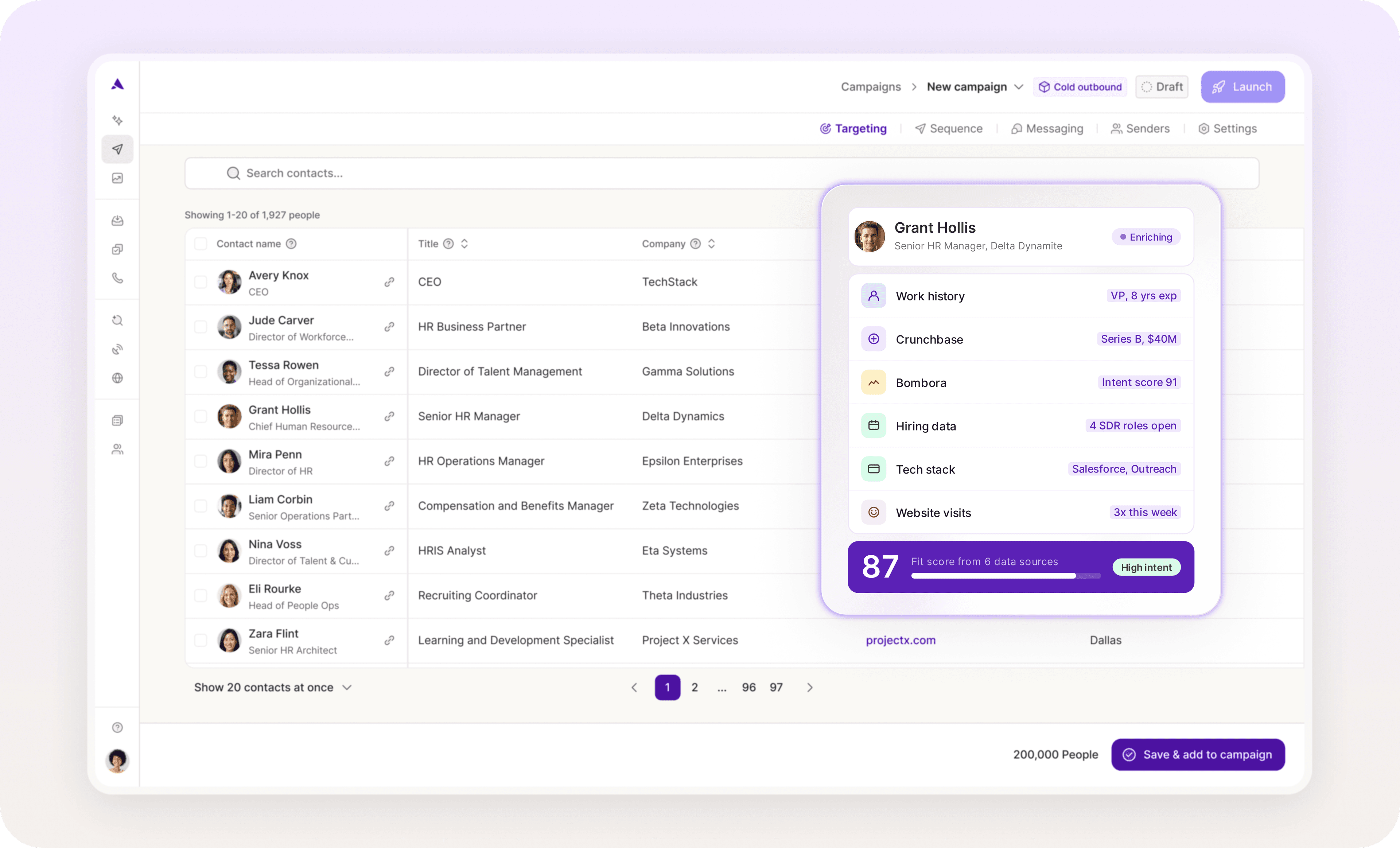
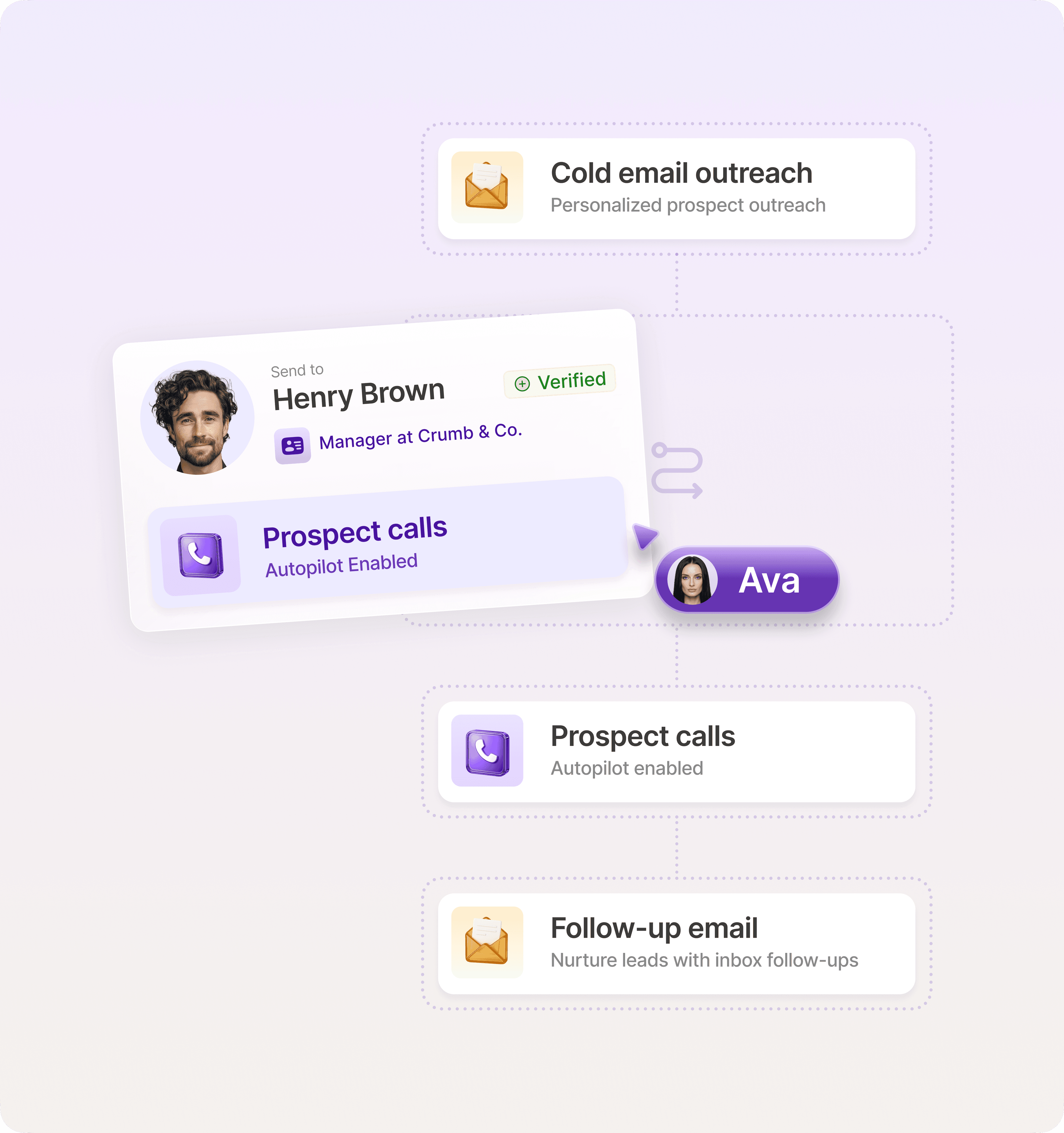
Ava, Artisan's AI BDR, prospects from a database of over 300 million contacts, identifies intent signals like job changes and funding rounds, and runs highly personalized sequences.
Multichannel coordination without manual work
Ava coordinates email and social media outreach autonomously. If someone opens emails but doesn't reply, the platform connects with them on social media. If there’s still no reply, Ava sends personalized follow-up messages.
Built-in deliverability optimization
Artisan’s automated warmup and ongoing sender reputation monitoring keep your emails landing in inboxes. Ava automatically adjusts daily send limits based on mailbox health scores and inbox placement test results.
Automate sequences and book more meetings with Artisan
When choosing a sequencing tool, pay attention to how much manual work will remain after you launch a campaign. The perfect platform should be able to adapt workflows based on engagement and sync across your tech stack automatically.
If you're ready to move beyond static sequences and basic automations, Artisan could be the platform for you. AI BDR Ava manages personalized sales outreach at scale, sending deeply personalized messages to the best prospects at exactly the right time.

Automate your outbound with an AI BDR
Meet Ava—your AI BDR who handles prospecting, outreach, and follow-ups, so your team can focus on closing.

Adelina Karpenkova
SME @ Artisan
Adelina Karpenkova is a writer helping businesses tap into AI's potential and clear up misconceptions. She works with B2B teams on latest industry knowledge.