Best software for sales teams: 10 tools compared
Compare the best software for sales teams with expert reviews covering CRM, automation, and pipeline tools to boost productivity and close more deals.

The best software for a sales team depends on its mission: outbound, inbound, field sales, partner sales, high-velocity SMB, or enterprise account management.
No single tool can deliver for all these under one package. That’s why we’ve selected the best apps in their respective categories and explained where they excel and where they fall short.
Best software for sales teams reviewed
Sales tools often claim to do everything, from finding lists of ready-to-buy leads to automating the renewal of existing customers.
The reality is that most tools address a handful of very specific parts of the sales process, and knowing their applicable use cases is the key to deciding if it’s right for you.
1. Artisan

Artisan is an AI outbound platform built around AI BDR Ava, who automates 80% of outbound tasks. She scrutinizes your ICP, finds new leads, enriches contact records, monitors buying intent data in real time, and even tracks anonymous website visitors, pushing new prospects straight to your CRM.
Ava also composes human-like outbound messages based on deep lead context. She follows brand and messaging guidelines closely, allows manual adjustments to specific email components (like subject lines and CTAs), and auto-optimizes based on positive and negative responses.
Who is Artisan best for?
Artisan is a good fit for outbound-led growth teams that want to scale their lead gen without adding headcount or stitching tools together. Choosing Artisan means consolidating tools for prospecting, enrichment, outreach personalization, deliverability optimization, intent signal monitoring, and follow-up.
Key features
AI prospecting from a 250-million-strong database of B2B, local business, and ecommerce leads
Waterfall- and web-research-based lead profile enrichment and hygiene monitoring
Personalized, custom emails for every prospect using live intent data
Website visitor identification
Autonomous replies based on sentiment and meeting scheduling
HubSpot, Pipedrive, Salesforce, and Zapier integrations
Deliverability and mailbox health monitoring
Pricing
Artisan has several usage-based plans for different user needs and outreach requirements. A free plan is also available to explore the platform. You can see a full breakdown on the pricing page.
2. Second Nature
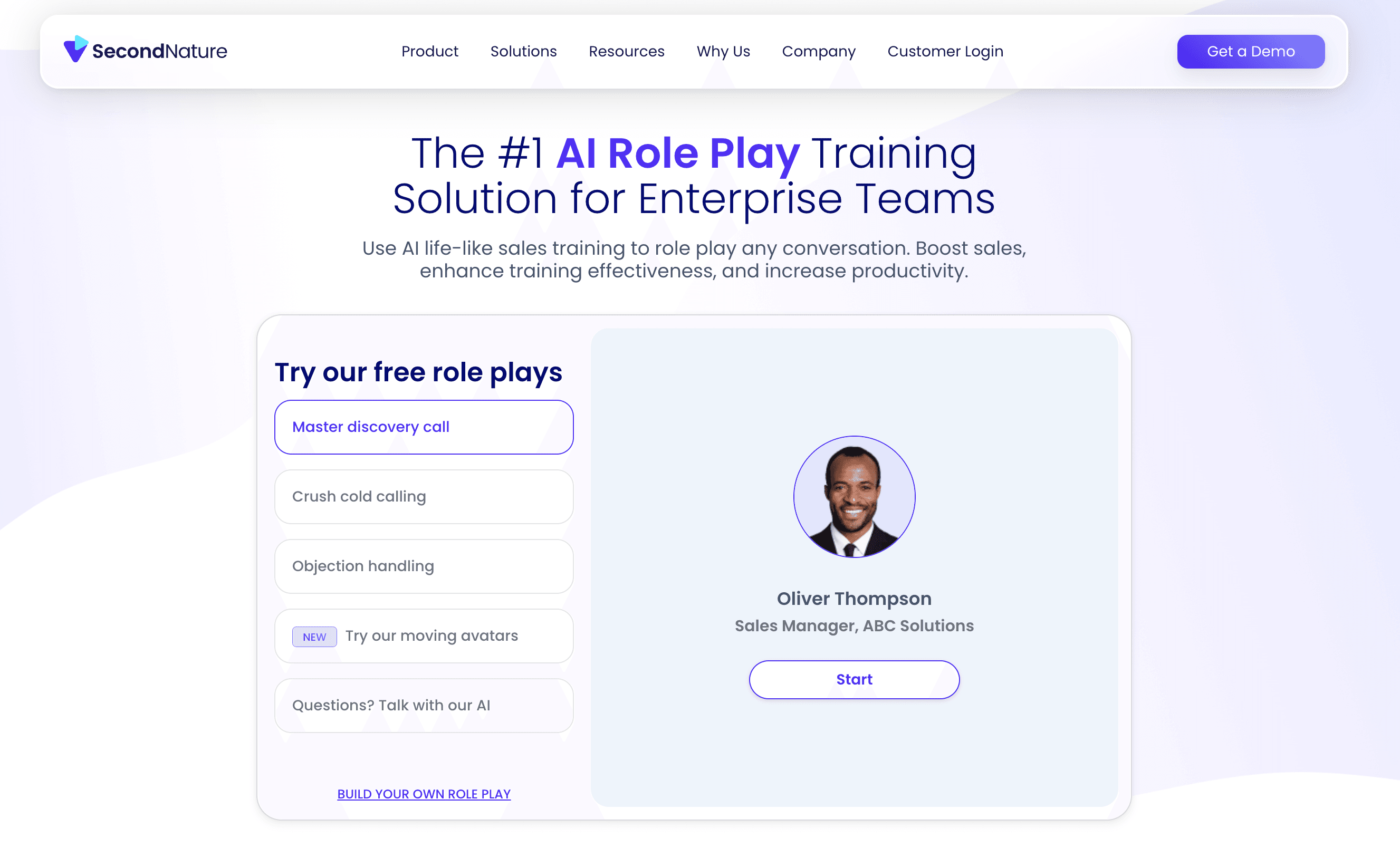
Second Nature is an AI sales coaching application for role-play training, pitch practice, and rep onboarding. It gives reps a virtual pitch partner that can run realistic sales conversations, score performance, and help reps practice before real calls.
Who is Second Nature best for?
Second Nature is useful when reps need to learn a new pitch, how to handle objections, practice product demos, or pass a certification before speaking with a customer. It's a fit for enablement leaders, SDR managers, sales trainers, and enterprise sales teams that need consistent practice at scale.
Key features
Sales call role play and objection handling with an AI prospect
Immediate AI feedback on rep performance during training
Pitch recording during training
Manager review workflows
Product demo role play with AI prospect Jenny
Sales deck presentation practice
Sales onboarding and certification support
Pricing
Custom pricing based on your needs.
3. HubSpot Sales Hub
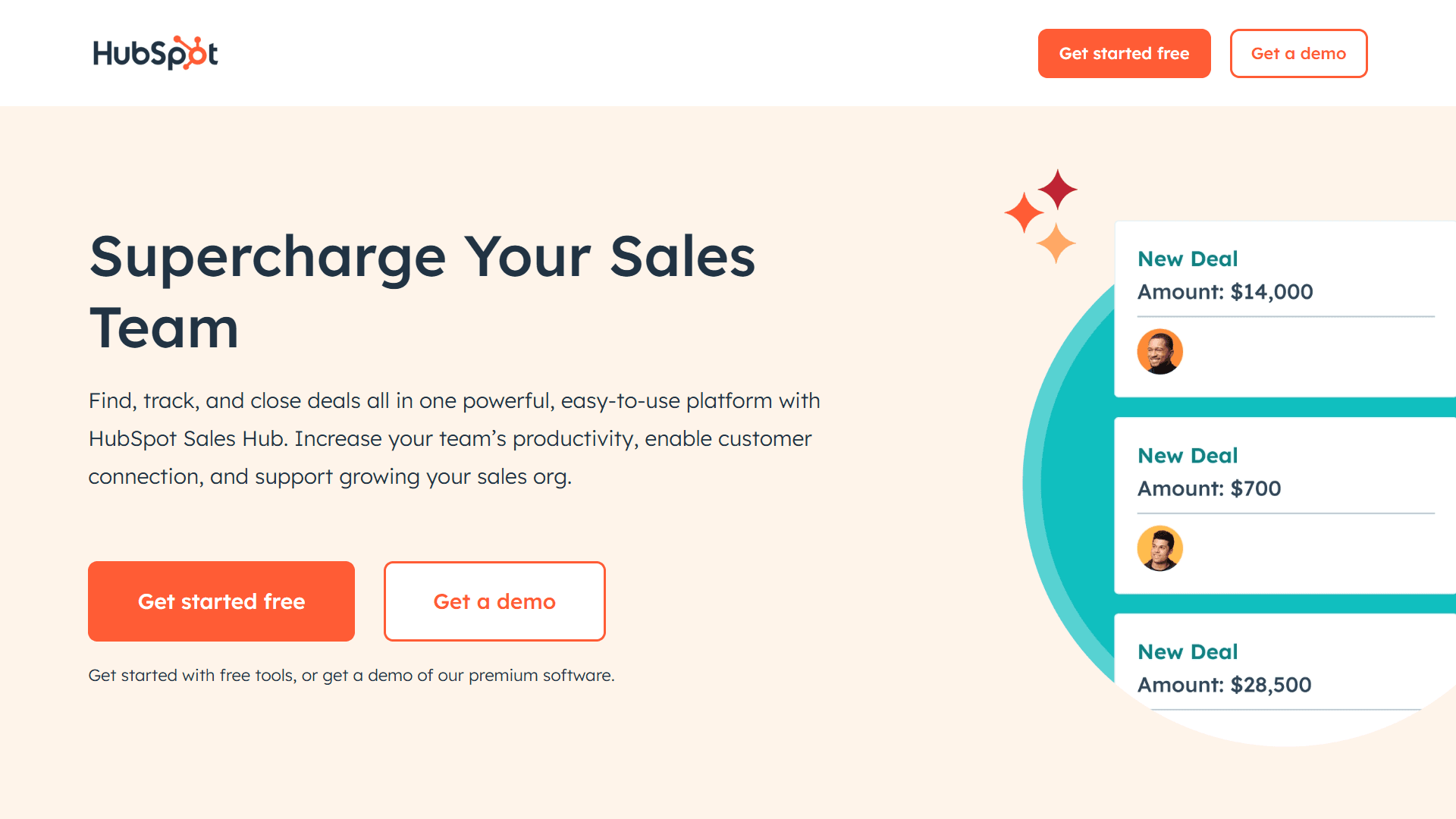
HubSpot Sales Hub is a sales CRM and engagement platform built for teams that want CRM, email outreach, forecasting, and marketing functionality in one ecosystem. It works well for inbound-led teams, startups, and scale-up teams moving away from spreadsheets.
Who is HubSpot Sales Hub best for?
HubSpot is best for SMBs and growth teams that want perfect sales and marketing alignment.
Key features
AI-generated suggestions for next steps
AI-powered automatic data entry for standard and custom properties after calls and emails
Automated email follow-ups and rep notifications
Meeting scheduler
AI sales analytics through Breeze AI
AI pipeline forecasting and deal reporting
Workflow automation for rep routing, task creation, and deal updates
Gmail and Outlook integration
Pricing
Free CRM: $0/month
Sales Hub Starter: $15/month/user
Sales Hub Professional: $100/month/user
Sales Hub Enterprise: $150/month/user
4. Highspot
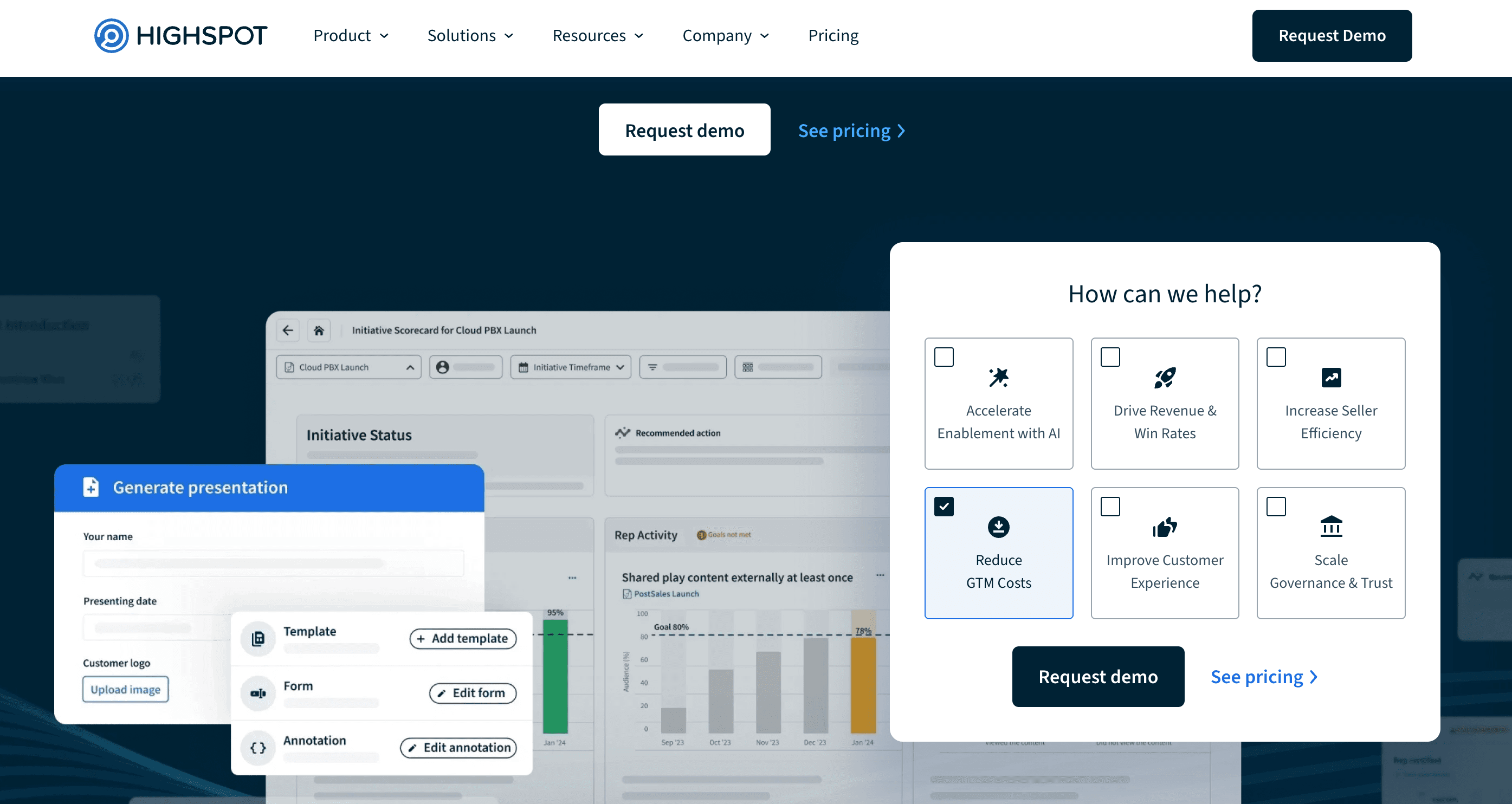
Highspot is a sales enablement platform for teams that need sales content, training, coaching, buyer engagement analytics, and playbooks in one place. It helps sales and marketing teams make sure reps know what to say, which assets to use, and how to move buyers through the deal cycle.
Who is Highspot best for?
Highspot fits mid-market and enterprise sales teams with large content libraries, multiple buyer personas, complex sales cycles, and a real enablement function. Highspot is your tool if your reps waste time hunting for the right deck or case study, and marketing has no clear view into which assets actually help sales conversations.
Key features
Content management for all sales collateral
AI-powered content recommendations for reps
Sales playbooks and guided selling workflows
Training and onboarding programs
Coaching support for GTM teams
Buyer engagement tools
Analytics for rep content usage and sales enablement performanc
Pricing
Pricing is tailored based on capabilities, use cases, services, team size, and organizational complexity.
5. Pipedrive
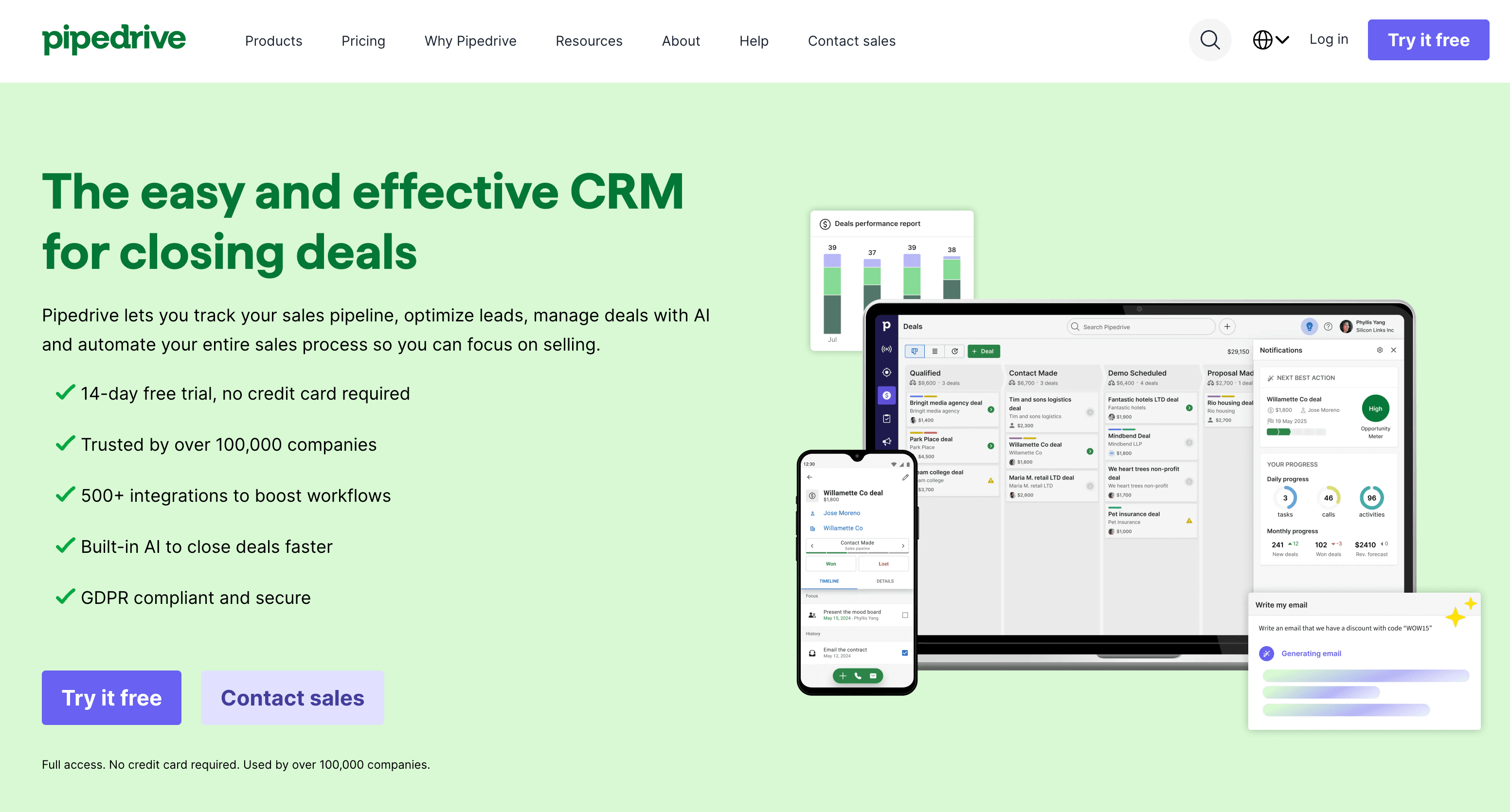
Pipedrive is an activity-based CRM built around pipeline clarity. It’s simple, fast, and intentionally sales-focused, which is why it still works well for small and mid-market teams that want reps to update deals without needing a RevOps team to maintain the system.
Who is Pipedrive best for?
Pipedrive fits small to mid-sized sales teams that care about CRM hygiene, task discipline, and forecasting without enterprise CRM complexity.
Key features
Revenue forecasting for complex pricing models
AI deal scoring
Deal health monitoring
Deal risk signals
CRM data capture and revenue data context
Pricing
Lite: $14/month/user
Growth: $39/month/user
Premium: $59/month/user
Ultimate: $99/month/user
6. Avoma
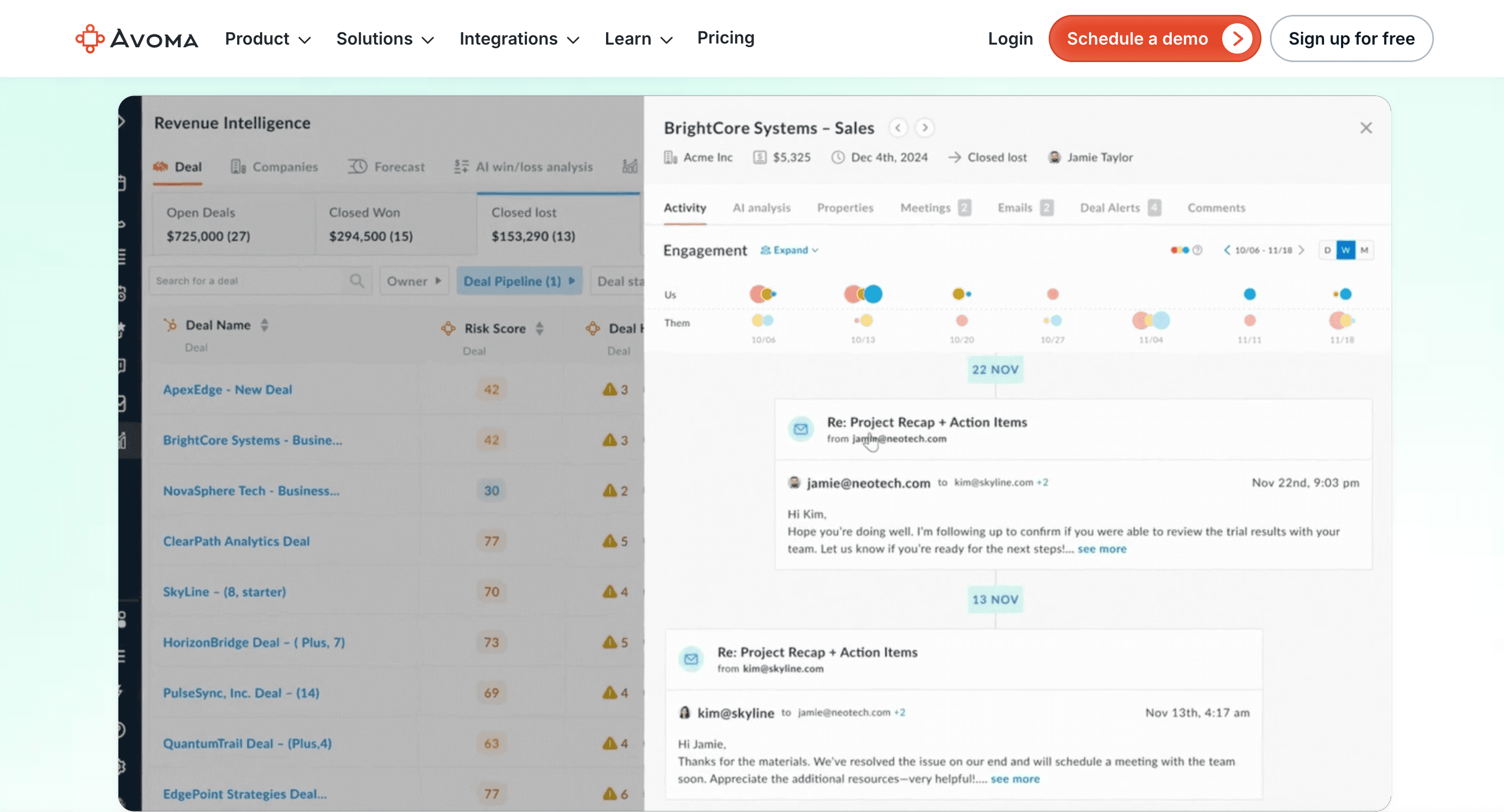
Avoma is an AI meeting assistant and conversation intelligence platform for sales teams that need call recording, coaching, and deal insight functionality. It’s a budget-friendly option compared to the enterprise-heavy platforms in this category.
Who is Avoma best for?
Avoma is a fit for sales managers, account executives, customer success teams, and enablement teams that need call analytics and coaching without buying a large enterprise revenue intelligence suite.
Key features
AI-generated meeting notes and summaries
Call recording and transcription
AI coaching recommendations
AI call scoring
Custom scorecards for methodologies such as SPICED, Sandler, and MEDDICC
Real-time answer assistant
Revenue intelligence add-on for deal risks, win-loss analysis, and sales forecasting
Pricing
Conversation Intelligence: $35/month/seat
Revenue Intelligence: $/month/seat
Lead Router: $25/month/seat
7. Clari
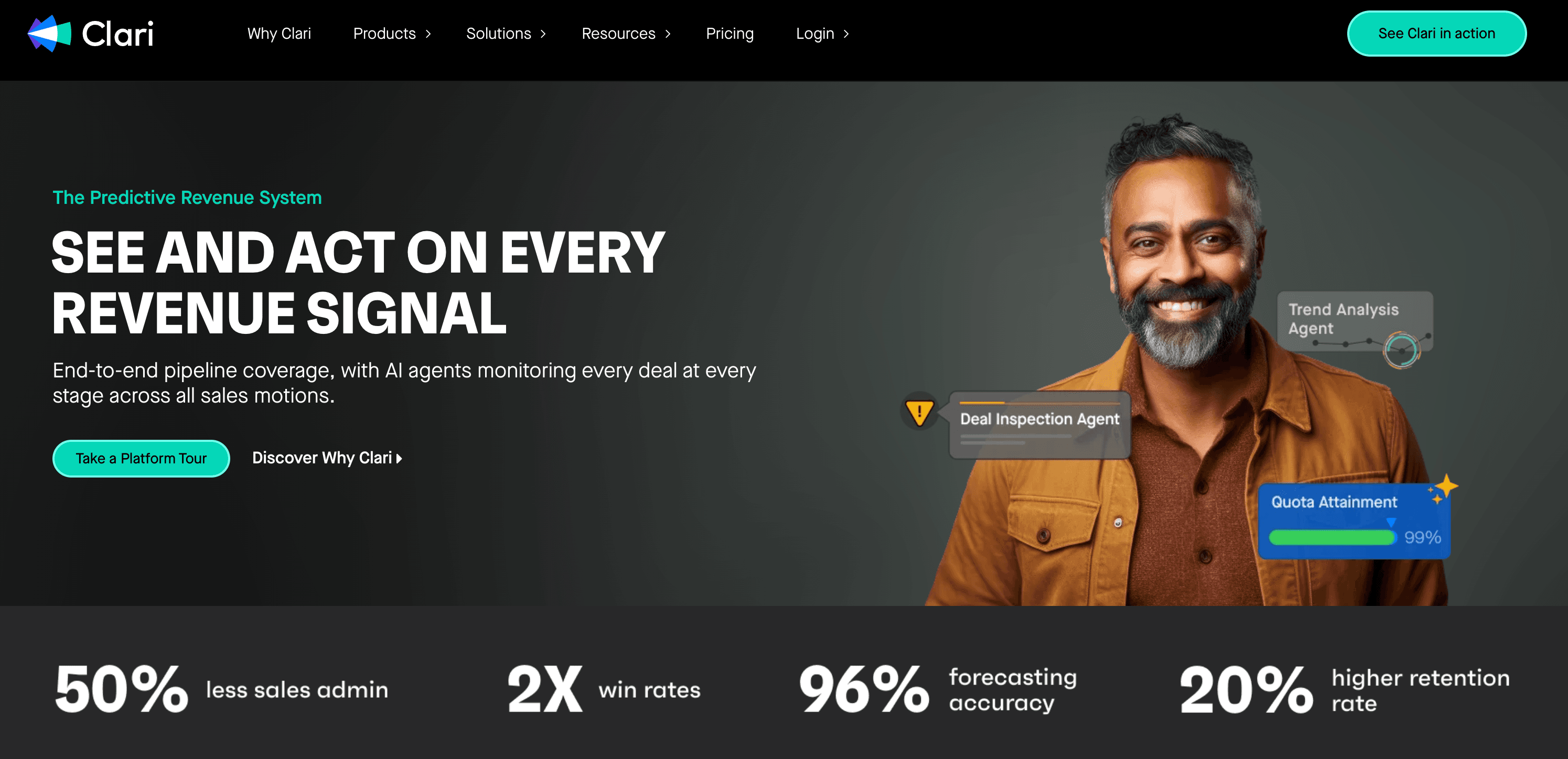
Clari is a revenue forecasting and pipeline management app for sales leaders who need better visibility into forecast accuracy, deal risk, pipeline health, and revenue execution. It belongs in the sales stacks of teams with enough pipeline complexity to justify dedicated forecasting software.
Who is Clari best for?
CROs, VPs of sales, and RevOps leaders at mid-market and enterprise companies. Those having multiple teams, regions, products, and revenue models, where basic CRM reporting can’t cover forecasting needs.
Key features
Revenue forecasting for complex sales teams
AI deal scoring
Forecasts for deal health and pipeline gaps
Revenue cadences for forecast calls, deal inspection, pipeline reviews, renewals, and expansion planning
Deal risk signals
CRM data capture and revenue data context
Forecasting across subscription and consumption revenue models, including existing ARR, deal-based ARR, and usage-based ARR
Pricing
Custom pricing tailored to use case with no extra platform fees for integrations or continuous support.
8. Demandbase
Demandbase is an account intelligence and account-based marketing (ABM) app for teams that sell into target accounts and need better account prioritization. Demandbase tracks buyer signals such as search intent, site visits, email opens, and job changes, helping reps understand which accounts are active and which people to engage.
Who is Demandbase best for?
Demandbase is for mid-market and enterprise B2B teams with named accounts that have buying committees and long sales cycles.
Key features
Account intelligence
Website engagement signals
AI account summaries
AI-generated recommended actions for accounts
Lead to account matching (links leads to parent companies)
Unified view of sales and marketing data
Pricing
Pricing uses a custom platform fee plus a flat per-user fee.
9. Chili Piper
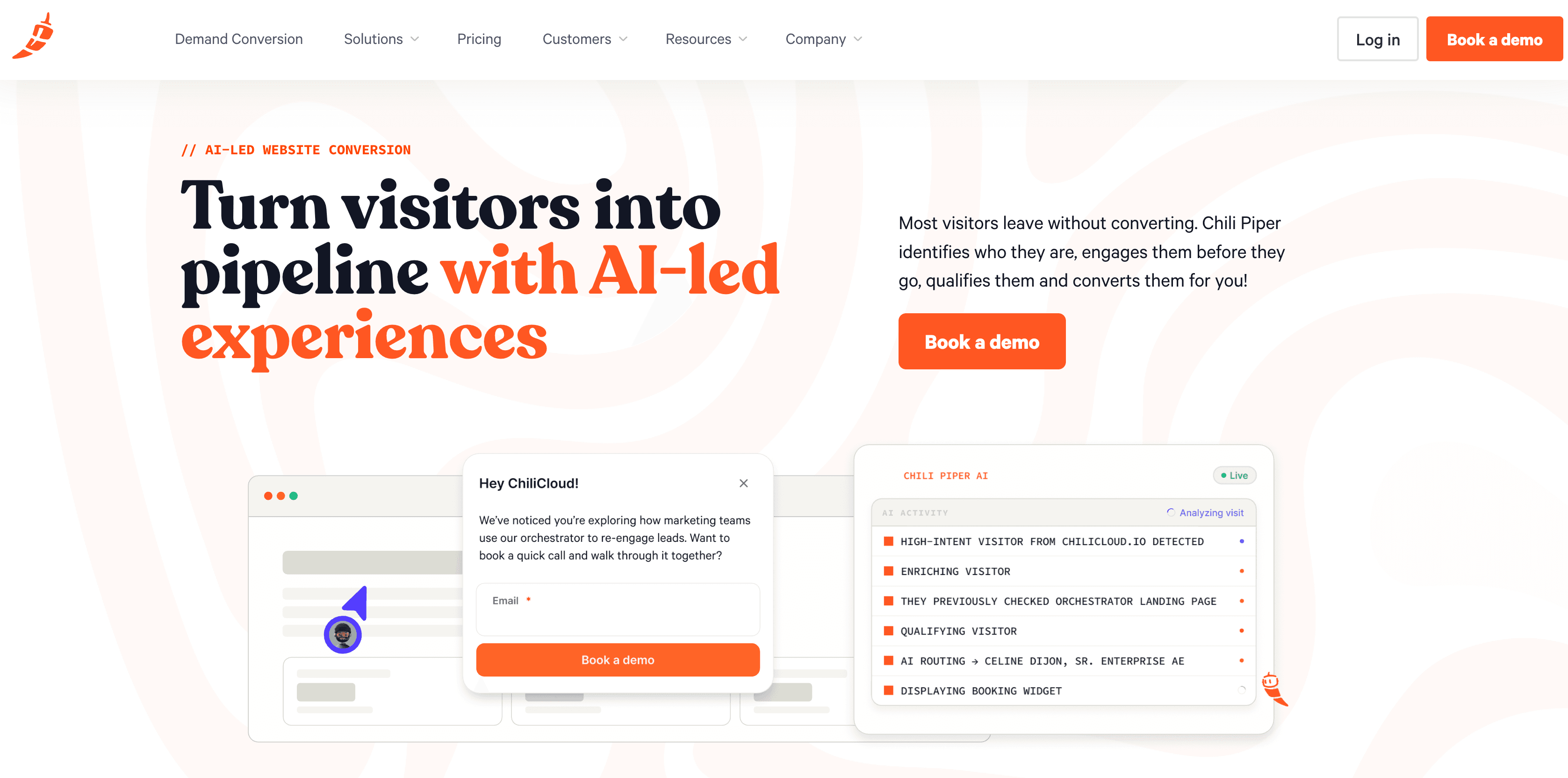
Chili Piper is an AI website conversion and inbound routing application for B2B teams that want to turn anonymous visitors, demo requests, form fills, and chat conversations into qualified meetings. Chili Piper identifies website visitors, engages them before they leave, qualifies them, and books meetings.
Who is Chili Piper best for?
Chili Piper is great for sales teams that want to turn inbound traffic into booked meetings without a rep lifting a finger.
Key features
AI website conversion identifies and engages visitors before they leave the site
Inbound lead qualification and smart scheduling links
Rep routing and round-robin distribution
Salesforce object routing
SDR to AE handoff workflows
Funnel analytics
Pricing
Routing and Scheduling: Starts at $1,250 per month
Experiences: Starts at $3,500 per month
ChiliCal standalone: $12/month/user, with a 200-seat minimum
10. Qwilr
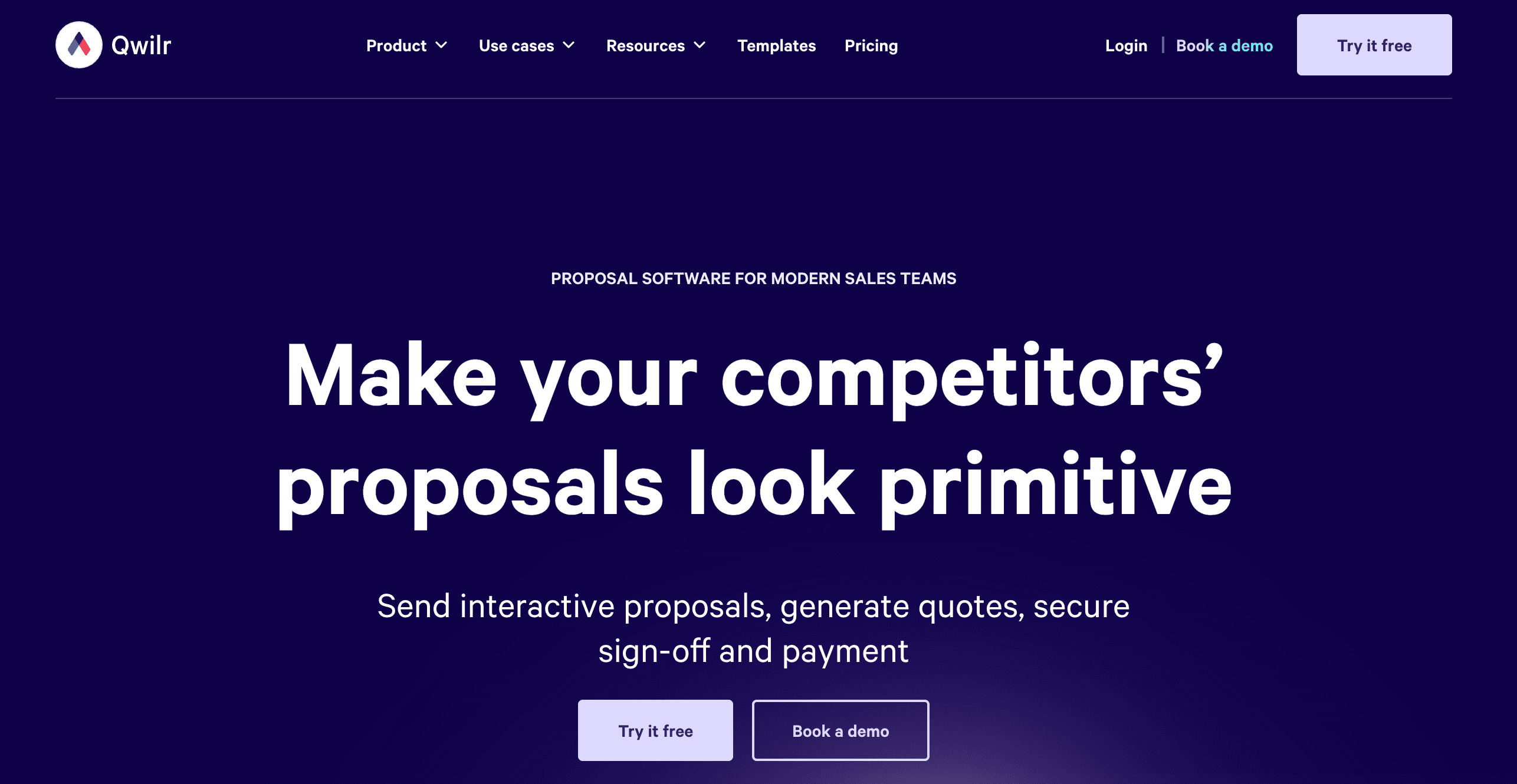
Qwilr offers proposal software for sales teams that need web-based proposals, quotes, e-signatures, and CRM-connected proposal generation. It belongs near the end of the sales cycle, where the buyer needs clear documentation and the seller needs visibility into what the buyer actually viewed.
Who is Qwilr best for?
Qwilr is a good choice for sales teams that send many proposals, quotes, business cases, or pricing documentation. It’s most useful for agencies and service businesses that need more buyer engagement data than static PDFs can provide.
Key features
Broad set of document creation features
Automated quote and proposal workflows
Web-based sales proposals
Interactive quotes
E-signatures
Payment collection through QwilrPay
Buyer engagement analytics
Reusable content blocks
CRM connected proposal generation
Pricing
Business: $39/user/month
Enterprise: $59/user/month billed annually (10 user minimum)
How to choose sales software for your team
Sales software should match your growth stage, sales motion, team structure, and revenue targets.
If you plan to scale, prioritize tools that integrate cleanly with your CRM, marketing automation, calendar, inbox, and reporting stack.
Importantly, don’t buy enterprise software before you have enterprise complexity, and don’t default to the cheapest tool if you’ll outgrow it in six months. Migration is expensive. The goal is the middle ground.
1. Map your current sales workflow
The purpose of mapping your current sales workflow is to identify which tasks can be replaced or augmented by software. This “map” gives you a checklist of which functionality to look for.
Answer these sales workflow audit questions to map your current flow:
Where do leads come from?
Who qualifies them?
How are accounts prioritized?
Who writes outbound messages?
How do calls happen?
How are notes, objections, and next steps captured?
Who coaches reps?
How are proposals sent?
Where does forecasting happen?
Where are the biggest bottlenecks?
2. Separate your must-have tools from maturity-stage tools
Sales teams don’t need to build their entire tech stack on day one. A five-person sales team and a fifty-person sales team shouldn’t buy the same applications.
For most sales teams, a sales stack usually matures in this order:
Stage one: CRM and pipeline visibility
Stage two: Prospecting data and outbound execution
Stage three: Meeting routing, call recording, and proposal workflows
Stage four: Sales coaching, enablement, ABM, and forecasting intelligence
Stage five: Deeper automation, governance, permissions, and analytics
Thus, HubSpot or Pipedrive may be enough at the beginning. A platform like Artisan becomes more relevant when outbound execution is a major bottleneck.
3. Evaluate integration fit with your existing stack
Native integrations matter because sales software only works when data moves cleanly. If a tool cannot sync with your CRM, inbox, calendar, routing logic, and reporting setup, your RevOps will need to build workarounds and may drown in admin work.
4. Model the cost at twice your current team size
Most teams compare plans with their current headcount in mind. This is how stacks become expensive later. Before signing, model the cost at the current headcount, then double it. Predict your target headcount twelve months from now and your realistic usage level, including credits, add-ons, implementation, and onboarding.
Why the best teams aren't using more tools
The best sales stack is the one where every tool has a job, an owner, and measurable outputs. Start by re-evaluating your workflow and add tools only when there’s a clear cost or time benefit.
If you are struggling with (or not yet running) outbound sales, Artisan is the place to start. AI BDR Ava handles prospecting, enrichment, human-like personalization, and direct outreach across email and social media at scale. All of which means your team can use their valuable time to close deals.

Automate your outbound with an AI BDR
Meet Ava—your AI BDR who handles prospecting, outreach, and follow-ups, so your team can focus on closing.
.

Jenny Romanchuk
SME @ Artisan
Jenny creates senior-level content for sales, SEO, and marketing professionals. She also leads partnerships at the District #1 Charitable Foundation.