How to track who visits your website
Learn how to track who visits your website using Google Analytics, IP tracking, CRM integration, and real-time tools to convert traffic into qualified leads.
Your B2B website might be an untapped source of valuable intent signals.
Right now, prospects could be visiting your pricing pages, product docs, and customer stories. If they don’t fill out a form (as most won’t), they will stay anonymous.
Visitor tracking tools identify the companies behind these visits and reveal buying intent. From there, sales and marketing teams can trigger lead nurturing workflows and turn anonymous traffic into qualified pipeline. And the right setup keeps everything GDPR-compliant.
Your website traffic is talking, but most teams just don't listen
What do most teams do to understand their website visitors?
They use Google Analytics, which only shows impressions and URL paths. Website visitor identification goes further, telling you which companies are showing intent, which pages they care about, and when your sales team should move.
Anonymous website visitors are a hidden pipeline
Most B2B websites capture only a fraction of demand through forms. The rest of your website visitors read product pages, compare vendors, hit the pricing page, and leave without creating a record in your CRM.
With website visitor tracking tools, you can turn anonymous website visits into usable visitor data at the company level and enrich it with the details of key decision-makers.
Google Analytics shows volume, not identity
Can you use Google Analytics to see which companies viewed your pages? The answer is a definitive no.
Google Analytics gives you metrics like sessions, page views, views per session, bounce rate, and traffic source reporting. That makes it great for SEO, content optimization, and general web analytics, but not for tracking visitors.
Google also prohibits the display of personally identifiable information in Analytics, so even advanced setups are constrained by privacy rules and product design.
Real-time signals beat monthly reports
Traditional web analytics reports are typically reviewed weekly or monthly. By the time marketing sees a spike in pricing page traffic, the buyer may already have moved on. Real-time visitor tracking tools notify your team when target accounts are active, so sales can follow up while intent is still fresh.
What you can actually track about website visitors
There is often a gap between what marketing teams hope they can see and what tracking tools actually provide. Most tools provide behavioral and company-level data, while individual-level data is sometimes available.
Behavioral data that signals intent
The highest-value visitor data is behavioral. It shows what happened on the site, not just who might have been there.
Here are the strongest intent signals for B2B teams:
Pricing page visits
Case study or customer story views
Repeat website visits within a short window
Product, integration, or comparison page views
Demo requests and other conversion events
Multiple visits from the same company within a week
Recent spikes in activity from a target account
Deep research patterns across product, documentation, and blog pages
These data points help salespeople distinguish passive traffic from qualified leads. A single blog visit is weak, but three pricing page visits and a blog read from the same account in a week are not.
Company-level identification through IP tracking
B2B website visitor tracking tools work at the company level first. The core process is IP tracking, also called reverse IP lookup. The platform sees an IP address hit your site, matches it to a company, and then enriches that match with firmographic and technographic data.
Visitor identification is a five-step process:
Someone visits your site.
Your visitor tracking tool reads their IP address (example: 52.24.18.11).
The tool checks a large IP ownership database.
The database returns a match.
The tool logs the matched company as a visitor on your pricing page.
Some tools generate false positives, but others, like Artisan, provide precise visitor identification by cross-referencing multiple data sources, firmographics, phone numbers, and buying-intent signals. This prevents reps from wasting time on irrelevant outreach.
Individual visitor limits and data accuracy
Top website visitor tracking apps provide real-time insights into visitor behavior, revealing company details, key decision-makers associated with those accounts, and IP addresses.
They tell you who is visiting your site, which landing pages they engage with, and how interested they are, giving your sales and marketing teams a clear way to turn site visitors into qualified B2B leads.
Compliance, consent, and GDPR boundaries
If your setup relies on non-essential cookies or similar tracking technologies, consent usually needs to be handled clearly through a banner and privacy notice. European regulators also continue to treat analytics, tracking links, pixels, and similar technologies as privacy-relevant.
To stay CCPA- and GDPR-compliant, your company's setup should include four things:
A clear cookie banner where required
An up-to-date privacy policy explaining your approach to website visitor tracking
Documented retention rules and access controls inside your CRM
A clear separation between audience measurement and aggressive profiling without a lawful basis
IP tracking for B2B company identification generally qualifies as legitimate interest. Individual tracking, however, crosses into personal data territory and often requires explicit consent.
How to track who visits your website step by step
Building a visitor tracking workflow involves four integrated steps:
Install tracking scripts via tag manager to capture behavioral data.
Incorporate heatmap for UX optimization insights.
Sync all data to CRM and trigger automated outreach.
1. Tracking snippets and Tag Manager setup
Start by installing a Google Tag Manager (GTM) container. Tag Manager lets you deploy analytics and visitor identification tools without modifying site code each time.
2. Website visitor tracking tools for B2B setup
Once you’ve set up Google Tag Manager, it’s time to layer in a website visitor tracking tool that can identify companies from website visits, enrich them, and push records into your CRM.
Most tools follow a similar setup process. Here’s how it works in Artisan as an example:
Open the Website visitors tab and add your domain.
Install Artisan's tracking pixel on your website (GTM makes this easy).
Set filters so AI BDR Ava only targets customers that fit your ICP.
It’s that simple. You can also sync Artisan with your CRM to match identified accounts against existing records or create new contact records.
3. Heatmaps and user experience insights
If you want to see how visitors actually interact with your pages, install Hotjar or CrazyEgg's heatmaps. They show where users click, scroll, hesitate, and leave your pages.
Heatmaps help identify conversion blockers across the following page elements:
Dead zones on pages
Buttons that look clickable but aren't
Messaging users skip
Forms that create friction
Sections nobody reads
Scroll drop-offs on pricing or demo pages
Once you’ve identified these sections, you can optimize layout, copy, and calls-to-action to lift conversion rates.
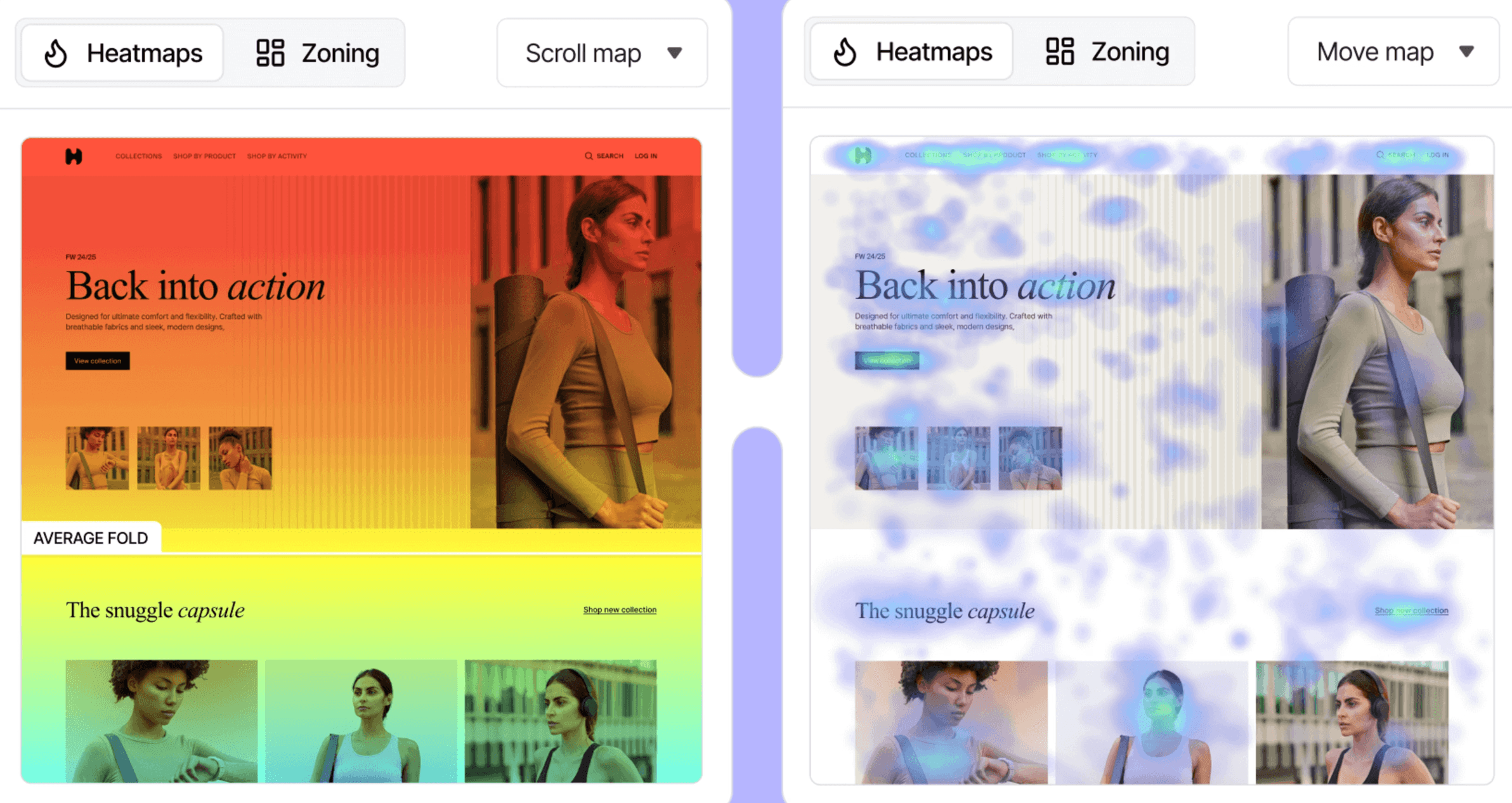
Session recording tools approach the same problem from a behavioral angle. They let you watch how users move through the site in real time.
Session recordings help you answer the following questions:
Where do users drop off?
Which form fields create friction?
How is our pricing page layout hurting conversions?
4. CRM sync and segmentation workflows
Lastly, connect your visitor tracking tool to your CRM to update company records, trigger segmentation, and feed marketing campaigns or sales alerts. This step is what turns visitor data into actions your sales team can take.
Build simple segmentation workflows using if-then logic that incorporates prospect behavior, as in the example:
If:
A company-level website visit is an ICP fit
Employees visited the pricing page more than twice in seven days
The company country falls within the target market
Then:
Create or update a company record in CRM
Notify the sales team in Slack
Add the prospect to a nurturing sequence
9 best website visitor tracking tools for B2B teams
The right website visitor tracking tool depends less on features in isolation and more on how your team sells. Your team’s size, the maturity of your CRM data, the size of your outbound motion, and the nature of your industry all matter.
Tool | Best for | Pricing |
Artisan | Teams that want website visitor identification tied directly to automated outreach and follow-up | Custom pricing with white-glove onboarding |
HubSpot | Companies that already use HubSpot CRM and want visitor identification inside their existing marketing and sales stack | Starter: $15/month Professional: $890/month Enterprise: $3,600/month |
Leadfeeder | SMB and mid-market teams that need simple company-level visitor tracking and CRM routing | Paid from €141/month up to €1,713/month |
ZoomInfo | Enterprise teams that want visitor tracking combined with prospecting, enrichment, and intent data | Custom quote only |
Albacross | European B2B teams that want visitor tracking | Starter: €84/month Professional: €213/month Organization: €546/month (annual) |
Apollo.io | Startups and growth teams | Basic: $59/user/month Professional: $99/user/month Organization: $149/user/month |
RB2B | Founder-led sales and social-media-heavy outbound teams that want lightweight person-level identification | Starter: $79/month Pro: $149/month Pro+: $199/month |
Lead Forensics | Established B2B teams that want managed workflows and contact data | No public pricing |
6sense | Enterprise ABM teams that run predictive scoring and multi-touch account plays | Free tier with limits and enterprise custom pricing |
1. Artisan
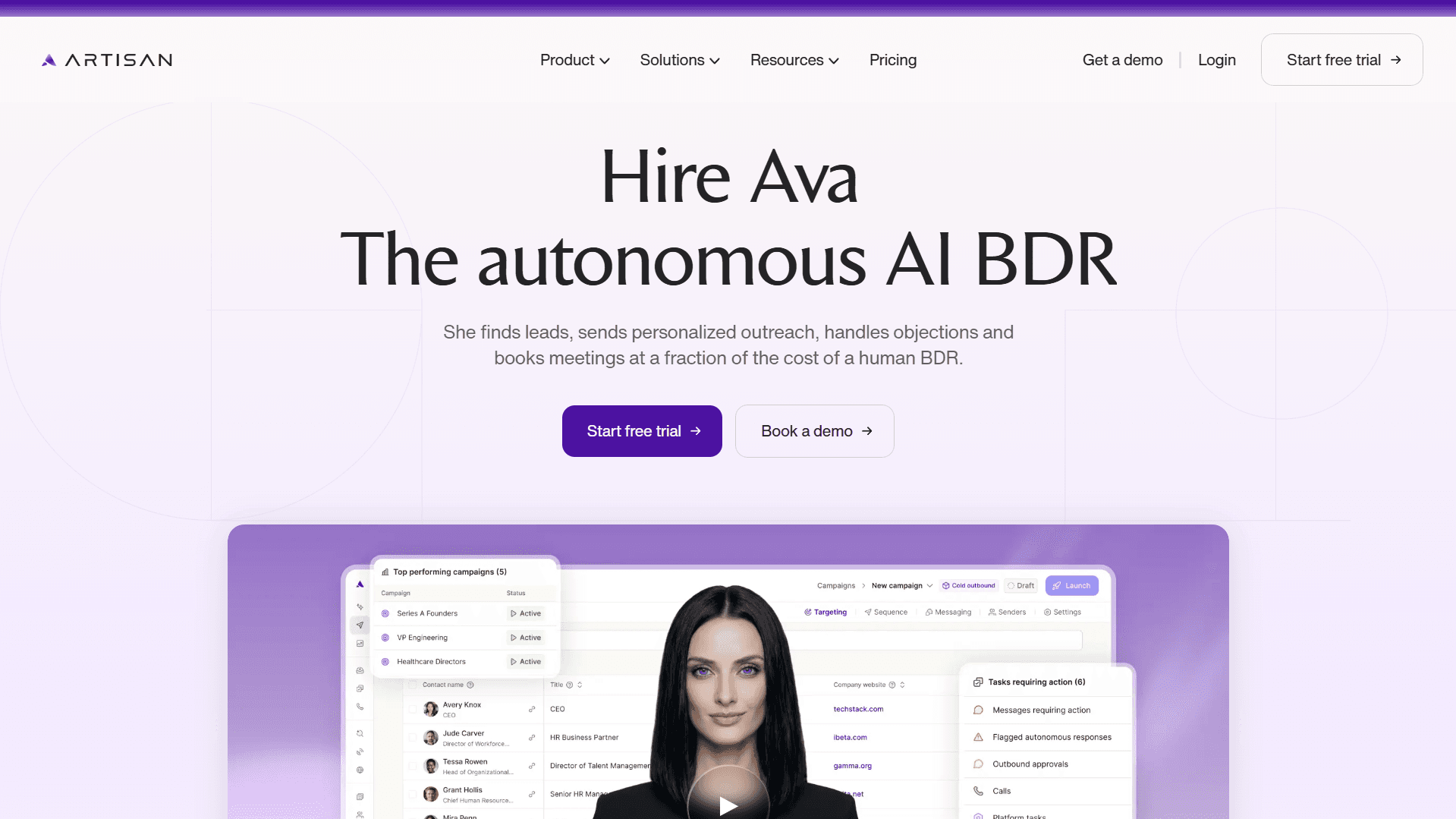
Artisan is an outbound-first platform that captures website visitor signals and automatically triggers social media and email outreach.
Powered by AI BDR Ava, who is trained on your ideal customer profile, Artisan instantly verifies the ICP fit of deanonymized visitors (at the company level), enriches their records with firmographic and demographic data, and prioritizes them for sales follow-up.
Who is Artisan best for?
Startups, growth-stage SaaS, and mid-market teams that want website visitor identification tied directly to automated outreach.
Pricing
Artisan has several usage-based plans for different user needs and outreach requirements. A free plan is also available to explore the platform. You can see a full breakdown on the pricing page.
2. HubSpot
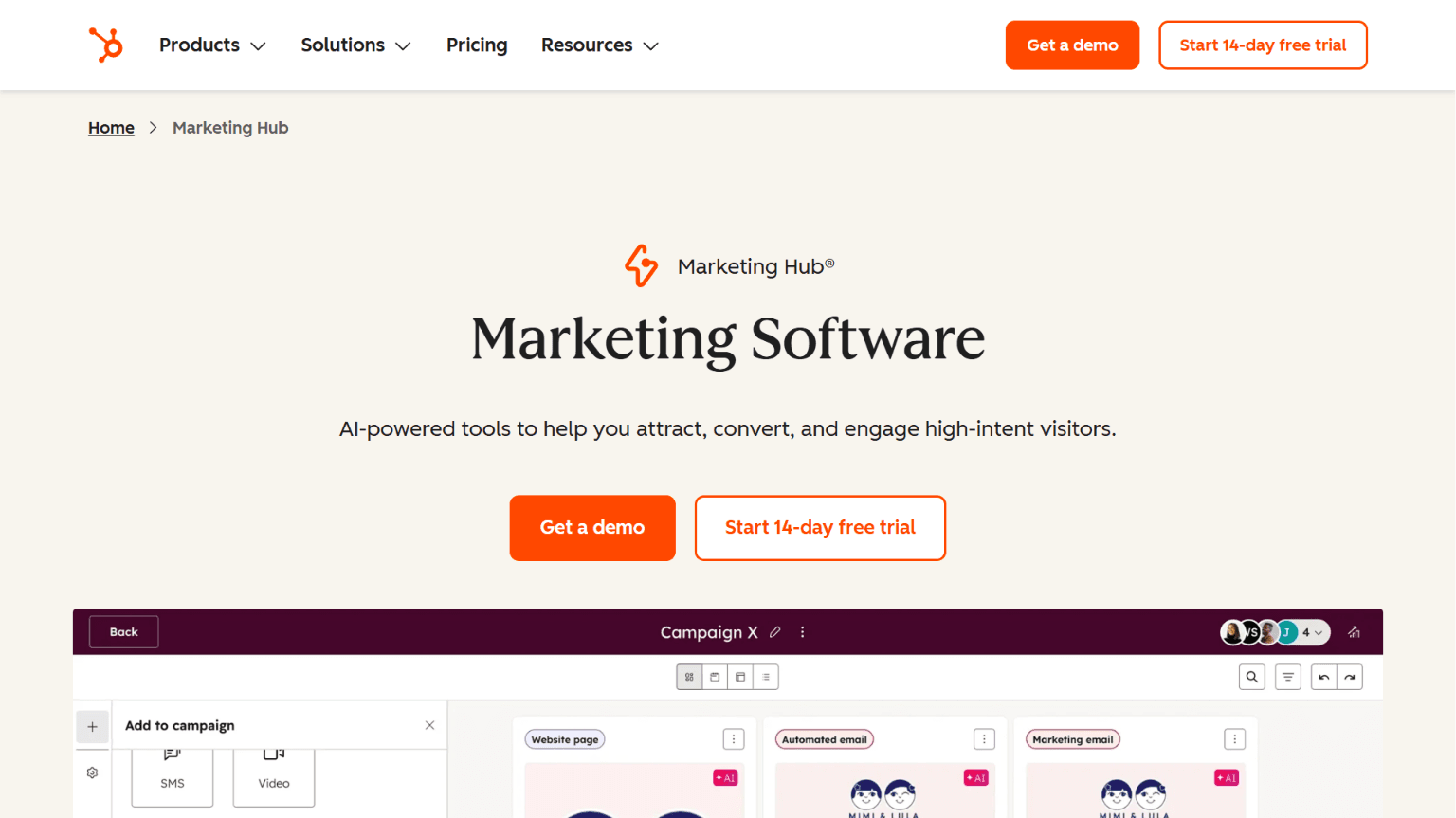
HubSpot is a practical choice when your CRM, marketing tools, segmentation, and website analytics already live in the platform.
After HubSpot acquired Clearbit (now Breeze Intelligence), it started offering website visitor identification. HubSpot now identifies site visitors, tracks behavioral engagement, and triggers email workflows based on intent scores.
Who is HubSpot best for?
Marketing teams, RevOps-led teams, and B2B companies that already run HubSpot.
Pricing
Limited free plan
Marketing Hub Starter: $15/month/seat
Marketing Hub Professional: $890/month (3 seats)
Marketing Hub Enterprise: $3,600/month/seat (5 seats)
3. Leadfeeder
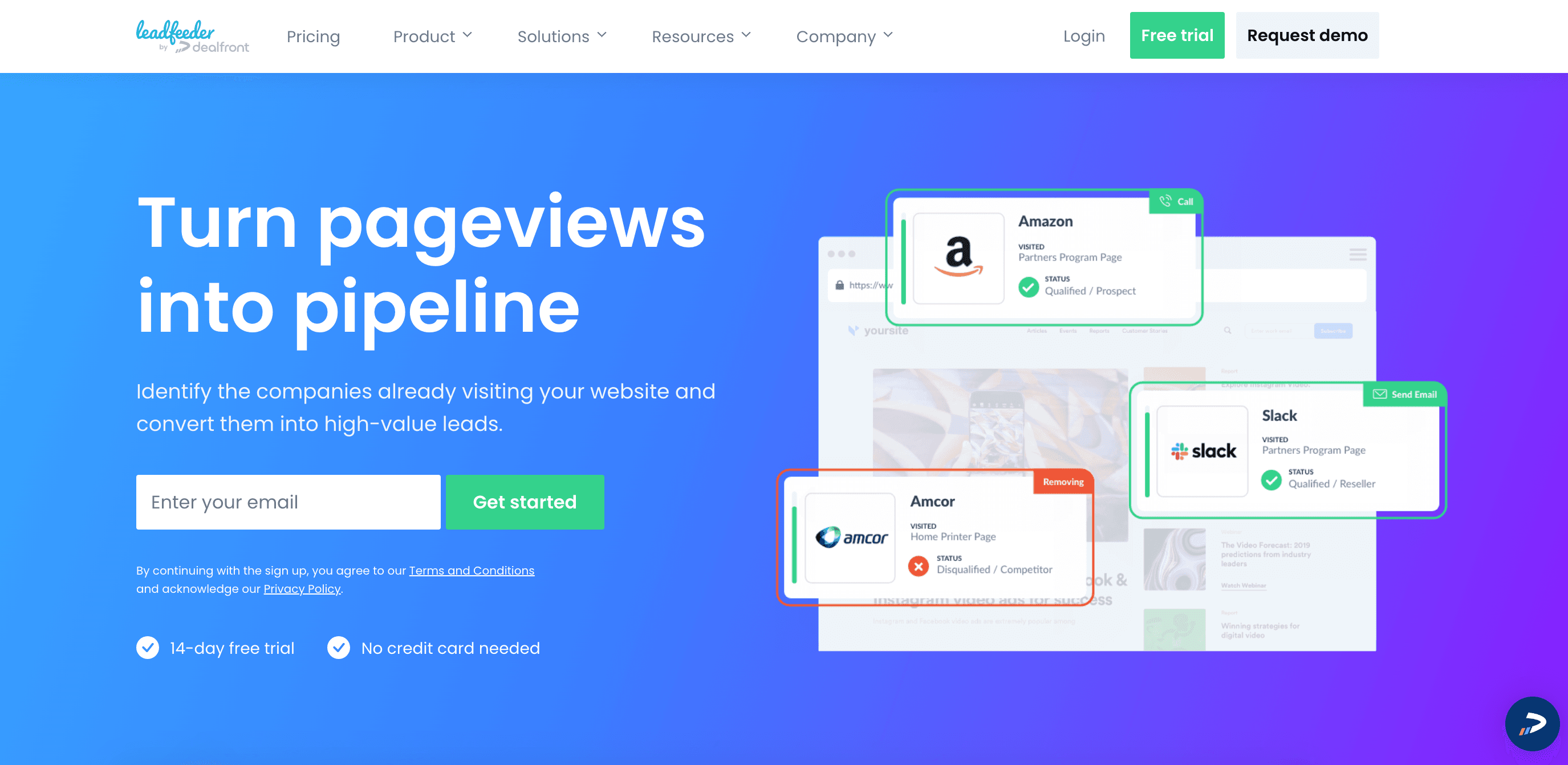
Leadfeeder focuses on company-level IP tracking. It is a good fit for SMB and mid-market B2B teams that need to see which companies visited their site, what pages they viewed, and which accounts deserve follow-up, all without buying a full ABM platform.
Who is Leadfeeder best for?
Small to midsize sales teams that want clean company-level website visitor data and straightforward routing.
Pricing
Free plan available
Website Visitor Identification from €141/month and scales by identified companies to €1,713/month.
4. ZoomInfo
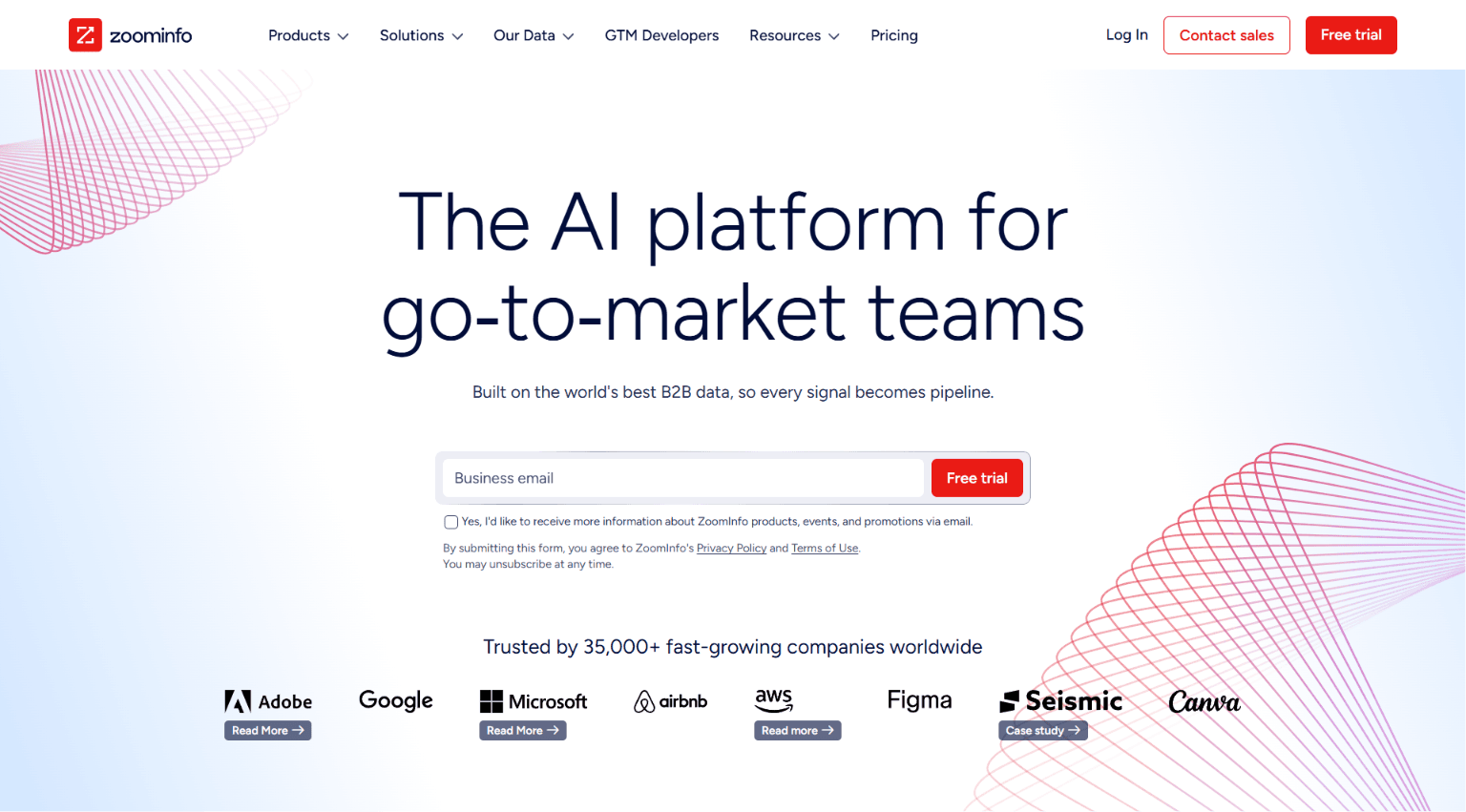
ZoomInfo is the go-to enterprise option when website visitor identification needs to sit inside a larger buying-intent and prospecting stack. It combines website visitor tracking with intent signals, enrichment, and outbound workflow automation.
Who is ZoomInfo best for?
Enterprise sales and marketing orgs that already buy into ZoomInfo's broader GTM platform.
Pricing
Custom quotes only.
5. Albacross
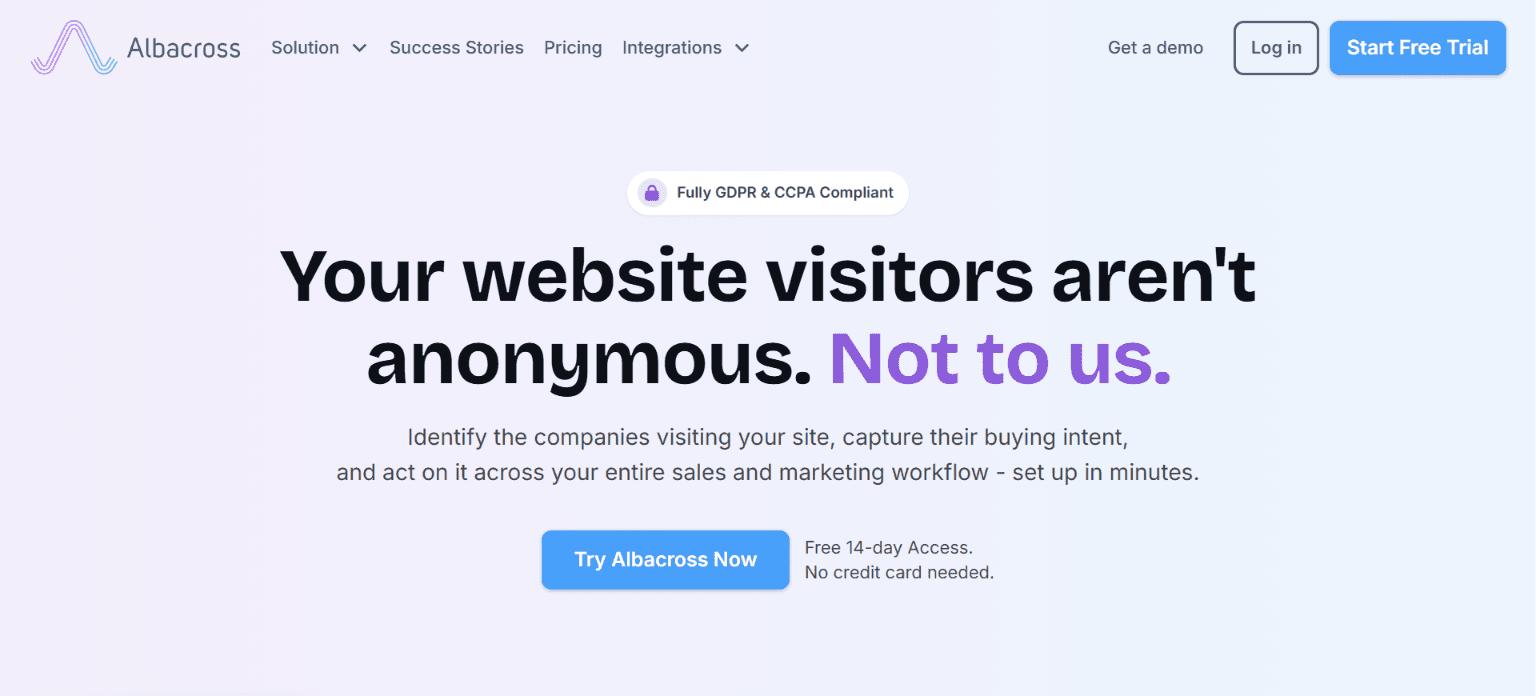
Albacross combines company tracking, intent signals, verified contacts, and automated outreach into a single platform, with an emphasis on catering to European B2B teams. It’s a good pick for agency-style operators and growth teams that want website visitor tracking plus lead activation tools.
Who is Albacross best for?
Europe-based B2B sales and marketing teams that want visitor identification plus outreach automation in one product.
Pricing
Starter: €84/month
Professional: €213/month
Organization: €546/month
6. Apollo.io
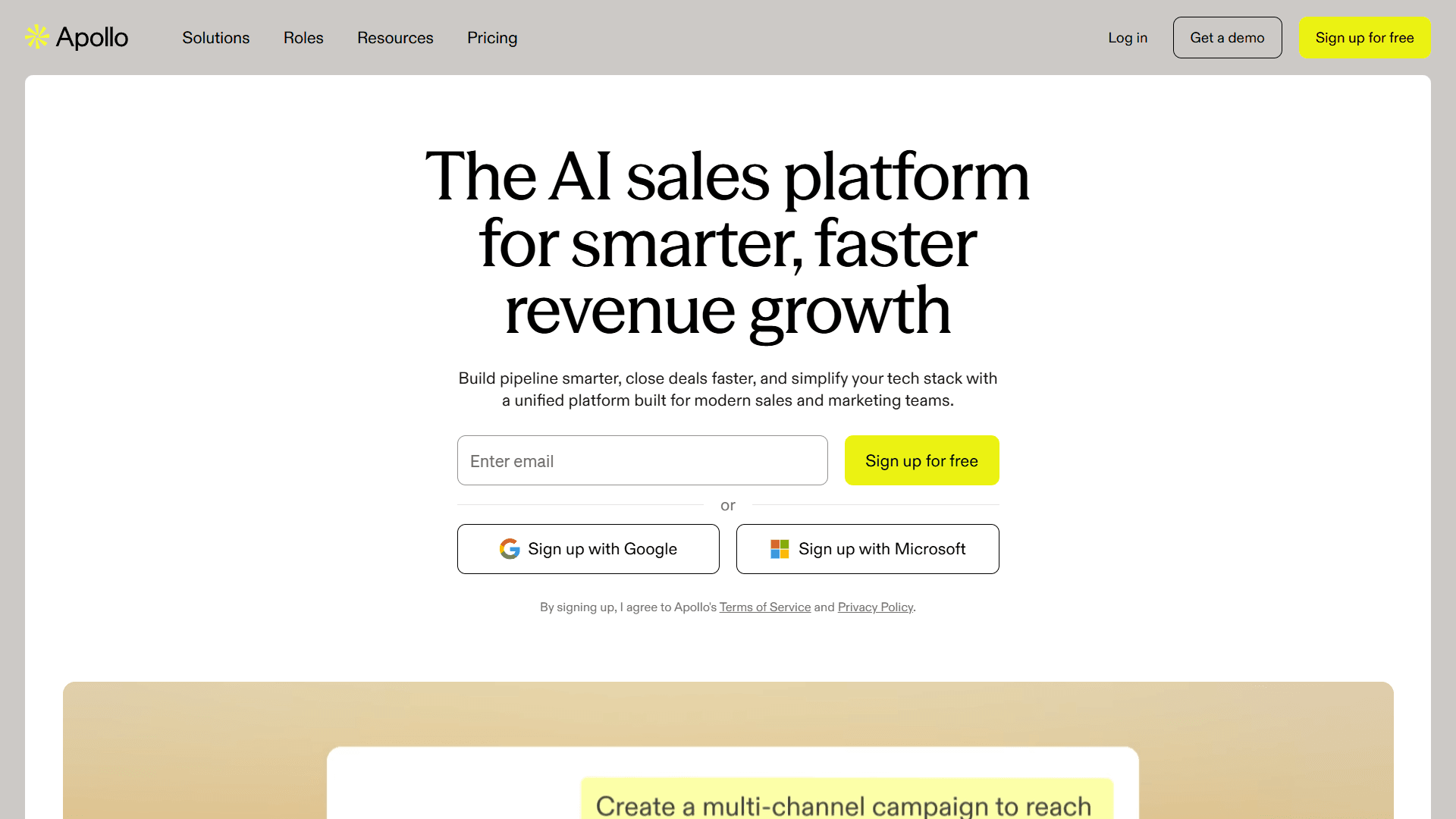
Apollo offers automated outreach and prospecting alongside website visitor identification. For startups and mid-market SaaS teams, Apollo is often the fastest route to "good enough" visitor signals plus outreach.
Who is Apollo best for?
Startups and growth teams that want contact data, outreach sequences, and visitor signals in one platform.
Pricing
Free plan is available
Basic: $59/user/month
Professional: $99/user/month
Organization: $149/user/month, billed annually with a minimum 3 users
7. RB2B
IMAGE (ALREADY IN CONTENTFUL): "RB2B Homepage"
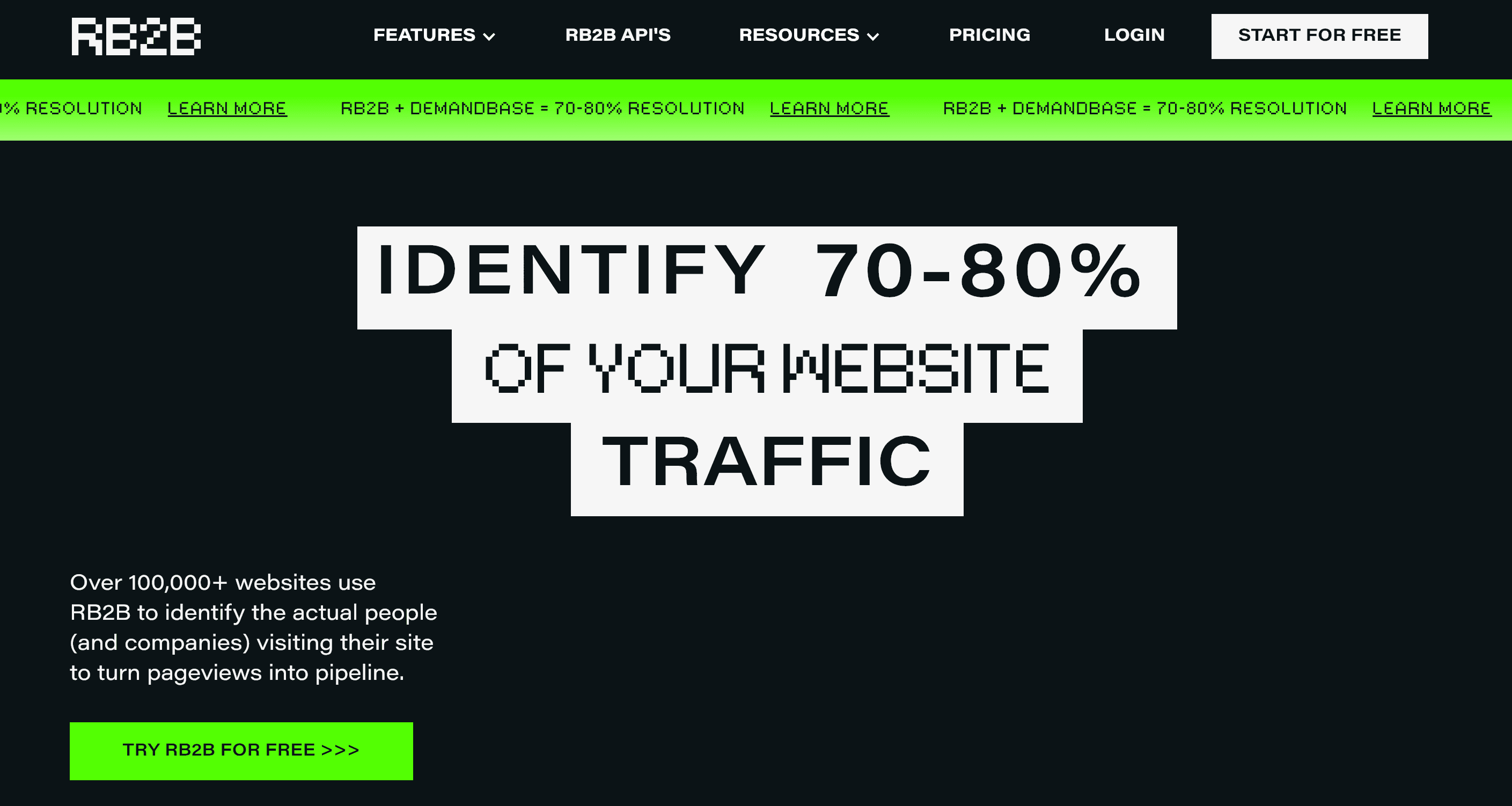
RB2B stands out because it pushes harder on person-level identification than most company-first tools. In practice, that makes it more useful for account-based outreach teams that rely on social-media-first workflows, fast Slack alerts (with specific contact details), and a setup that’s more lightweight than a full enterprise intent platform.
Who is RB2B best for?
ABM teams, founder-led sales teams, and social-media-heavy outbound motions.
Pricing
Free
Starter $79/month
Pro $149/month
Pro+ $199/month
8. Lead Forensics
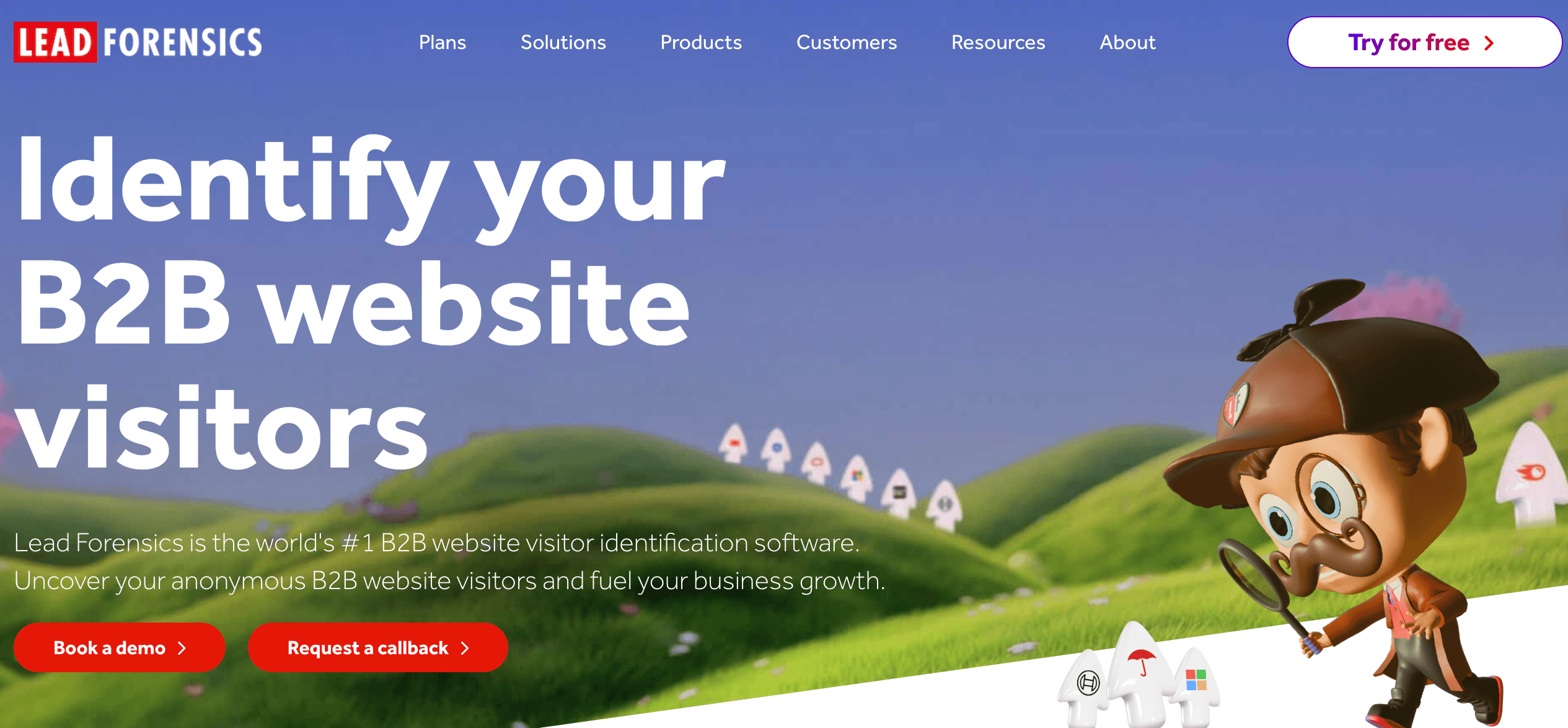
Lead Forensics is a traditional website visitor tracking tool that reveals business visitors at the company level and the contact data of decision-makers, with workflow automation built in. It is better suited to established B2B teams that want company tracking and notifications without rebuilding their full GTM stack.
Who is Lead Forensics best for?
Established SMB and enterprise teams that want company-level tracking and managed workflow features.
Pricing
No public monthly pricing listed. Contact the sales team.
9. 6sense

6sense is the heavyweight option for enterprise ABM. It goes beyond website visitor identification and brings third-party intent tracking, lead scoring, and account prioritization into one system. It fits large teams with mature segmentation and complex sales workflows.
Who is 6sense best for?
Enterprise GTM teams that run ABM, predictive scoring, and multi-touch account programs.
Pricing
Free tier with usage limits; enterprise plans require a custom quote.
How to turn visitor data into qualified leads
Converting visitor signals into a qualified pipeline takes more than a tool. It requires intent scoring, automated workflows, and tight sales-marketing alignment, with each piece reinforcing the others.
1. Segment visitors by buying intent
Raw website visits don't help sales prioritize outreach. Segmenting by buying intent is what turns passive visitors into ranked accounts worth contacting.
Start by grouping companies based on the following behaviors:
Repeated pricing page visits
Deep views of product or integration pages
Multiple visits from the same company in a short window
Sudden spikes in activity from one account
Conversion-adjacent events like demo page views or chatbot qualification
These segments help you distinguish between early research traffic, active evaluation, and purchase-ready accounts.
2. Trigger automated outreach when intent thresholds are met
Don't add every visitor straight to the same outreach sequence. Instead, set thresholds. A weak website visit should be routed to a nurturing sequence. A high-intent visitor from a target account should trigger a notification for a rep to reach out directly.
It’s important to be cautious when setting thresholds and automated workflows. A comprehensive scoring system is the best way to maximize your reps’ valuable time.
Artisan leans into this exact model. It captures website visits, monitors for intent, qualifies leads, scores them, and only then triggers relevant workflows.
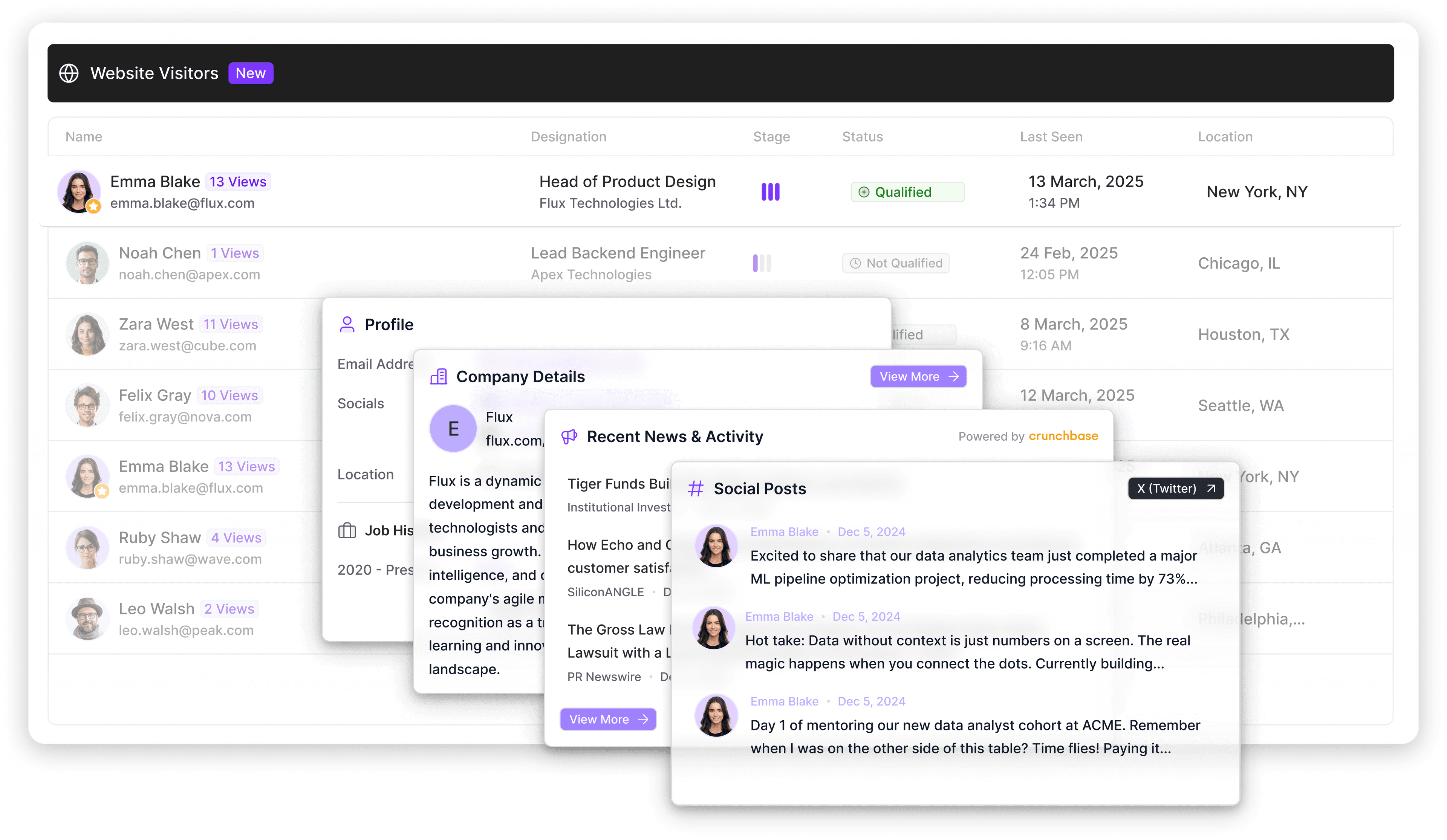
3. Align marketing and sales around shared metrics
Start by defining what qualifies as a sales-worthy visitor signal. For example, a target account that views pricing twice within a week or returns to product pages after a one-week period is likely very close to making a buying decision.
Once that definition is agreed upon, both teams work within clear parameters. Marketing focuses on generating and enriching accounts. Sales commits to follow up within a defined window.
Clearly define the following shared metrics:
Qualified leads created from website visitors
Time to first follow-up after a high-intent visit
Meetings booked from identified visitors
Overall deal conversion rate of marketing-qualified leads (MQLs)
Revenue influenced by visitor tracking workflows
This alignment helps you see which opportunities started from anonymous traffic, which segments convert best, and where to invest more in traffic acquisition.
4. Use retargeting and social media for warm accounts
Retargeting ads keep brands visible to visitors who didn't convert on the first visit to your site. A prospect who viewed pricing but didn't request a demo sees case study ads or testimonial videos for the next two weeks.
Not every high-fit visitor is ready for direct outreach. Some need retargeting first. Others are better handled through social media touches, remarketing, or a softer nurture workflow.
Combining retargeting and social media outreach is especially useful for enterprise and mid-market accounts where multiple stakeholders visit before anyone fills out a form.
Visitor tracking vs. web analytics: What's the difference?
Web analytics measures anonymous activity. Visitor tracking identifies specific accounts.
Google Analytics and similar web analytics tools show you metrics like bounce rate, traffic, traffic sources, time on page, and so on. This information is crucial for gauging the overall performance of your site.
Visitor tracking tools answer the question, “Which companies are showing buying intent on your B2B website right now?”
Virtually all sales teams need both. Use web analytics to improve your site. Use website visitor identification to turn the traffic you already have into leads.
Turn website visitor signals into revenue
Anonymous website traffic can be an incredibly valuable source of leads. There’s virtually no cost to identifying these potential customers, apart from your investment in a tracking tool.
Artisan turns anonymous website activity into prioritized accounts. From there, AI BDR Ava, a fully autonomous sales rep around which the platform is built, enriches accounts, identifies key decision-makers, and runs outreach while engagement is high.
For teams already attracting the right companies, this is what converts website traffic into meetings and sales.

Automate your outbound with an AI BDR
Meet Ava—your AI BDR who handles prospecting, outreach, and follow-ups, so your team can focus on closing.

Jenny Romanchuk
SME @ Artisan
Jenny creates senior-level content for sales, SEO, and marketing professionals. She also leads partnerships at the District #1 Charitable Foundation.