How to identify anonymous website visitors and trigger sales
This guide explains how to identify anonymous website visitors, stay compliant with GDPR, and activate visitor data for revenue.
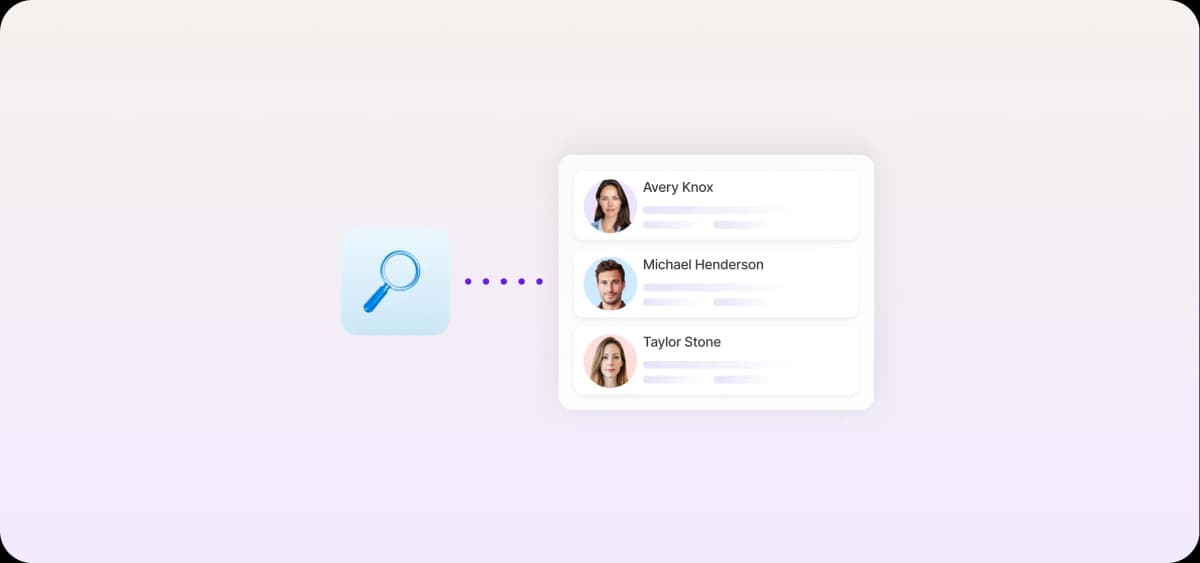
Identifying anonymous website visitors sounds straightforward until you're staring at a spreadsheet of 300 companies with no context and no clear next step.
Raw visitor data is noisy, and most of it won't match your ideal customer profile (ICP). A short, workflow-ready list of pre-qualified accounts is much more valuable to your sales process.
Anonymous website visitors are already signaling intent
Only 3.8% of SaaS page visitors convert, according to Unbounce’s Conversion Benchmarks Report, meaning they fill out a form, book a demo, or take another deliberate action. The remaining 96.2% stay anonymous, but that doesn't make them less serious about buying. They just don’t need the gated report you're offering or may not be ready to commit to a demo yet.
Anonymous visitors leave behind plenty of signals revealing where they are in the buying process. Every page they open, link they click, or session they start may indicate they're evaluating your product.
Here are the most common on-site buying signals:
Pricing page visits
Product or feature page views
Repeat sessions
Case study or customer story views
Modern analytics and visitor intelligence tools capture, deanonymize, and interpret these signals.
How visitor identification works behind the scenes
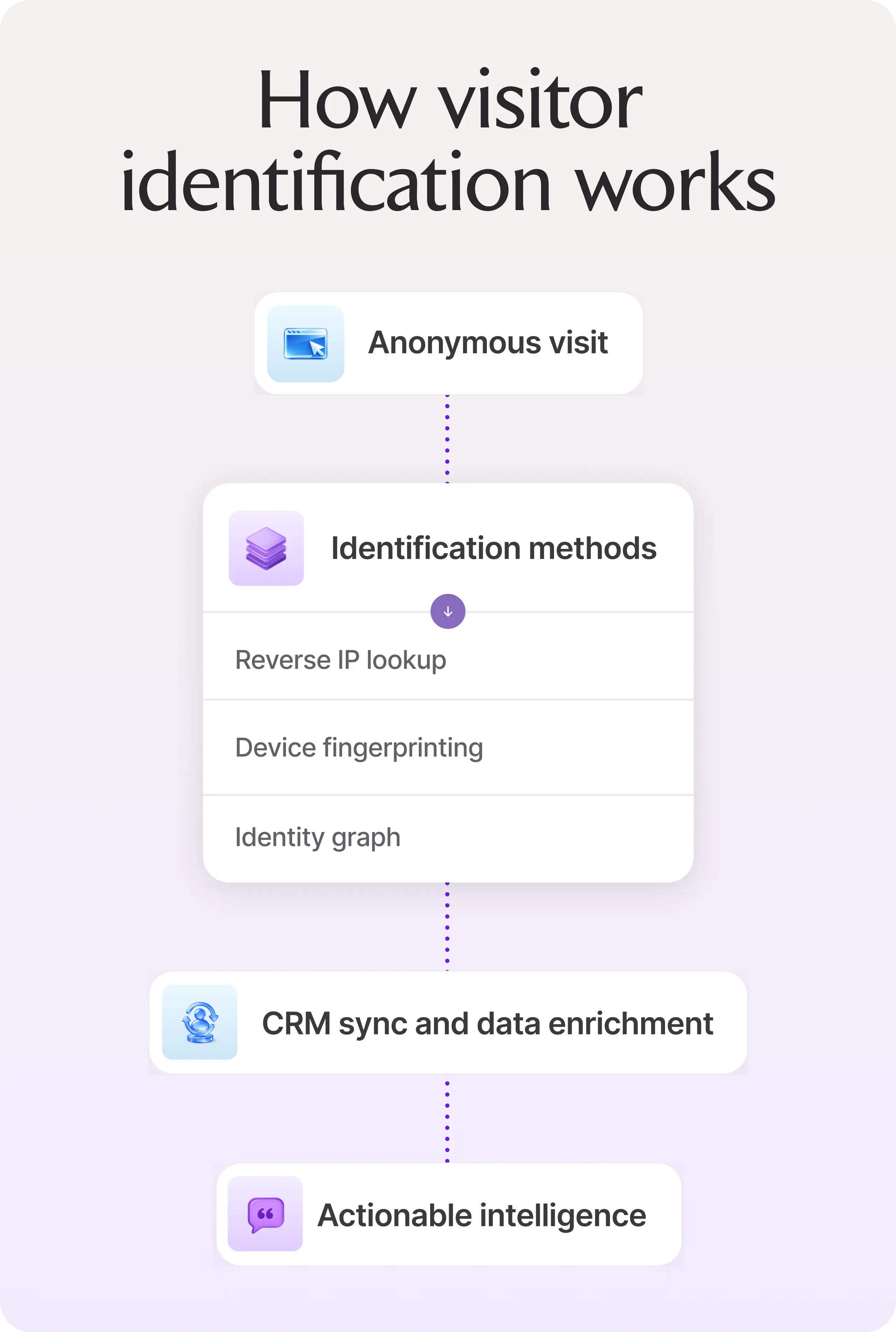
Visitor identification tools tap into data your site already collects, then layer on external databases and machine learning to turn raw server logs into actionable intelligence. The underlying methodology determines accuracy, coverage, and how much of your anonymous traffic you can act on.
IP address and company-level matching
The most common identification method is reverse IP lookup. Every device connected to the internet has a unique IP address, and reverse IP lookup databases map these addresses to the organizations that own them. When someone visits your website from a corporate network, identification tools can match that visit to the company.
When reverse IP lookup succeeds, the anonymous user becomes "a contact from [Company]," even without a name or email.
Identity graphs, fingerprinting, and machine learning
IP lookup gets you to the company when it works. To go beyond its limitations, many tools use identity graphs and device fingerprinting to track unique visitors across sessions.
A device fingerprint combines technical characteristics such as browser type, operating system, screen resolution, time zone, and installed fonts or plugins. Individually, these signals don't identify a person, but together they create a unique device signature.
Identity graphs connect these signatures across multiple visits, helping platforms recognize when the same user returns, even without a form submission.
Machine learning models improve accuracy by analyzing the following patterns:
Repeat visits from similar devices
Consistent browsing paths across sessions
Interactions with the same types of content
Timing patterns between visits
Over time, the system becomes better at determining whether multiple sessions likely belong to the same visitor or organization.
First-party data and CRM context
When a visitor identification platform syncs with your CRM, anonymous sessions can be matched against existing records, and vice versa.
If someone fills out a form, signs up for a webinar, or clicks through an email campaign, identification tools link that information to previous anonymous visits. This reconstructs the visitor's full journey from the first page view to when they became a known lead.
Platforms like HubSpot and Salesforce often serve as the central system for this data. When integrated with visitor identification tools, they allow teams to:
Attach anonymous website activity to existing accounts
See which companies are engaging with marketing content
Alert sales when a target account shows new buying signals
This sync also improves attribution. Teams can better understand which marketing efforts influenced a deal, even if the buyer stayed anonymous for most of their journey.

Automate your outbound with an AI BDR
Meet Ava—your AI BDR who handles prospecting, outreach, and follow-ups, so your team can focus on closing.
How to go from anonymous traffic to sales outreach
Once you can see which companies are visiting your site and what they’re looking at, the next step is turning those signals into a clear workflow for sales outreach.
But if you leave it for reps to react manually when accounts pile up, it's about as effective as never having deanonymized your traffic in the first place.
To act on visitor data without reps manually monitoring reports (or missing the window), you need two things: segmentation and real-time alerts.
Segmentation and prioritization
After surfacing potential buyers, group them into two categories: low-intent visitors and high-intent buyers.
Low-intent visitors show early interest but no clear purchase signal. They might visit your pricing page once without returning or browse a feature page without exploring further. Nurture these with retargeting campaigns or email sequences that keep your product visible as they evaluate.
High-intent visitors earn that label by combining account fit with on-site behavior—neither signal alone is enough. A perfect ICP match that only read a blog post is still a low-intent visitor, but if they linger on your product pages, it’s time to talk.
Lead scoring separates the two. Assign point values to firmographic fit (company size, industry, revenue, etc.) and layer in behavioral signals like pages visited, session frequency, and product depth.
When an identified account crosses the threshold on both dimensions, route it to sales. Accounts that don’t meet the score should stay in nurture.
These behavioral signals carry the most weight in a lead scoring framework:
Repeat visits within a short timeframe
Pricing, demo, or comparison page visits
Multiple product or feature page views in a single session
Multiple contacts from the same company visiting independently
Target accounts that check your ICP boxes and show a cluster of these behaviors should be automatically marked as high-value visitors and sent straight to an account executive (AE).
Real-time notifications and sales workflows
Set up real-time notifications to alert your sales reps about new high-intent accounts. Better yet, auto-assign tasks for them to follow up immediately.
Routing logic will help you keep reps accountable. Notifications about owned accounts should go straight to (no surprises) the account owner. Unowned ICP matches can be routed to your SDR queue and assigned via round robin. Every high-intent visit should have a clear owner by the time the notification fires.
From there, auto-create a follow-up task in your CRM with relevant context: company name, actions taken, and existing account history. Slack alerts layer on top of this. Configure notifications with a summary of CRM context so reps have enough information to plan their next step at a glance.
The final piece is preventing notification fatigue. If reps receive alerts for every visit, they'll quickly ignore them. Only trigger alerts when intent thresholds are met.
6 Visitor identification tools sales teams use
The six tools below use the core identification techniques covered above: IP lookup, device fingerprinting, and first-party data matching. Each packages them in distinct ways to serve different workflows, stack preferences, and pipeline goals.
1. Artisan

Artisan is an AI-powered visitor identification and sales outreach platform. Setup is no-code and straightforward: log in, define your ICP and behavioral triggers, and let Artisan handle the rest.
Watchtower campaigns handle website visitor identification. Rather than surfacing every visit, this feature filters traffic against your ICP criteria and only adds pre-qualified accounts to your workflows.
AI BDR Ava, who acts as a fully autonomous sales rep, then surfaces contact-level data and sends personalized outreach across email and social media automatically. For AE-ready accounts, Artisan sends real-time Slack notifications so you can engage at the right moment.
Who is Artisan best for?
Sales-led teams that want to identify, qualify, and reach out to visitors in one workflow, without stitching together multiple tools.
Artisan's strengths
Complete website visitor identification tool
Buying signal monitoring across funding rounds and job postings
Automatic account and contact enrichment
AI-generated personalized outreach across email and social media
Real-time Slack notifications
Native integration with HubSpot, Salesforce and other CRMs
No-code setup
Artisan's limitations
Artisan is built for active sales motions. If your primary need is marketing attribution, ad retargeting, or passive analytics, Artisan is not the right fit.
2. RB2B
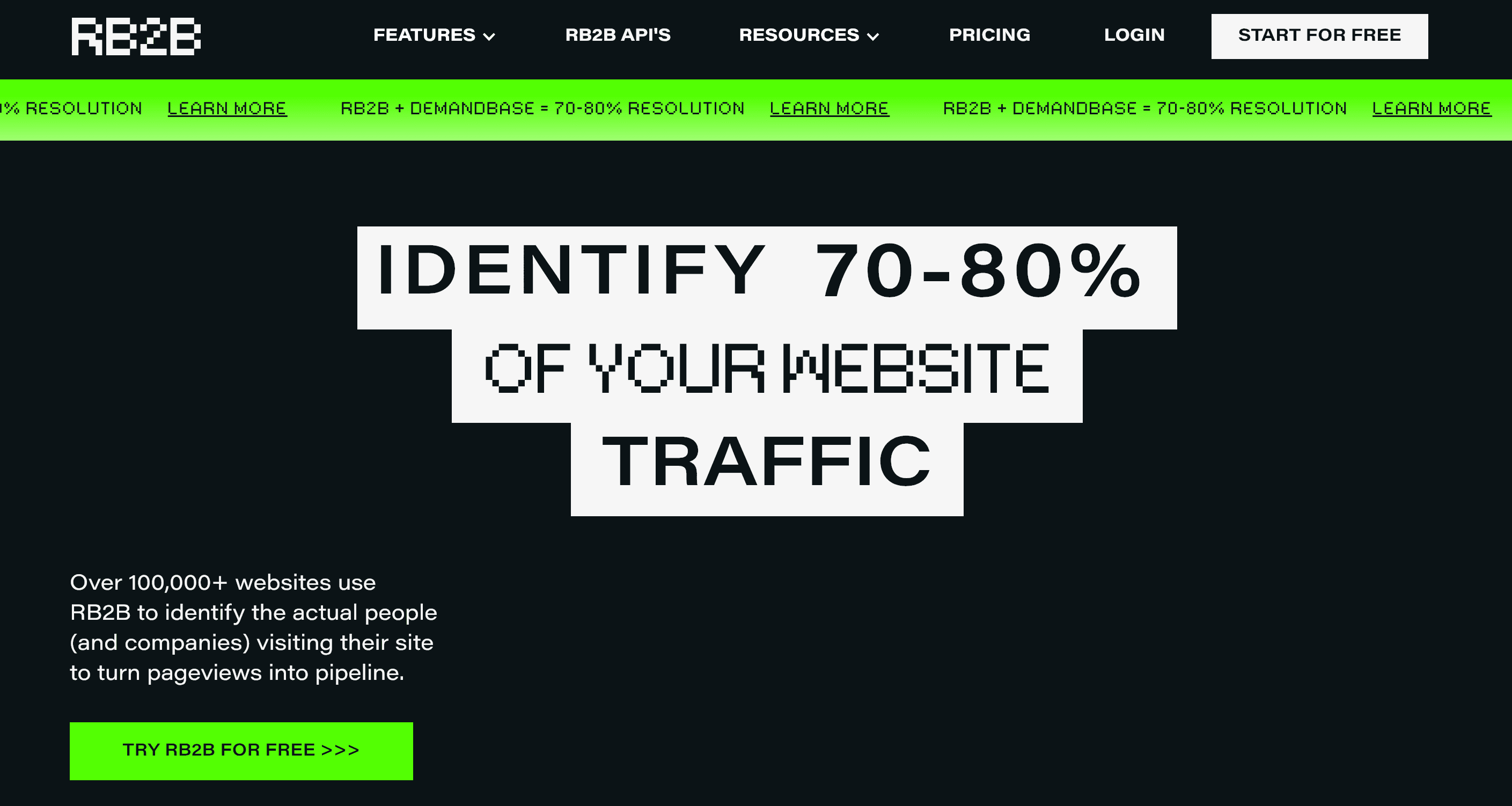
RB2B continuously identifies site visitors at the personal and company levels. When someone visits your site, you receive their name, social media profile, and job title in real time, pushed directly to your CRM or Slack.
Who is RB2B best for?
Teams wanting person-level visitor identification with minimal setup.
RB2B's strengths
Person-level visitor identification
Real-time Slack alerts
Fast, lightweight setup
Native integration with HubSpot, Salesforce, and Clay
RB2B's limitations
Identification relies heavily on social media data, so match quality drops when contacts have outdated or incomplete profiles. RB2B also doesn't enrich accounts, score intent, or automate outreach.
3. Leadfeeder
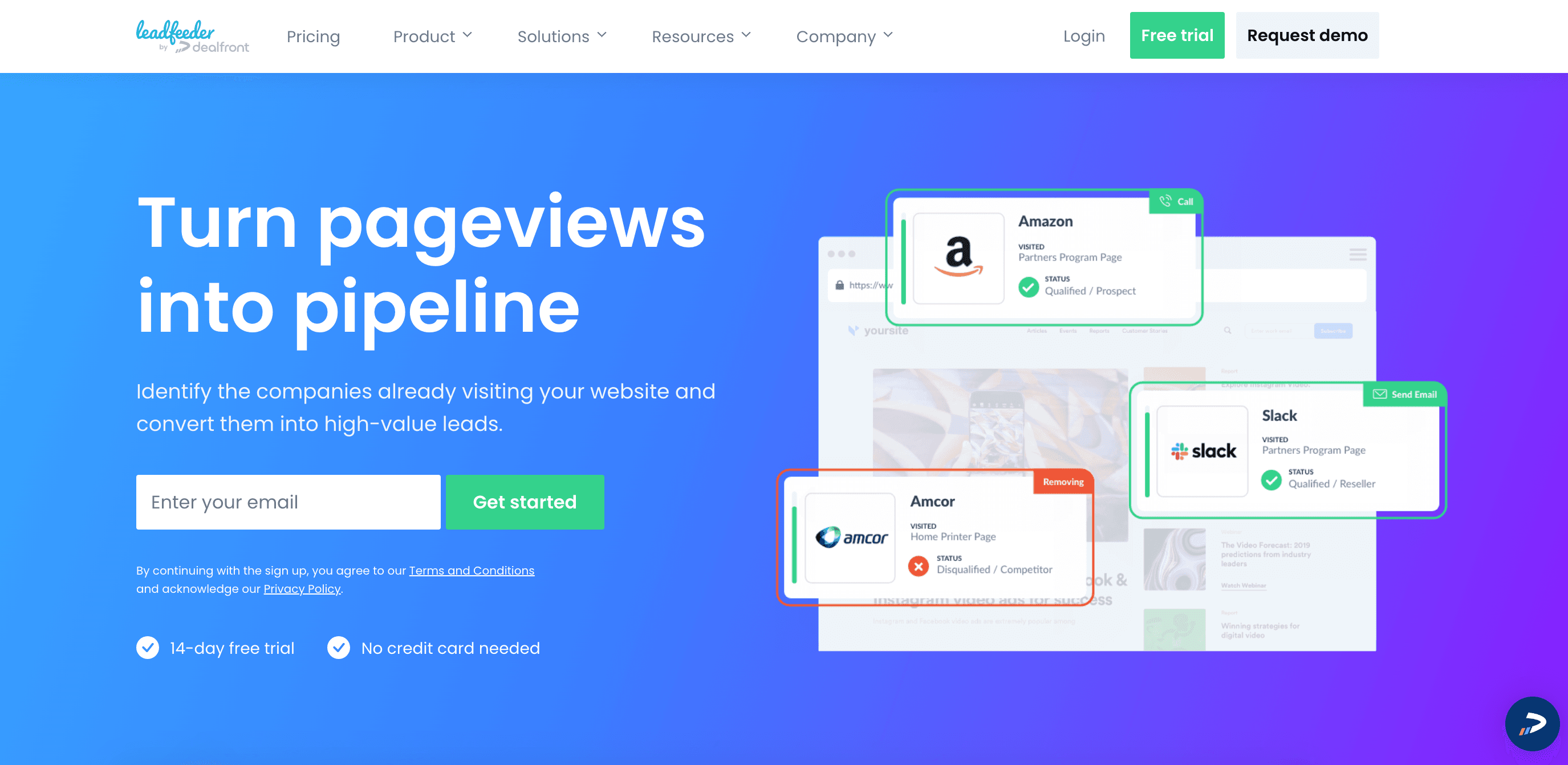
Leadfeeder is lead generation software that shows which B2B accounts visit your site, which pages they view, and how often they return.
You can filter accounts using 50 behavioral and firmographic criteria, score them automatically based on web activity, and sync visit data to your CRM. You can also enrich accounts with employee emails and phone numbers.
Who is Leadfeeder best for?
Teams needing company-level visitor identification for account-based marketing (ABM).
Leadfeeder's strengths
Company-level visitor identification, including remote employees
Clean, easy-to-read account activity feed
Simple filtering and segmentation by user behavior or firmographics
Fast setup with no technical resources required
Integrations with CRMs and email software, including Salesforce, Pipedrive, and ActiveCampaign
Leadfeeder's limitations
Leadfeeder surfaces employee contact details for identified companies using a credit system, so you can't rely on it at scale. It also doesn't support native outbound workflows.
4. Lead Forensics
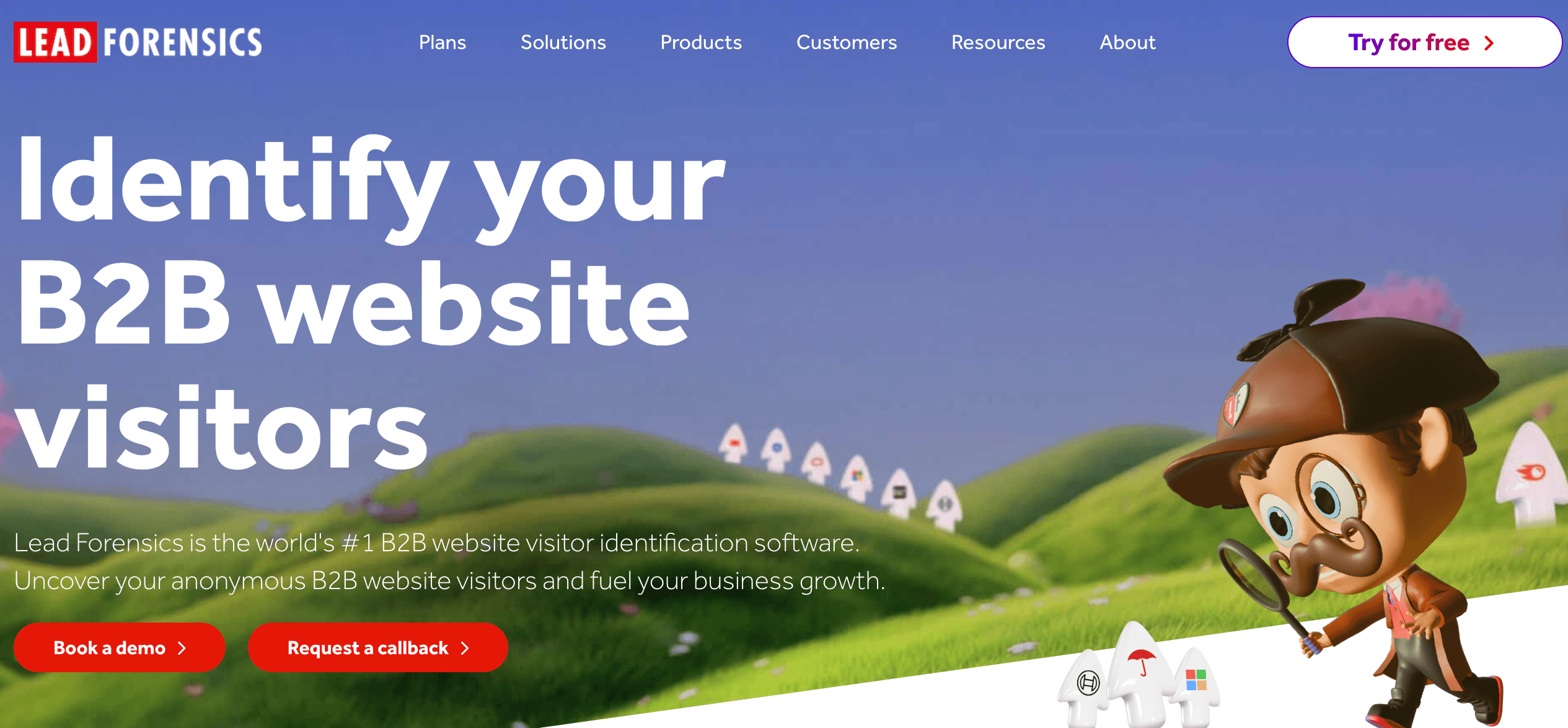
Lead Forensics runs on what it claims is the world's largest B2B matched IP address database, delivering strong company identification accuracy at scale.
The platform covers visitor behavior and session data and provides access to decision-maker contact details. Pricing is based on website traffic volume, so costs increase as your site grows.
Who is Lead Forensics best for?
Enterprise teams needing high-volume company identification with broad coverage across markets.
Lead Forensics' strengths
Strong company-level identification coverage at scale
Access to decision-maker contact data
Detailed session and behavioral data per account
Native integrations with Salesforce, Pipedrive, HubSpot, Zoho CRM, and Microsoft Dynamics
Lead Forensics' limitations
Lead Forensics requires heavier implementation and has a steeper learning curve than most tools on this list.
5. Albacross
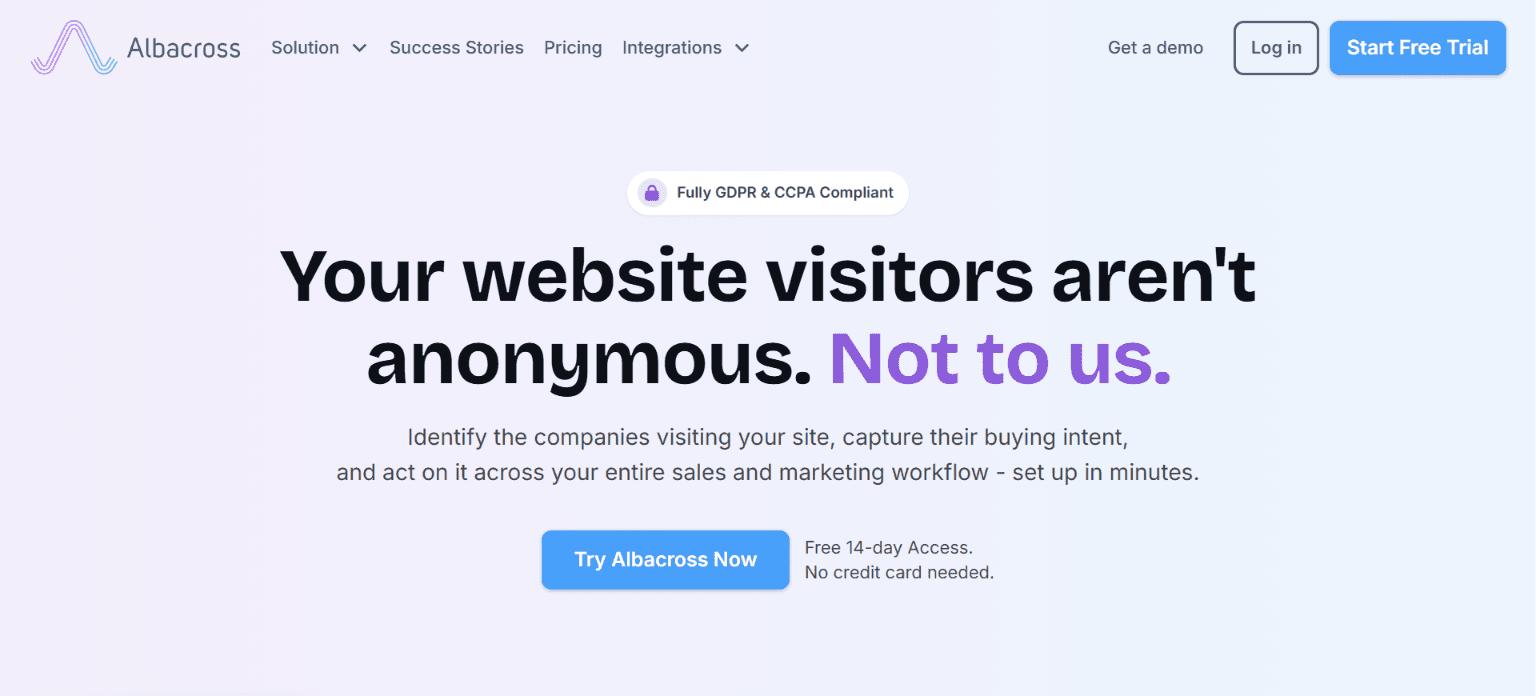
Albacross is a B2B visitor identification and account-based marketing platform. It identifies companies visiting your site, enriches them with firmographic attributes, and segments them automatically by buying intent.
Coverage skews toward European markets, which matters if your ICP is primarily North American.
Who is Albacross best for?
Marketing and sales teams running ABM campaigns that need a GDPR-friendly, company-level identification layer.
Albacross's strengths
Company-level visitor identification with intent-based scoring
Over 100 firmographic data points per identified account
AI-powered segmentation by company size, industry, and behavior
Outreach sequences across email and social media
Designed to be GDPR-compliant
Bombora integration for third-party intent signals
CRM integrations with Salesforce, HubSpot, Google Analytics, and others
Accessible entry-level pricing
Albacross's limitations
Like other company-level tools, Albacross can surface employee contact details for identified accounts, but it won't tell you which specific person visited your site. The UI and workflows also feel utilitarian compared to the more automation-driven platforms on this list.
6. 6sense
6sense is an enterprise ABM platform that combines website visitor identification with predictive analytics and multi-channel intent data. It analyzes behavior across your website and third-party sources to predict where accounts are in the buying journey and how likely they are to convert.
Who is 6sense best for?
Revenue teams that need predictive intent modeling and deep account insights across long, complex buying cycles.
6sense's strengths
Good account identification accuracy
Predictive AI modeling across the full buying journey, including the dark funnel
Integrated ad platform for launching targeted display campaigns to identified accounts
Real-time website personalization based on visitor industry and buying stage
Full ABM ecosystem, including audience building and account scoring
Integrations with Salesforce, HubSpot, and major sales engagement platforms
6sense's limitations
6sense offers only custom enterprise plans with yearly contracts. Implementation takes weeks and requires dedicated RevOps resources to extract full value from the platform.
How to approach compliance, privacy, and trust
Visitor identification sits in a gray area you need to understand before you build workflows around it. Privacy laws like GDPR in Europe and CCPA in California don't prohibit identifying website visitors, but they draw a clear line between what's permissible and what isn't.
Beyond legal compliance, there's a practical consideration: nobody responds well to a cold message opening with "I saw you checking out a competitor's pricing page."
Here's how to stay compliant and keep prospects from feeling surveilled:
For person-level tools, confirm you have a lawful basis for processing and compliant cookie consent.
Disclose visitor identification technology in your privacy policy.
Provide visitors with a clear, accessible opt-out path.
Ensure your vendor processes and stores data in a way that’s consistent with your regional obligations.
Base outreach on account-level signals.
Reference intent context naturally, for example, "I noticed your team evaluating solutions like ours," rather than explicitly.
Identification is step one, but action is the goal
Visitor data has a short shelf life. The moment you identify a high-intent account, routing logic, enrichment, and outreach need to trigger automatically. Otherwise, you'll miss the window.
Most visitor identification tools surface intent, hand you a list, and stop. That works if workflows are already in place, but building these workflows from scratch means stitching together identification, enrichment, CRM sync, and outreach across multiple platforms.
Artisan consolidates the entire motion into one workflow. It allows you to identify, enrich, and reach out to high-value accounts automatically, turning anonymous traffic into pipeline without managing separate tools.
Automate your outbound with an AI BDR
Meet Ava—your AI BDR who handles prospecting, outreach, and follow-ups, so your team can focus on closing.

Adelina Karpenkova
SME @ Artisan
Adelina Karpenkova is a writer helping businesses tap into AI's potential and clear up misconceptions. She works with B2B teams on latest industry knowledge.