5 best website visitor tracking tools for B2B marketing
Looking for better insight into website visits? Learn how website visitor tracking software helps marketing teams spot high-intent visitors and act faster.

Most lead scoring relies on form fills and demographic data instead of actual buying behavior.
Visitor tracking fills the gap.
It reveals which companies are actively evaluating your product and how users interact with your site.
The challenge is choosing the right tool. The market is cluttered, implementation can get complex, and compliance requirements vary by country.
How marketing teams use visitor tracking to drive growth
Visitor tracking helps marketing teams answer three important questions:
Where do users get stuck on our website?
Which visitors are ready to buy?
What is the best nurturing pathway?
Sales and marketing teams need to look at different categories of visitor data to answer each question accurately.
Turning visitor behavior into optimization wins
The question “Where do users get stuck?” is the precursor to optimizing the buyer journey on your website.
There are three ways that visitor data tools uncover friction points:
Heatmaps show where key elements (especially CTAs) are ignored.
Session recordings reveal hesitation, misclicks, and struggle during real journeys.
User session tracking reveals drop-offs and unusual navigation patterns that may signal issues.
When you identify areas of friction that may be negatively impacting conversions, change one element at a time and show the variant to half your traffic.
Behavior analytics tools usually pair naturally with A/B testing platforms. You use visitor tracking to spot the problem, then run experiments in your testing tool to measure impact.
Spotting high-intent visitors in real time
Intent tracking answers the question “Which visitors are ready to buy?” Real-time intent tracking alerts reps to these behaviors as they happen, allowing for immediate follow-up at what is often the most opportune buying time.
The following behaviors tend to correlate with buying intent:
Pricing page visits indicate active evaluation. Repeat visits within a short window show urgency.
Content depth separates researchers from browsers. Users who read through your entire product review or spend time with your ROI calculator, for example, are signalling serious interest.
Repeat sessions reveal sustained interest. Multiple visits over days or weeks mean leads are comparing options and building a business case.
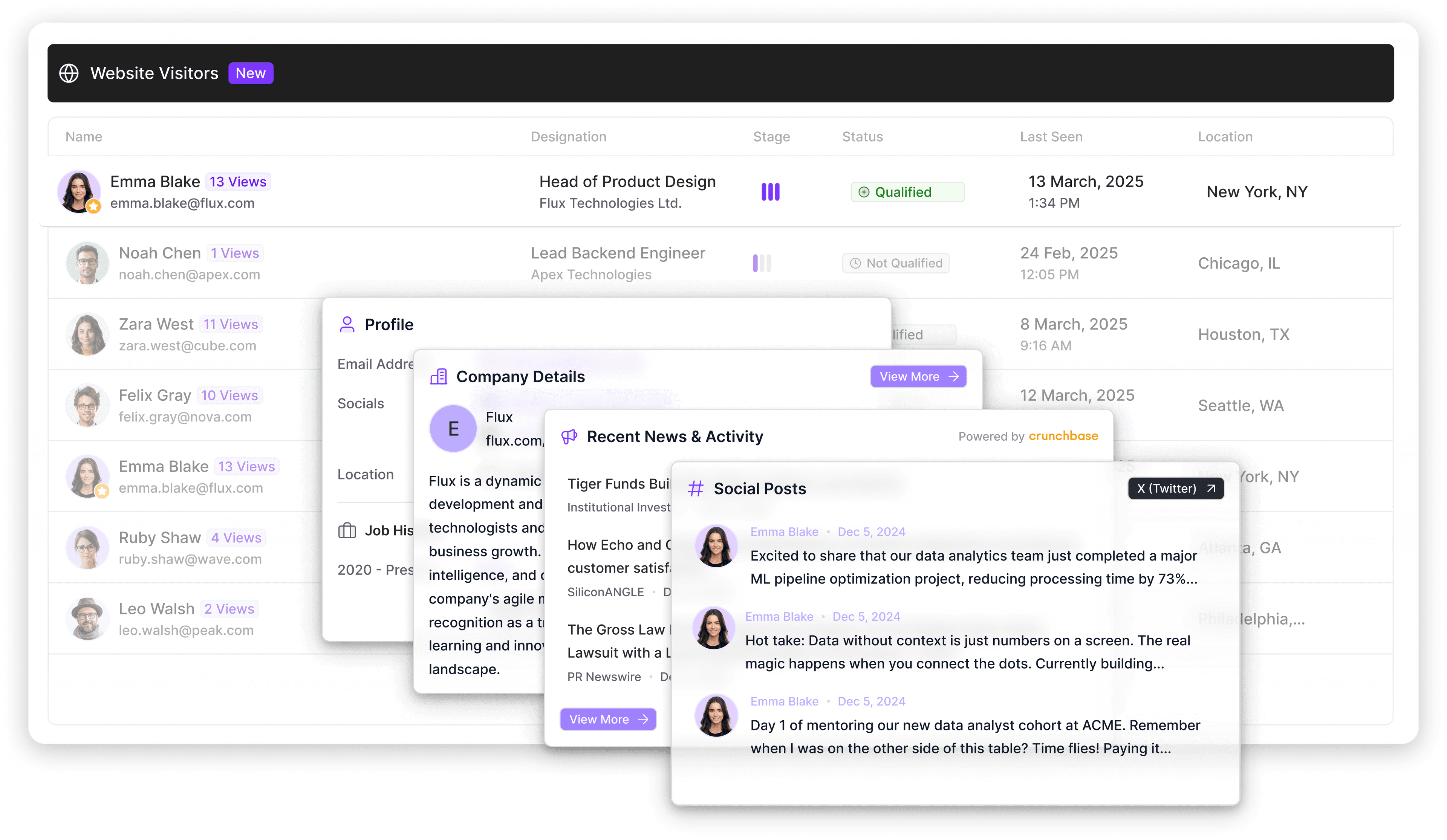
Intent tracking happens at two levels, and you need both. Individual visitor tracking captures anonymous user behavior, uncovering which pages they view, how long they stay, and what they click. Company-level identification matches IP addresses to firmographic data, revealing which businesses are researching your product even before they submit a form.
Most tracking tools let you configure rules to surface visitors who match specific intent requirements. For example, a rule might flag visitors with three pricing page visits in five days, ROI calculator usage, plus a case study download. The key is to find the combinations that signal buying readiness in your sales cycle.
A platform like Artisan tracks visitor behavior and automatically triggers personalized outreach when visitors hit your intent thresholds. It identifies the visitor at the company level, matches them to your ICP, and launches targeted outbound campaigns when appropriate.
Supporting nurturing with scoring, segmentation, and enrichment
Once you’ve removed friction and identified high-intent leads, you’re faced with the question of how to nurture them effectively. Visitor data is a powerful asset for pushing leads through your sales funnel.
Visitor tracking tools assist with nurturing in the following three ways:
Lead scoring uses visitor behavior to assign point values to leads. Pricing page visits, repeat sessions, and content engagement each contribute to a score. Reps use this information to prioritize the highest value leads.
Segmentation routes visitors based on firmographic data and behavior. Company-level identification reveals account tier (enterprise vs. mid-market), while page views and interactions indicate product interest and funnel stage. Enterprise accounts get routed to AEs, mid-market to inside sales, and early-stage browsers to automated nurture sequences.
Enriched records push visitor intelligence directly into your CRM, like HubSpot or Salesforce. Your rep sees firmographic data along with recent activity and on-site behavior. They can then use this information to tailor their nurturing approach.
Visitor tracking and web analytics serve different jobs
Visitor tracking and web analytics tools are often confused, but they serve different purposes.
Analytics tools—which focus on traffic and performance—answer the following questions:
How many visitors came to your site?
Which channels drove the most traffic?
Where do users drop off in aggregate?
What's your overall conversion rate?
Visitor tracking tools focus on the combination of quantitative and qualitative insights that feed your pipeline.
Behavior patterns for individual visitors and companies
Intent signals like pricing page visits and repeat sessions
Company identification and firmographic data
Real-time alerts when high-value accounts engage
Web analytics justifies your marketing spend while visitor tracking identifies your next deal. To get the full picture, marketing and sales teams need both.
Сore functionality marketing teams should expect
The visitor tracking software market keeps growing, and it’s easy to feel overwhelmed. That’s why it’s important to separate tools worth buying from data clutter by filtering all the options available according to core, non-negotiable features.

Real-time data and alerts
Real-time tracking captures visitor behavior as it happens and pushes alerts to the channels your team uses. Your web tracking tool should be able to send Slack notifications the moment target accounts hit your pricing page and trigger CRM alerts when a lead crosses your intent threshold.
Segmentation built for modern marketing
Segmentation depth determines campaign effectiveness. Basic tools only filter by page visits or traffic source.
Advanced platforms combine behavioral and firmographic data across these dimensions:
Traffic source and referral channel
User journeys and page sequences
Time on site and engagement depth
Device type and geographic location
Firmographics like industry, company size, and revenue band
The richer the data and the more filters available, the better you can route prospects to email campaigns, nurture sequences, targeted ads, and sales reps that match their buying stage and account tier.
Automation that moves data forward
Visitor tracking tools should trigger workflows automatically instead of creating more manual work.
Key automations include CRM updates that enrich lead records, outreach sequences that launch when visitors signal intent, and internal notifications that alert the right team members.
Your tracking tool should power your go-to-market motion, not serve as another dashboard to check.
Dashboards that prioritize action
Visitor tracking dashboards should help marketers and reps inform their next action. Data only has value if it drives meaningful insights.
Your chosen tool should be able to answer the following questions:
Which companies match your ICP and are showing engagement signals?
Which marketing efforts drive pipeline?
Which visitor segments convert at the highest rates?
How does behavior correlate with deal velocity?
Your dashboard should surface patterns that will feed your strategy. Otherwise, it’s just collecting meaningless data.

Automate your outbound with an AI BDR
Meet Ava—your AI BDR who handles prospecting, outreach, and follow-ups, so your team can focus on closing.
The main categories of website visitor tracking tools
Visitor tracking tools fall into three categories based on what they prioritize and how they fit into your workflow. Some focus on behavioral insights for funnel optimization, others on lead identification and ICP matching, and some handle the full tracking and sales outreach workflows.
Behavior and UX-focused tools
These platforms offer heatmaps and session recordings to give you actionable insights into the real user experience. They show you where users click, scroll, and drop off.
IMAGE (IN FOLDER): "User Heatmap"
These are valuable for design teams and conversion optimization, but they don't identify which companies are visiting or trigger sales workflows.
B2B visitor identification tools
These platforms focus on company-level tracking, firmographics, and buying intent signals.
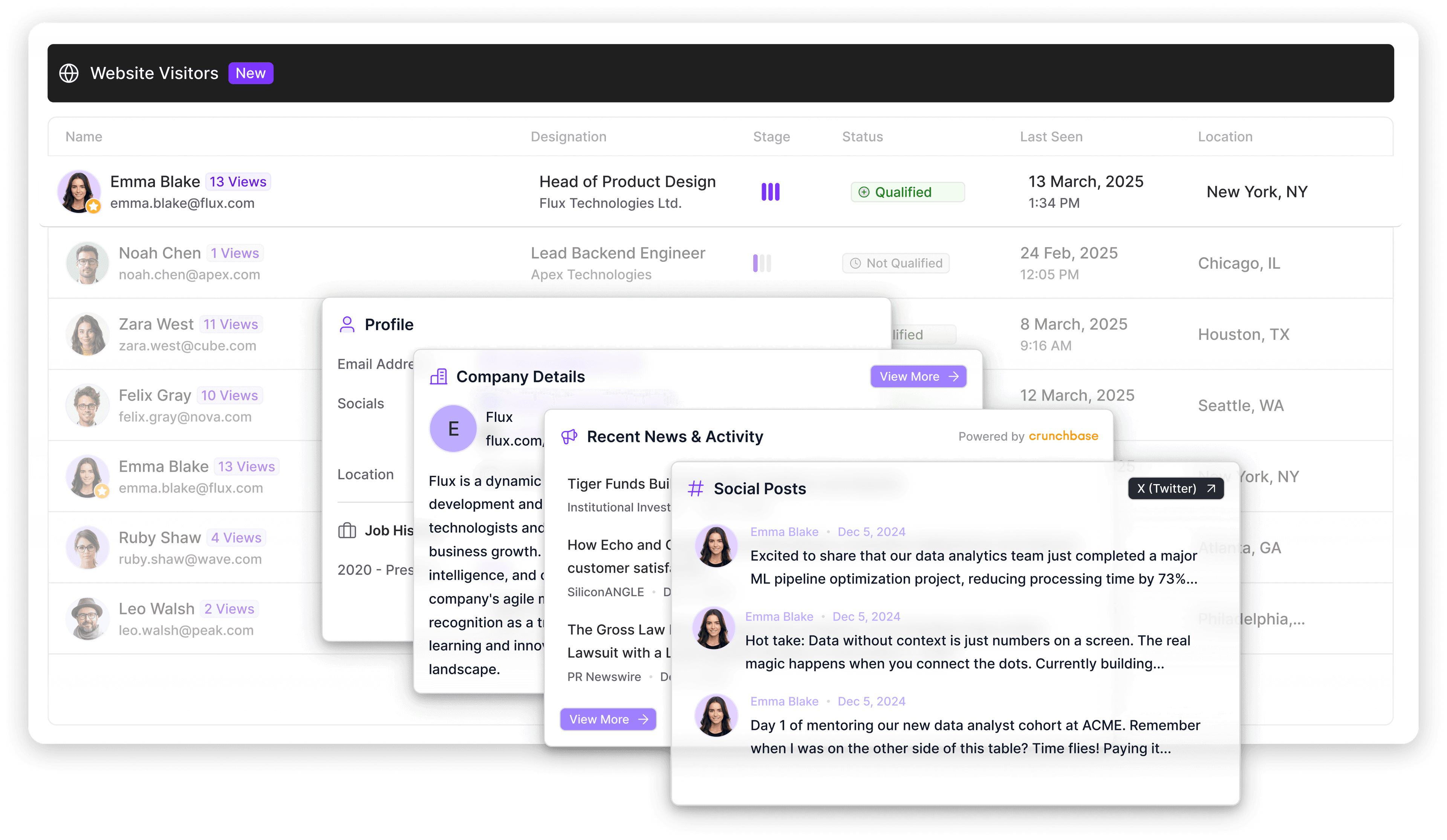
They identify which businesses visit your site, match them to your ICP, and flag high-intent behavior. Once they’ve surfaced qualified leads from anonymous website traffic, they add enriched records to your CRM system.
All-in-one platforms
Turnkey systems combine visitor tracking with CRM, automation, and outreach capabilities.
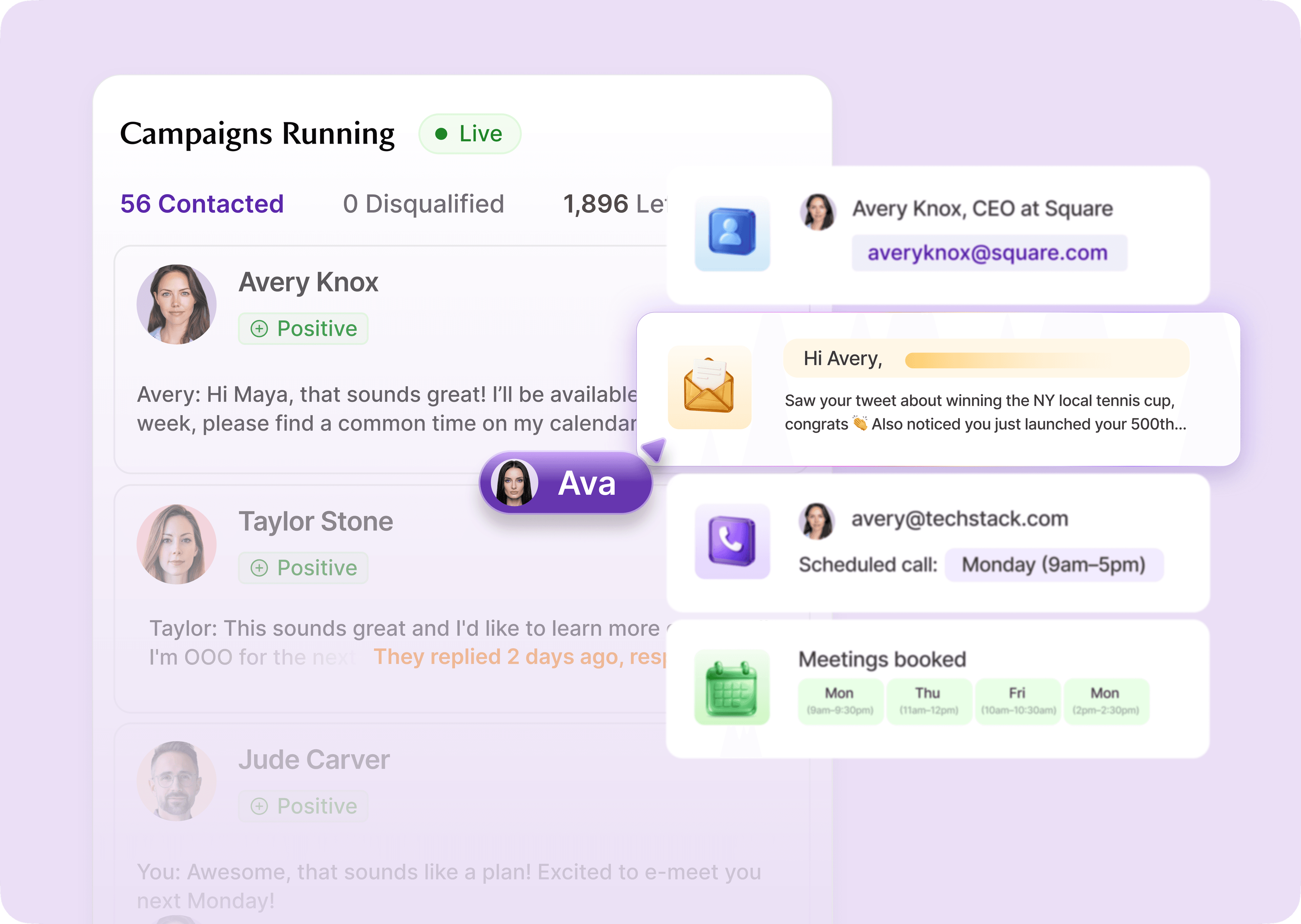
All-in-one platforms like Artisan replace separate identification, scoring, and engagement tools so teams can run the entire outbound workflow in one place.
5 best website visitor tracking tools for marketing and sales teams
Now that you know what you’re looking for, let’s compare five of the most popular visitor tracking tools on the market. These platforms represent different approaches to visitor tracking—from pure identification to full automation.
1. Artisan
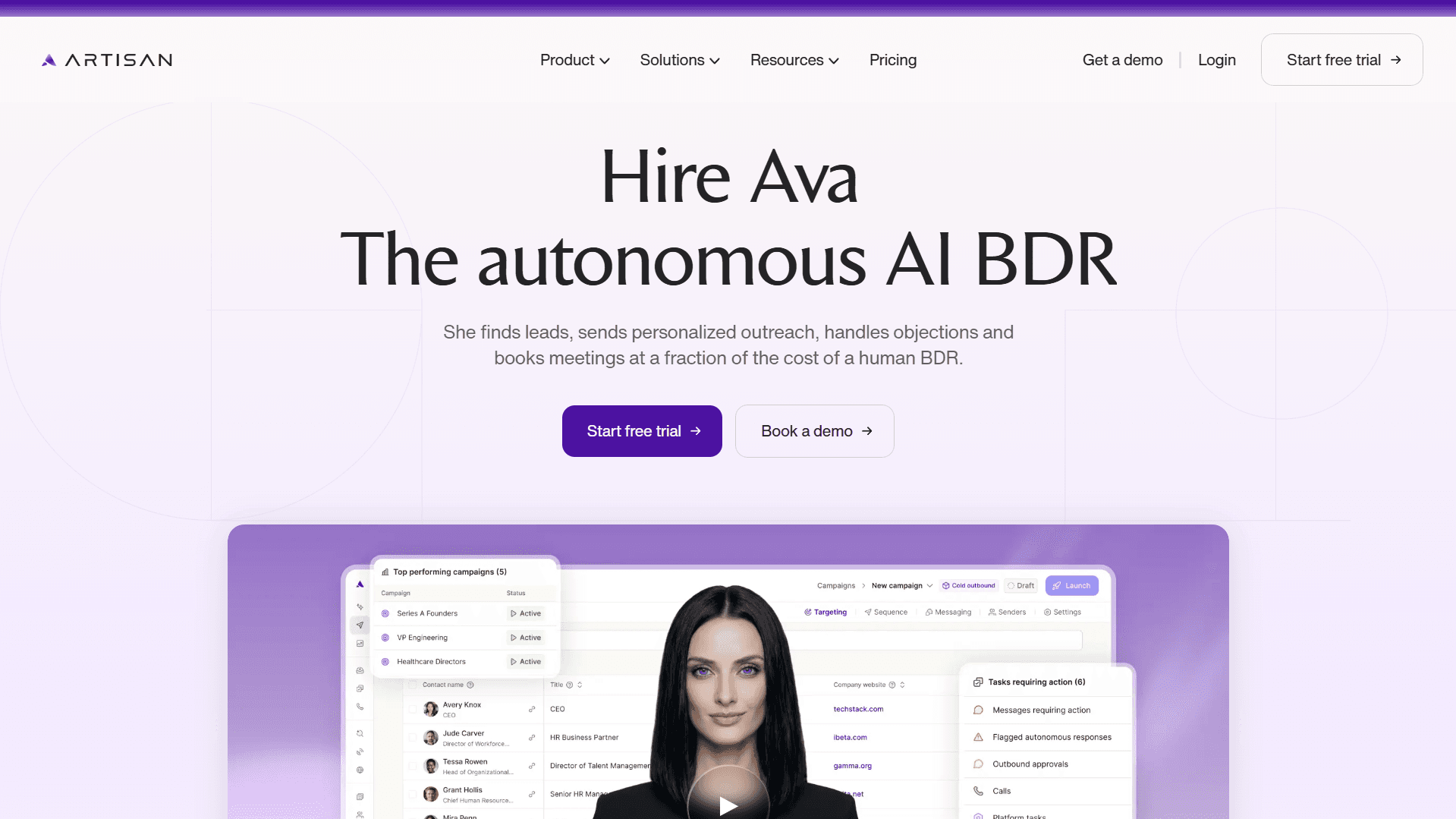
Artisan is an outbound automation platform that combines website visitor tracking with end-to-end campaign execution.
You define which characteristics and behaviors signal your ideal customer profile (ICP), from the size of your target companies to specific visitor activities like pricing page visits. Artisan monitors your site traffic in real time, identifying visitors who match your criteria. When a qualified visitor appears, Artisan adds them to the relevant segment and triggers personalized outreach across email and social media.
Artisan pros
Spots high-intent visitors as they browse your site
Finds visitor firmographic data and behavioral signals via a mix of web scraping and its 500 million-strong lead database
Launches multichannel outreach automatically across email and social media
Syncs visitor behavior directly with sales context—your rep sees exactly which pages the prospect viewed before reaching out
Eliminates manual list building and spreadsheet exports between tracking and execution
Artisan cons
Aimed primarily at companies looking for comprehensive automation rather than manual workflow management
SMB application is limited—works best for growing startups, midmarket companies, and enterprises
Who is Artisan best for?
Artisan is best for marketing and sales teams running outbound, pipeline generation, and account-based workflows who want tracking plus execution in one system.
Pricing
Custom plans are based on scale, outreach volume, and automation depth.
2. RB2B
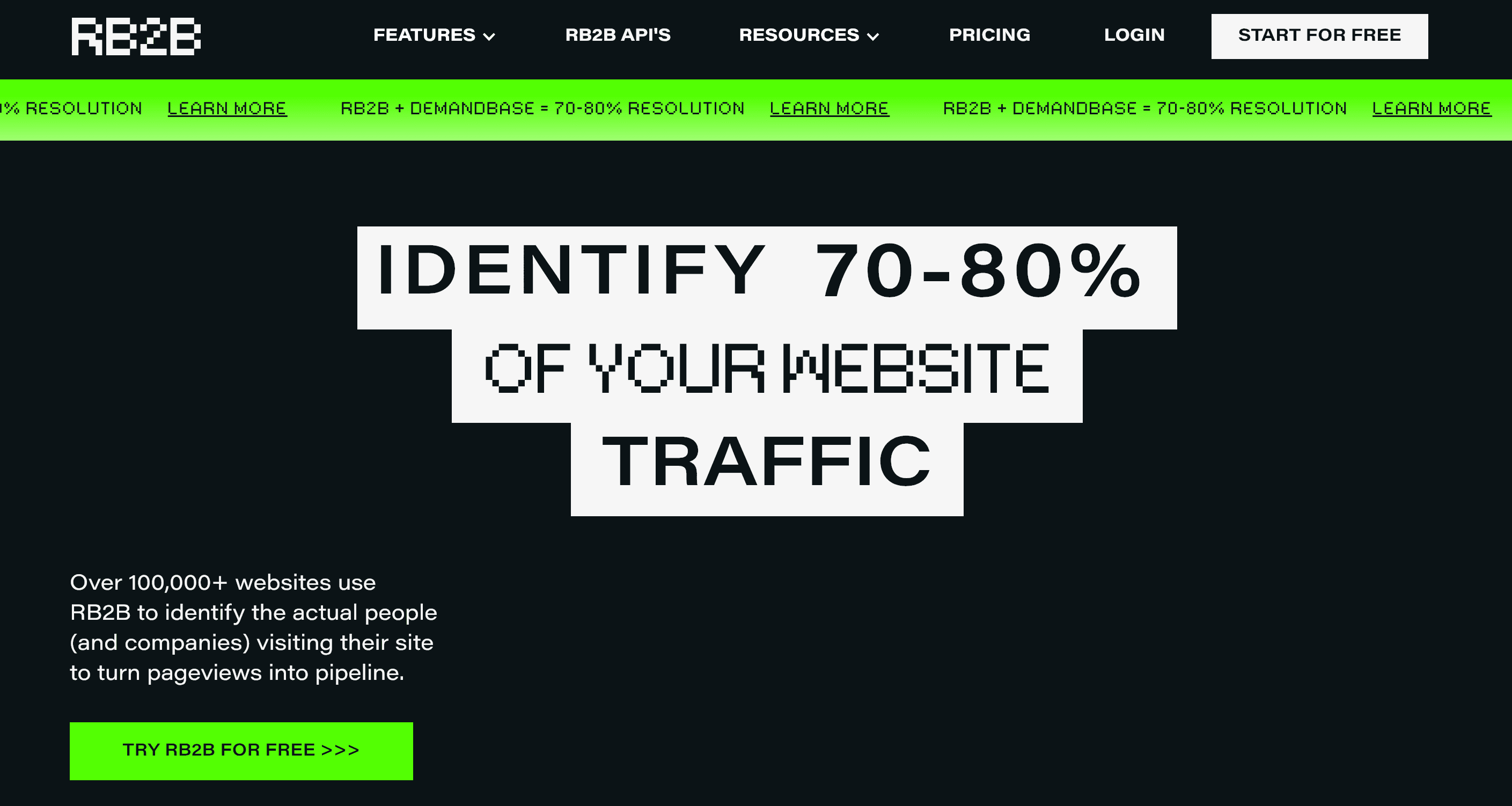
RB2B is a dedicated visitor identification tool focused on revealing which companies visit your website and capturing individual contact details when possible.
The platform monitors anonymous traffic, matches visitors to company records, and surfaces decision-maker contacts from those accounts. RB2B prioritizes speed and simplicity—install a tracking pixel, and you start seeing company names and employee profiles within minutes.
Keep in mind that RB2B intentionally operates on U.S. data only. The company does not offer EU coverage due to GDPR and related privacy regulations, choosing instead to focus on the U.S. market, which is large enough to support their model.
RB2B pros
Fast setup with minimal technical configuration
Identifies both company-level visitors and individual contacts (for U.S. audiences)
Integrates with common CRM platforms
Affordable entry point for teams testing website visitor identification for the first time
RB2B cons
Accuracy and visitor match quality are highly debated
Support and user dashboards are criticized
Limited to U.S. data (global campaigns are supported but aren’t reliable)
Who is RB2B best for?
RB2B is best for B2B teams targeting the U.S. market that want an extra layer of intent data to support outbound sales, cold email campaigns, and account prioritization.
Pricing
A free plan is available with 150 monthly identified visitors. Paid plans start at $79/month for 300 identifications. Additional identification features, including email reveals and ICP matching, start at $149/month.
3. Contentsquare Experience Analytics (Hotjar)
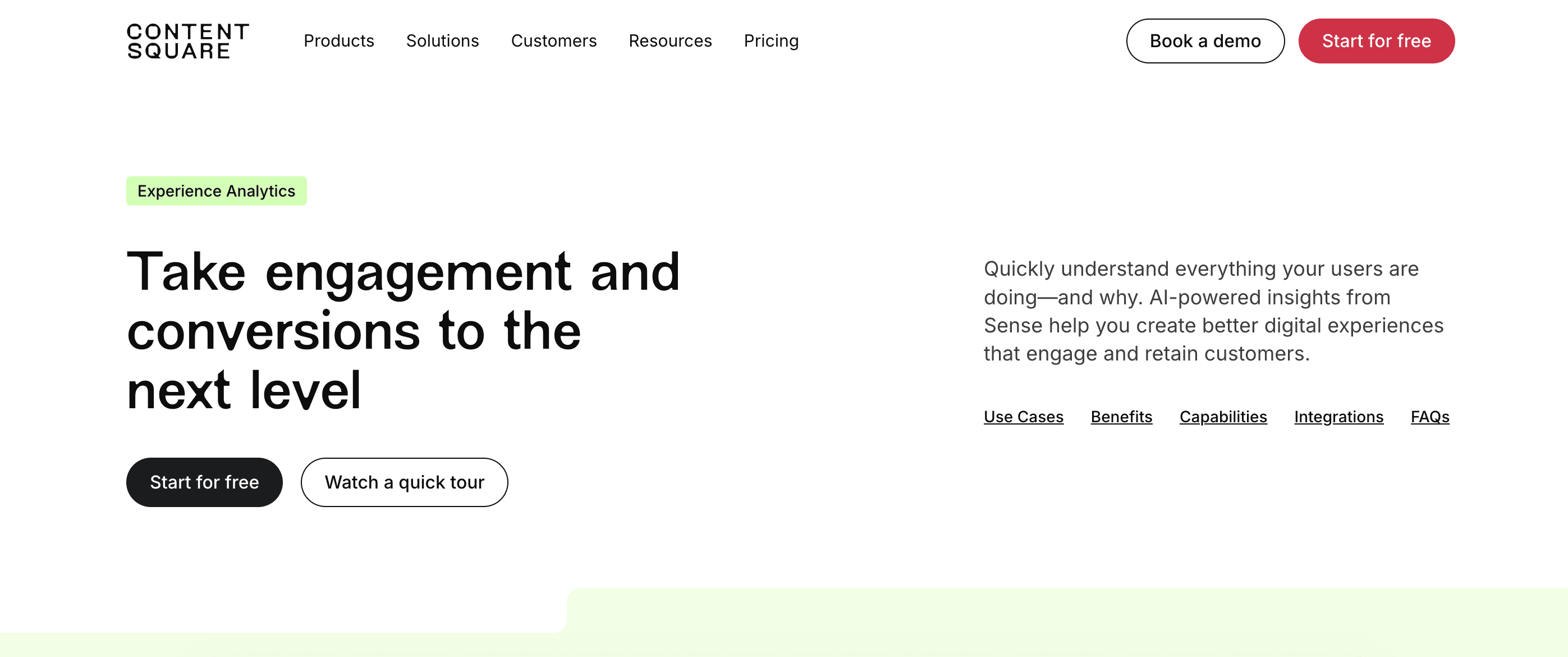
Contentsquare acquired Hotjar, a well-known visitor analytics platform, and integrated it into its comprehensive solution.
Hotjar's features—heatmaps, session recordings, and on-page feedback—are available through Contentsquare's Experience Analytics suite. It doesn't identify who your visitors are, but it does reveal what they do on your website.
Contentsquare pros
Visual insight helps to decode quantitative data
Great for identifying UX friction and content drop-off points
Quick to install with minimal setup
Useful for conversion rate optimization and website experimentation
Contentsquare cons
Doesn’t identify companies or individual visitors
Not designed for outbound sales or lead enrichment
Who is Contentsquare Experience Analytics best for?
Contentsquare Experience Analytics is best for marketing and UX teams focused on user experience and conversion optimization.
Pricing
A free plan is available with up to 200K monthly sessions and unlimited heatmaps. Paid plans start at $49/month.
4. Leadfeeder
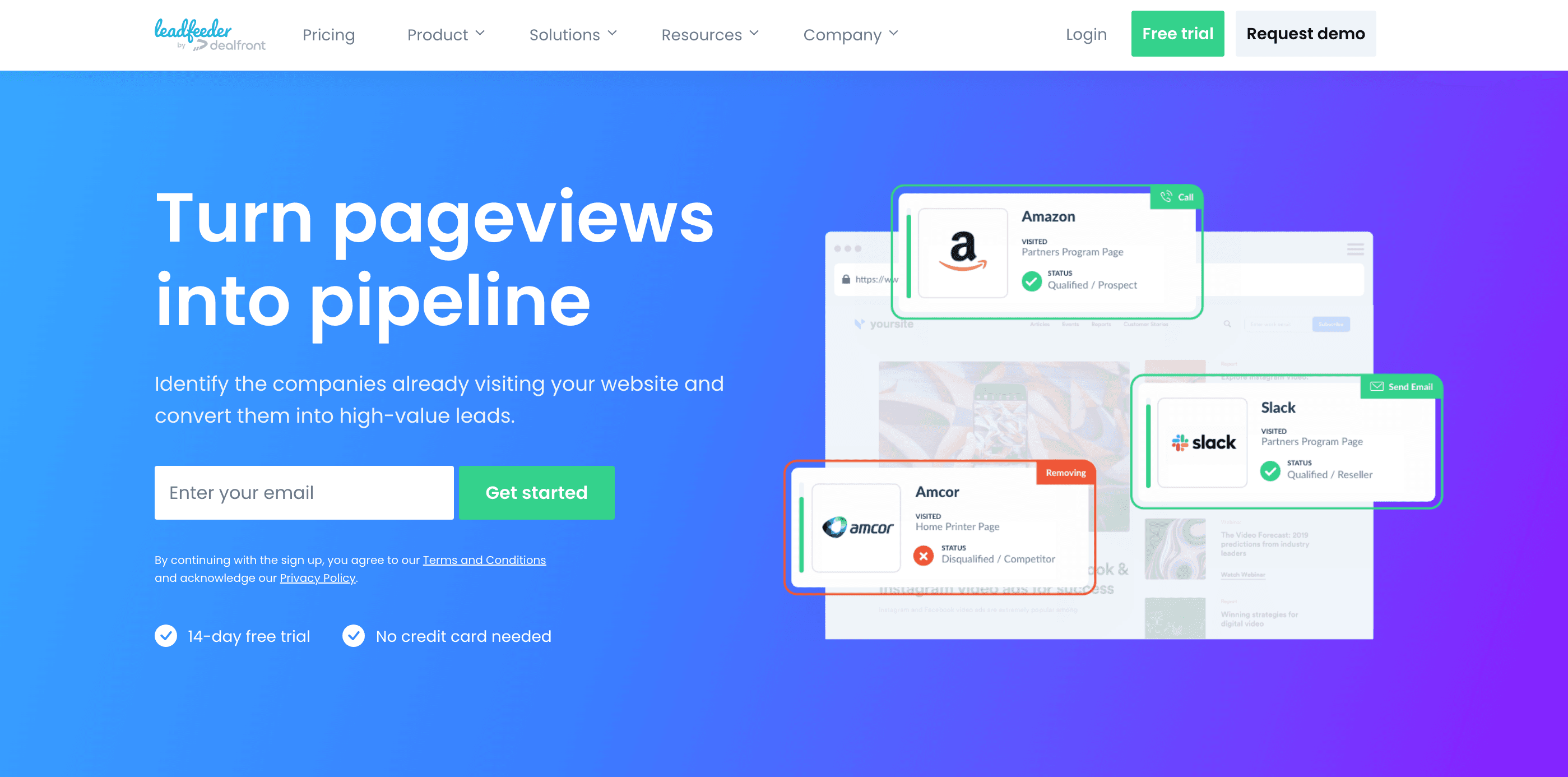
Leadfeeder identifies which companies visit your website. It focuses on company-level visibility rather than individual contact identification.
Teams can filter visitors by company size, industry, and location, and push qualified accounts directly into their CRM or sales tools.
Leadfeeder pros
Identifies company-level website visitors
Clear view of visit history, page engagement, and traffic sources
Strong filtering and segmentation for account-based workflows
Native CRM integrations (including HubSpot and Salesforce)
Supports EU and GDPR-compliant tracking options
Leadfeeder cons
Doesn’t surface individual details
Limited automation beyond alerts and CRM sync
Who is Leadfeeder best for?
B2B sales and marketing teams running account-led outreach who care more about which companies are showing buying intent than identifying individual contacts.
Pricing
A free plan includes 100 identified companies. Paid plans start at $141/month and have unlimited data coverage.
5. Albacross
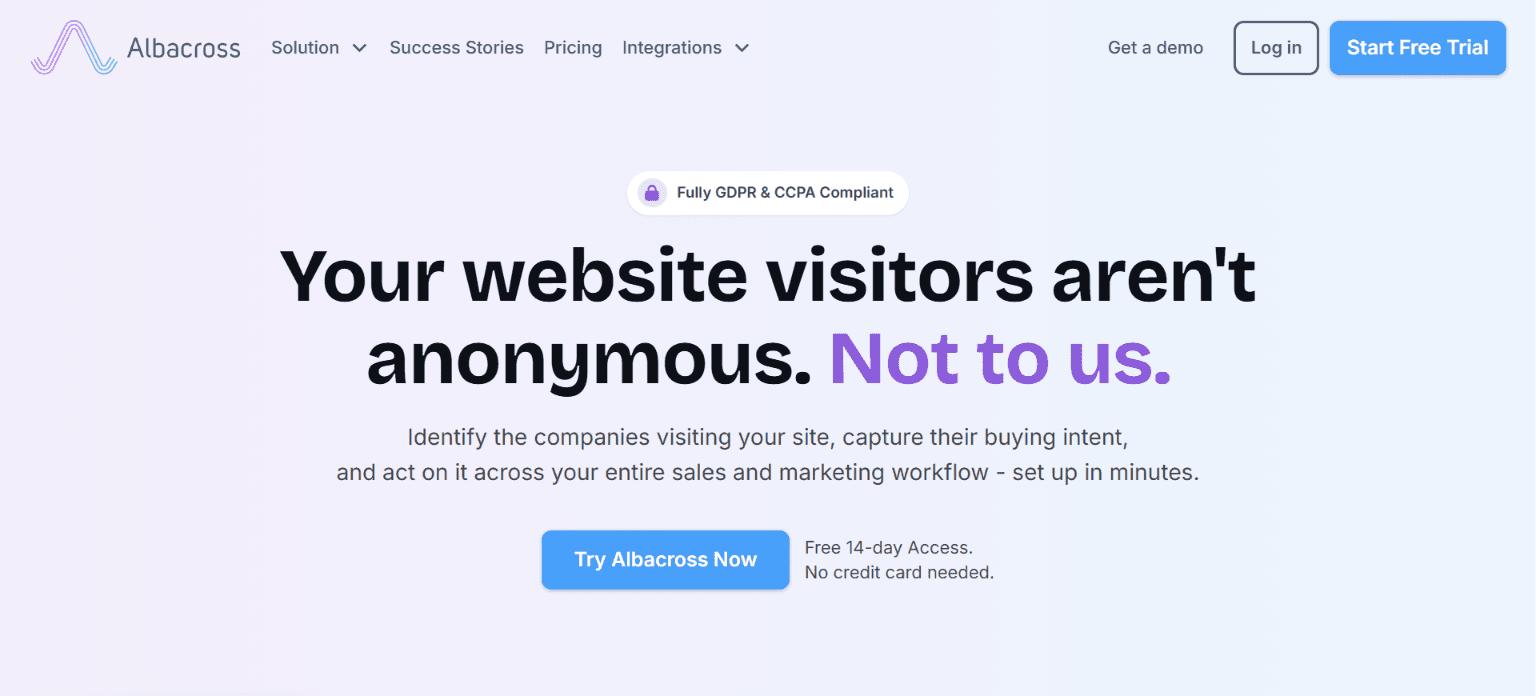
Albacross is a B2B website visitor tracking tool built around company-level identification.
The platform enriches anonymous traffic with firmographic data like company size, industry, and location, then highlights visit frequency and intent signals.
Albacross is commonly used as a lightweight intent layer for account-based marketing and outbound prioritization, especially by teams that need a GDPR-friendly option. Albacross also supports outreach sequences across email and LinkedIn.
Albacross pros
Identifies company-level website visitors
Strong firmographic enrichment
Clear engagement timelines showing pages viewed and visit frequency
Designed to be GDPR-compliant
Supports outreach sequences across email and LinkedIn
Integrates with common CRMs and sales tools
Useful for account prioritization and ABM workflows
Albacross cons
Like Leadfeeder, Albacross doesn’t provide individual contact details
UI and workflows feel more utilitarian than other automation-driven tools
Who is Albacross best for?
Albacross is best for B2B teams running account-based or territory-based outreach that want GDPR-friendly company-level intent data.
Pricing
Albacross pricing starts at €84/month for up to 50 identified companies.
Autobound
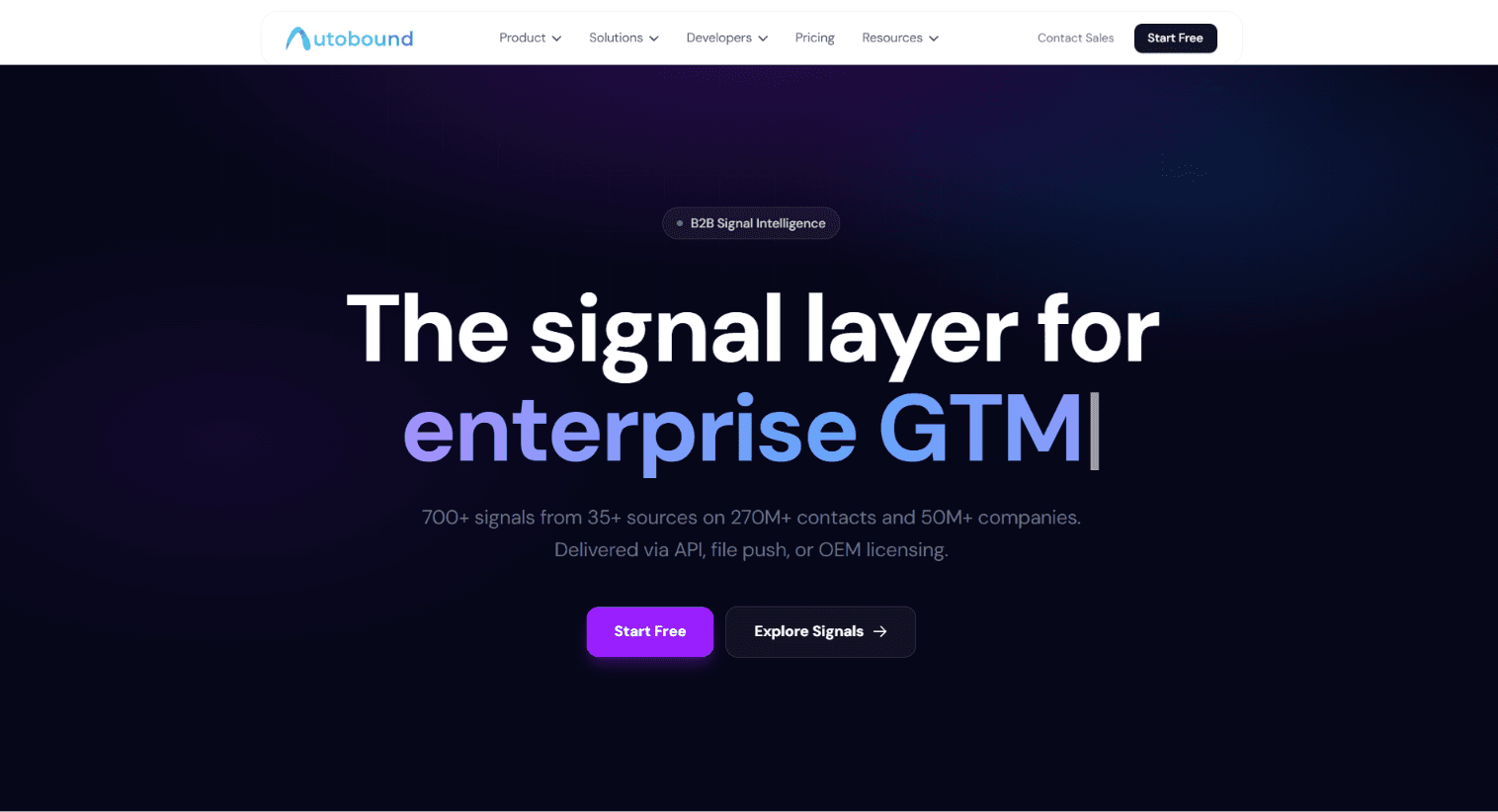
Autobound is a signal intelligence platform that tracks 700+ signal types from 35+ sources (funding, hiring, filings, social activity) across 250M+ contacts and 50M+ companies, ranks each signal by how likely it is to indicate buying intent, then delivers them via API, MCP, or flat file so your CRM, sequencer, or AI SDR tool can act on them.
Autobound pros
Captures behavioral and event data visitor trackers can't see (filings, hiring data, Reddit/GitHub)
High-intent signals delivered via API, MCP, or flat file for your CRM, sequencer, or AI SDR tool to act on
Integrates with Salesforce, HubSpot, Outreach, Salesloft, Gmail
Autobound cons
Doesn't do IP-to-company visitor identification; for that, use RB2B, Leadfeeder, or Albacross
No bundled contact database
Who is Autobound best for?
Teams that want behavioral, signal-based intent data layered onto outbound, not teams needing to see who's browsing their site.
Pricing
Credits from $19 (2,000 credits) to $4,999 (large volumes); custom or flat-file pricing by request. New accounts get 1,000 free credits, no card required.
How to choose the right tool for your team
Your choice of a visitor tracking tool should be based on your workflow, tech stack, and broader marketing and growth strategy. Let’s look at three questions that will help you clarify whether or not a tool is a fit.
1. What’s your marketing strategy?
The primary purpose of visitor tracking tools is to support your marketing. That means they need to account for the nuance of your particular audience, funnel, and pipeline volume.
Evaluate tools against the following criteria to ensure strategic fit:
If you run account-based campaigns targeting enterprise buyers, you need company-level identification and firmographic filters.
If you're looking to optimize your inbound funnels, you need behavior analytics like heatmaps.
If you’re looking to feed your high-volume outbound pipeline, you need an all-in-one automation platform that connects tracking to execution.
2. Will the tool’s pricing system support your needs as they evolve?
Look for pricing structures that grow predictably with usage. Calculate the cost per qualified lead identified across multiple volume tiers before committing.
Free tiers look attractive, but they usually cap data limits at levels you'll outgrow in weeks. Worse, some platforms scale pricing exponentially—doubling your visitor volume might triple your bill.
3. Does it make your daily work easier?
The best tracking tool feeds visitor data into your existing systems without friction. They free your team to focus on the highest-impact human tasks.
The right tool should do the following:
Sync directly with your CRM
Make it easy to trigger workflows automatically through built-in features or native integrations
Deliver clean, actionable data
Surface insights you can act on immediately
Activating website visits across your GTM stack
When evaluating visitor tracking tools, you should be guided by one defining question: can you act on the data provided? If you can easily connect visitor data to execution, it's the right tool for you.
Artisan takes intent data and puts it to action. The platform identifies high-intent accounts, enriches them with firmographic and behavioral data, and launches targeted campaigns across email and social media.
If you're tired of watching qualified visitors slip through the gap between marketing data and sales action, it’s time to see how Artisan closes it.
Automate your outbound with an AI BDR
Meet Ava—your AI BDR who handles prospecting, outreach, and follow-ups, so your team can focus on closing.

Adelina Karpenkova
SME @ Artisan
Adelina Karpenkova is a writer helping businesses tap into AI's potential and clear up misconceptions. She works with B2B teams on latest industry knowledge.