ZoomInfo vs. LinkedIn Sales Navigator: Which should you choose in 2026?
ZoomInfo vs. LinkedIn Sales Navigator compared on data, exports, social selling, and pricing. An honest 2026 buyer's guide with real trade-offs.

Key Takeaways
- ZoomInfo is built for exportable, bulk B2B data: verified emails and direct dials you can pull into your CRM and sequencer, plus intent signals like Scoops and WebSights visitor identification.
- LinkedIn Sales Navigator is built for social selling inside the network: advanced search, saved leads and accounts, real-time relationship signals, and warm engagement, not bulk export.
- ZoomInfo claims over 321 million profiles (a marketing figure; its investor filings have historically cited over 235 million). It is quote-based and annual, with buyer-reported entry points around $15K per year.
- Sales Navigator publishes seat pricing from around $99/seat/month for its Core tier, with an Advanced tier around $150/seat/month and Advanced Plus sold as a custom enterprise contract.
- ZoomInfo gives you data to act on at volume; Sales Navigator deliberately keeps you inside the network and does not hand you exportable contact data.
- Both are prospecting tools. Neither writes or sends your outreach, which is a separate category covered below.
ZoomInfo is a bulk B2B data platform: deep, verified, exportable contact records with intent signals, sold on annual enterprise contracts. LinkedIn Sales Navigator is a social selling tool that lives inside the network, built for finding, saving, and warmly engaging prospects, priced from around $99 per month. Pick ZoomInfo for exportable data at scale, Sales Navigator for relationship-led selling.
ZoomInfo vs. LinkedIn Sales Navigator at a glance
ZoomInfo | LinkedIn Sales Navigator | |
Category | Bulk B2B data platform | Social selling tool inside the network |
Best for | Teams that need exportable data at scale | Reps who sell through relationships and warm touches |
Standout capability | Verified emails and direct dials, exportable; intent signals | Advanced search, saved leads, real-time relationship signals |
Data model | Bulk export into CRM and sequencers | Stays inside the network; not built for bulk export |
Published pricing | Quote-based, annual (from ~$15K/yr reported) | ~$99/seat/month Core; ~$150/seat/month Advanced; Advanced Plus custom |
Contact detail | Verified business emails and phone numbers | Profiles and messaging inside the platform |
Pricing above is from each vendor's published information and buyer-reported contracts; re-check before you buy.
How we compared them
We looked at four things a buyer actually feels: how you extract contact data and use it, how well each finds and qualifies the right prospects, what it costs, and which sales motion it fits. ZoomInfo and Sales Navigator both help you find people to sell to, but they do it in opposite ways: one exports data for volume outreach, the other keeps you inside a network for relationship selling. The right pick follows from how your team actually sells.
What is the core difference between ZoomInfo and LinkedIn Sales Navigator?
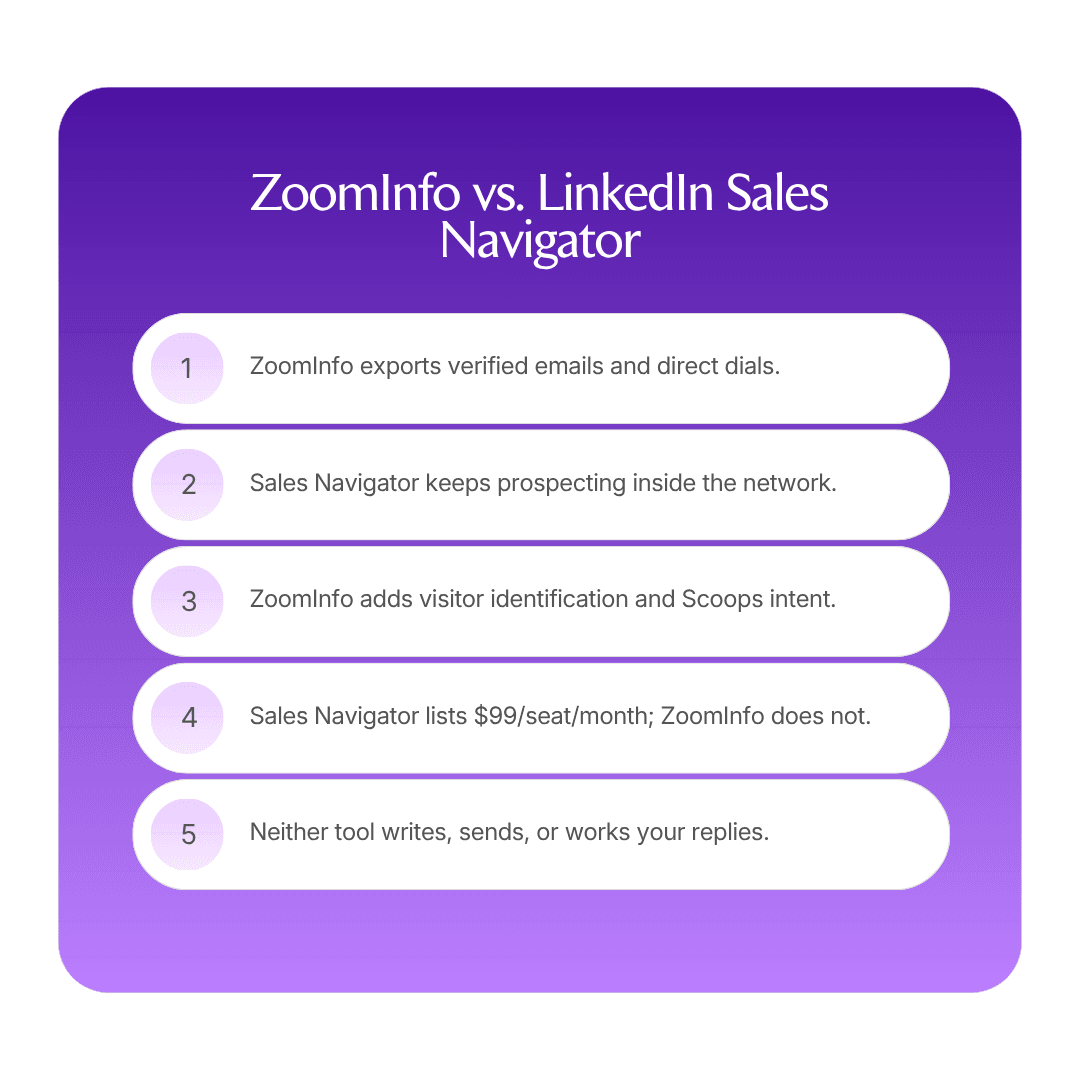
Exportable bulk data versus in-network social selling. ZoomInfo hands you contact records to act on anywhere; Sales Navigator keeps you inside the platform and hands you relationships.
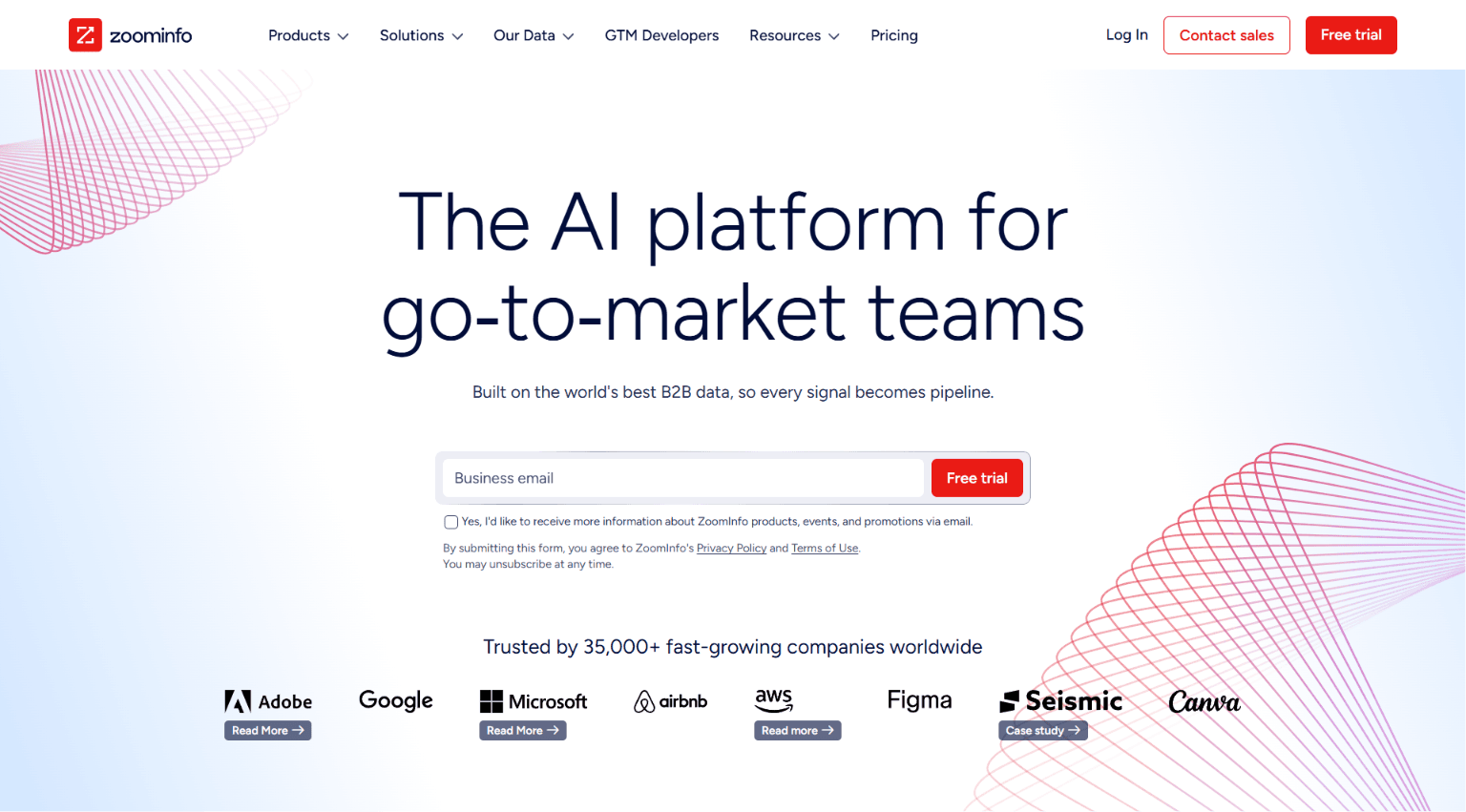
ZoomInfo is a data platform first. It claims over 321 million profiles (a marketing figure) and is built to give you verified business emails and direct dials you can export into your CRM and sequencer, then run outreach at volume. On top of this data sit signals most rivals cannot match: WebSights for website visitor identification and Scoops for human-sourced sales intelligence. It repositioned around a broader go-to-market intelligence story and now trades publicly under the ticker $GTM. For a related matchup, see ZoomInfo vs. Clay.
LinkedIn Sales Navigator is a selling tool that lives inside the professional network. Its power is advanced search across the network's constantly updated profiles, saved leads and accounts, and real-time relationship signals like job changes and shared connections, all aimed at warm, personalized engagement. It deliberately does not give you bulk exportable contact data; the value is staying inside the network where the relationship happens.
Which has better data, ZoomInfo or LinkedIn Sales Navigator?
Different kinds of "better." ZoomInfo wins on exportable, verified contact detail at scale. Sales Navigator wins on freshness and relationship context inside the network.
ZoomInfo's advantage is depth you can take with you: verified emails, direct dials, firmographics, and intent, all exportable into whatever system you run outreach from. For teams that email and call at volume, this portability is the whole point. Sales Navigator's advantage is that its profile data is maintained by the members themselves, so titles and job changes are often fresher than any third-party database, and it surrounds each person with relationship context. But you cannot bulk-export this context into a sequencer, and it gives you no verified personal email or direct dial. If you need contact data to act on elsewhere, ZoomInfo leads. If you need current profiles and warm context inside the network, Sales Navigator leads. For a related matchup, see ZoomInfo vs. Apollo.
How do ZoomInfo and LinkedIn Sales Navigator pricing compare in 2026?
Sales Navigator is transparent and per seat; ZoomInfo is opaque, annual, and enterprise-priced. This gap alone decides it for many smaller teams.
Sales Navigator publishes seat pricing openly, from around $99/seat/month for the Core tier, with an Advanced tier around $150/seat/month and an Advanced Plus tier sold as a custom enterprise contract. A rep can start on a single seat month to month.
ZoomInfo is quote-based and sold on annual contracts, with buyer-reported entry points around $15K per year that climb steeply with seats, data volume, and add-ons like WebSights and intent. Its contract terms, including auto-renewal and negotiation dynamics, have a reputation buyers should go in aware of. For an individual rep or small team, Sales Navigator is a fraction of the cost; for an enterprise running high-volume outbound off exportable data, ZoomInfo's price can be justified by the motion it enables. For other options, see the best ZoomInfo alternatives.
Which fits your sales motion better?
It depends on whether you sell by volume or by relationship. ZoomInfo fits high-volume outbound; Sales Navigator fits considered, relationship-led selling.
If your motion is email and call at scale across many accounts, you need exportable, verified data feeding a sequencer and dialer, and this is ZoomInfo's design. If your motion is fewer, higher-value relationships built through warm engagement, shared connections, and social touches, Sales Navigator keeps you where these relationships live and reveals the signals that make outreach timely. Many enterprise teams run both: ZoomInfo for exportable data and volume, Sales Navigator for the relationship layer on strategic accounts. They are complementary as often as they are alternatives.
What is the shared limitation of both ZoomInfo and LinkedIn Sales Navigator?
Neither one writes or sends your outreach. Both are prospecting tools, and this is the honest limit they share.
ZoomInfo gives you exportable data and signals, but a person still writes the messages, sends them, dials the numbers, and works the replies. Sales Navigator identifies the right people and the warm context, but a person still crafts each message and manages every conversation inside the network. Both help you find and prioritize who to contact. Neither owns the contacting. If your real bottleneck is the human time it takes to message and follow up with everyone you have identified, adding either tool sharpens the input without touching this constraint.
Is there a third option beyond ZoomInfo and LinkedIn Sales Navigator?
Yes, and it is a different kind of purchase. If what you want is for the sourcing, messaging, and reply handling to run without a person babysitting them, you need an autonomous platform rather than a data source or a social selling tool.
Artisan pairs its own contact database and waterfall email and phone enrichment with an AI employee, Ava, who finds best-fit leads, runs multichannel outreach across email, social media, and dialer call steps, handles replies from a knowledge base, and books meetings on the right rep's calendar. Signals like job changes and new funding rounds trigger campaigns automatically, so the warm timing Sales Navigator reveals and the exportable data ZoomInfo provides both feed one system that also does the outreach.
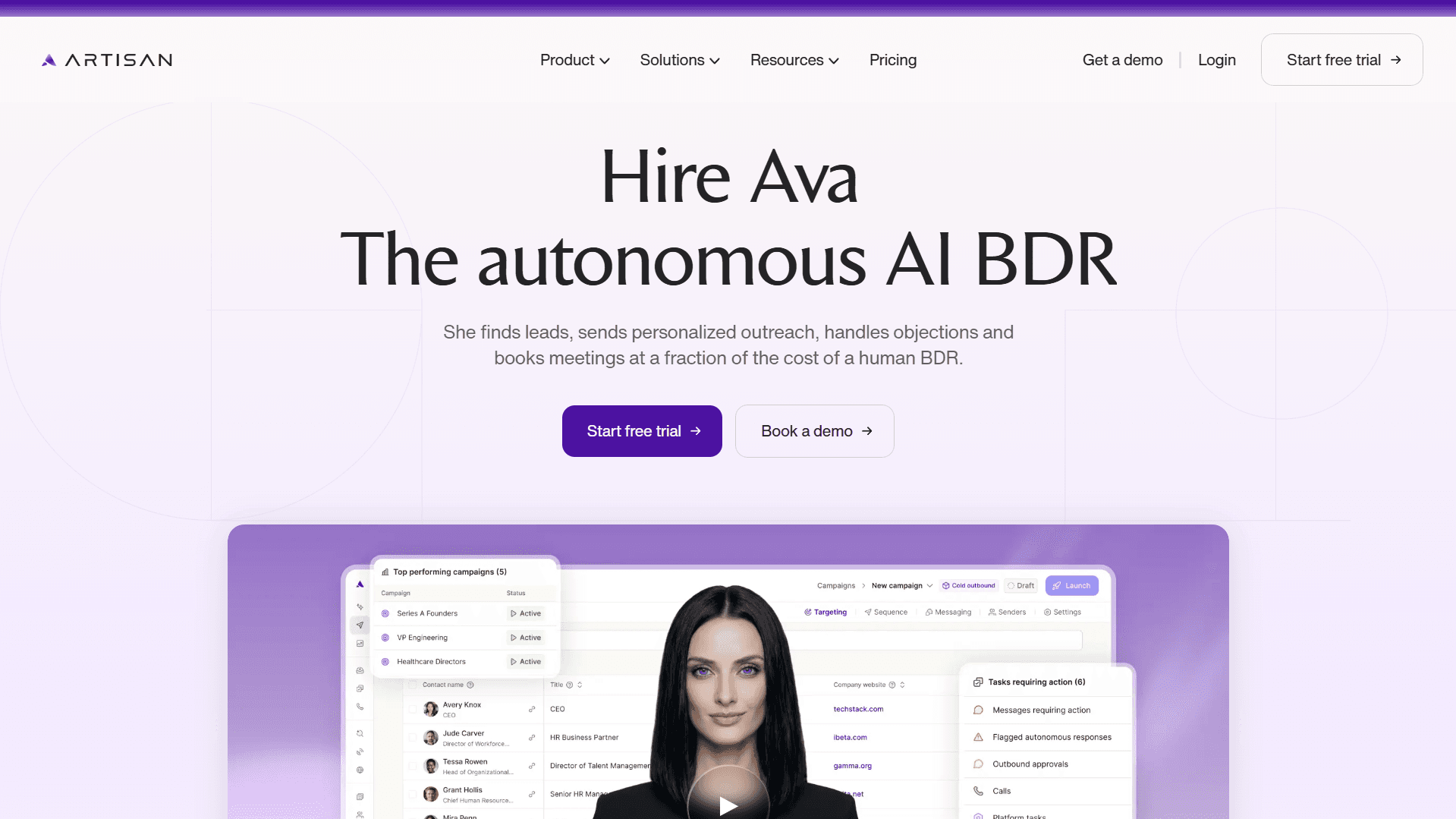
You set the targeting and guardrails; Ava runs the motion as review-and-approve or fully autonomous, with plain-language escalation rules and an audit trail. Pricing is usage-based: Ava's work runs on credits, so you pay for the work she actually performs. See how it works on the AI sales agent page. If you specifically need exportable bulk data or an in-network social selling tool, ZoomInfo versus Sales Navigator is still the right comparison. For the direct matchup, see Artisan vs. ZoomInfo.
Choose ZoomInfo if...
Your motion is high-volume outbound and you need exportable, verified emails and direct dials.
You want intent signals (Scoops) and website visitor identification (WebSights) feeding revenue operations (RevOps).
You run outreach from a CRM, sequencer, and dialer that need data piped into them.
You have budget for an annual, quote-based enterprise contract.
Choose LinkedIn Sales Navigator if...
You sell through relationships and warm, personalized engagement rather than volume.
You want the freshest profile data and real-time signals like job changes inside the network.
You value staying where the relationship happens over exporting contact data elsewhere.
You want transparent, per-seat pricing and can start on a single seat.
Frequently asked questions
Is ZoomInfo or LinkedIn Sales Navigator better for a small team?
LinkedIn Sales Navigator, in most cases, because it starts around $99/seat/month and a rep can begin selling immediately inside the network. ZoomInfo's exportable data depth is powerful but comes with an annual, quote-based contract that usually outsizes a small team's budget. A small team running true high-volume outbound off exported data may still need ZoomInfo, but most start with Sales Navigator and add a data source later. For a related matchup, see ZoomInfo vs. RocketReach.
Can LinkedIn Sales Navigator replace ZoomInfo?
Only partly. Sales Navigator gives you fresher profiles and relationship context, but it does not provide exportable verified emails or direct dials, so it cannot feed a high-volume email and call motion the way ZoomInfo does. Teams that sell by relationship can run largely on Sales Navigator; teams that need bulk exportable data for sequencers and dialers still need ZoomInfo or another data provider. For a related matchup, see Clay vs. ZoomInfo.
How much do ZoomInfo and LinkedIn Sales Navigator cost?
Sales Navigator publishes seat pricing from around $99/seat/month for Core, with Advanced around $150/seat/month and Advanced Plus as a custom enterprise contract. ZoomInfo is quote-based and annual, with buyer-reported entry points around $15K per year that climb with seats, data volume, and add-ons. The transparency and price gap is one of the clearest reasons buyers pick one over the other. For a closer look, see ZoomInfo pricing and reviews.
Do many teams use both ZoomInfo and LinkedIn Sales Navigator?
Yes, quite commonly. ZoomInfo provides exportable, verified data for volume outreach, while Sales Navigator provides fresh profiles, relationship context, and warm engagement on strategic accounts. Enterprise teams often run ZoomInfo as the data backbone and Sales Navigator as the relationship layer, since they solve different halves of prospecting rather than directly replacing each other. For a related matchup, see ZoomInfo vs. UpLead.
Do ZoomInfo or LinkedIn Sales Navigator run outreach for you?
No. ZoomInfo is data-first; Sales Navigator is a social selling tool. In both, a person writes the messages, sends them, and works the replies. Neither manages the outbound motion end to end. An autonomous model, where an AI employee runs the whole workflow, is a separate category covered in our guide to the AI business development representative (BDR).
Is there an alternative to both ZoomInfo and LinkedIn Sales Navigator?
Yes, if your goal is booked meetings rather than better prospecting inputs. Artisan is an autonomous platform where an AI employee, Ava, sources leads from its own database, runs multichannel outreach, handles replies, and books meetings, triggered by the same kinds of signals both tools reveal. Instead of buying a data source or a social selling seat and doing the outreach yourself, you buy the outcome, with Ava's work running on usage-based credits. Compare it on the Artisan pricing page.
What changed with ZoomInfo recently?
ZoomInfo repositioned around a go-to-market intelligence platform story and now trades publicly under the ticker $GTM. The change is positioning and ticker, not a legal rename, and the core business remains its enterprise data and signals (WebSights, Scoops, and intent). For buyers, the practical evaluation is unchanged: deep, verified, exportable, US-heavy data sold on annual, quote-based contracts. For a related matchup, see ZoomInfo vs. Cognism.
The bottom line
ZoomInfo and LinkedIn Sales Navigator both help you find prospects, but they suit opposite motions. ZoomInfo is the bulk data platform: verified, exportable emails and direct dials plus intent signals, built to feed high-volume outbound and priced on annual enterprise contracts. Sales Navigator is the social selling tool: fresh profiles, relationship signals, and warm engagement inside the network, priced transparently per seat. Choose ZoomInfo when you need exportable data at scale; choose Sales Navigator when you sell through relationships. Many teams run both. And if the goal is to automate the outreach rather than just source and identify prospects, you need a different tool. Start from the Artisan homepage to see what running the whole motion looks like.

Artisan Team
Expert insights from the team at Artisan
Our writing team blends direct operational experience, in-house data, and thorough research to bring you the very latest insights and updates about sales and GTM automation.